Excel Pro Tips
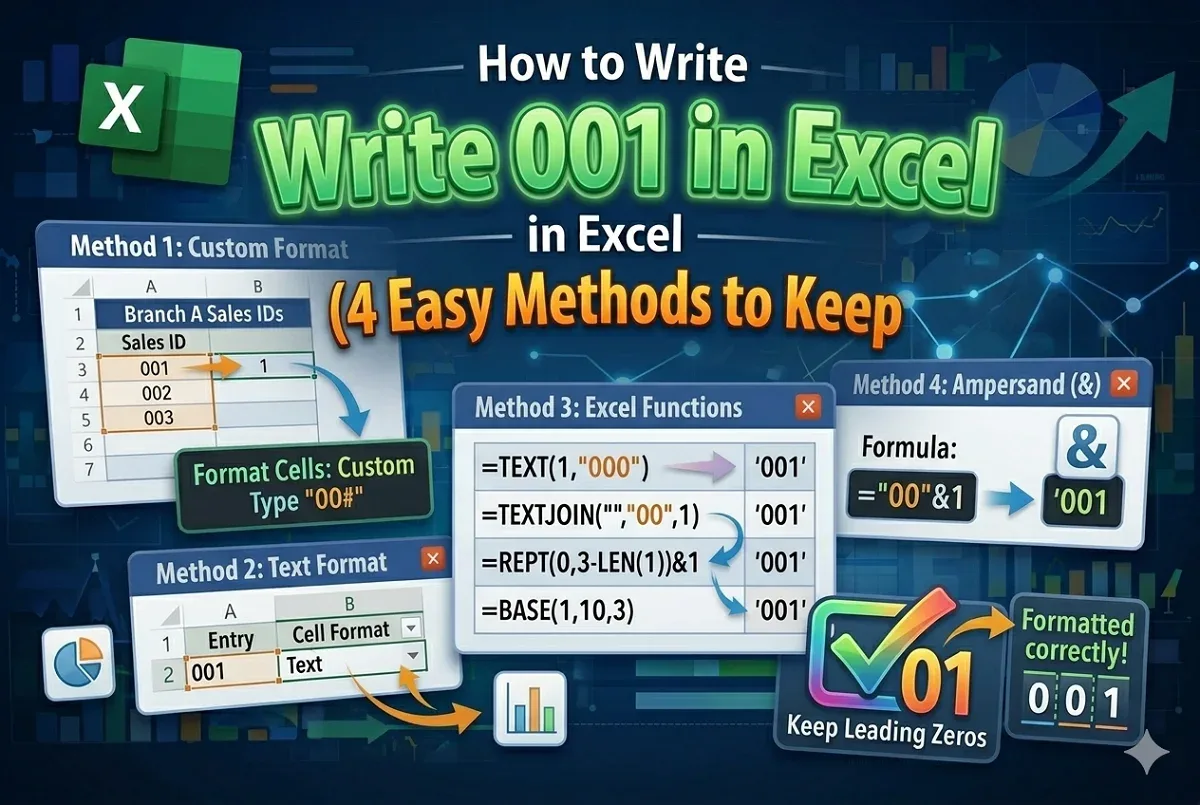
How to Write 001 in Excel (4 Easy Methods to Keep Leading Zeros)
Learn how to write 001 in Excel by using custom formatting, text format & different Excel functions to keep leading zeros for codes, IDs etc.
Read article


Ben Yameen studied Naval Architecture and Marine Engineering at BUET, where analytical and data-handling skills support his spreadsheet work. With five years of Excel and Google Sheets experience, he works with data entry, UserForms, formulas, and charts. He is interested in contributing to the spreadsheet community by applying technical expertise and building practical spreadsheet solutions.
Articles by Ben Yameen Jonayed are developed under the guidance of ExcelInsider’s core training program and are technically reviewed by Nehad Ulfat, lead spreadsheet consultant, to ensure accuracy and user-centric value.
Learn how to write 001 in Excel by using custom formatting, text format & different Excel functions to keep leading zeros for codes, IDs etc.
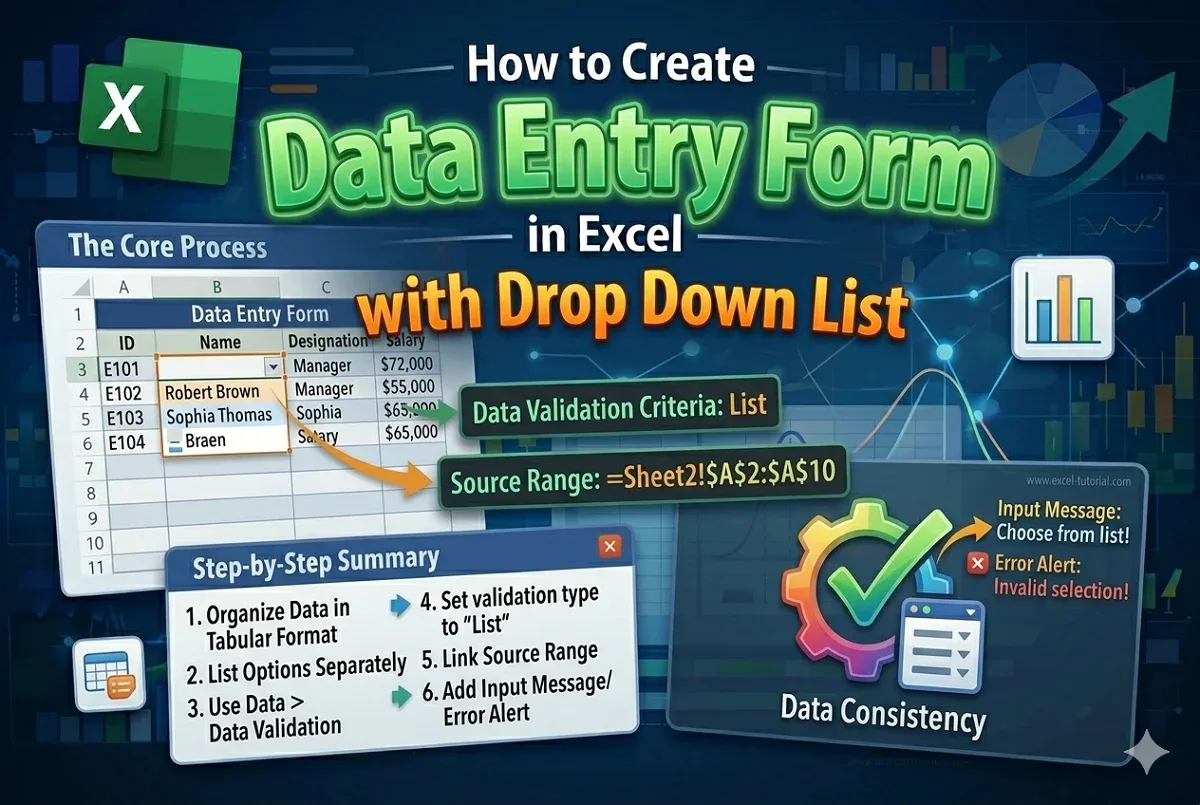
Learn with easy steps on how to create a data entry form with a drop-down list in Excel to simplify data input & maintain input accuracy.
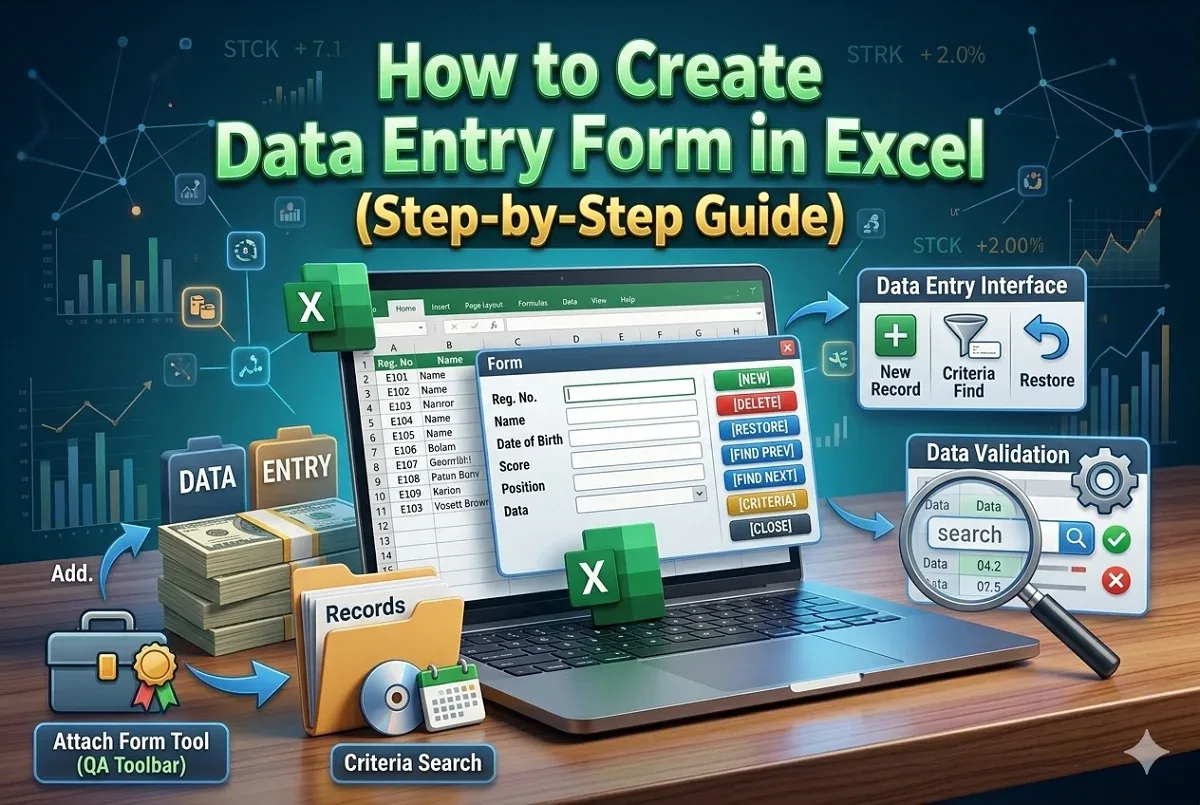
Learn how to create a data entry form in Excel to quickly add, edit, delete, and search records. Step-by-step guide using the Form tool.