Excel Functions & Formulas
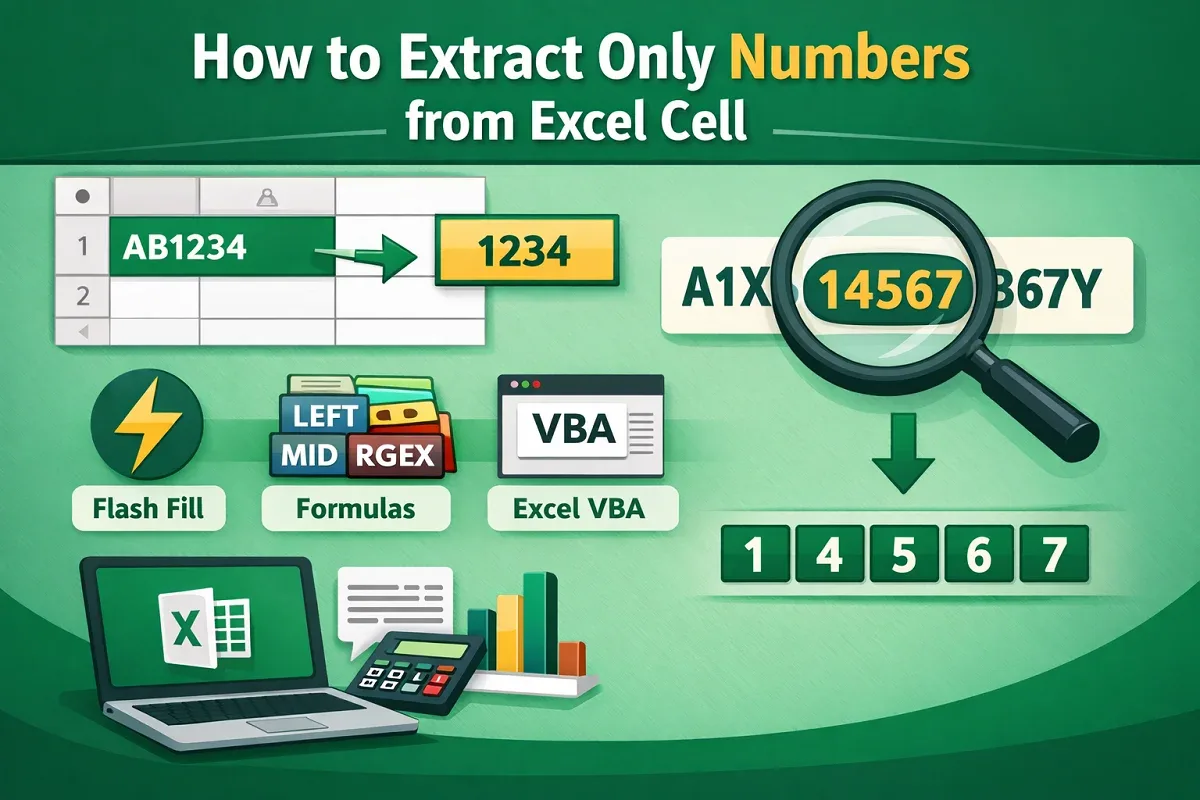
How to Extract Only Numbers from Excel Cell (8 Different Ways)
Learn 8 effective ways to extract only numbers from Excel cells, including formulas, Flash Fill, VBA, and dynamic function combos.
Read article

Articles by Afrina Nafisa are developed under the guidance of ExcelInsider’s core training program and are technically reviewed by Nehad Ulfat, lead spreadsheet consultant, to ensure accuracy and user-centric value.
Learn 8 effective ways to extract only numbers from Excel cells, including formulas, Flash Fill, VBA, and dynamic function combos.

Learn how to split one cell into two parts in Excel, either diagonally or visually using cell colors for better data presentation.

Learn how to copy a chart in Google Sheets—within sheets, across workspaces, or save as an image—while keeping formatting intact.

Learn how to fix text wrapping issues in Google Sheets by resizing cells, checking for merges, and applying proper text wrap settings.
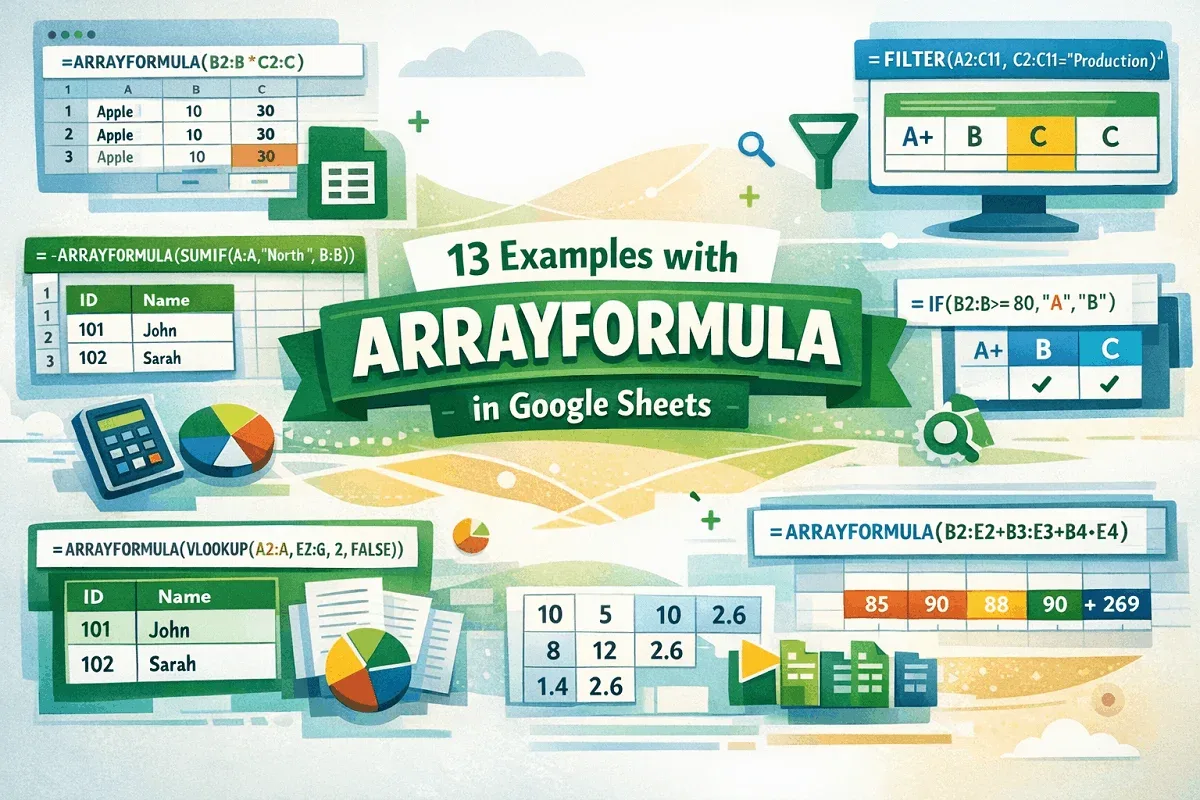
Discover 13 powerful ARRAYFORMULA examples in Google Sheets to simplify formulas, automate tasks, and boost your spreadsheet skills.

Learn how to filter Google Sheets without affecting others, using filter views and alternatives to manage data efficiently.
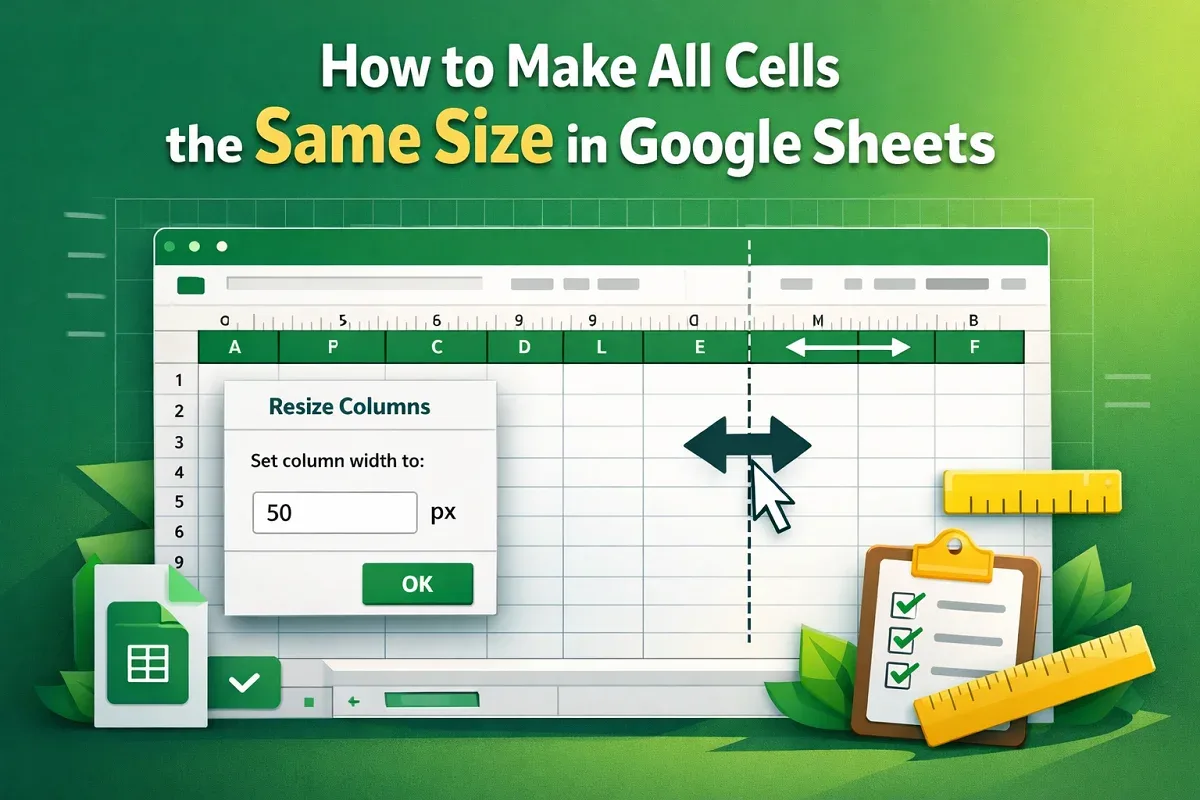
Learn how to make all cells the same size in Google Sheets using the resize menu or the expansion bar in just a few simple steps.
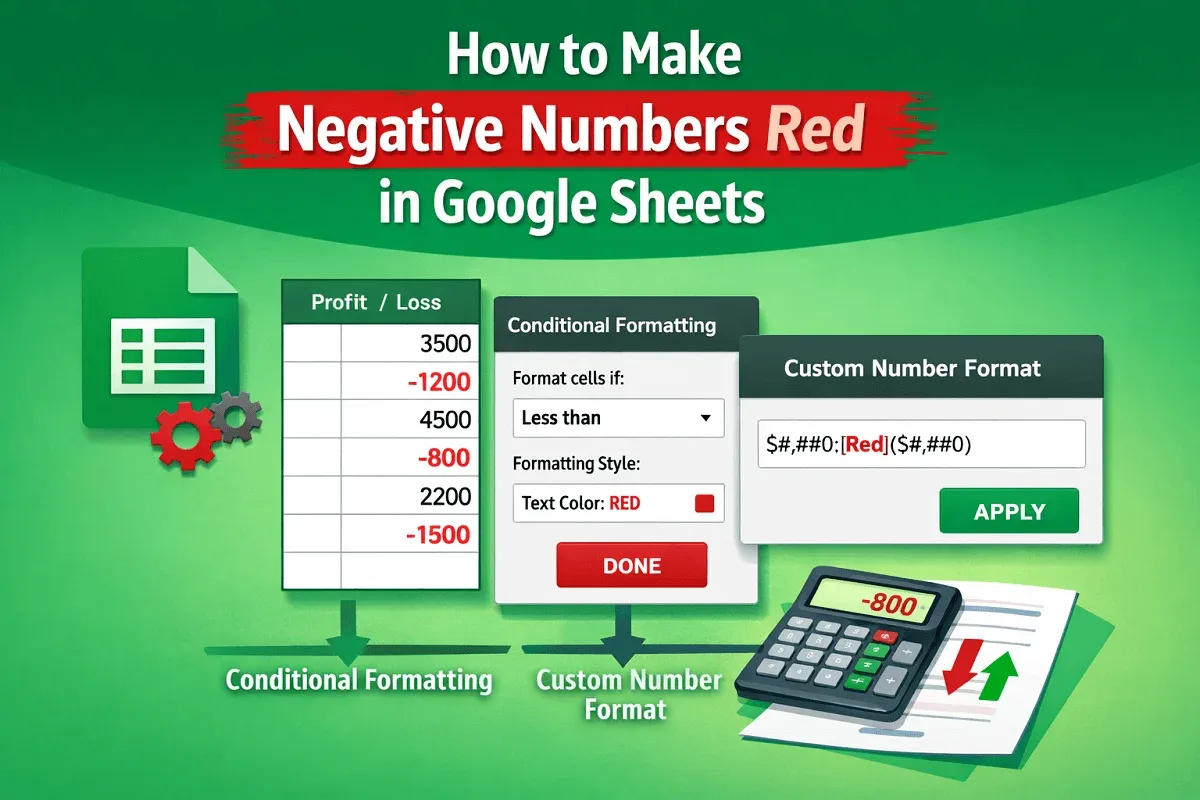
Learn two easy ways to make negative numbers red in Google Sheets using conditional formatting or custom number formats.