Google Sheets Basics
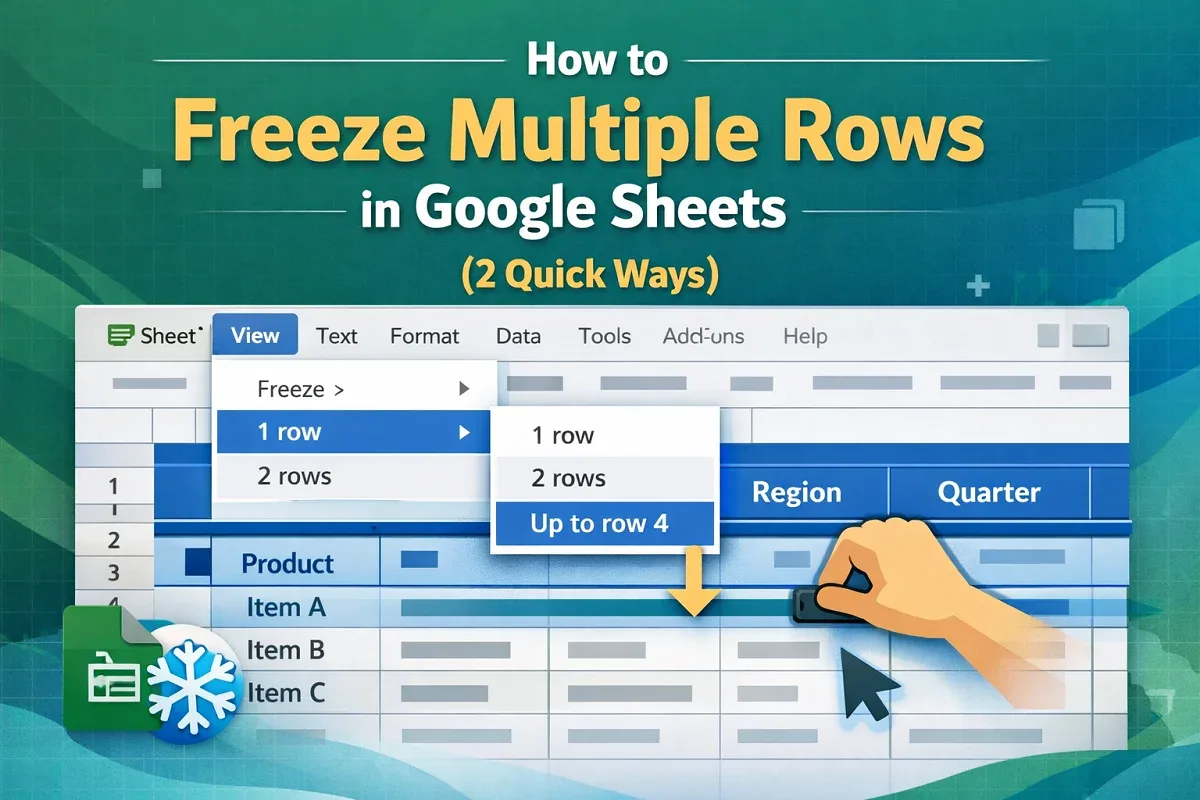
How to Freeze Multiple Rows in Google Sheets (2 Quick Ways)
Learn how to freeze multiple rows in Google Sheets using the menu or drag method, plus tips on unfreezing rows easily.
Read article


Maruf Hasan holds a B.Sc. in EEE from Ahsanullah University of Science & Technology and an M.Sc. in Management of Technology. With 5 years of experience in Excel and Google Sheets, his expertise includes functions, conditional formatting, and Google Apps Script. Notable projects include developing interactive Google Sheets dashboards and managing data for UK student applications. Maruf is certified in IT/ITeS management (IBA, DU). He is passionate about data organization, cleaning, and automating tasks using spreadsheet functions.
Articles by Maruf Hasan are developed under the guidance of ExcelInsider’s core training program and are technically reviewed by Nehad Ulfat, lead spreadsheet consultant, to ensure accuracy and user-centric value.
Learn how to freeze multiple rows in Google Sheets using the menu or drag method, plus tips on unfreezing rows easily.
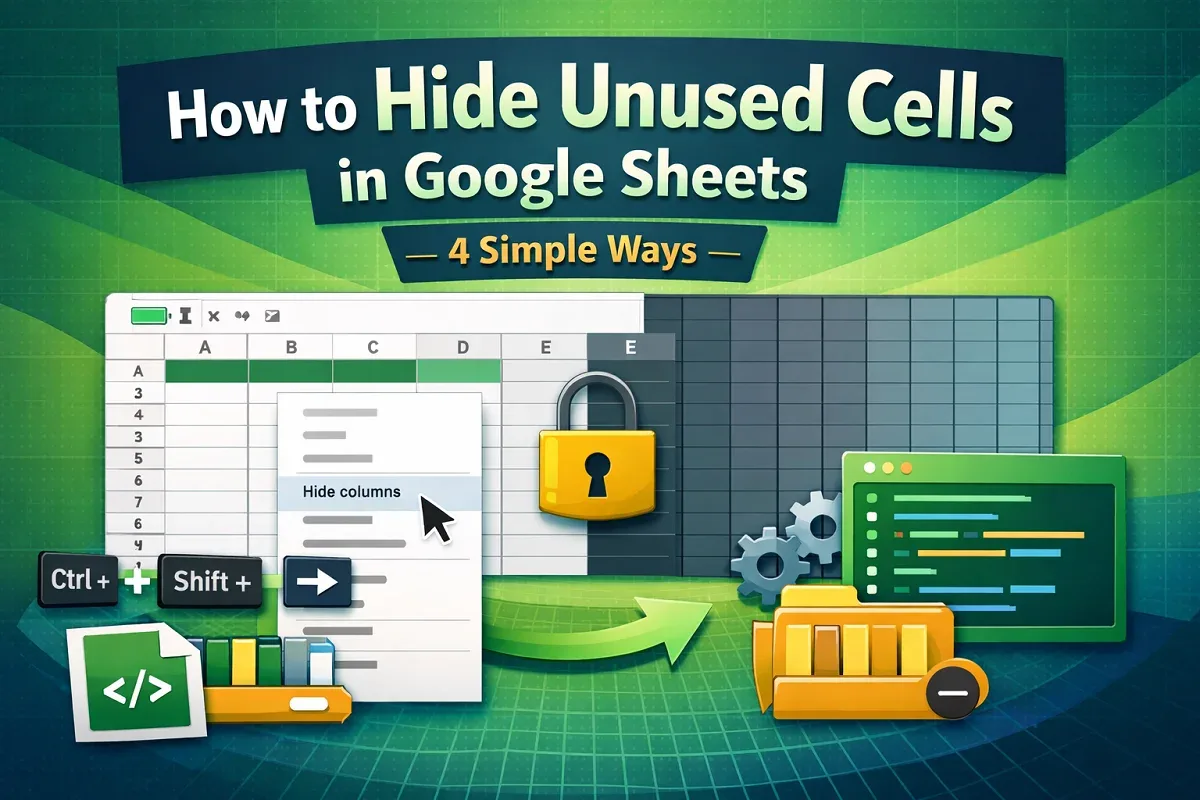
Learn how to hide unused cells in Google Sheets using shortcuts, context menu, Apps Script, or by grouping rows and columns.