Google Sheets Advanced Tutorials
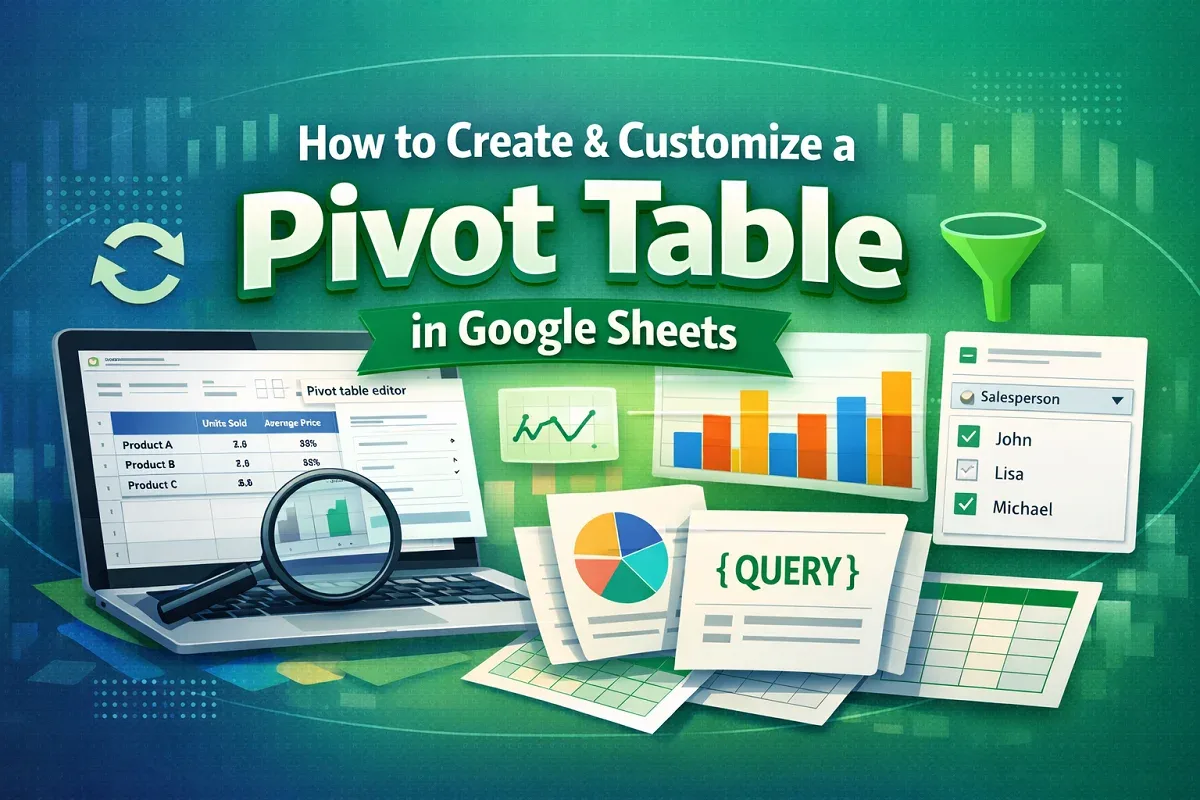
How to Create & Customize a Pivot Table in Google Sheets
Learn how to create a Pivot Table in Google Sheets, combine data from multiple sheets, refresh sources, add filters or slicers for analysis.
Read article

4 articles
Learn how to create a Pivot Table in Google Sheets, combine data from multiple sheets, refresh sources, add filters or slicers for analysis.
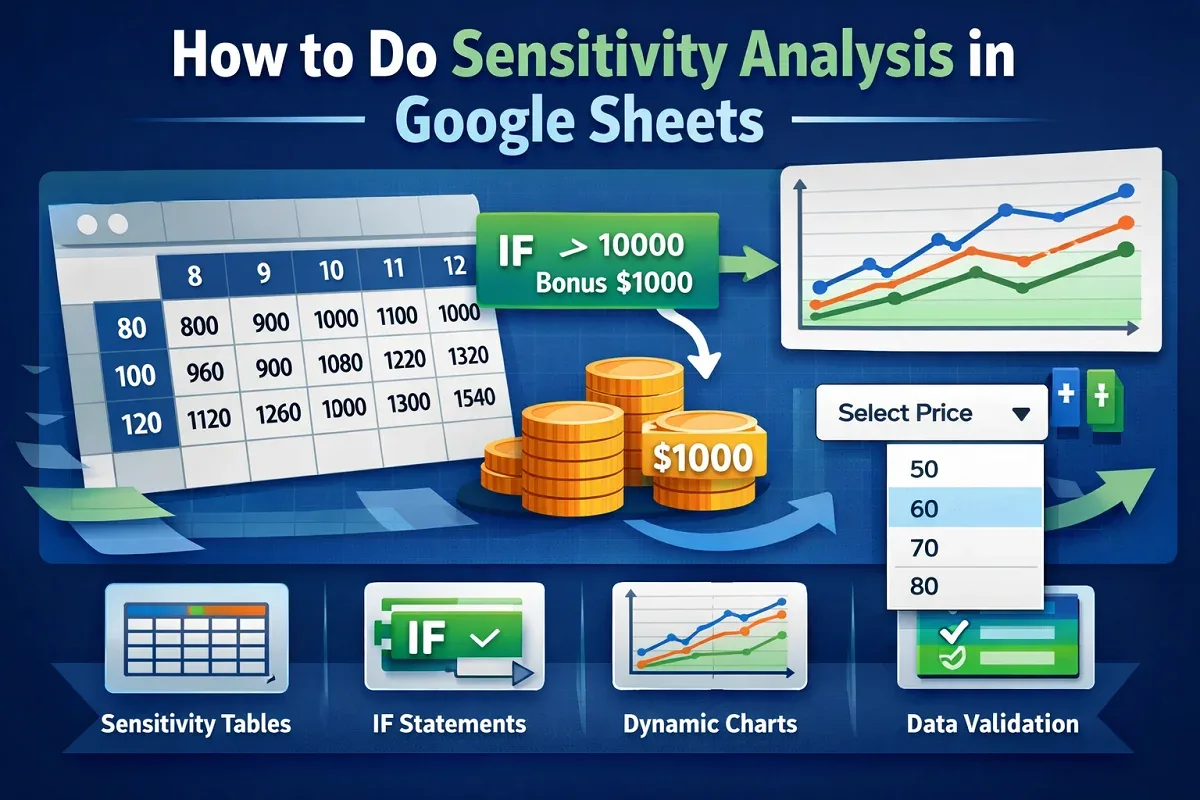
Learn how to do sensitivity analysis in Google Sheets using tables, IF statements, dynamic charts, and data validation.
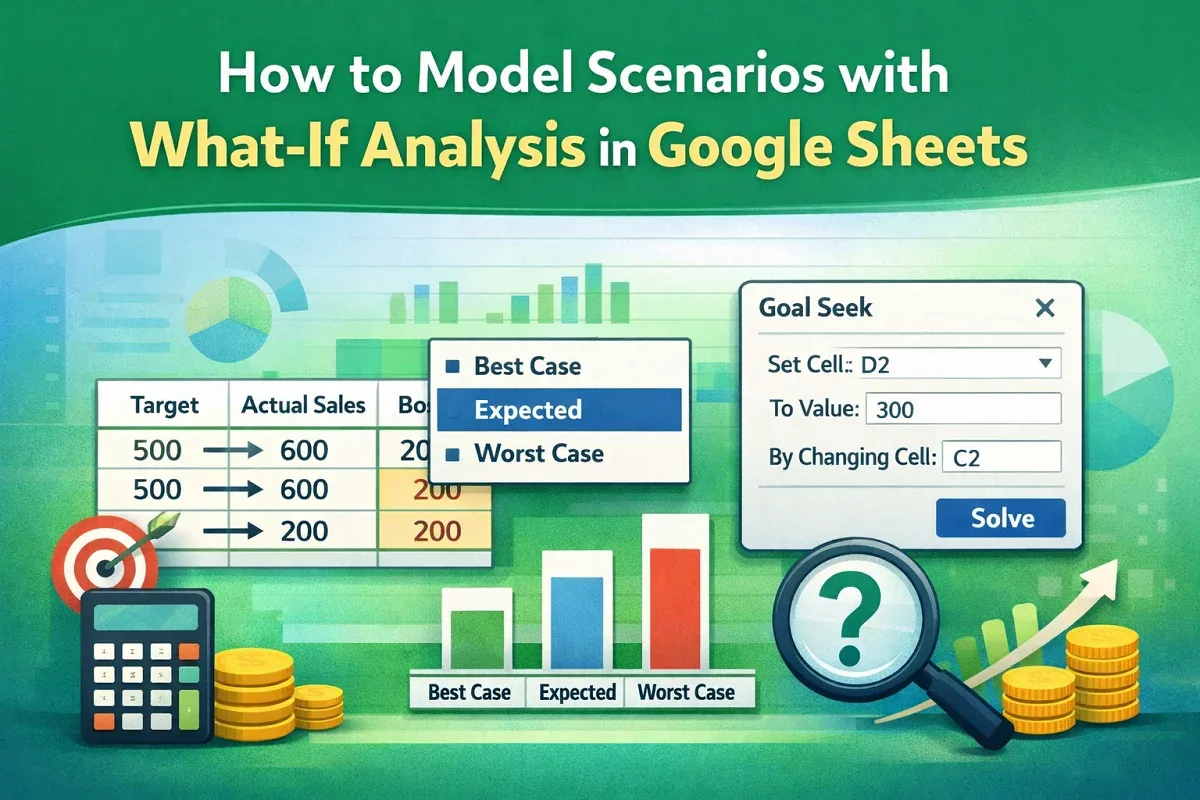
Learn how to model scenarios with What-If Analysis in Google Sheets, using functions like IF, Goal Seek, and Scenario Manager.
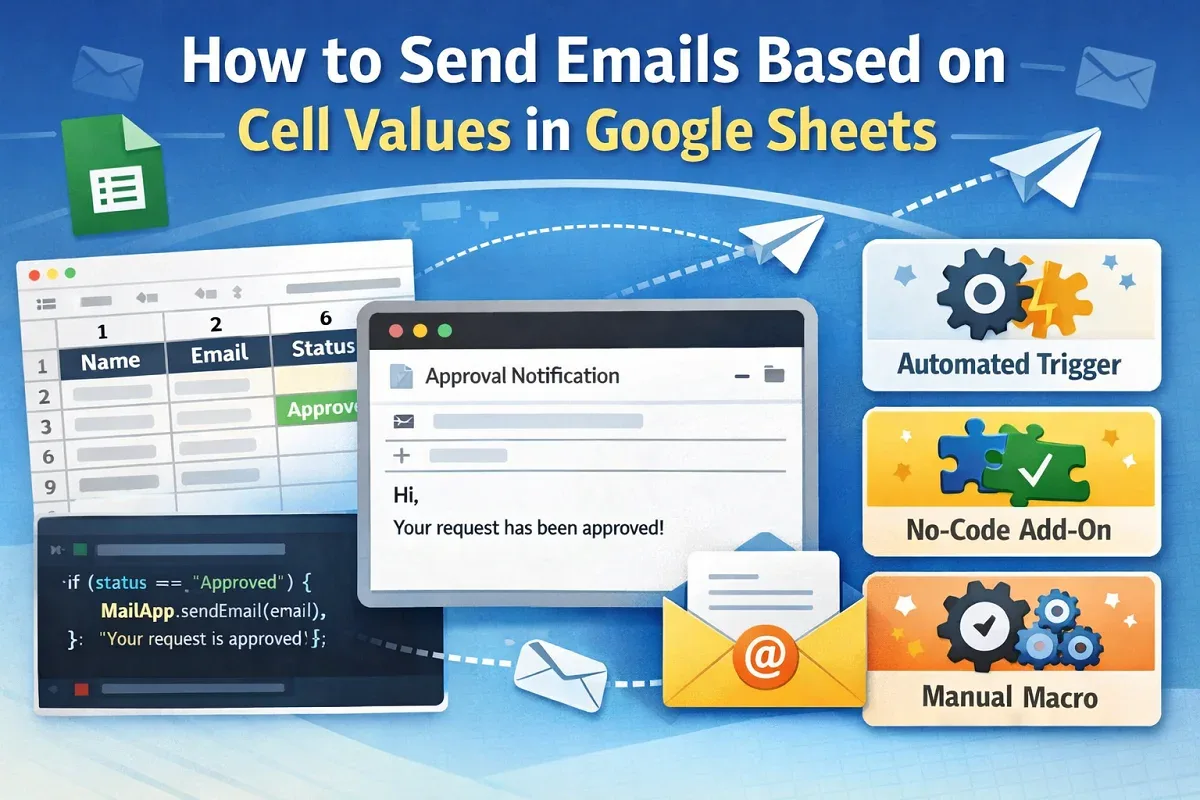
Learn how to send emails from Google Sheets based on cell values using Apps Script, triggers, add-ons, or macros.