Advanced Excel
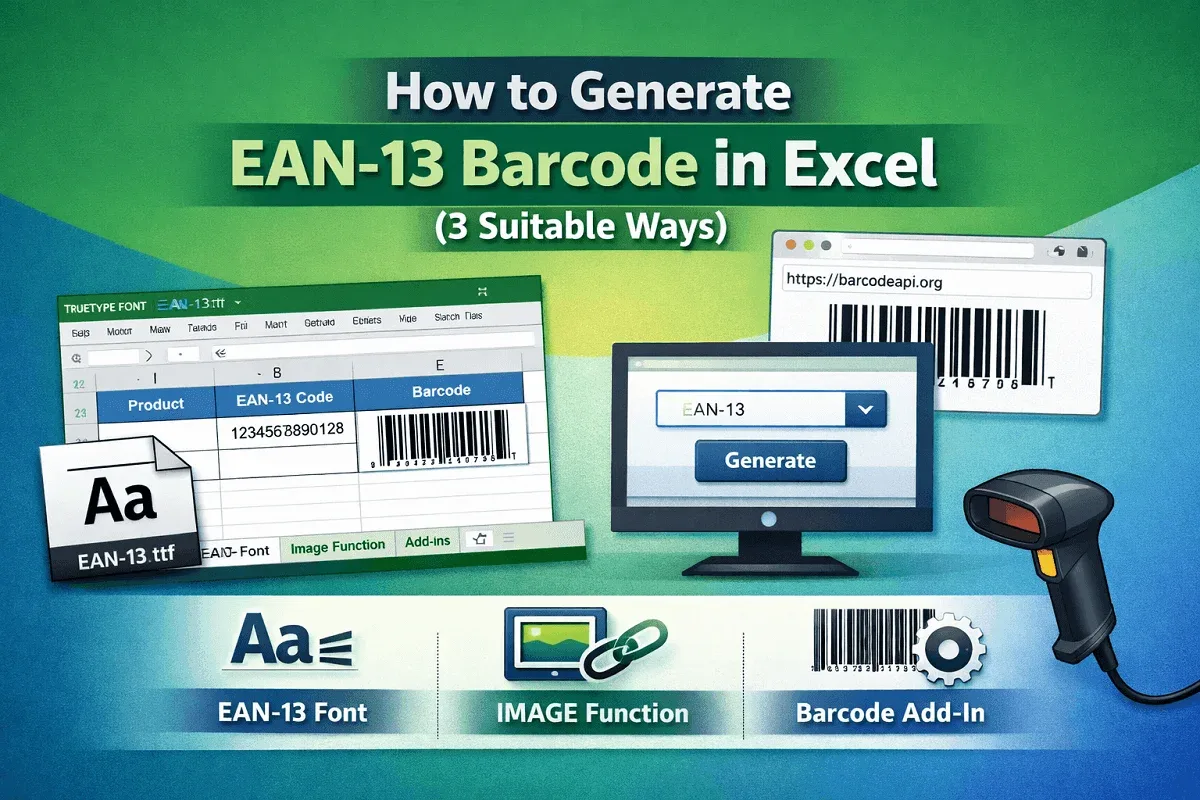
How to Generate EAN-13 Barcode in Excel (3 Suitable Ways)
Learn how to generate an EAN-13 barcode in Excel by installing a font, using the IMAGE function, or applying external add-ins.
Read article

7 lessons in order
Learn how to generate an EAN-13 barcode in Excel by installing a font, using the IMAGE function, or applying external add-ins.
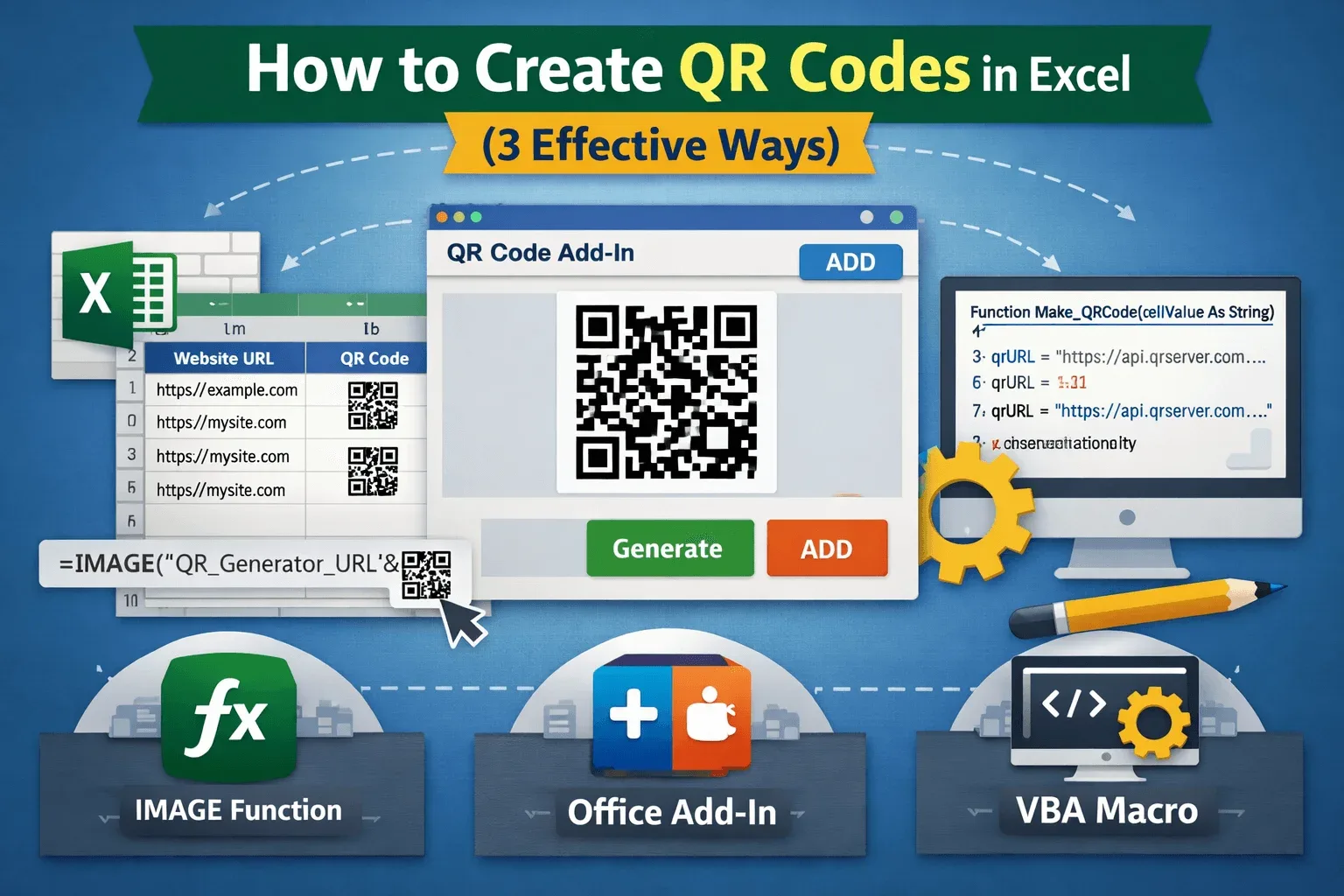
Learn how to create QR codes in Excel using the IMAGE function, Office add-ins, or automated VBA to quickly generate scannable codes.
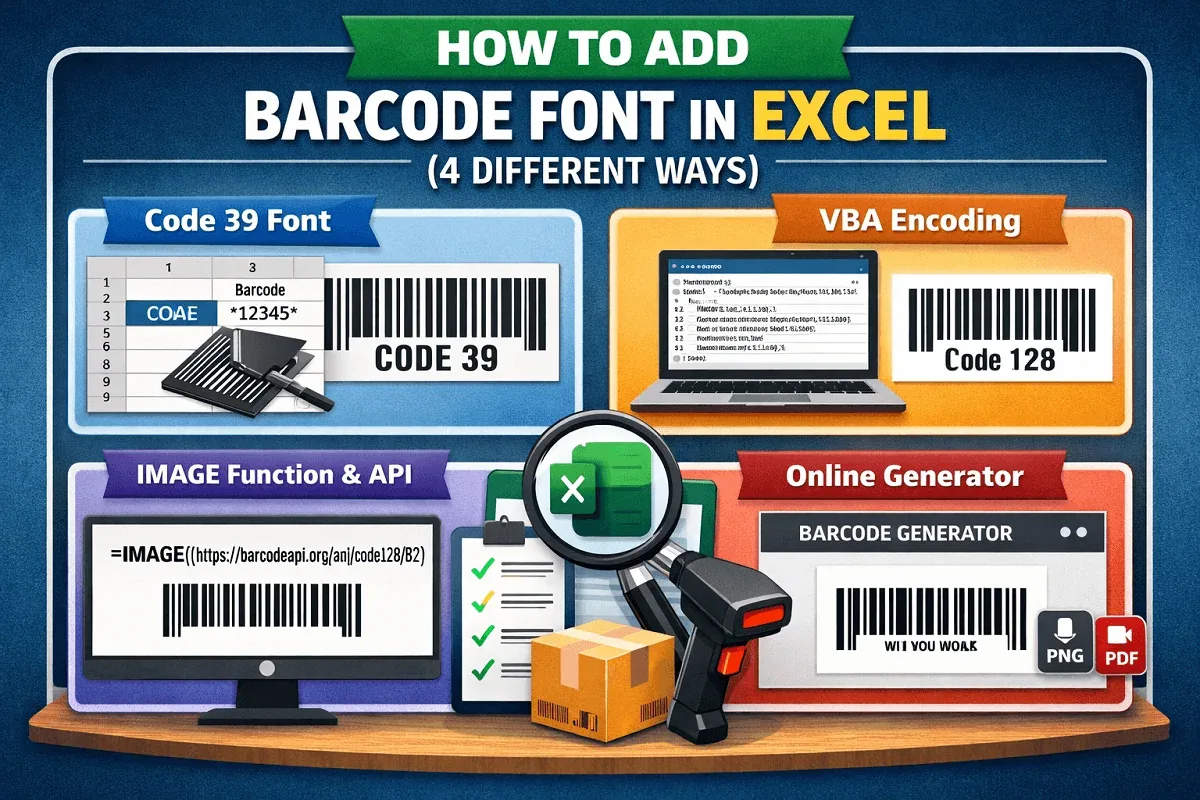
Learn how to add barcode fonts in Excel using Code 39, VBA encoders, IMAGE APIs, and third-party generators easily.
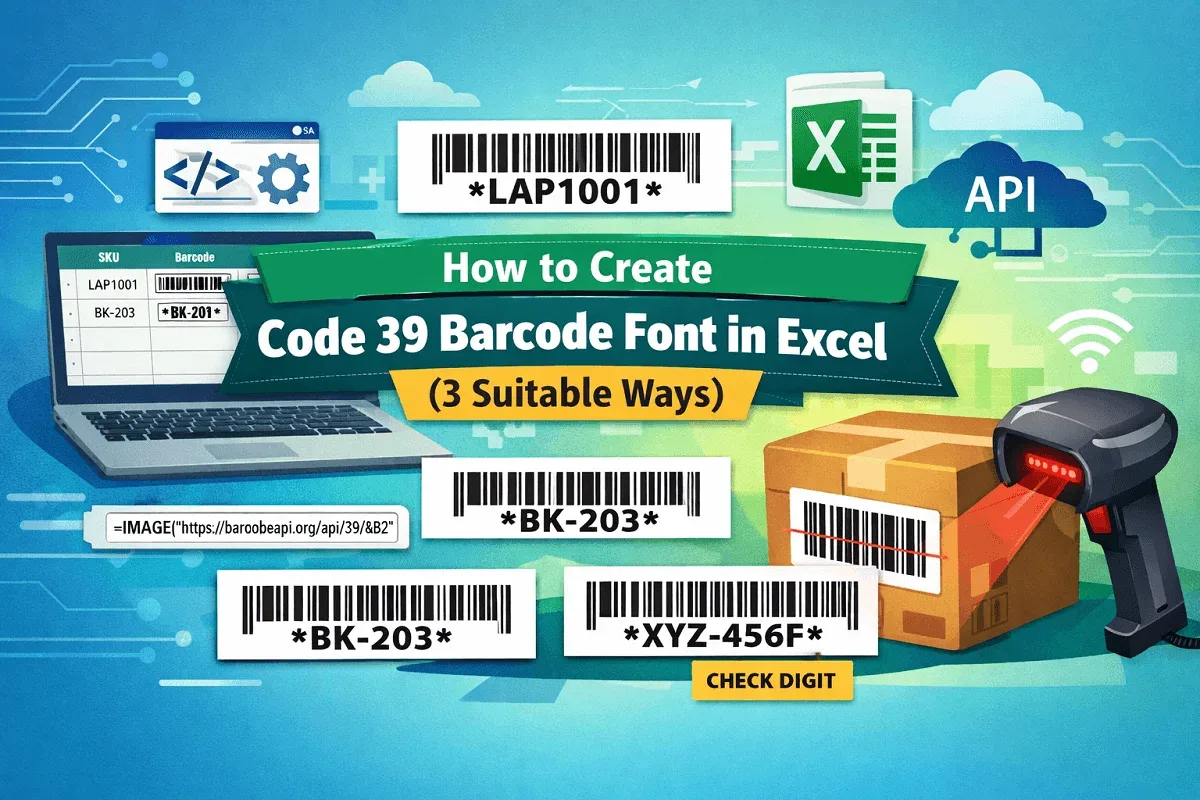
Learn how to create Code 39 barcode font in Excel using free fonts, VBA automation, IMAGE API, and MOD 43 check digits step by step.
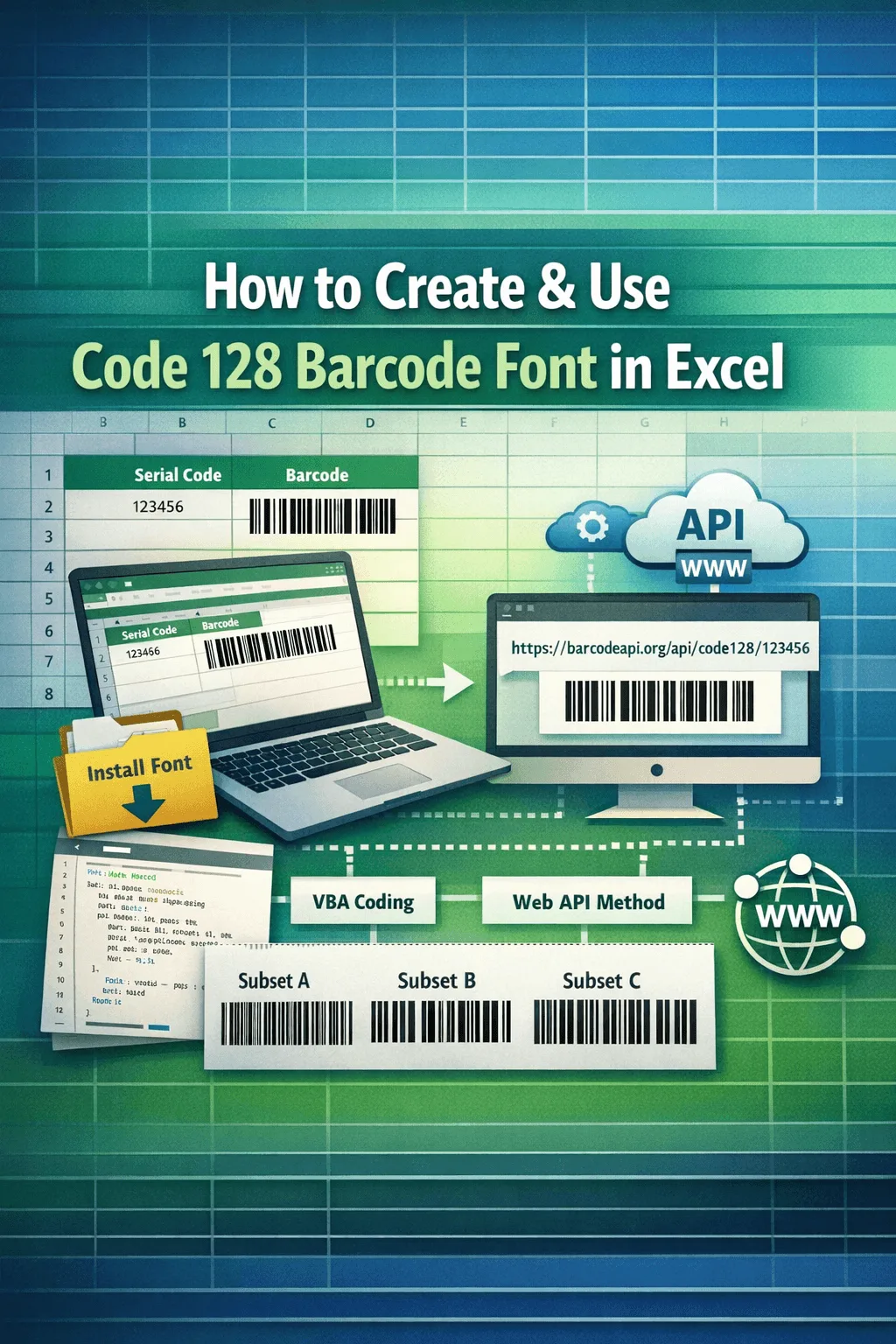
Learn how to create and use Code 128 barcode fonts in Excel, install fonts, encode with VBA, use IMAGE API methods, and choose subsets.
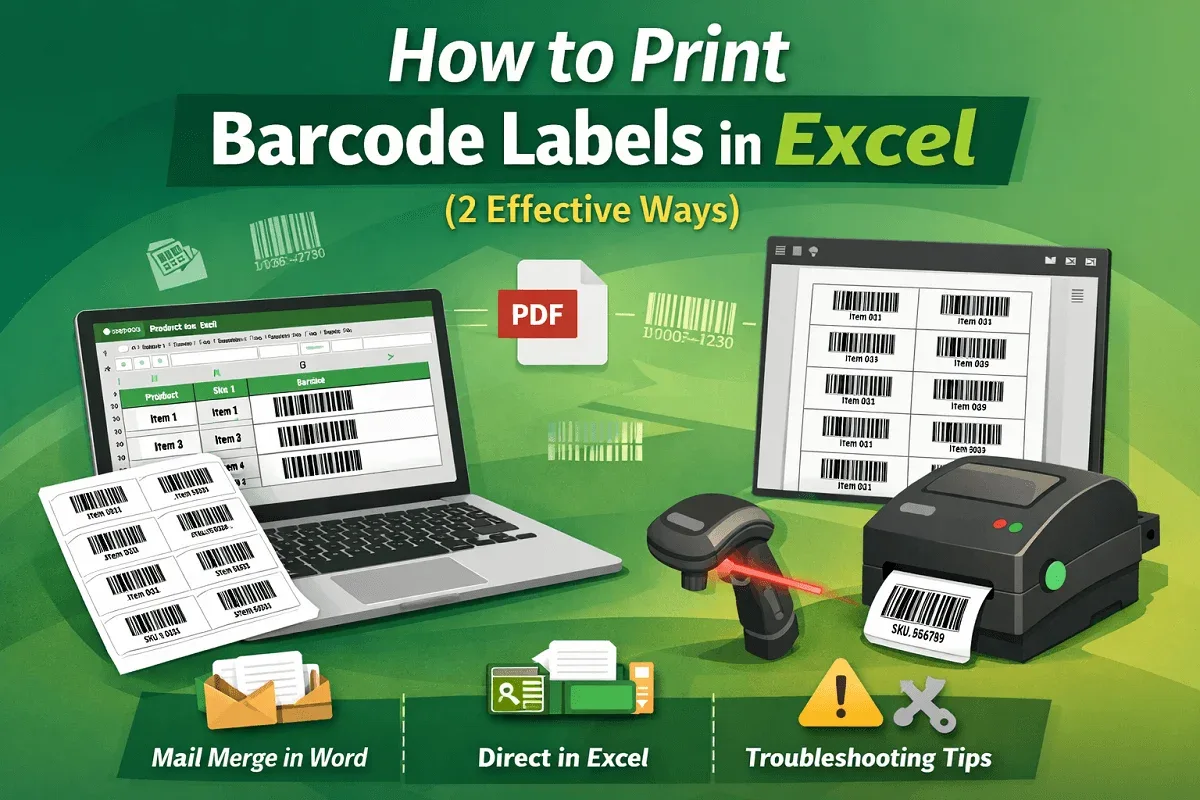
Learn how to print barcode labels in Excel using mail merge or direct methods, plus fixes for blurry, misaligned, or unreadable barcodes.
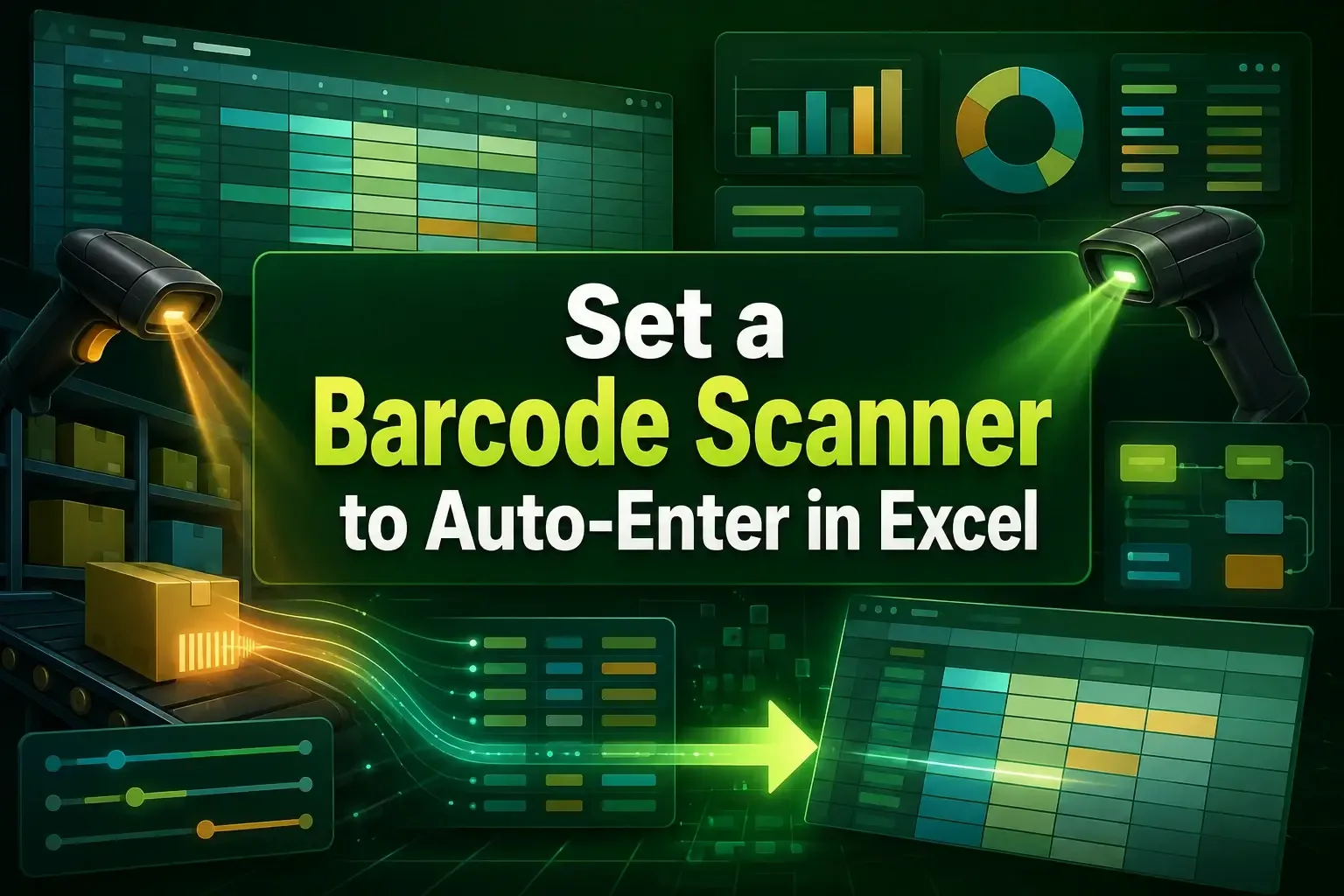
Learn how to set a barcode scanner to auto-enter in Excel by reprogramming the scanner, adjusting settings, and using VBA macros.