Google Sheets Functions
VLOOKUP to Pull Data from Another Google Sheets Workbook
Learn how to use VLOOKUP to pull data from another Google Sheets workbook, combine with IMPORTRANGE, and fetch data across files.
Read article

9 lessons in order
Learn how to use VLOOKUP to pull data from another Google Sheets workbook, combine with IMPORTRANGE, and fetch data across files.
![[Fixed] VLOOKUP Evaluates to an Out of Bounds Range](https://pub-b39c974f4c124a36a2fb517be38076ec.r2.dev/images/2026/08/featured-image-vlookup-evaluates-to-an-out-of-bounds-range-d391eb03.webp)
Fix the “VLOOKUP evaluates to an out of bounds range” error in Google Sheets by checking the column index and using the COLUMNS function.
![[Fixed] VLOOKUP Not Working in Google Sheets: 4 Cases](https://pub-b39c974f4c124a36a2fb517be38076ec.r2.dev/images/2026/08/featured-image-google-sheets-vlookup-not-working-c3d58a04.webp)
Discover how to fix VLOOKUP errors in Google Sheets, including #N/A issues, wrong values, formatting problems, and range errors.
Learn how to use ARRAYFORMULA with VLOOKUP in Google Sheets to apply lookups across rows, return unique results, and summarize form data.
Learn how to use VLOOKUP with a drop-down list in Google Sheets to fetch data dynamically, including setting up dependent drop-downs.
Learn how to use VLOOKUP for multiple values in Google Sheets with FILTER, TEXTJOIN, QUERY, ARRAYFORMULA, and Apps Script alternatives.
Learn how to use VLOOKUP from another sheet in Google Sheets within the same workbook or between workbooks using IMPORTRANGE.
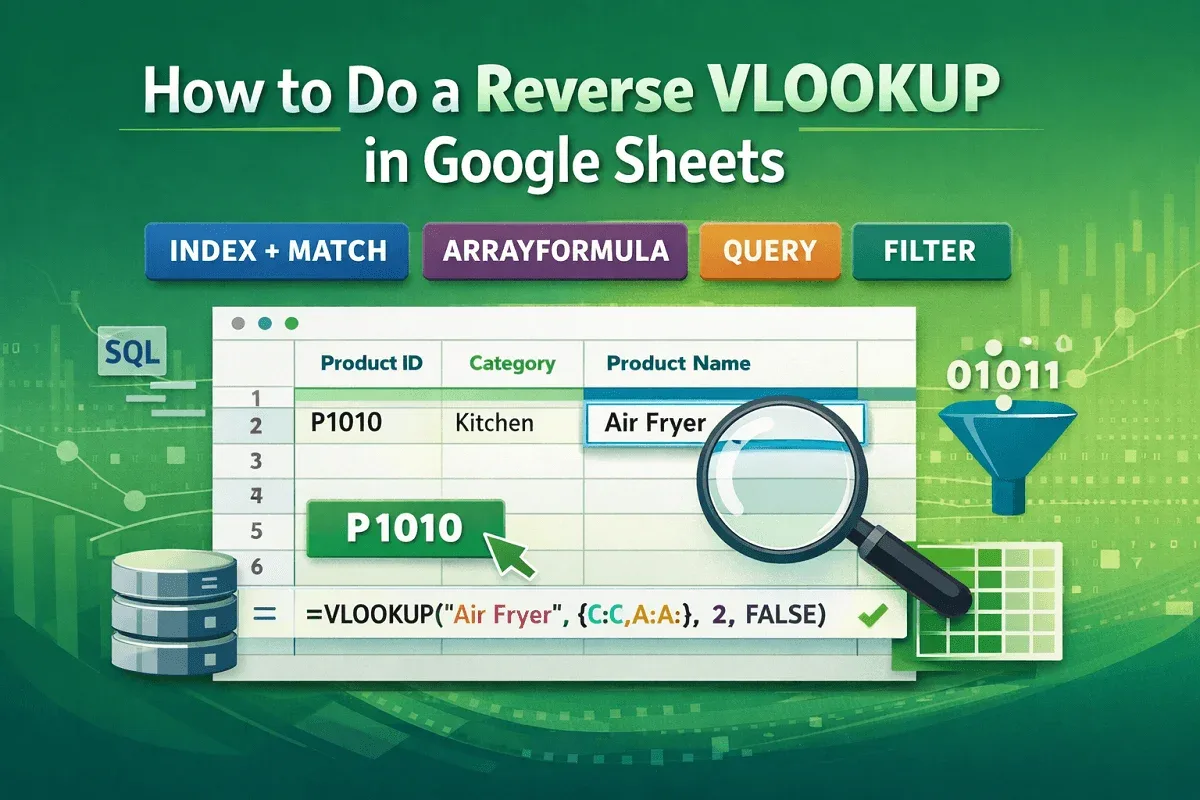
Learn how to do a reverse VLOOKUP in Google Sheets using INDEX-MATCH, ARRAYFORMULA, FILTER, and QUERY for flexible and dynamic lookups.
![[Fixed] Did Not Find Value in VLOOKUP Evaluation (5 Solutions)](https://pub-b39c974f4c124a36a2fb517be38076ec.r2.dev/images/2026/08/featured-image-did-not-find-value-in-vlookup-evaluation-3-27d00fa7.webp)
Learn how to fix the “Did Not Find Value in VLOOKUP Evaluation” error in Google Sheets by correcting matches, spaces, data types, and ranges.