Google Sheets Functions
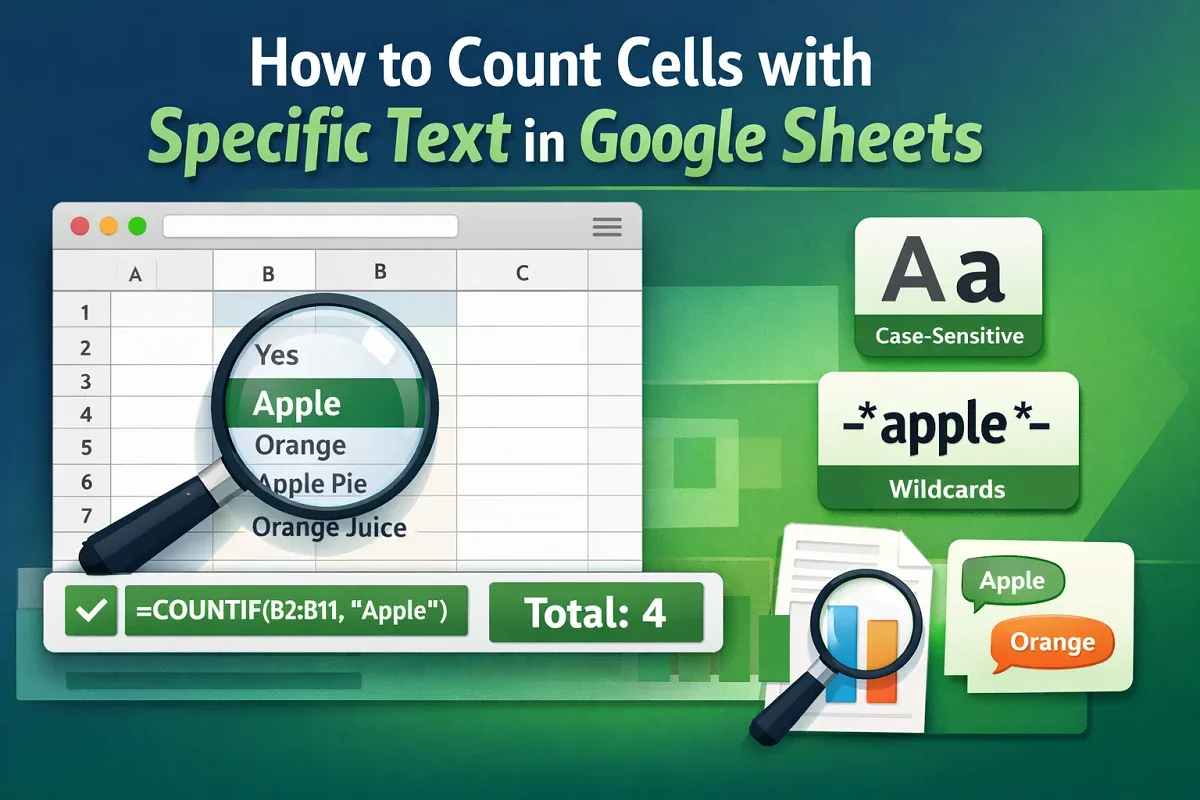
How to Count Cells with Specific Text in Google Sheets
Learn how to count cells with specific text in Google Sheets using COUNTIF, case-sensitive formulas, multiple criteria, FILTER & REGEXMATCH.
Read article

8 articles tagged with “COUNTIF Function in Google Sheets”
Learn how to count cells with specific text in Google Sheets using COUNTIF, case-sensitive formulas, multiple criteria, FILTER & REGEXMATCH.
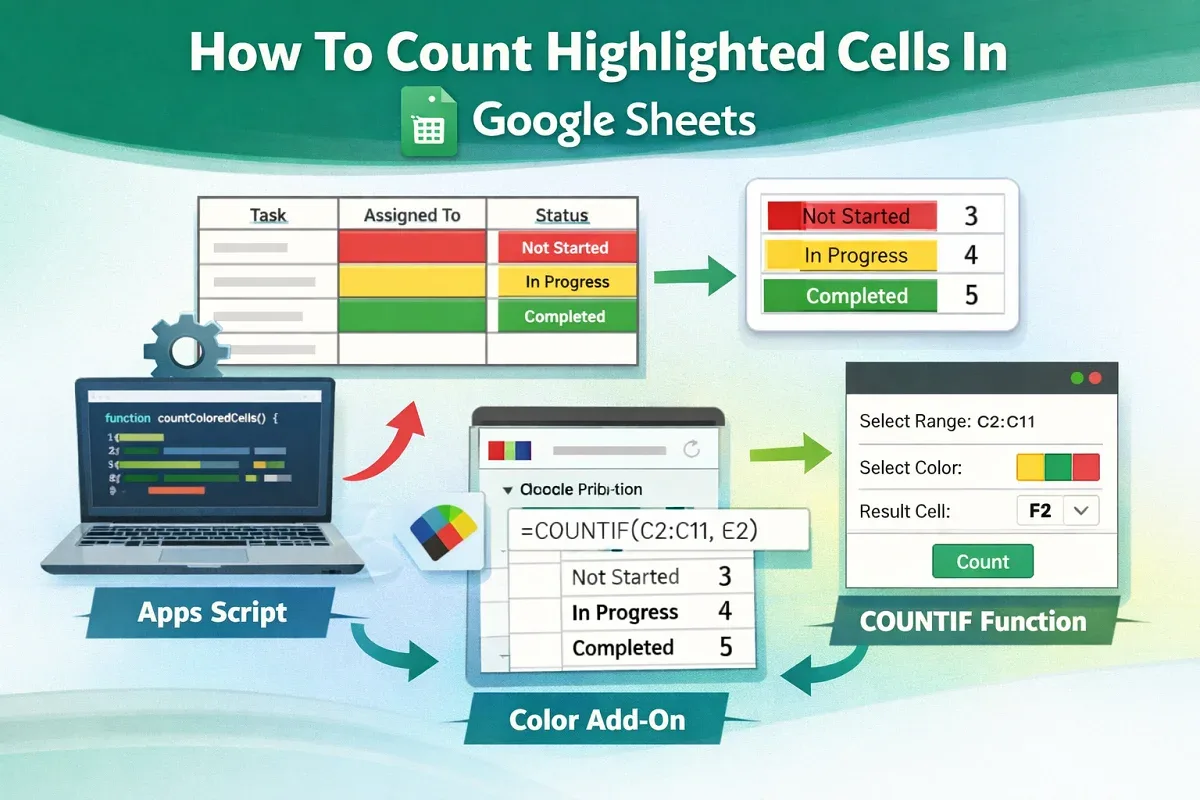
Learn how to count highlighted cells in Google Sheets using Apps Script, Function by Color add-on, or COUNTIF for text-based highlights.
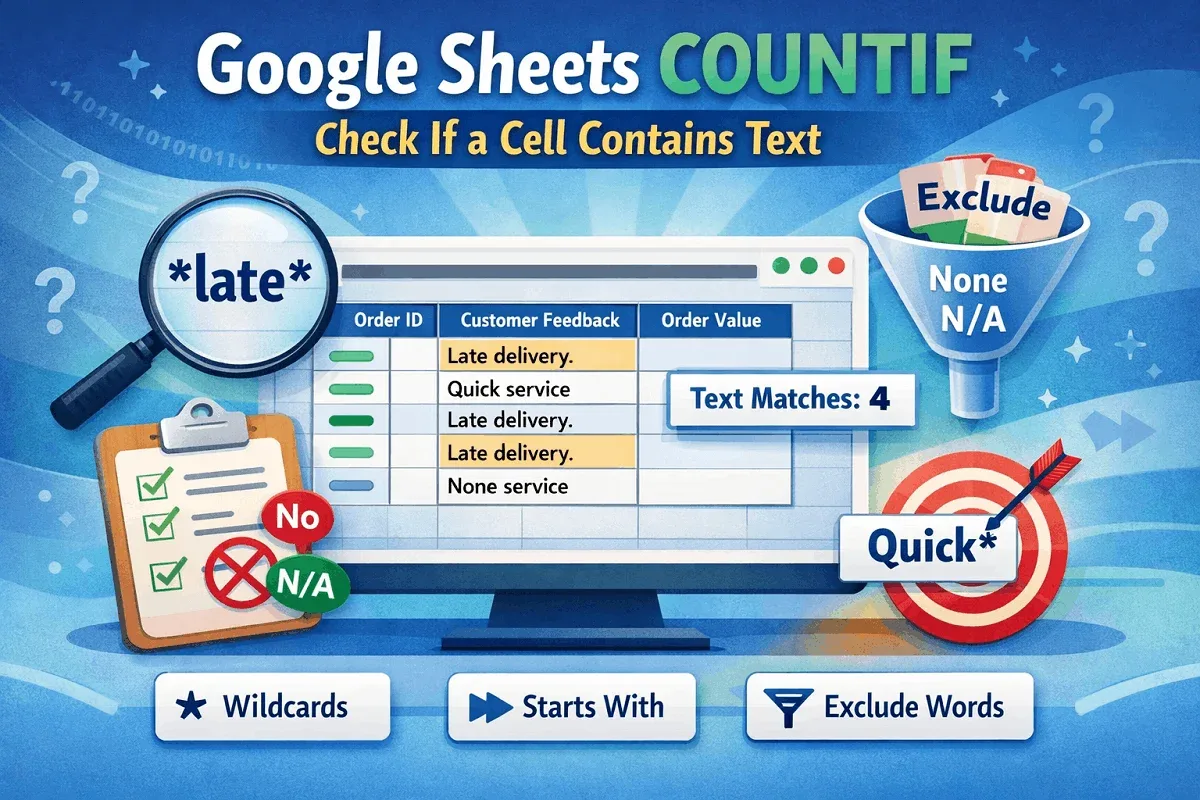
Learn how to use COUNTIF in Google Sheets to check if a cell contains text, matches specific words, or excludes certain text entries.
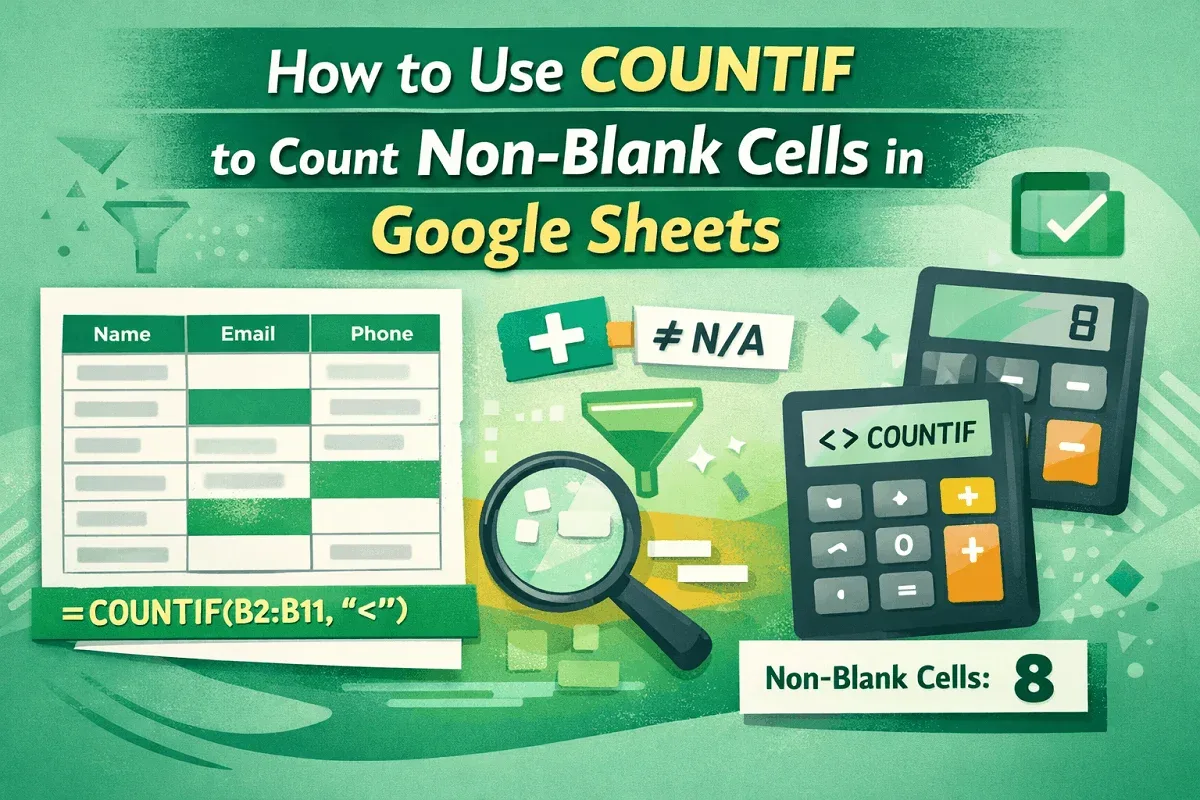
Learn how to use COUNTIF in Google Sheets to count non-blank cells, even across ranges, while ignoring specific values and extra spaces.
Learn how to use COUNTIF, ARRAYFORMULA, SUMPRODUCT, and more to count TRUE values effectively in Google Sheets with flexible methods.
Learn how to count cells by fill color in Google Sheets using Google Apps Script or a manual helper column for accurate tracking.
Learn how to use COUNTIF in Google Sheets to count cells not equal to specific text, multiple values, exclude blanks, and use ARRAYFORMULA.
Learn how to count cells containing partial text in Google Sheets using COUNTIF for specific words or dynamic text from another cell.