Google Sheets Functions
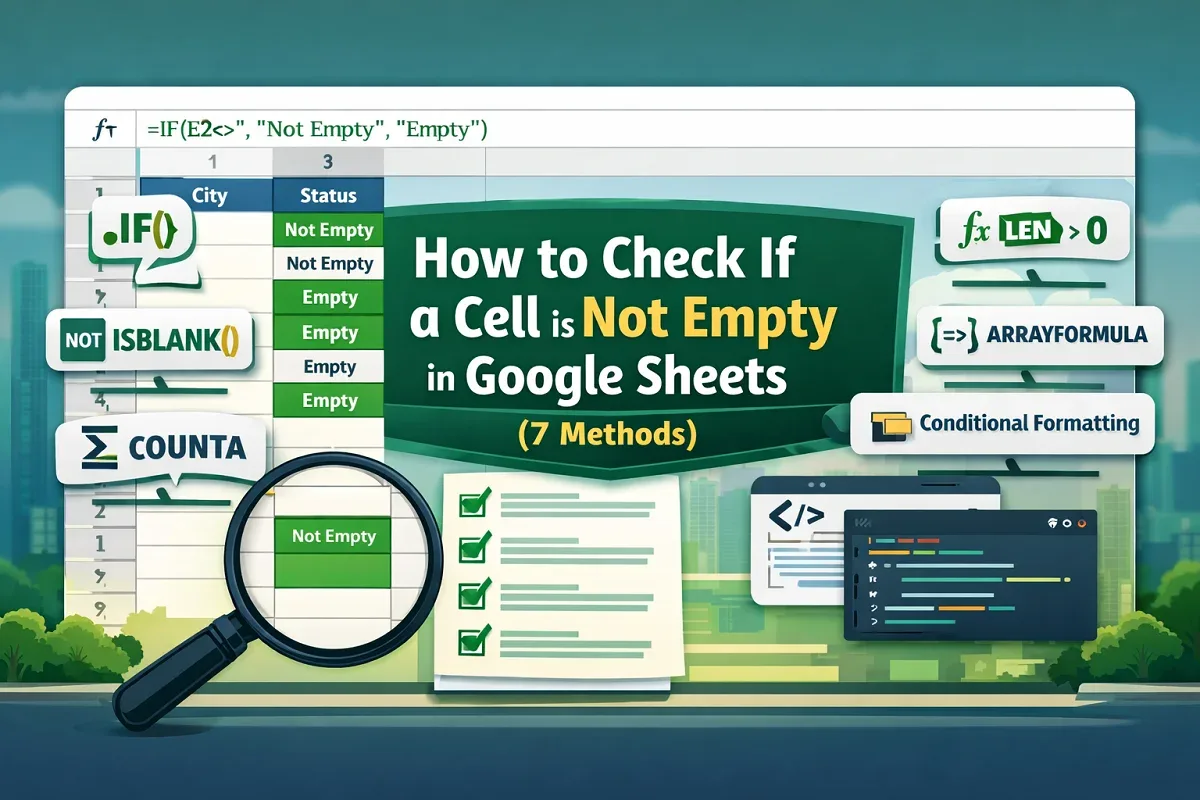
How to Check If a Cell is Not Empty in Google Sheets (7 Methods)
Learn how to check if a cell is not empty in Google Sheets using IF, ISBLANK, COUNTA, LEN functions, conditional formatting & Apps Script.
Read article

6 articles tagged with “IF Function in Google Sheets”
Learn how to check if a cell is not empty in Google Sheets using IF, ISBLANK, COUNTA, LEN functions, conditional formatting & Apps Script.
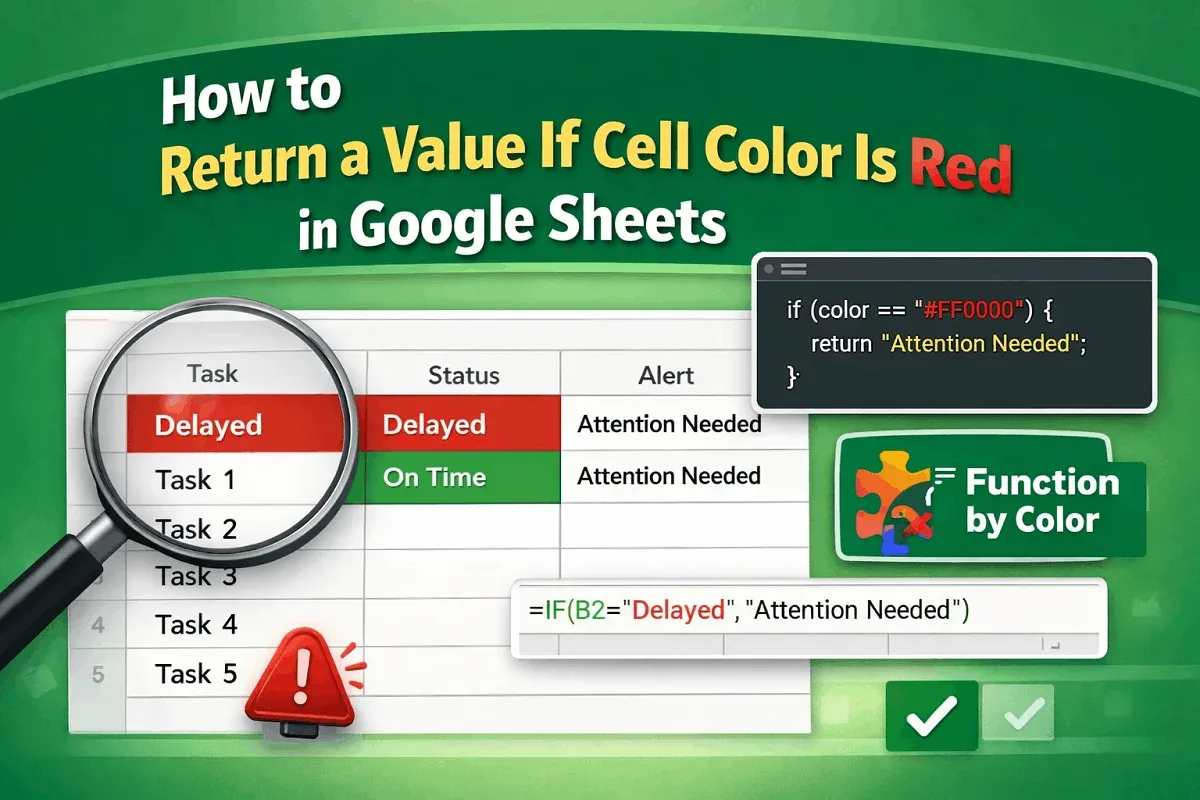
Learn how to return a value if a cell color is red in Google Sheets using Apps Script, conditional formatting with helper columns, or add-on.
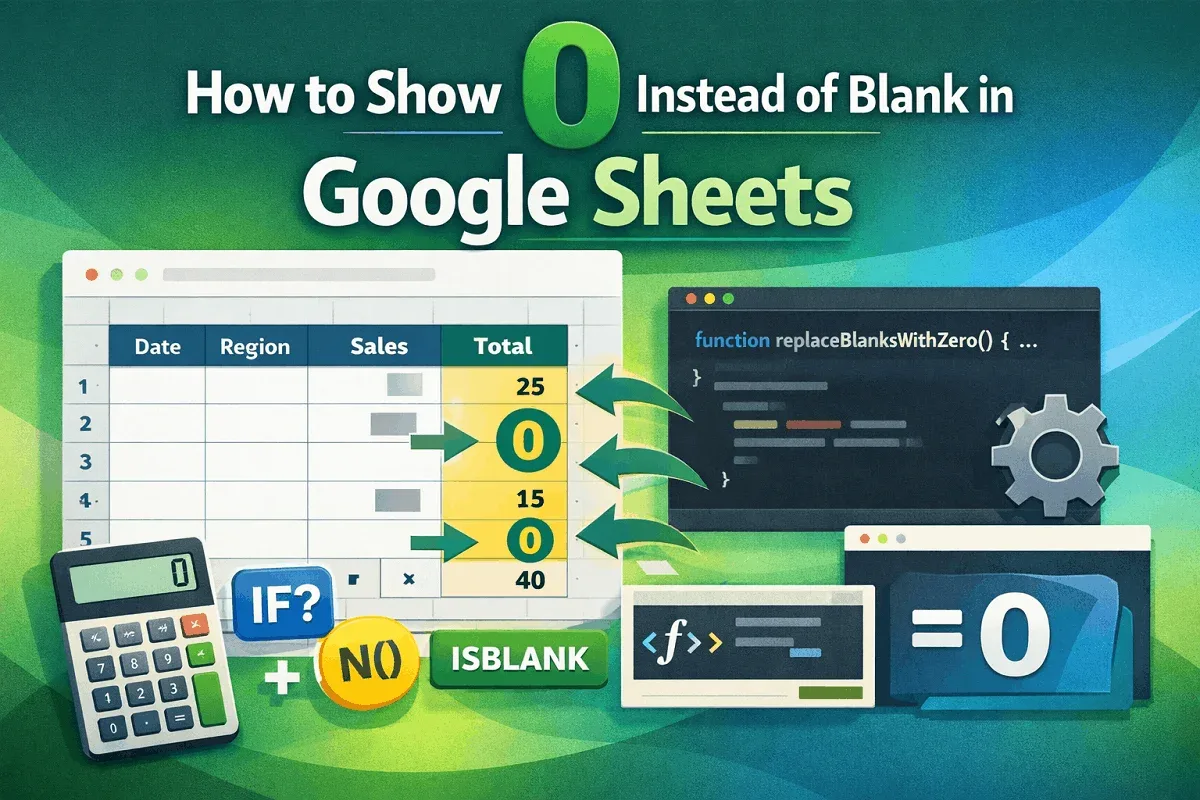
Learn how to show 0 instead of blank in Google Sheets using IF, IFERROR, ISBLANK, ARRAYFORMULA, N function, or Apps Script for full control.
Learn how to use the IF formula in Google Sheets with multiple conditions by combining IF with AND, OR, and using the IFS function.
Learn how to return a value in another cell if a cell contains text in Google Sheets using IF with SEARCH, EXACT, or REGEXMATCH functions.
Learn how to check for partial text in Google Sheets using SEARCH, REGEXMATCH, VLOOKUP, and more to easily match and count text.