Google Sheets Functions
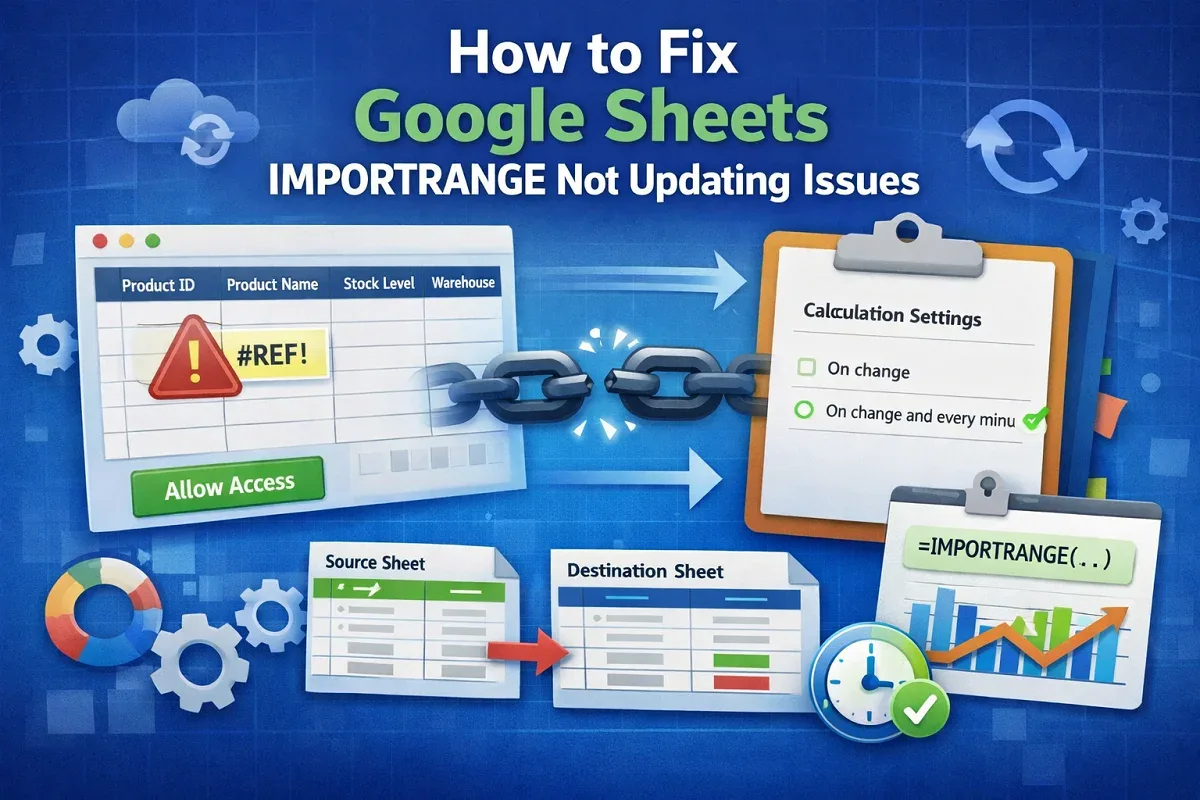
How to Fix Google Sheets IMPORTRANGE Not Updating Issues
Learn how to fix Google Sheets IMPORTRANGE not updating issues by reauthorizing permissions, adjusting the formula, and limiting the range.
Read article

7 articles tagged with “IMPORTRANGE in Google Sheets”
Learn how to fix Google Sheets IMPORTRANGE not updating issues by reauthorizing permissions, adjusting the formula, and limiting the range.

Learn how to filter IMPORTRANGE with multiple criteria in Google Sheets using FILTER, INDEX, LET, and QUERY functions.

Learn how to use IMPORTRANGE in Google Sheets with conditions by combining it with QUERY, FILTER, helper columns, and multiple criteria.

Fix IMPORTRANGE internal errors in Google Sheets by granting access, checking sheet names, using correct URLs, and testing before nesting.

Learn how to fix the “Error Loading Data” in IMPORTRANGE in Google Sheets by checking sheet names, ranges, access, and URL format.
![[Fixed] Cannot Find Range or Sheet for Imported Range](https://pub-b39c974f4c124a36a2fb517be38076ec.r2.dev/images/2026/08/featured-image-cannot-find-range-or-sheet-for-imported-range-5068d95e.webp)
Fix “Cannot Find Range or Sheet” error in Google Sheets by checking sheet names, ranges, access, URL format, and IMPORTRANGE syntax.

Learn how to use IMPORTRANGE in Google Sheets to pull data from another spreadsheet, including named ranges and filtered imports.