Google Sheets Basics
How to Make Negative Numbers Red in Google Sheets
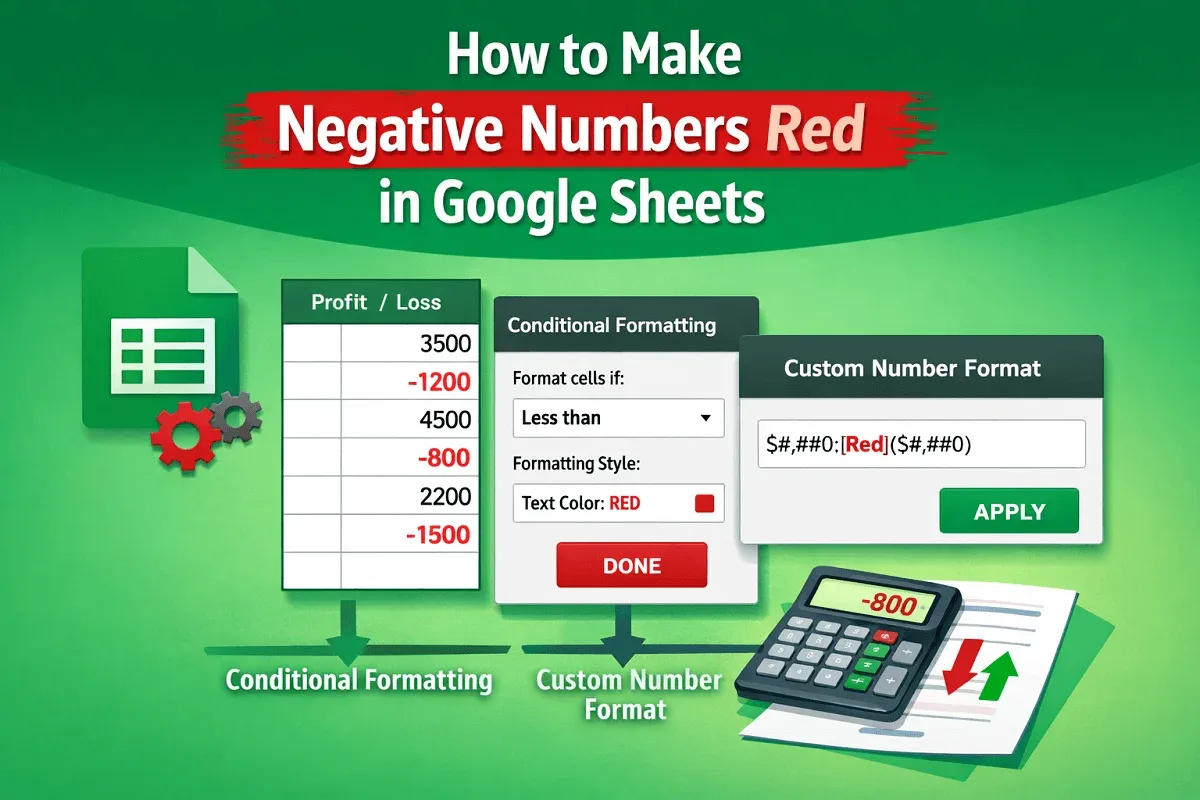
Learn two easy ways to make negative numbers red in Google Sheets using conditional formatting or custom number formats.
Read article

7 articles tagged with “Number Format in Google Sheets”
Learn two easy ways to make negative numbers red in Google Sheets using conditional formatting or custom number formats.

Learn how to convert text to numbers in Google Sheets using VALUE, REGEXREPLACE with VALUE, ARRAYFORMULA, or simple multiplication by 1.

Learn how to change number formats in Google Sheets, including text conversion, time, duration, decimals, and custom formatting examples.

Learn how to format phone numbers in Google Sheets using apostrophes, Find and Replace, or Custom Number Format for a clean, uniform look.

Learn how to change negative numbers to positive in Google Sheets using ABS, IF, -1 multiplication, ARRAYFORMULA, Find and Replace.

Learn how to format numbers as millions in Google Sheets with custom formats, helper columns, and the TEXT function.

Learn how to use custom number formats in Google Sheets to add leading zeros, currency, units, abbreviations, and highlight negative numbers.