Excel Pivot Table
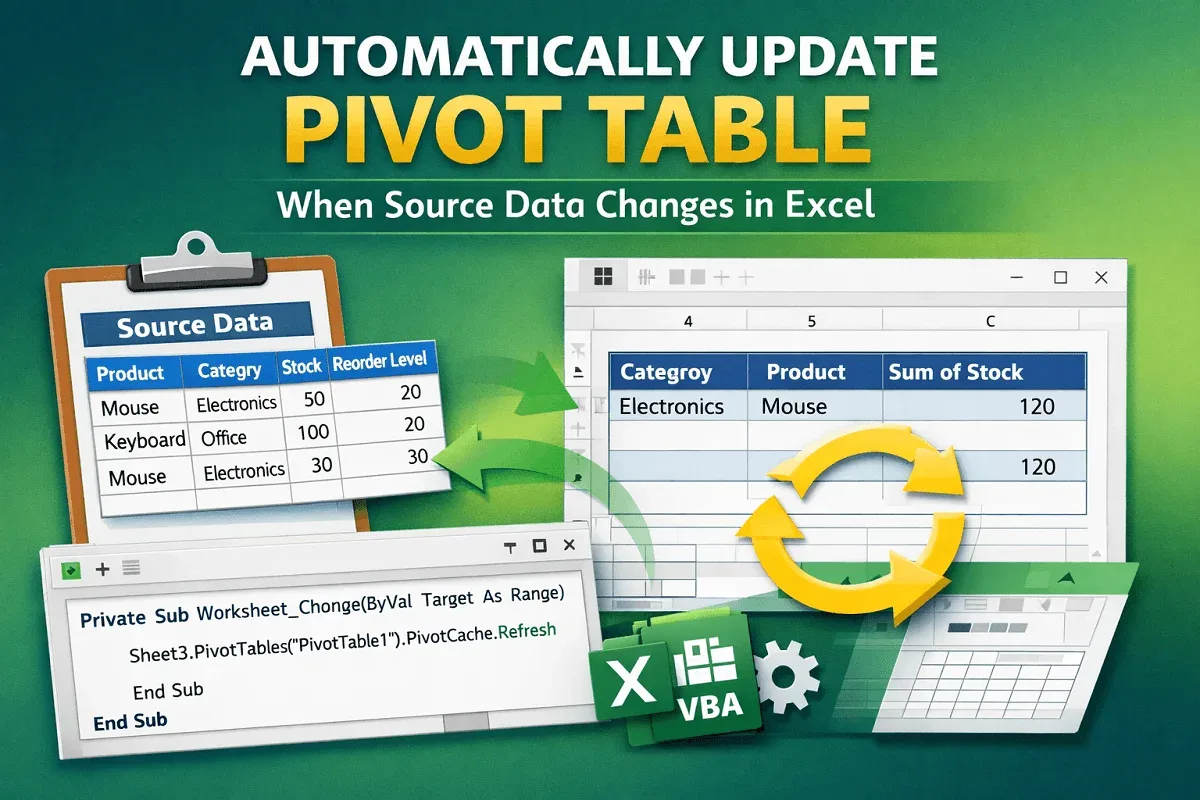
Automatically Update Pivot Table When Source Data Changes
Learn how to automatically update Excel pivot tables using VBA code or PivotTable options so your reports refresh when data changes.
Read article

4 articles tagged with “Refresh Data in Excel Pivot Table”
Learn how to automatically update Excel pivot tables using VBA code or PivotTable options so your reports refresh when data changes.
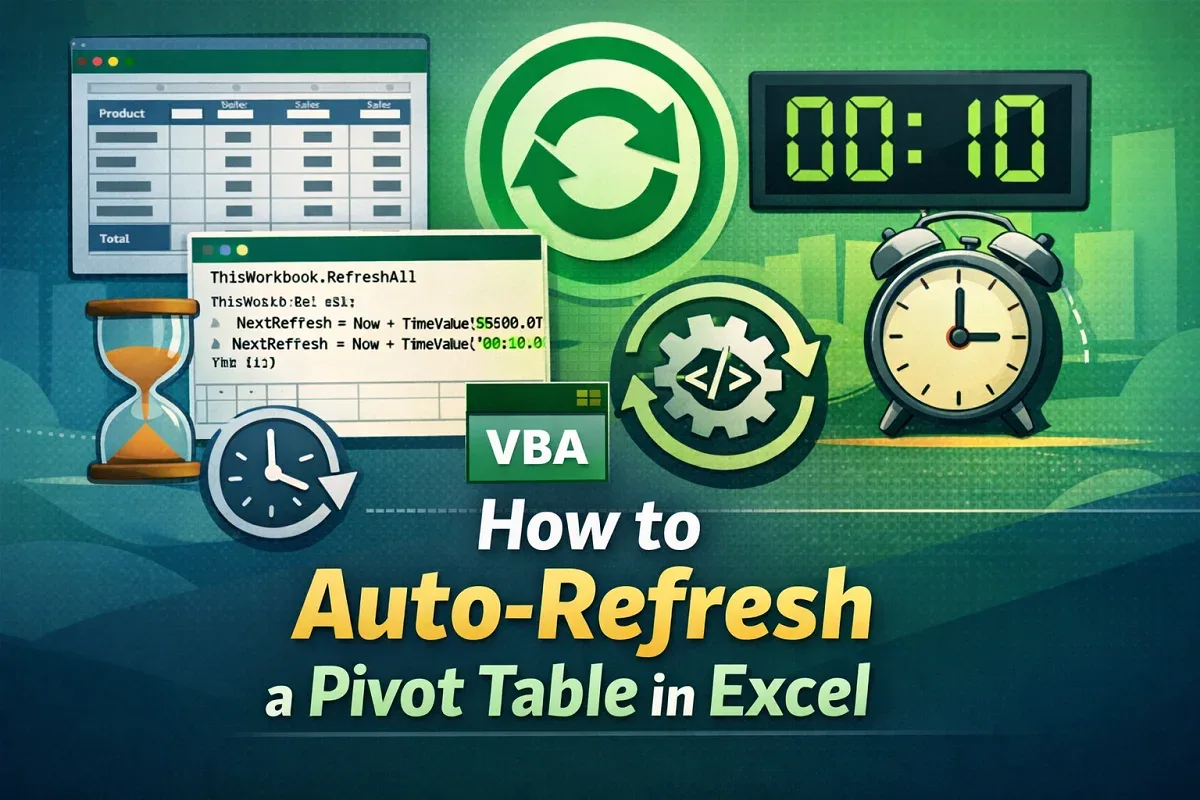
Learn how to auto-refresh Pivot Tables in Excel using VBA, on file open, or at set time intervals for real-time data updates.
Learn how to refresh all Pivot Tables in Excel using the built-in Refresh All option or VBA for quick and efficient data updates.
Learn how to fix Excel Pivot Table not refreshing issues with easy solutions for new data, filters, field errors, and overlaps.