Excel Insider
Excel Pro Tips
How to Hide Row and Column Headings in Excel
Learn how to hide row and column headings in Excel using the View tab, File settings, or VBA for a cleaner, distraction-free worksheet.
Read article

6 articles tagged with “Row and Column Headings in Excel”
Learn how to hide row and column headings in Excel using the View tab, File settings, or VBA for a cleaner, distraction-free worksheet.
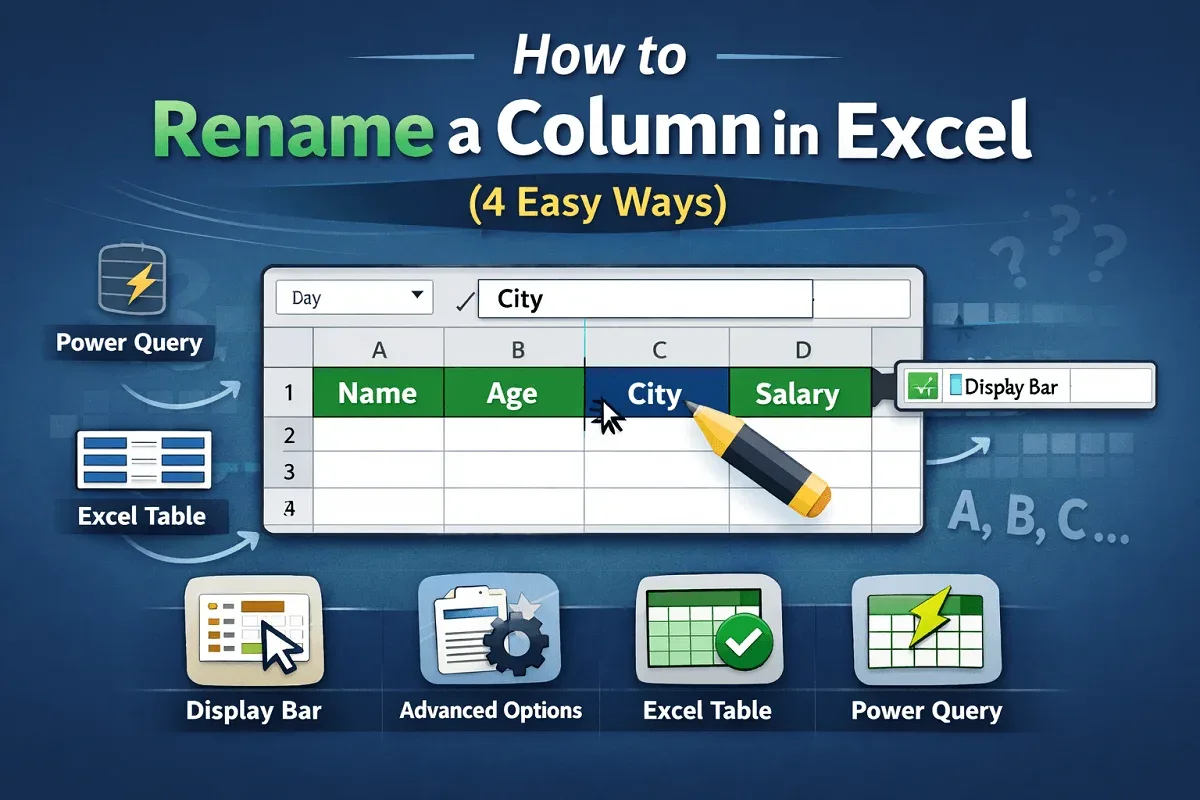
Learn how to rename a column in Excel using the display bar, advanced options, Excel tables, and Power Query efficiently.
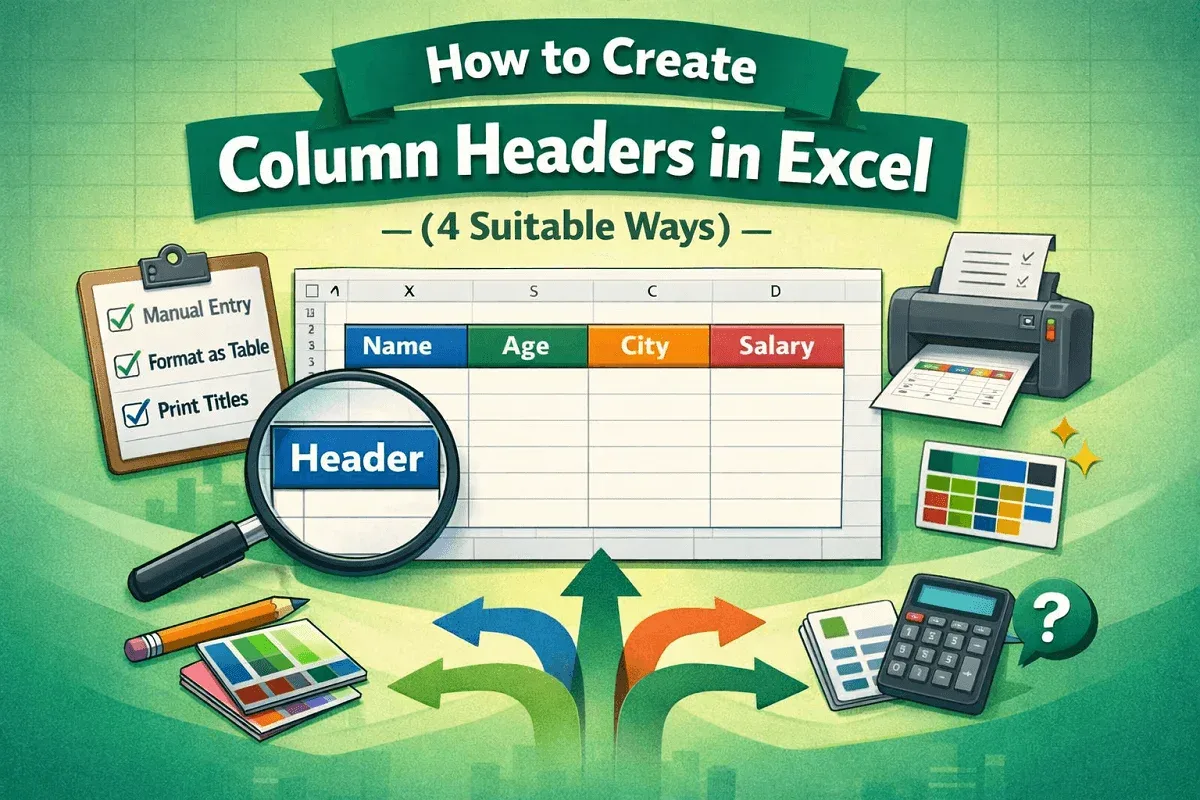
Learn how to create column headers in Excel manually, freeze panes, use tables, prepare headers for printing, and alternative methods.
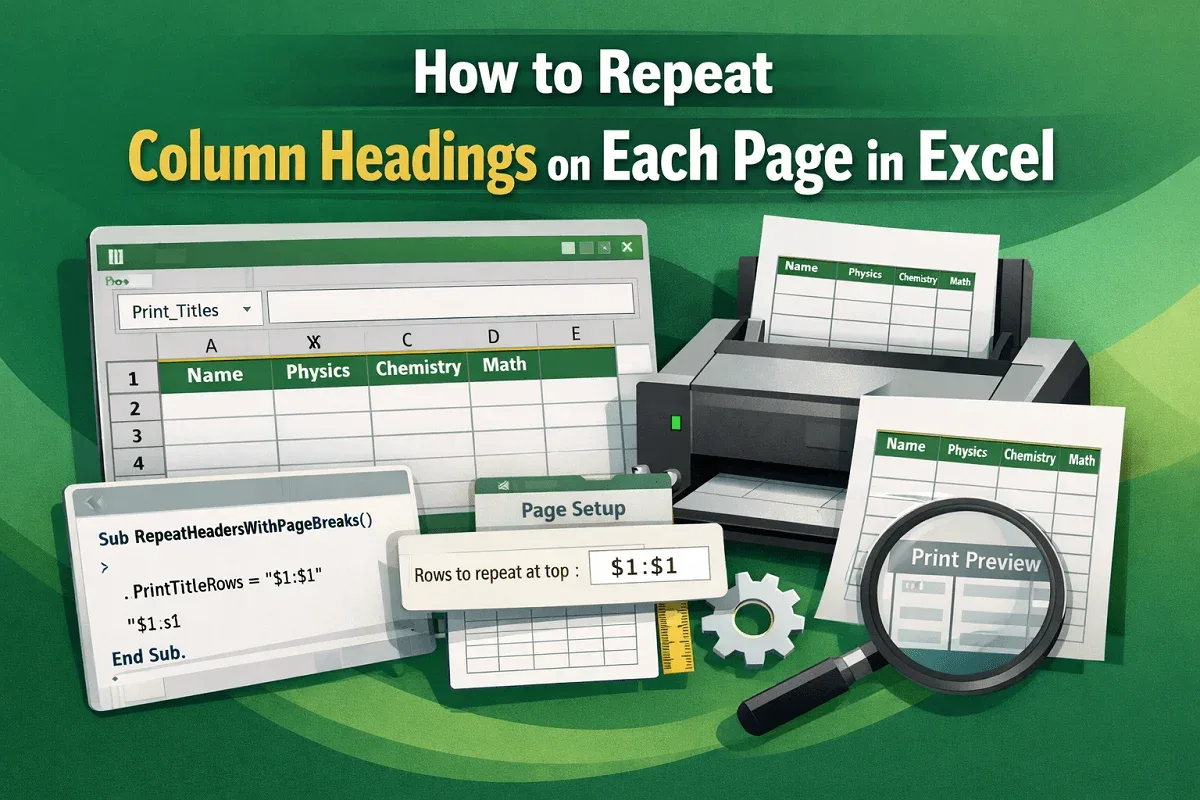
Learn how to repeat column headings on every printed page in Excel using Print Titles, Page Setup adjustments, or a simple VBA solution.
Learn how to show Excel column numbers instead of letters using R1C1 reference style, helper rows, and practical formula examples.
Learn how to make the first row a header in Excel using Freeze Panes, converting data to a table, or applying headers in Power Query Editor.