Excel Pro Tips
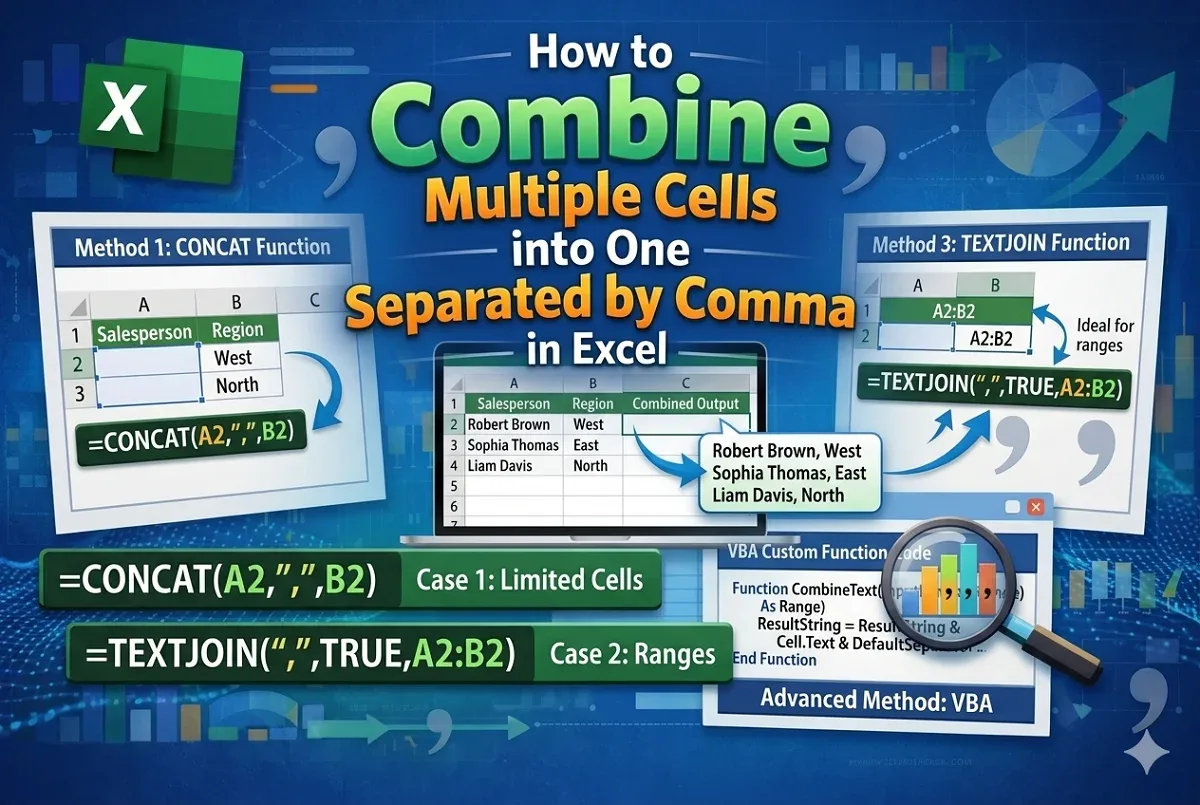
Combine Multiple Cells into One Separated by Comma in Excel
Learn how to combine multiple cells into one in Excel, separated by commas, using CONCAT, TEXTJOIN, ampersand (&) and VBA code.
Read article


Rudra Nil Utsa holds a BBA and MBA in Marketing from Jahangirnagar University, where he developed strong analytical and spreadsheet-focused skills. With 3+ years of Excel experience, including 7 months dedicated to advanced workflows, he specializes in formulas, text functions, PivotTables, financial calculations, automation, and data cleanup. He has created extensive tutorials, workflow guides, and troubleshooting resources. He enjoys exploring formula tricks and automation techniques.
Articles by Rudra Nil Utsa are developed under the guidance of ExcelInsider’s core training program and are technically reviewed by Nehad Ulfat, lead spreadsheet consultant, to ensure accuracy and user-centric value.
Learn how to combine multiple cells into one in Excel, separated by commas, using CONCAT, TEXTJOIN, ampersand (&) and VBA code.
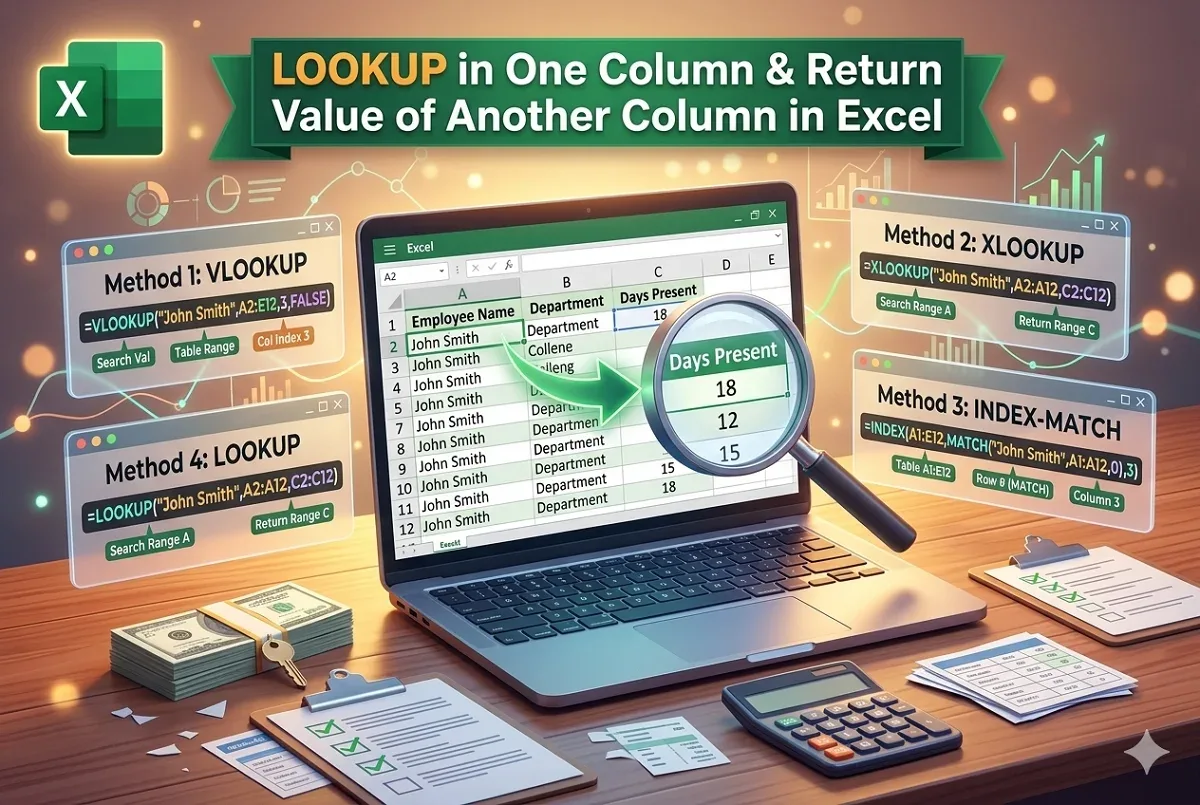
Learn how to look up a value in one column and return a value from another in Excel using VLOOKUP, XLOOKUP, INDEX-MATCH, or LOOKUP functions.

Learn how to mail merge from Excel to Outlook with easy steps: create Excel data, prepare Word file, import, merge fields, and you're done.
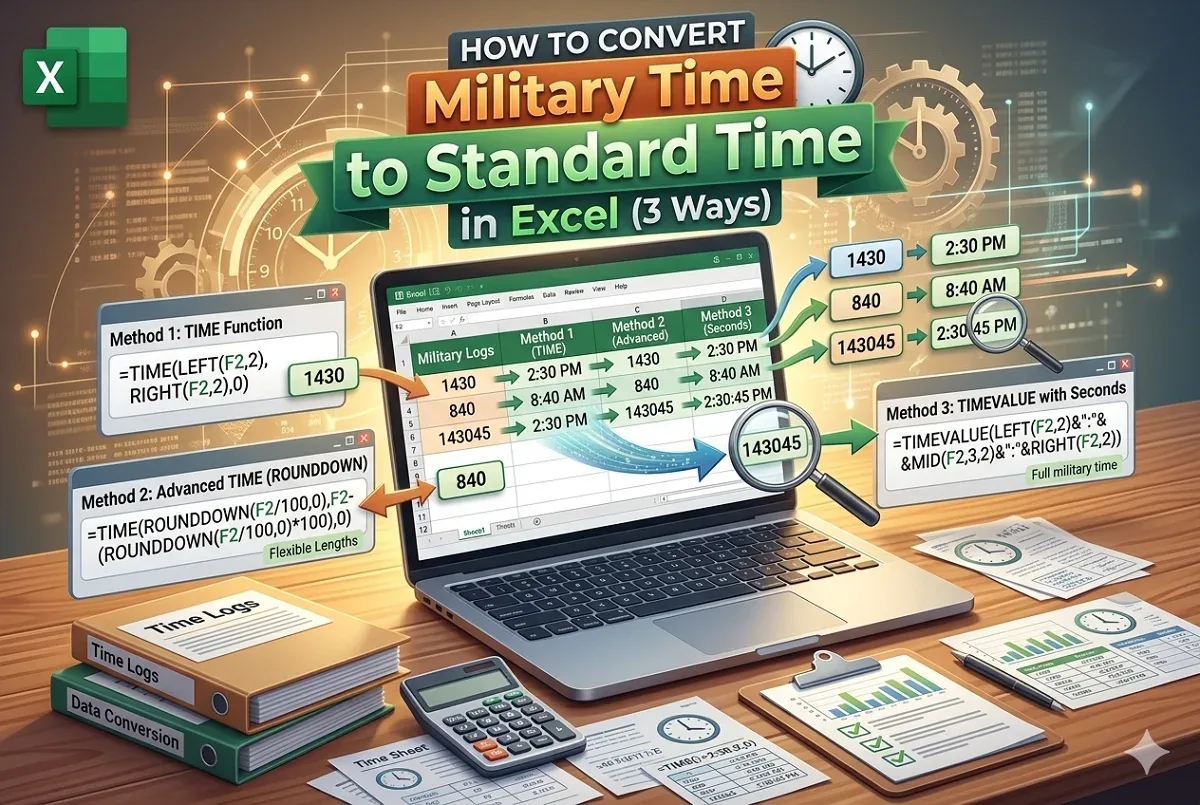
Convert military time to standard time in Excel using the TIME function, advanced tips, and formatting methods for different time units.
Learn how to remove time from date in Google Sheets using formatting, text splitting, rounding, or the DATE function.
Learn how to delete every other row in Google Sheets using FILTER function, helper column, AppScript code, or by removing every Nth row.
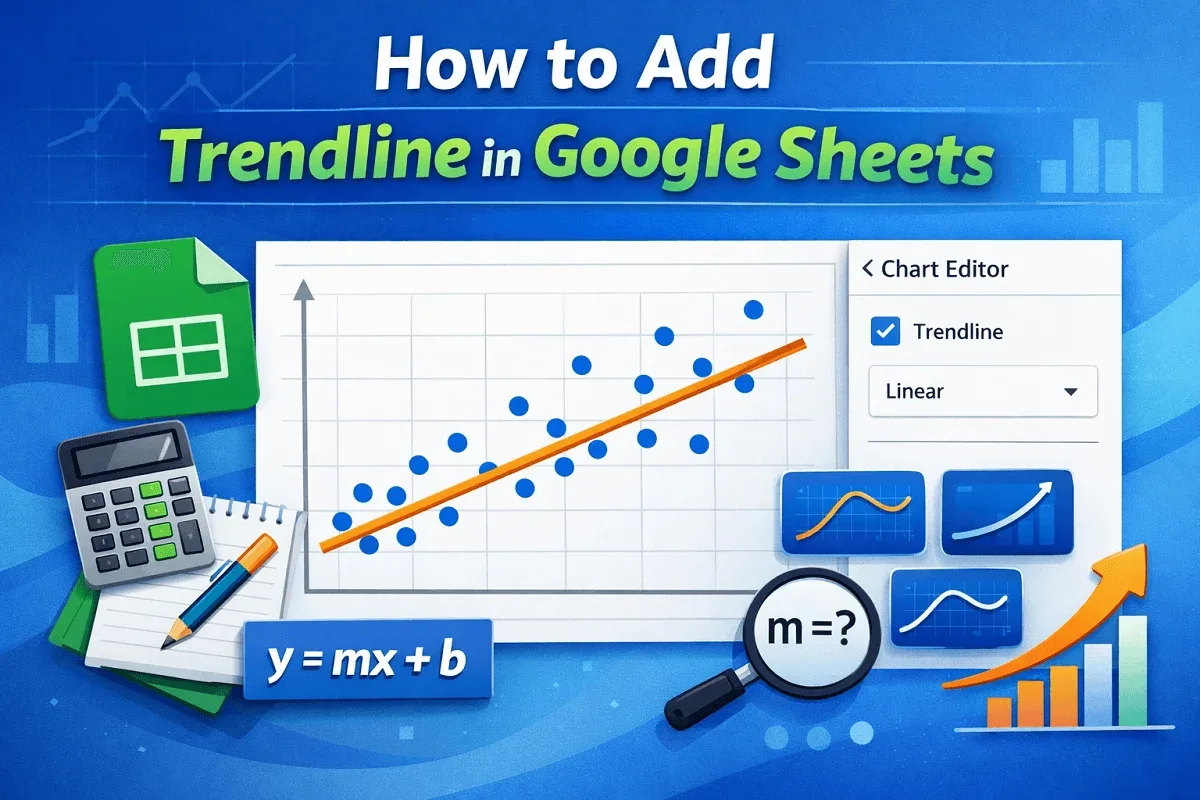
Learn how to add and customize a trendline in Google Sheets with simple steps: create a chart, add a trendline, and change its type.
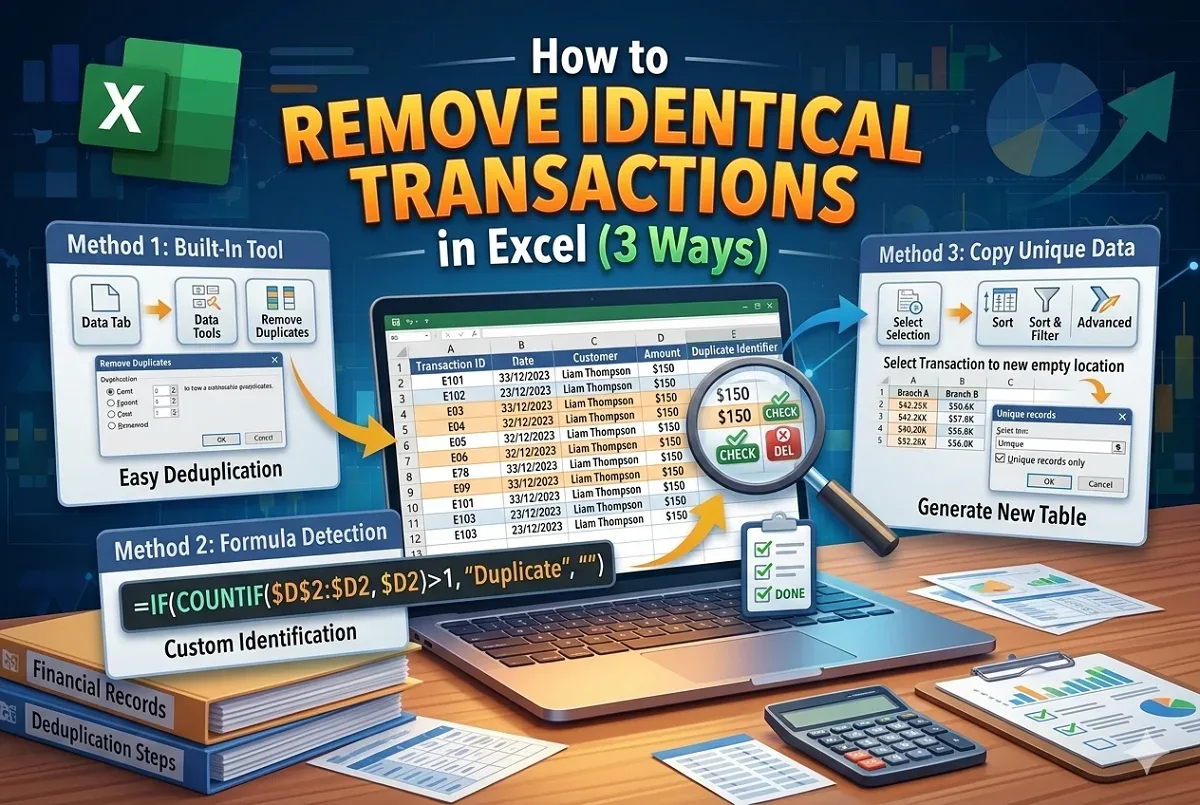
Learn how to remove rows with identical transactions in Excel using built-in tools, IF-COUNTIF and by copying unique data.