
Excel Pro Tips
How To Merge Two Excel Sheets Based on One Column
Learn how to merge two Excel sheets based on one column using VLOOKUP, XLOOKUP, INDEX MATCH, and Power Query for seamless data integration.
Read article


Md. Shihab Uddin holds a Graduation in Crop Science and Technology and is pursuing a Postgraduate degree in Soil Science from the University of Rajshahi. With 4+ years of Excel and Google Sheets experience, he specializes in formulas, data cleaning, lookups, automation, VBA, formatting, and file management. He has authored 100+ in-depth Excel articles and is skilled in Power Automate, RPA, and Python. He enjoys creating efficient workflows and solving real-world data problems.
Articles by Shihab Shahriar are developed under the guidance of ExcelInsider’s core training program and are technically reviewed by Nehad Ulfat, lead spreadsheet consultant, to ensure accuracy and user-centric value.
Learn how to merge two Excel sheets based on one column using VLOOKUP, XLOOKUP, INDEX MATCH, and Power Query for seamless data integration.
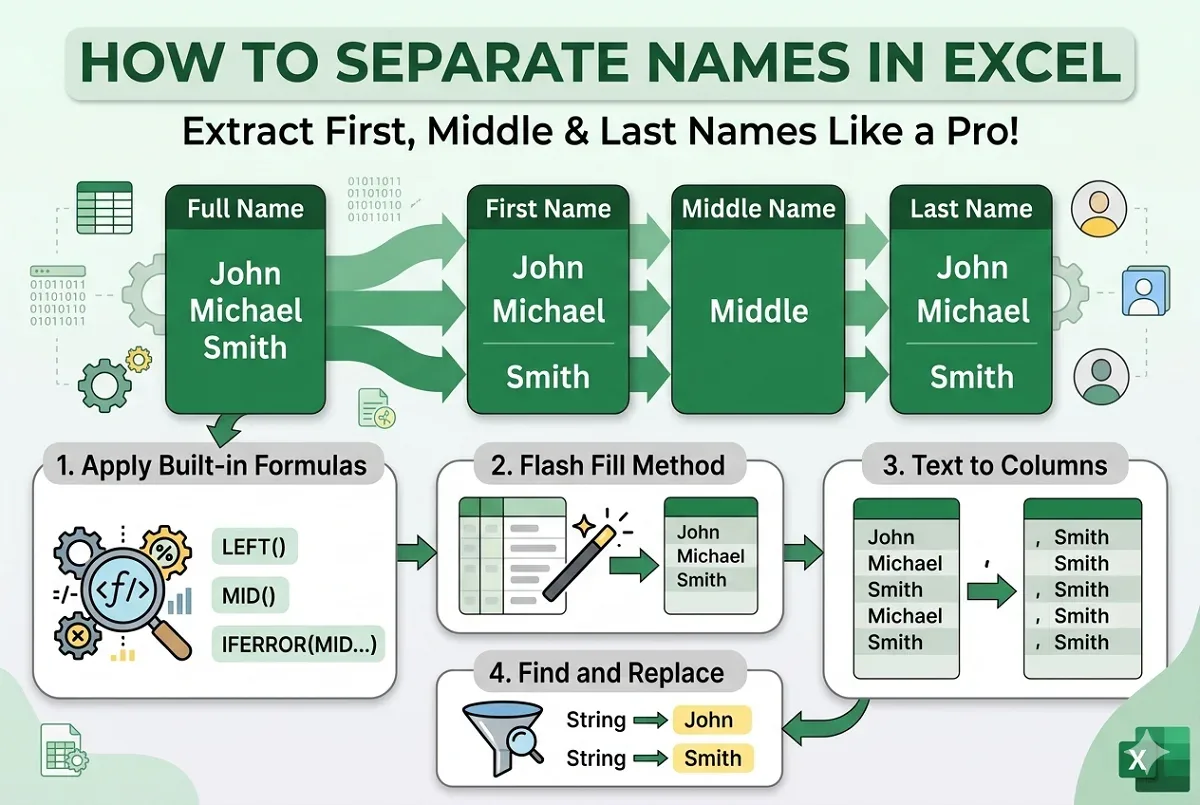
Learn how to separate first, middle, and last names in Excel using formulas, Text to Columns, Flash Fill, and Find and Replace techniques.
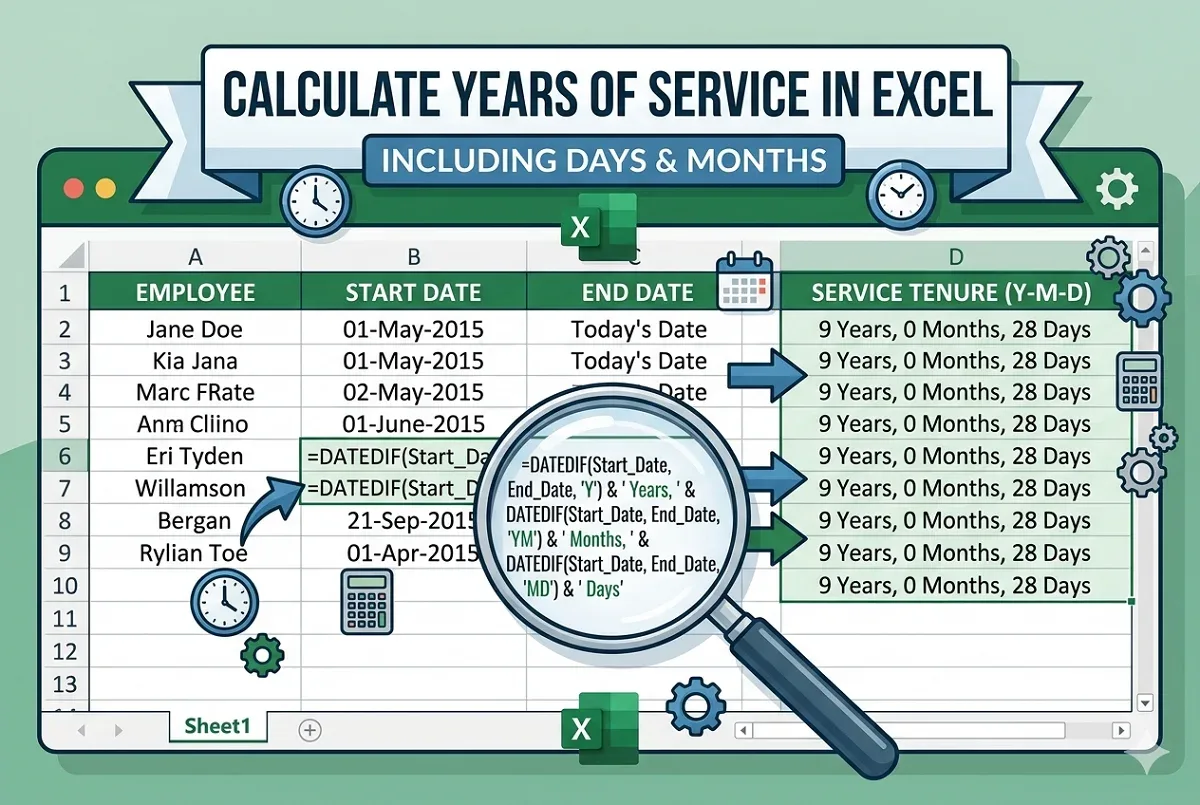
Learn how to calculate years of service in Excel using DATEDIF, YEARFRAC, NETWORKDAYS, and other date functions for accurate results.
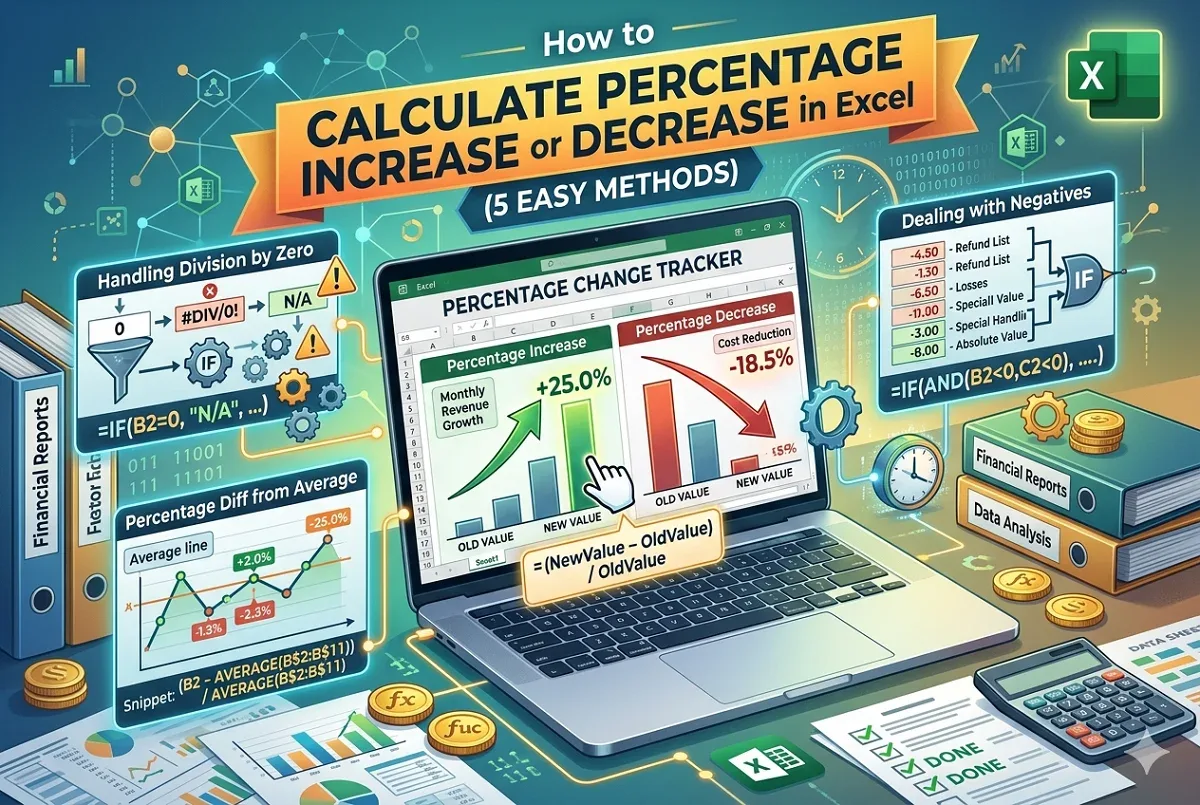
Learn to calculate percentage increase or decrease in Excel, handle negative values, division by zero, and find absolute % changes easily.