Google Sheets Functions
How to Use IF Formula in Google Sheets with Multiple Conditions
Learn how to use the IF formula in Google Sheets with multiple conditions by combining IF with AND, OR, and using the IFS function.
Read article

Suraiya Akter is a Microbiology student at BRAC University with 2+ years of experience using Excel and Google Sheets. She works with basic formulas and spreadsheet tools to organize and analyze data for academic tasks. She is interested in expanding her spreadsheet skills and contributing to the spreadsheet community by applying technical knowledge to structured data work.
Articles by Suraiya Akter are developed under the guidance of ExcelInsider’s core training program and are technically reviewed by Nehad Ulfat, lead spreadsheet consultant, to ensure accuracy and user-centric value.
Learn how to use the IF formula in Google Sheets with multiple conditions by combining IF with AND, OR, and using the IFS function.

Learn how to use the Google Sheets QUERY function with multiple criteria using AND, OR, NOT operators to filter and exclude data effectively.

Learn how to insert a text box in Google Sheets using the Drawing tool, and easily edit or move it for better layout and presentation.

Learn how to insert special characters in Google Sheets using Google Docs, extensions, internet searches, and handy keyboard shortcuts.
Learn how to add percentages in Google Sheets using formulas, criteria-based calculations, SPARKLINE for visuals, and text-based outputs.
Learn how to add (sum) time in Google Sheets, use FILTER for conditions, and sum durations by date with UNIQUE and SUMIF functions.

Learn how to convert text to date in Google Sheets using DATE, TO_DATE, ARRAYFORMULA, and DATEVALUE functions for quick formatting.
Learn how to add dates automatically in Google Sheets using fill handle, SEQUENCE, dynamic functions, and skipping weekends.
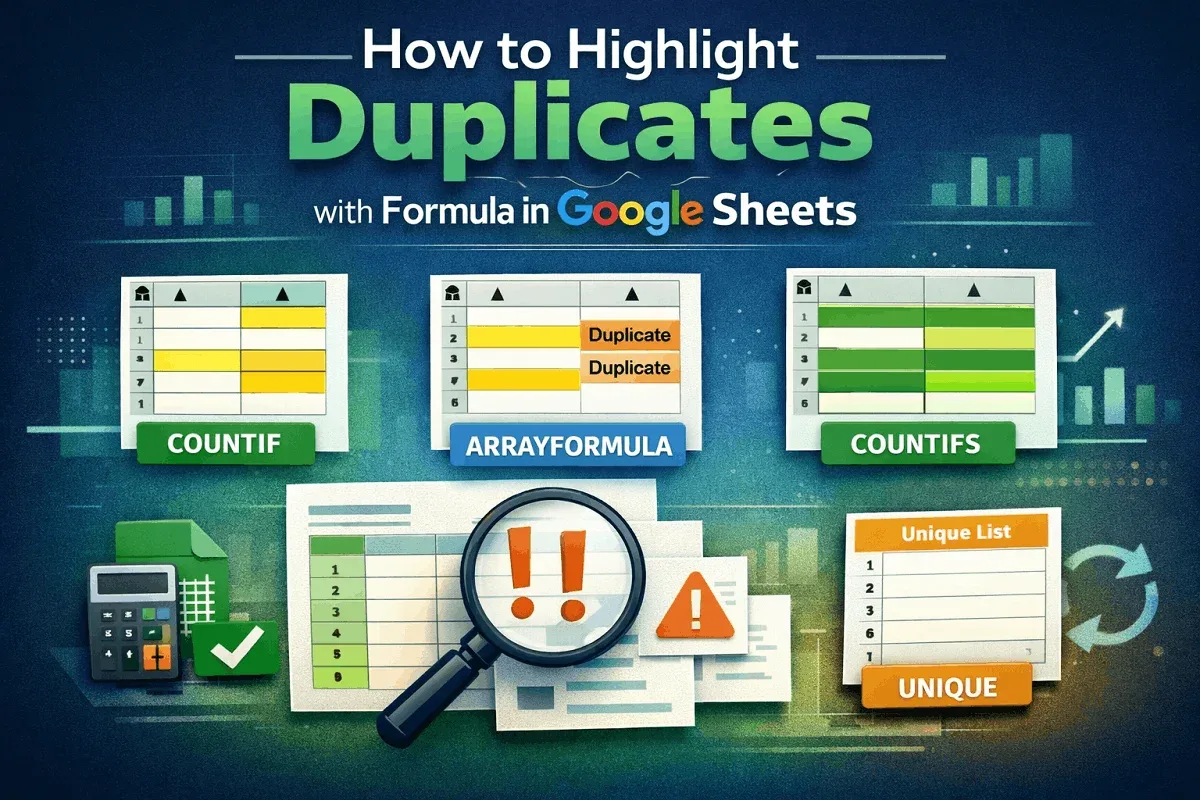
Learn how to highlight duplicates in Google Sheets using COUNTIF, ARRAYFORMULA, COUNTIFS with criteria, and UNIQUE for unique lists.
Learn how to compare dates in Google Sheets using logical operators, IF function, TODAY for deadlines, and conditional formatting for visuals.

Discover how to find the last row with data in Google Sheets using ARRAYFORMULA, FILTER, INDEX, and MAX for dynamic data handling.