Excel Charts
How to Create a Scatter Plot with 3 Variables in Excel
Learn how to create a scatter plot with 3 variables in Excel by preparing data, inserting a bubble chart, adding labels & customizing axes.
Read article

1285 articles
Learn how to create a scatter plot with 3 variables in Excel by preparing data, inserting a bubble chart, adding labels & customizing axes.
Learn how to reference a cell in another Excel sheet dynamically using INDIRECT, drop-downs, named ranges, VBA, CHOOSE, or INDEX functions.
Learn how to find multiple values in Excel using FILTER, TEXTJOIN, INDEX-SMALL-IF, Advanced Filter, VBA macros, or Power Query methods.
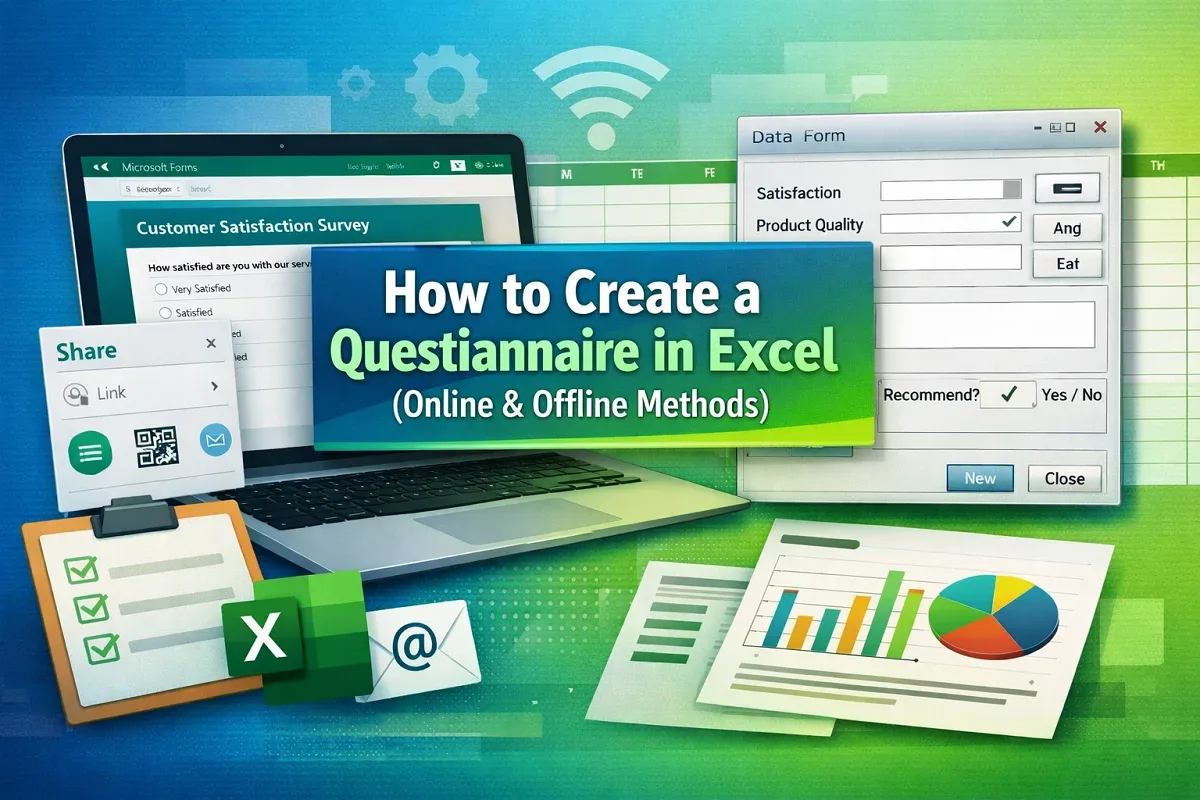
This article explores what questionnaire is and how to create a questionnaire in Excel with Microsoft Forms and the built in Form feature.
Learn how to use a currency conversion formula in Google Sheets with GOOGLEFINANCE or automate conversions using Google Apps Script.
Learn how to change case in Excel without formulas using VBA macros, Power Query, or Word’s Change Case tool for quick text formatting.
Learn how to convert minutes to hours and minutes in Excel using time formatting, TEXT, INT & MOD functions, or VBA for quick conversion.
Learn how to combine duplicate rows and sum values in Excel using Pivot Tables, SUMIFS, Power Query, or VBA for quick data management.
Learn how to remove commas in Google Sheets using Find and Replace, the SUBSTITUTE function, or Apps Script for advanced automation.
Learn how to hide rows in Google Sheets based on cell values using filters, filter views, or Google Apps Script with an unhide option.
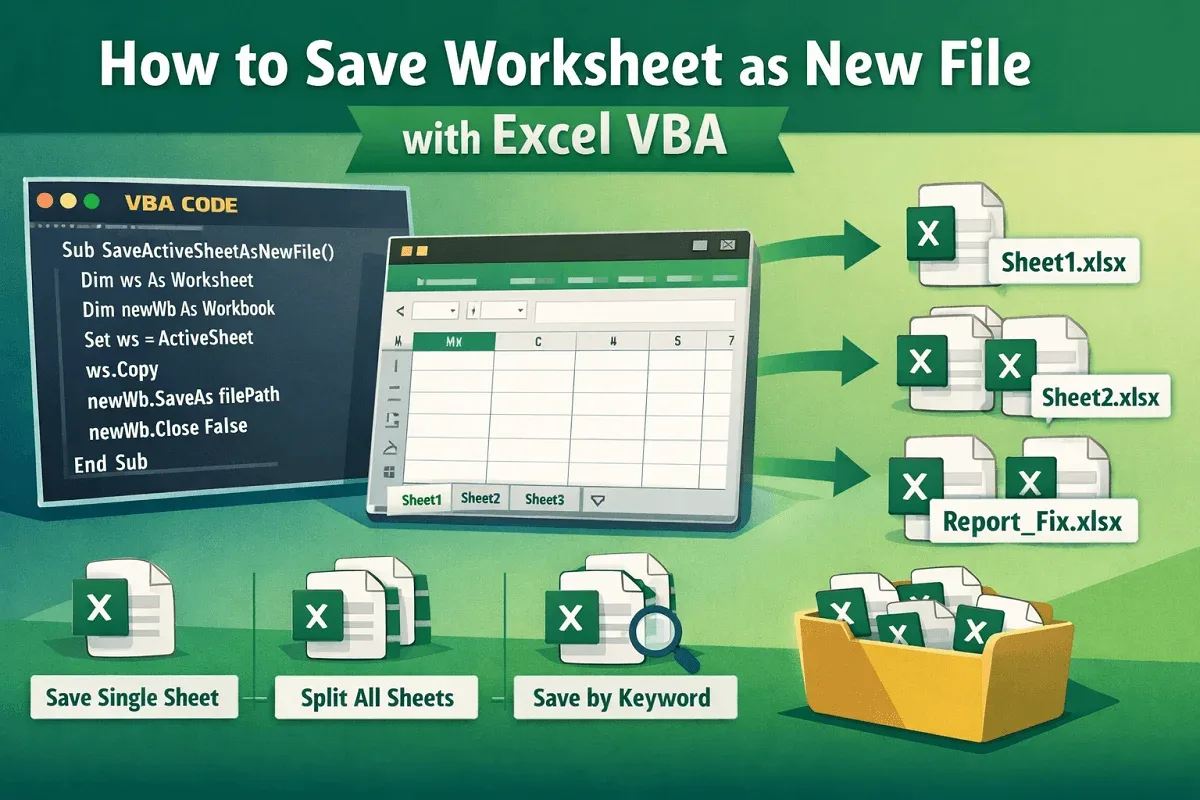
Learn how to save a worksheet as a new file in Excel VBA, whether saving one sheet, all sheets separately, or only those with specific text.
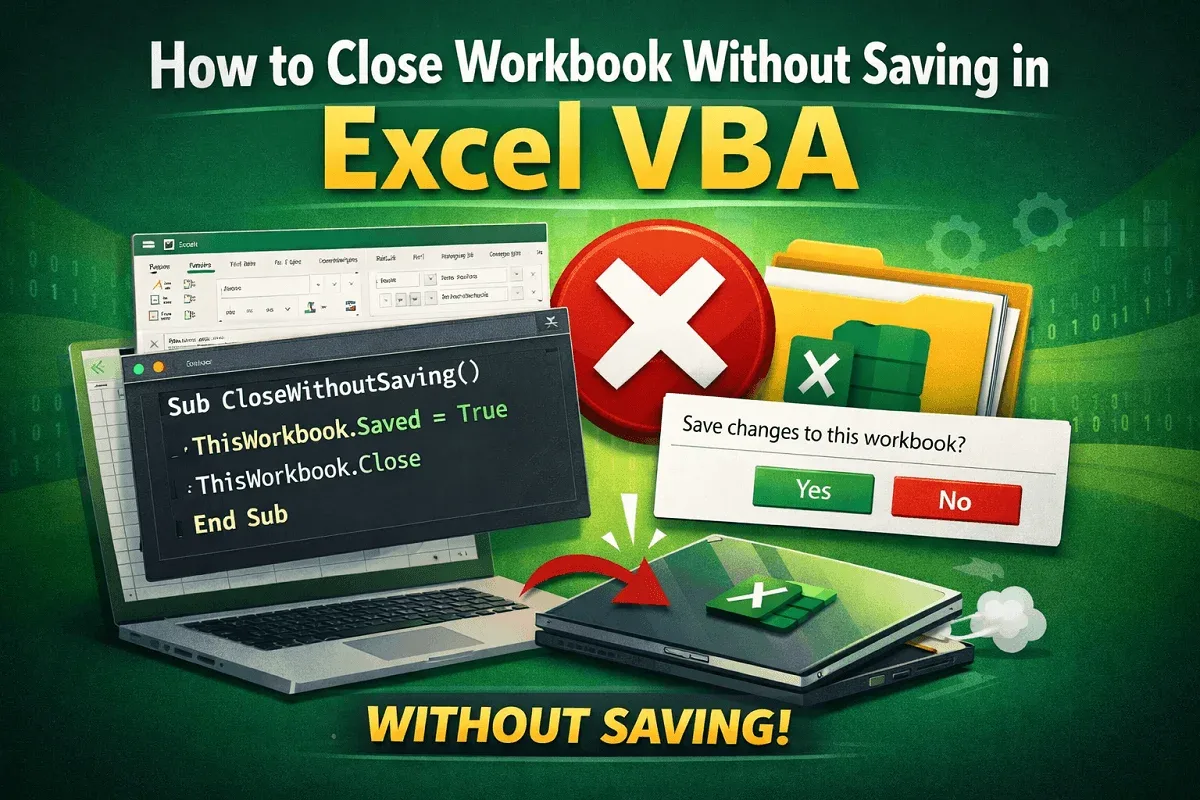
Learn how to close a workbook without saving in Excel VBA by marking as saved, disabling prompts, or using the SaveChanges argument.