
Excel Functions & Formulas
SUMIF with Multiple Criteria for Different Columns in Excel
Learn how to use SUMIF with multiple criteria for different columns in Excel using SUMIFS, combined conditions, matrix layout & SUMPRODUCT.
Read article

1285 articles
Learn how to use SUMIF with multiple criteria for different columns in Excel using SUMIFS, combined conditions, matrix layout & SUMPRODUCT.
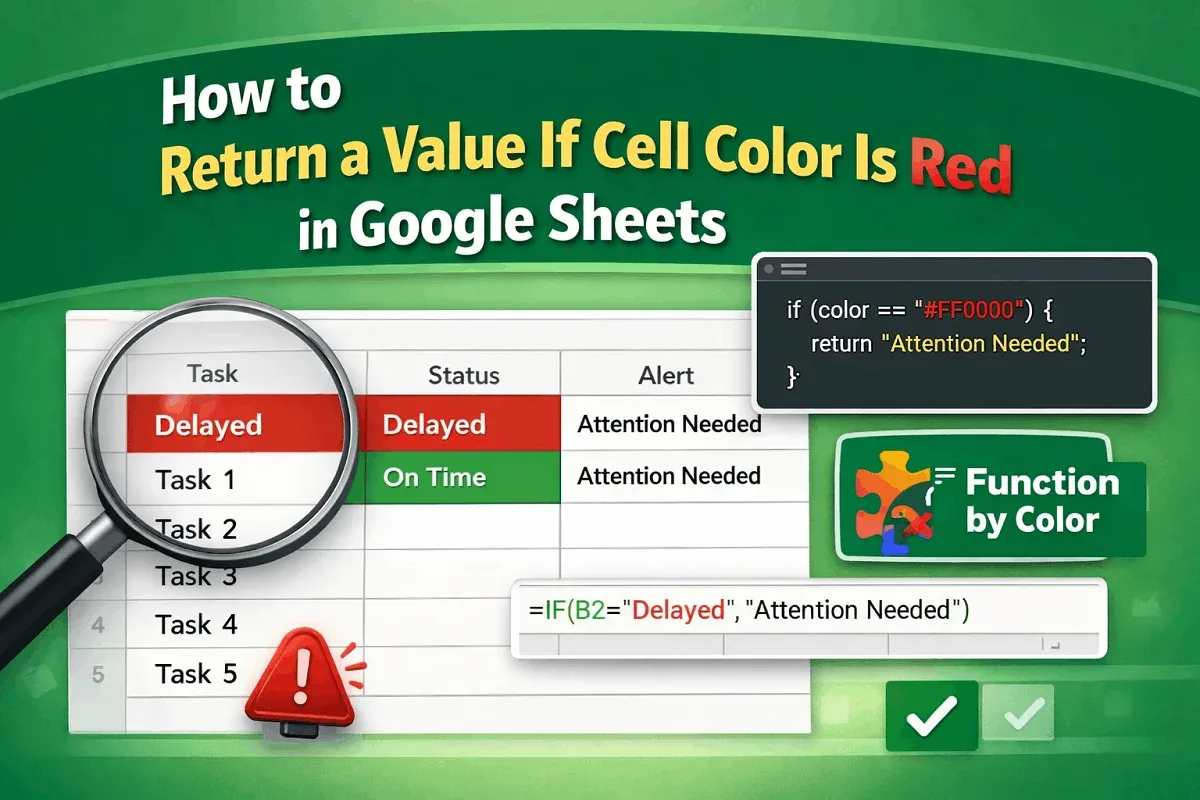
Learn how to return a value if a cell color is red in Google Sheets using Apps Script, conditional formatting with helper columns, or add-on.
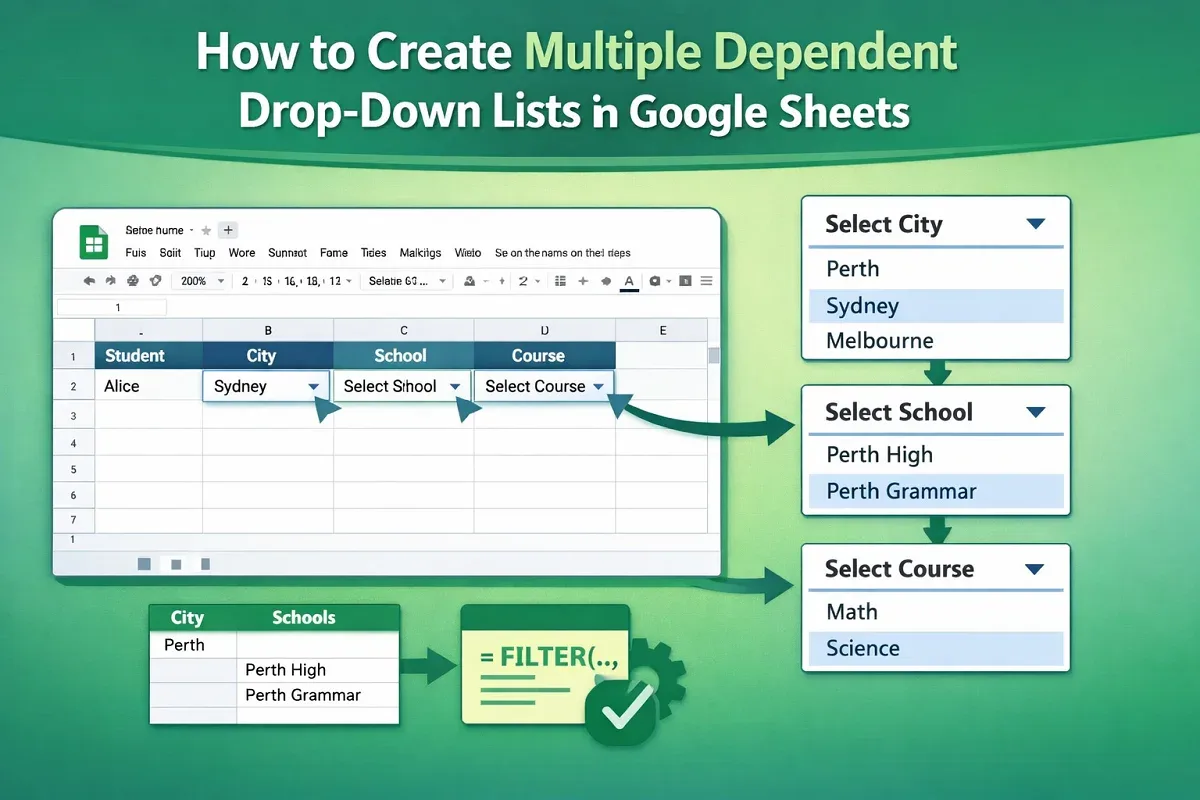
Learn how to create multiple dependent drop-down lists in Google Sheets using named ranges, backend sheets, and data validation steps.

Learn how to use SUMIF across multiple sheets in Excel by combining SUM, SUMPRODUCT, and INDIRECT functions to sum data efficiently.

Learn how to sum in Excel if a cell contains text from another cell using SUMIF, SUMIFS with wildcards, and the SUMPRODUCT function.

Learn how to remove everything after a character in Excel using Find & Replace, LEFT, FIND, SUBSTITUTE for Nth occurrence, and Flash Fill.

Learn how to remove unwanted characters in Excel using Find & Replace, SUBSTITUTE, TRIM, Flash Fill, and LEFT/RIGHT with LEN functions.

Learn how to remove the last 3 characters in Excel using LEFT & LEN, REPLACE, Flash Fill, or a custom VBA function for clean text format.

Learn how to remove line breaks in Excel using Find and Replace, SUBSTITUTE, TRIM with CLEAN functions, or a VBA macro for quick cleanup.

Learn how to use custom data validation formulas in Google Sheets to enforce number ranges, prevent duplicates, and apply regex-based rules.

Learn how to split a cell horizontally in Google Sheets using “Split Text to Columns,” SPLIT, REGEXEXTRACT, line breaks, and ARRAYFORMULA.

Learn how to capitalize the first letter of each word in Excel using the PROPER function, Flash Fill, or a custom VBA macro.