Excel VBA
How to Use On Error Resume Next in Excel VBA for Error Handling
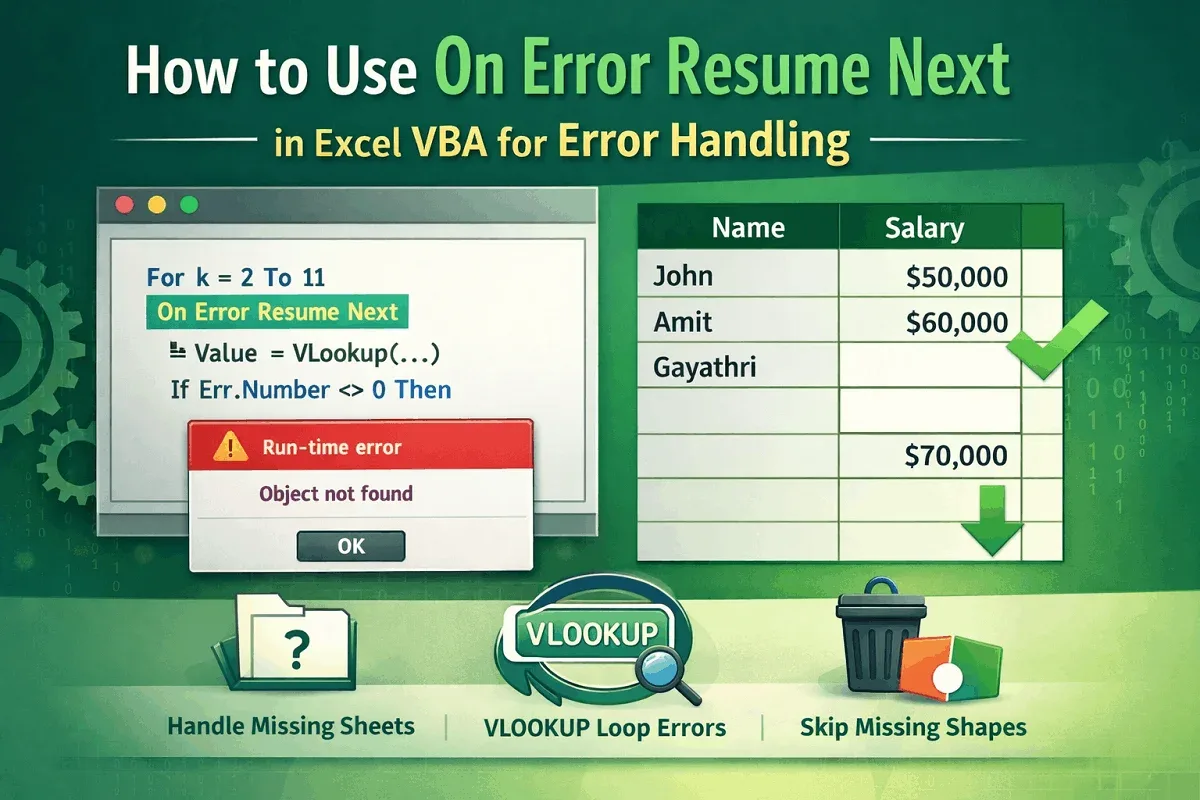
Use On Error Resume Next in Excel VBA to handle missing shapes, detect absent sheets, and manage errors in VLOOKUP loops efficiently.
Read article

1285 articles
Use On Error Resume Next in Excel VBA to handle missing shapes, detect absent sheets, and manage errors in VLOOKUP loops efficiently.
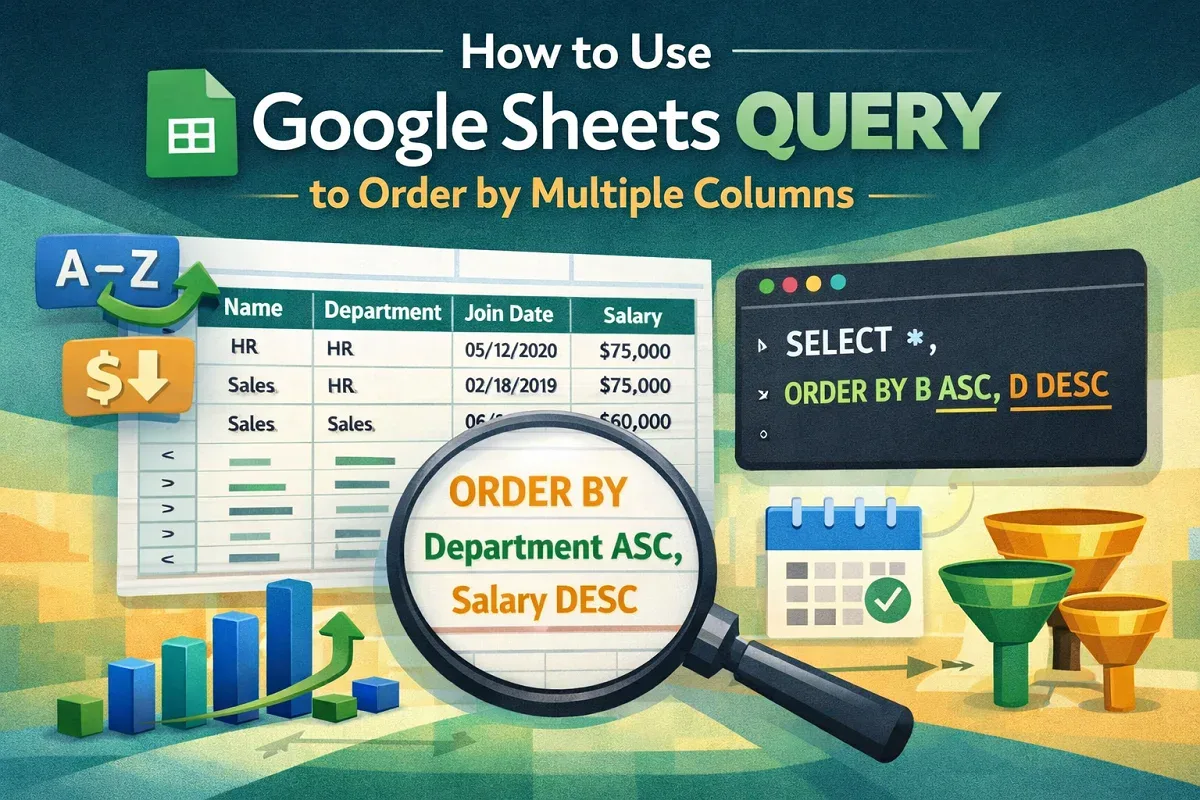
Learn how to use Google Sheets QUERY function to sort data by multiple columns like join date and salary for better organization & analysis.

Learn how to join two Google Sheets based on a column using VLOOKUP, IMPORTRANGE, QUERY, INDEX-MATCH, add-ons, and Google Apps Script.
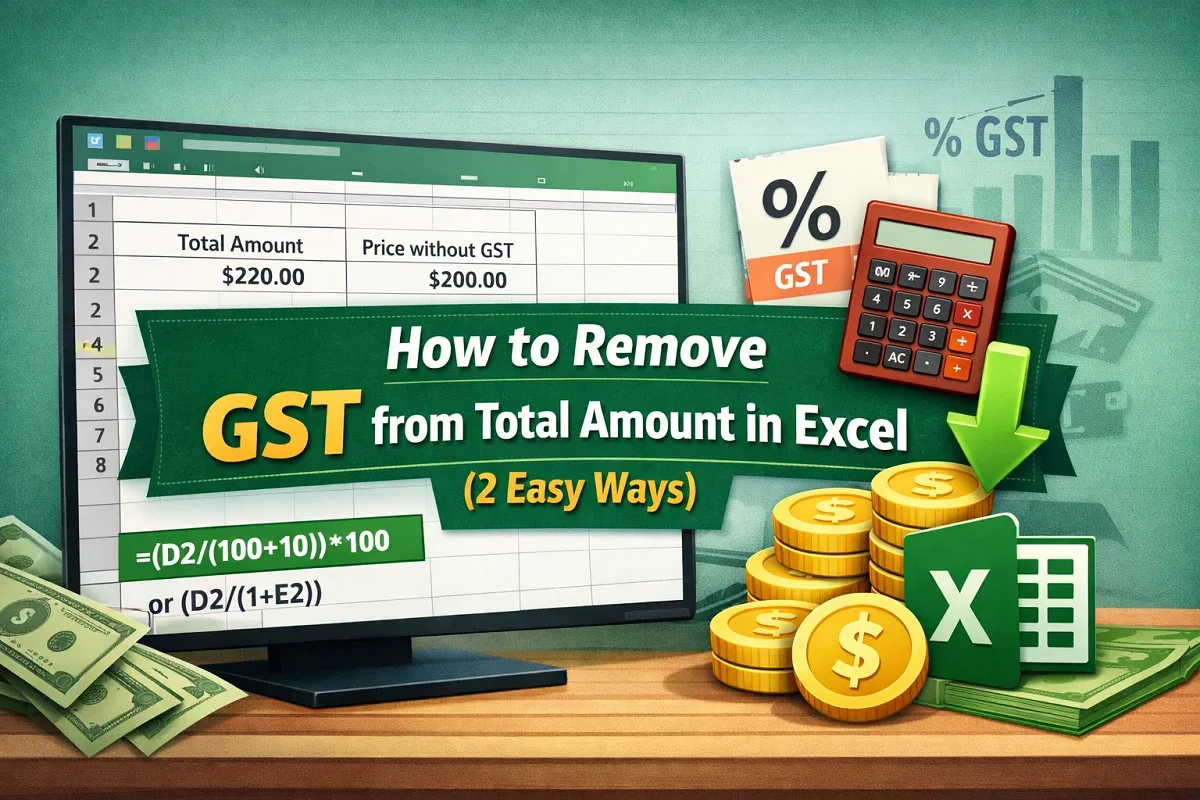
Learn how to remove GST from total amount in Excel using formulas for fixed GST rates and extract variable GST values accurately from data.
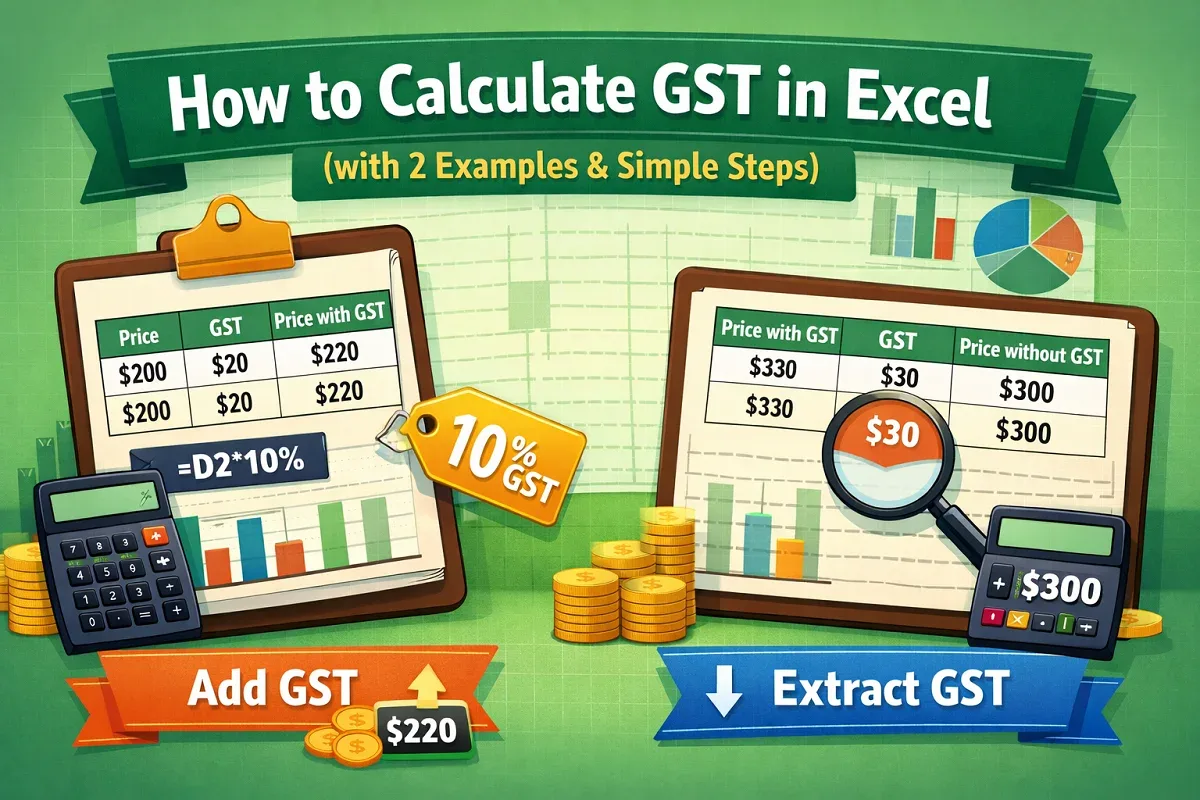
Learn how to calculate GST in Excel by adding GST to base prices or extracting GST from inclusive prices using simple formulas.
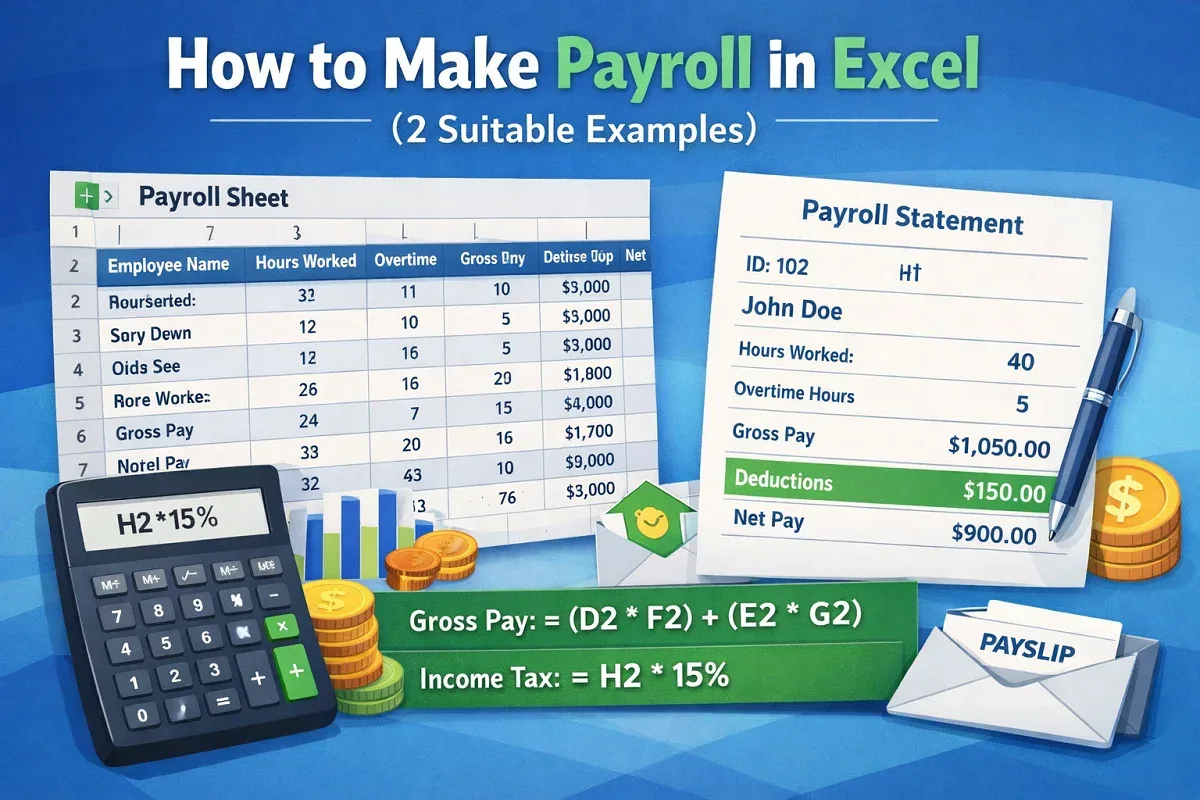
Learn how to make a payroll in Excel by creating a payroll sheet and generating automated individual payrolls for accurate salary management.
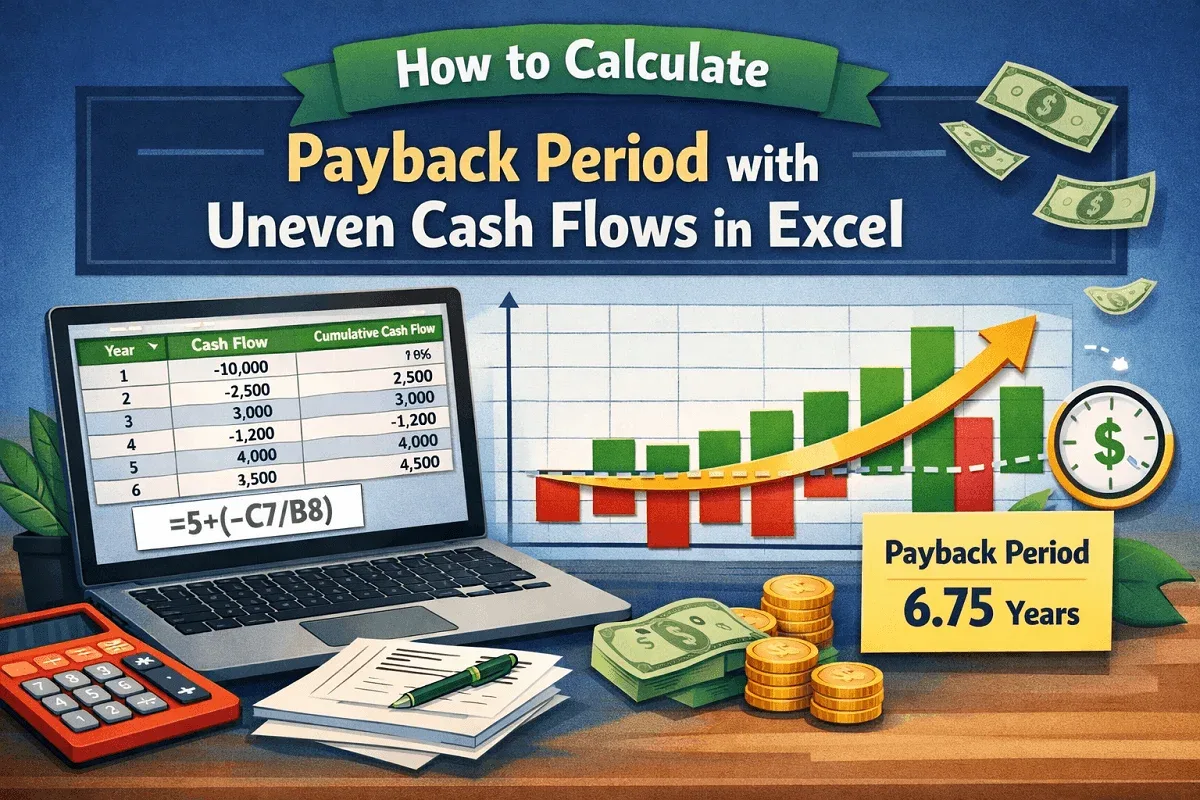
Learn how to calculate the payback period with uneven cash flows in Excel by computing cumulative cash flow and the recovery time.
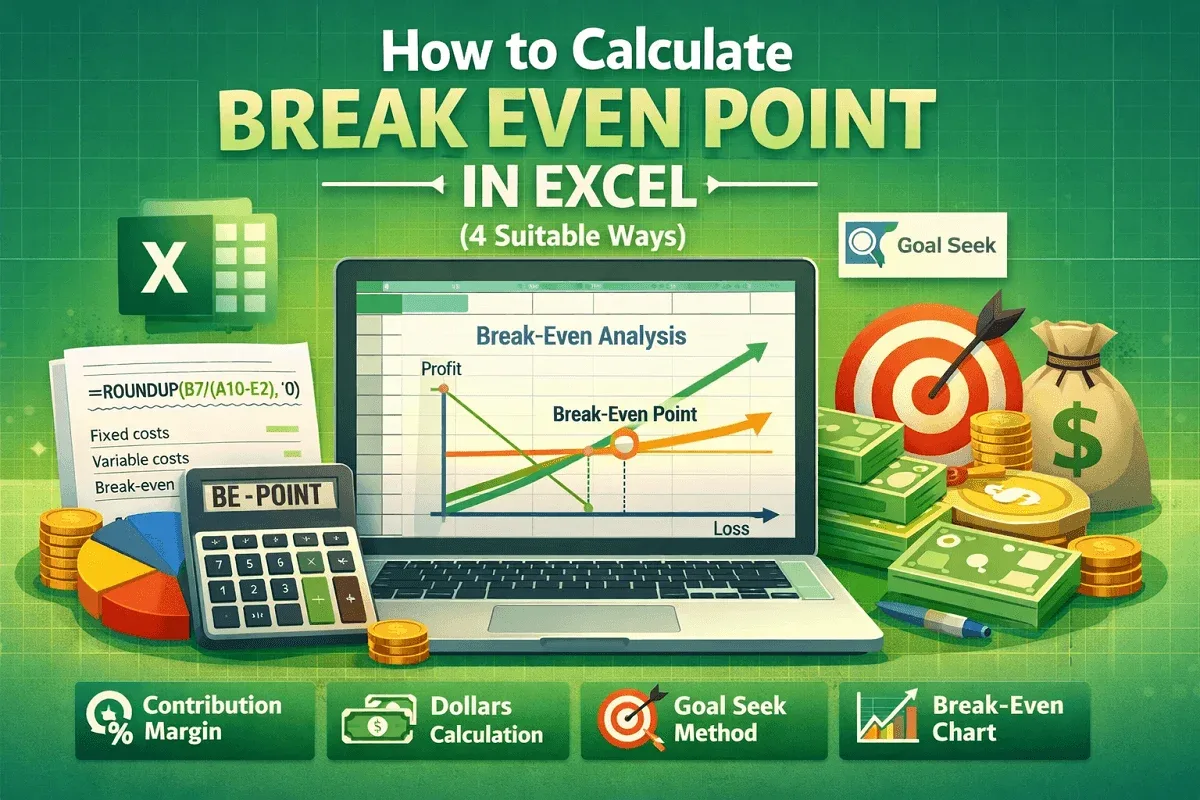
Learn how to calculate the break-even point in Excel using contribution margin, dollar method, Goal Seek tool, and charts for clear analysis.

Learn how to find all cells with a specific value in Google Sheets using ARRAYFORMULA, VLOOKUP, INDEX-MATCH, FILTER & conditional formatting.
Learn how to find duplicates in two columns in Google Sheets using Conditional Formatting, COUNTIF, and the Filter function for detection.
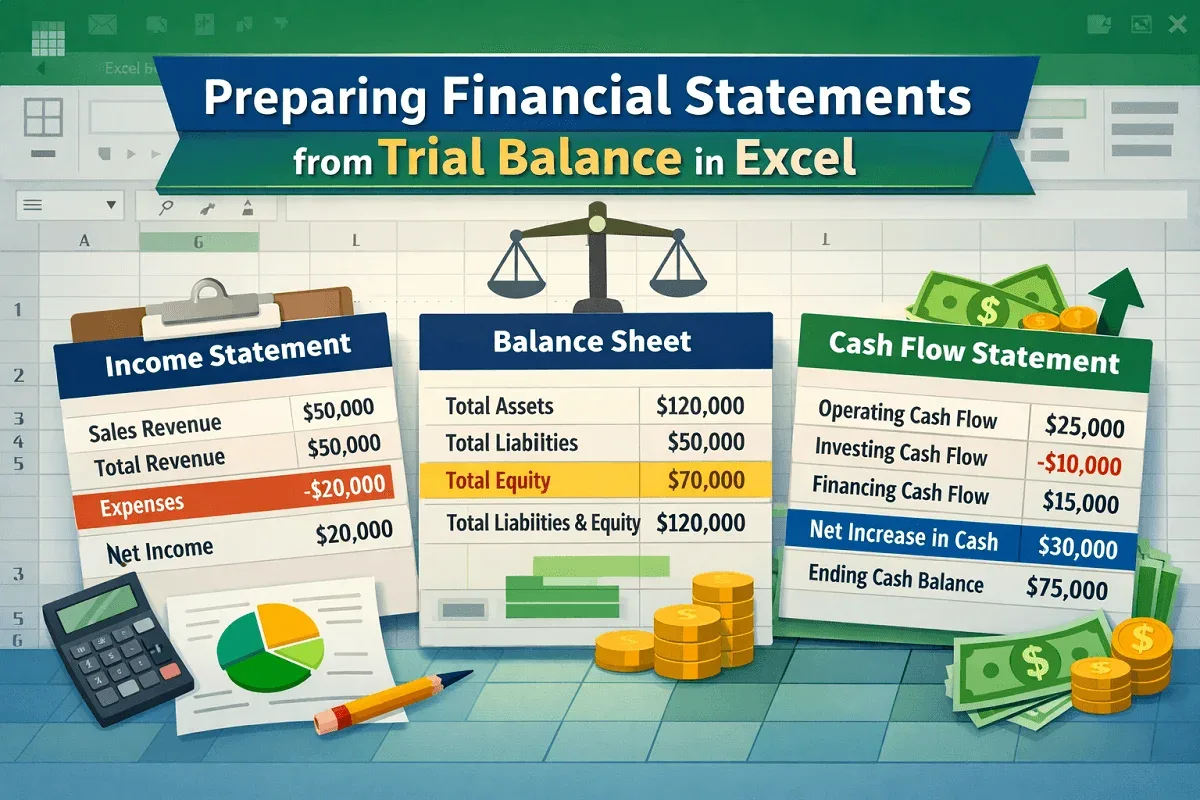
Learn how to prepare financial statements from a trial balance in Excel, including income statement, balance sheet, and cash flow with steps.
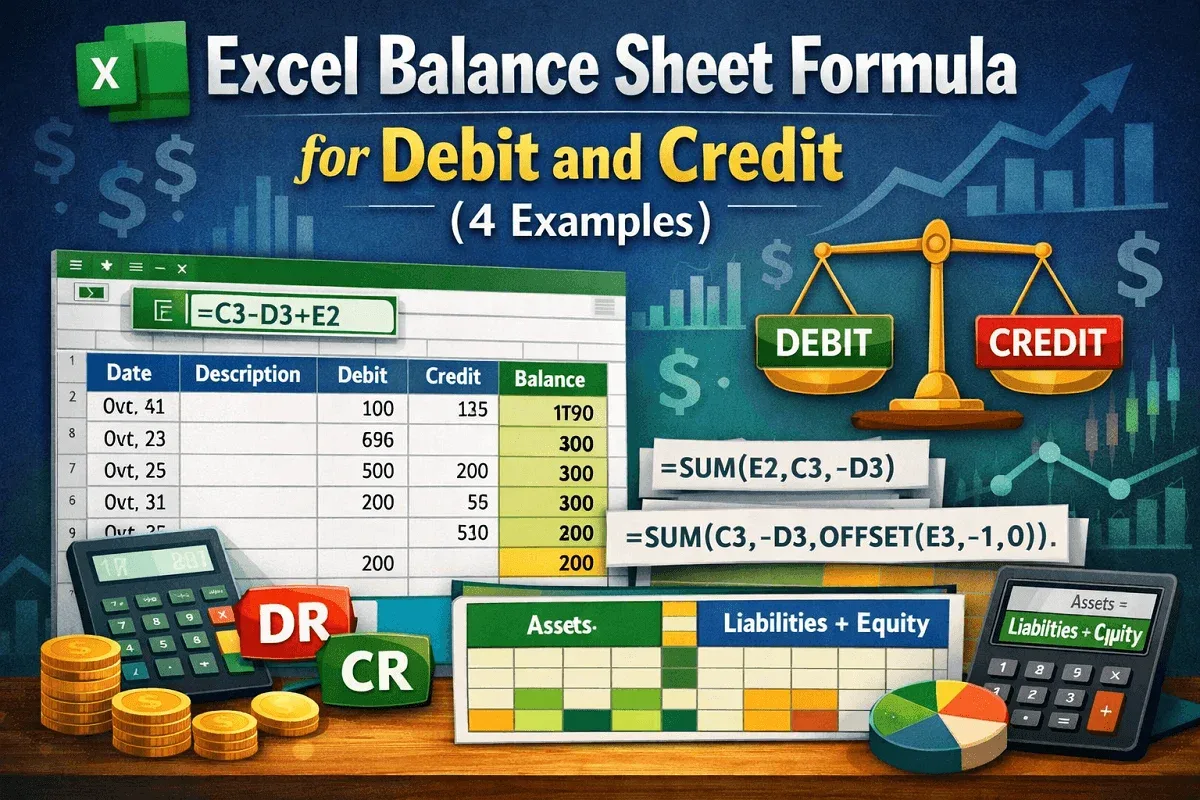
Learn how to balance debit and credit in Excel using mathematical expressions, SUM, OFFSET, and table-based calculations for tracking.