Excel for Finance
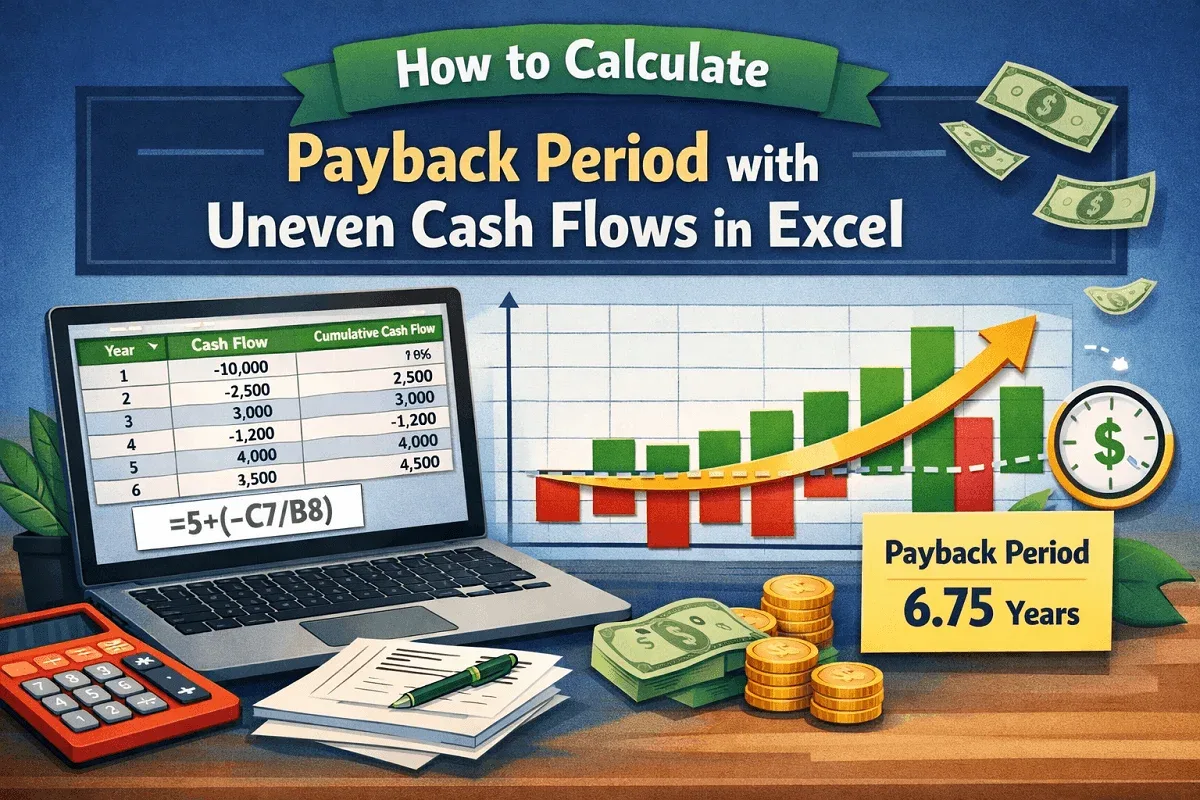
How to Calculate Payback Period with Uneven Cash Flows in Excel
Learn how to calculate the payback period with uneven cash flows in Excel by computing cumulative cash flow and the recovery time.
Read article

39 articles
Learn how to calculate the payback period with uneven cash flows in Excel by computing cumulative cash flow and the recovery time.
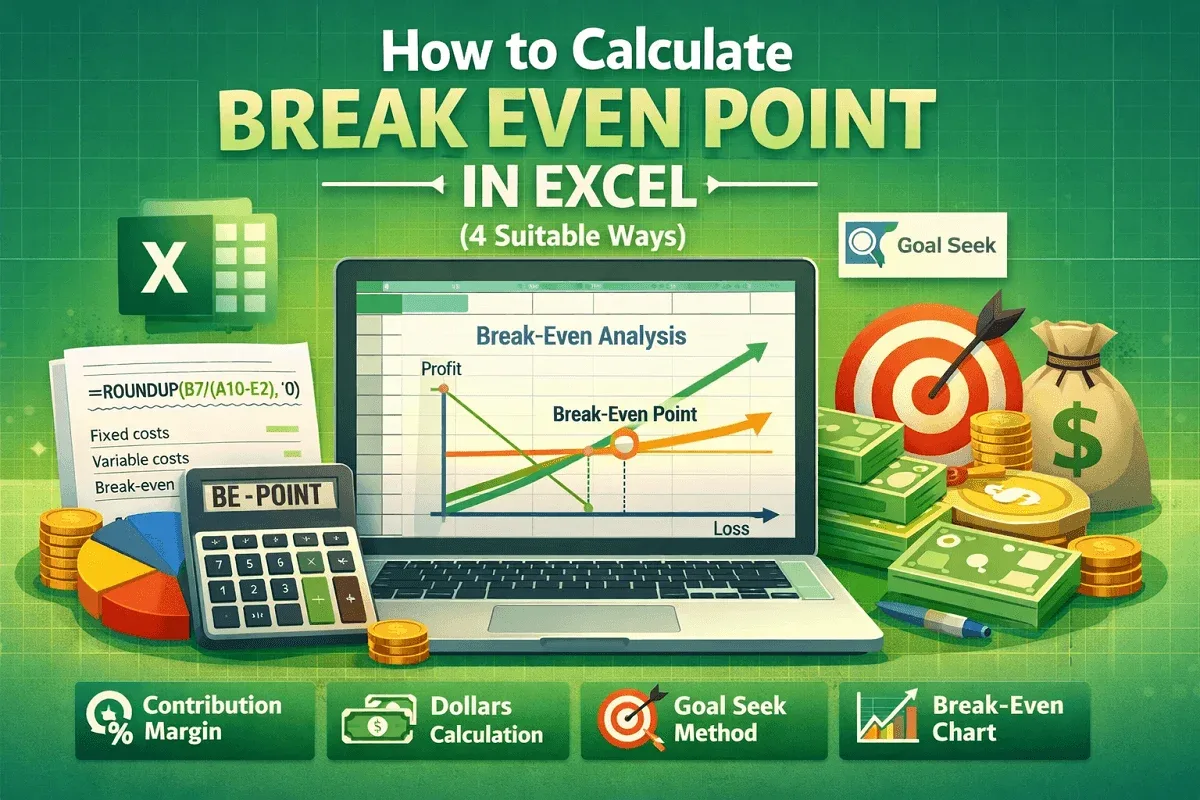
Learn how to calculate the break-even point in Excel using contribution margin, dollar method, Goal Seek tool, and charts for clear analysis.
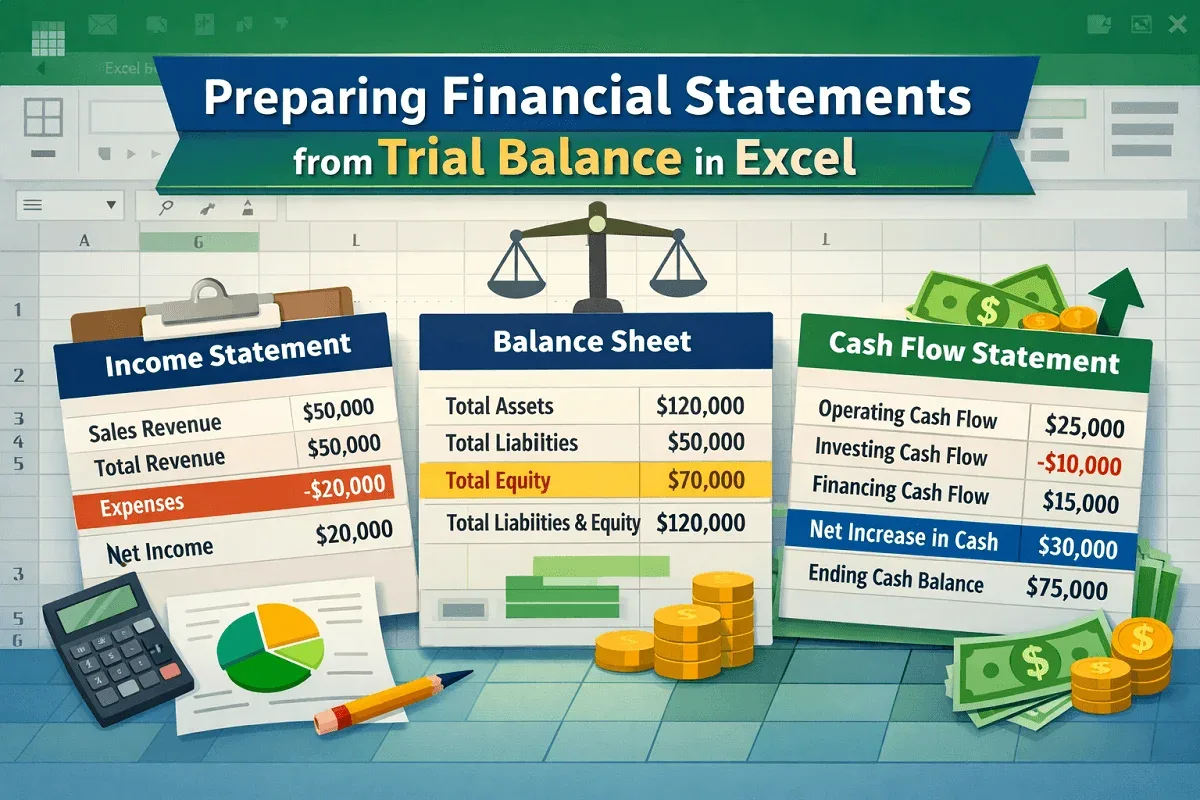
Learn how to prepare financial statements from a trial balance in Excel, including income statement, balance sheet, and cash flow with steps.
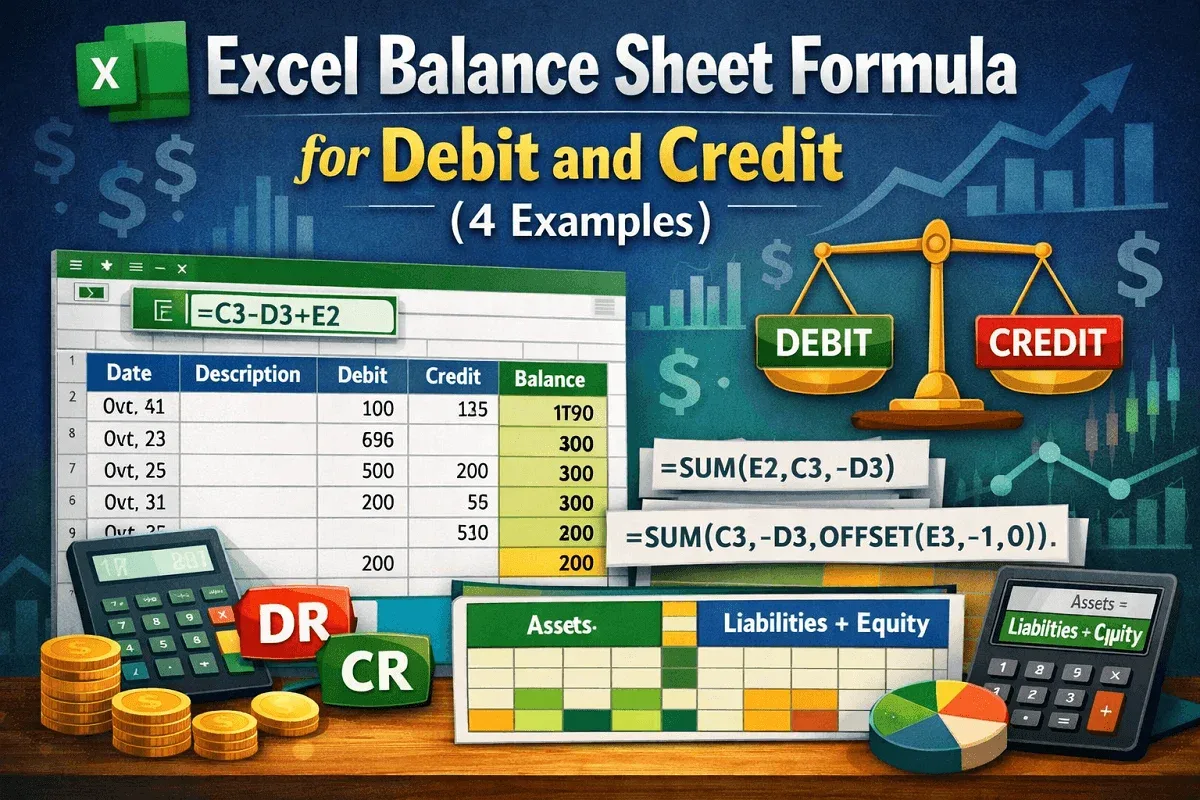
Learn how to balance debit and credit in Excel using mathematical expressions, SUM, OFFSET, and table-based calculations for tracking.
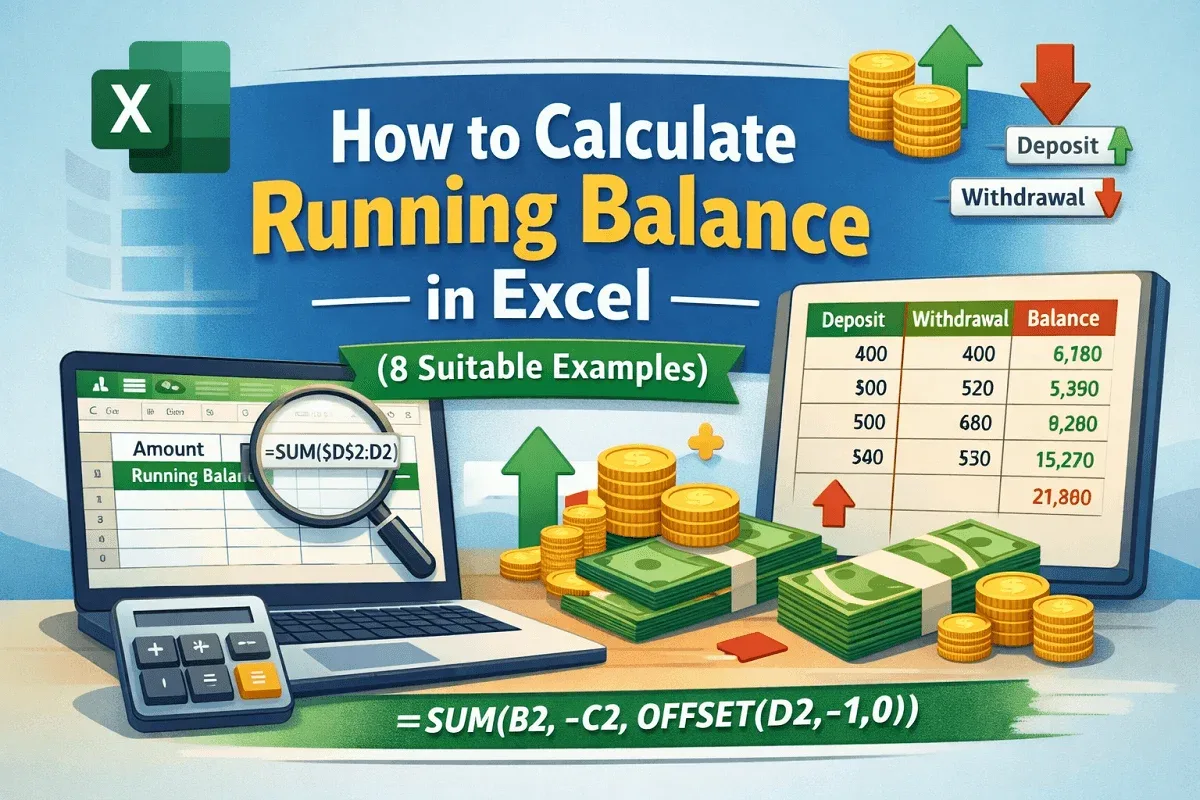
Learn how to calculate running balance in Excel using SUM, SUMIF, and OFFSET for cash flow tracking, deposits, withdrawals, and tables.
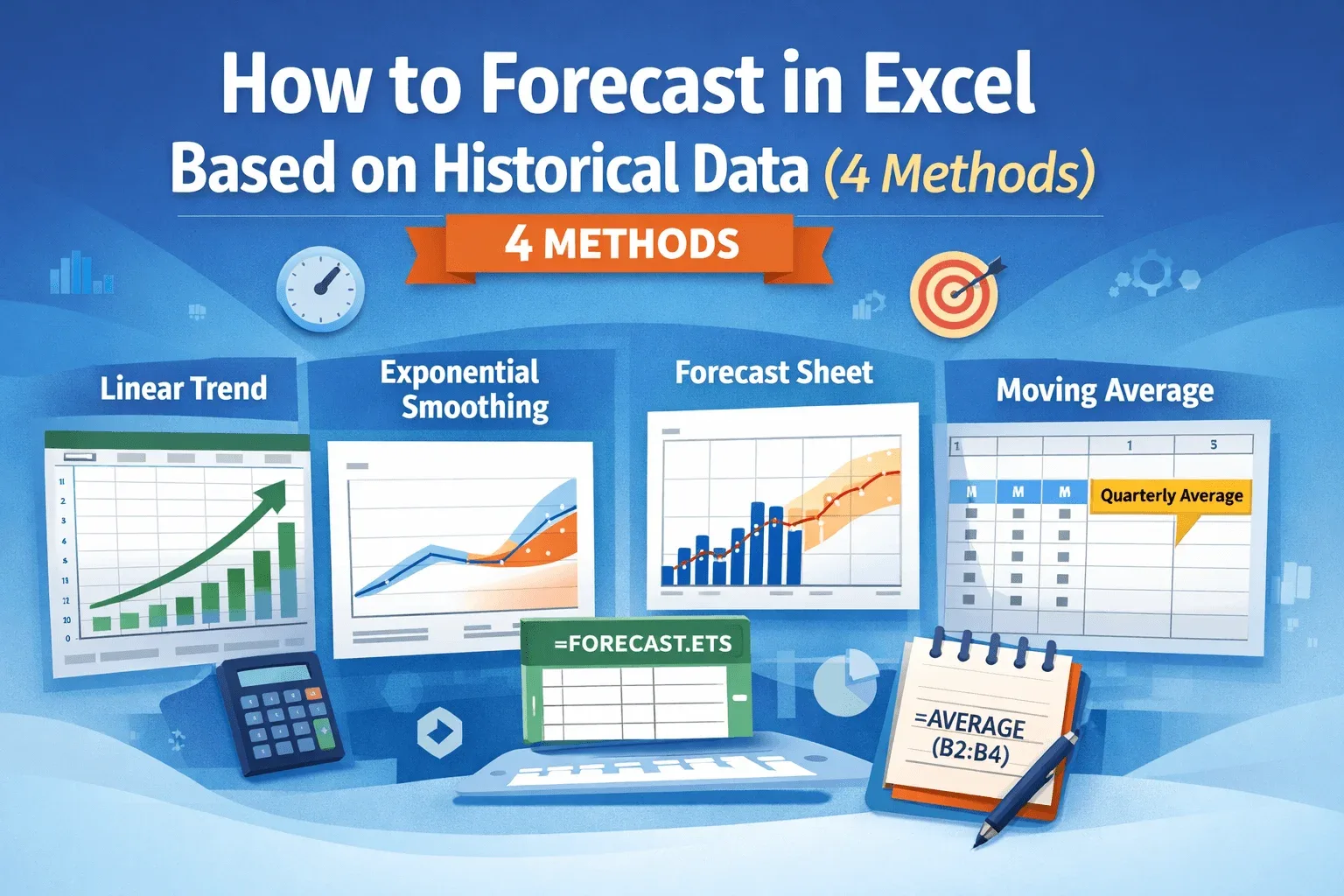
Learn how to forecast data in Excel using linear trends, exponential smoothing, moving averages, and dedicated forecast sheets easily.

Learn how to get live stock prices in Excel using built-in data types, web sources, Stock Connector add-in, and VBA with Alpha Vantage API.
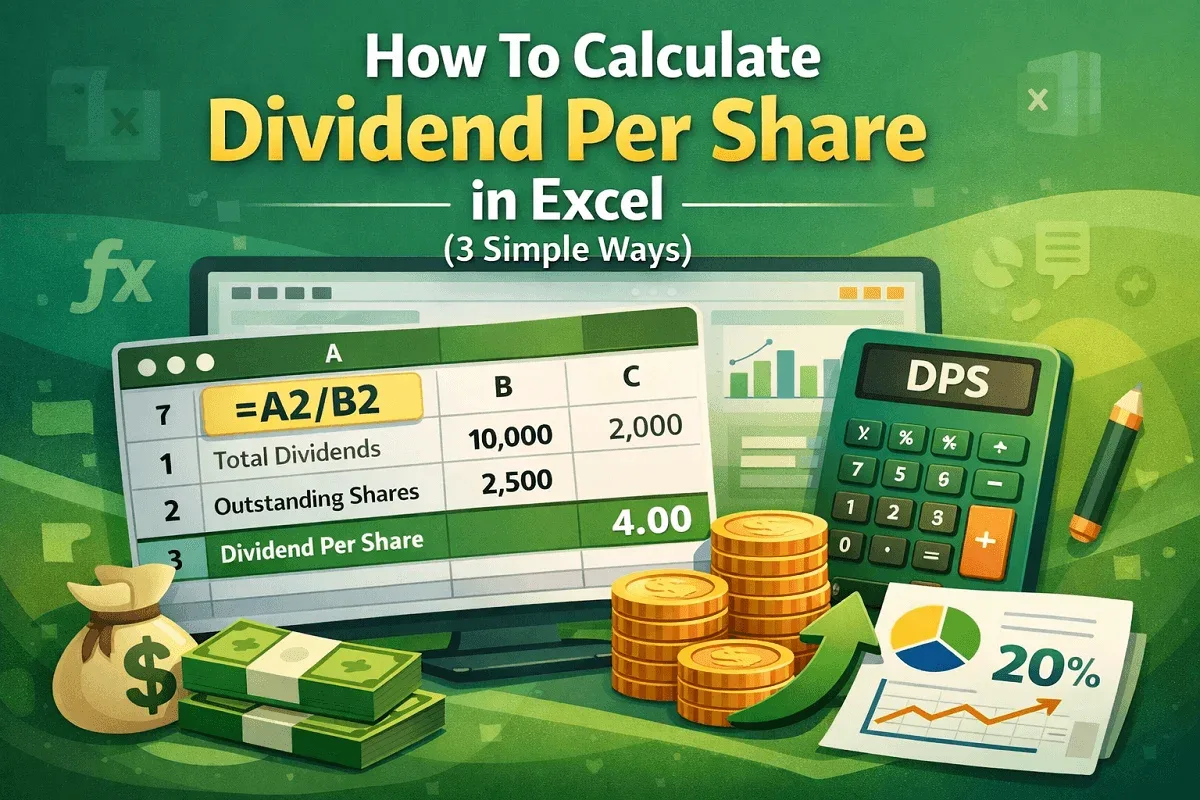
Learn how to calculate Dividend Per Share in Excel using total dividends, outstanding shares, EPS, and payout ratios with easy formulas.
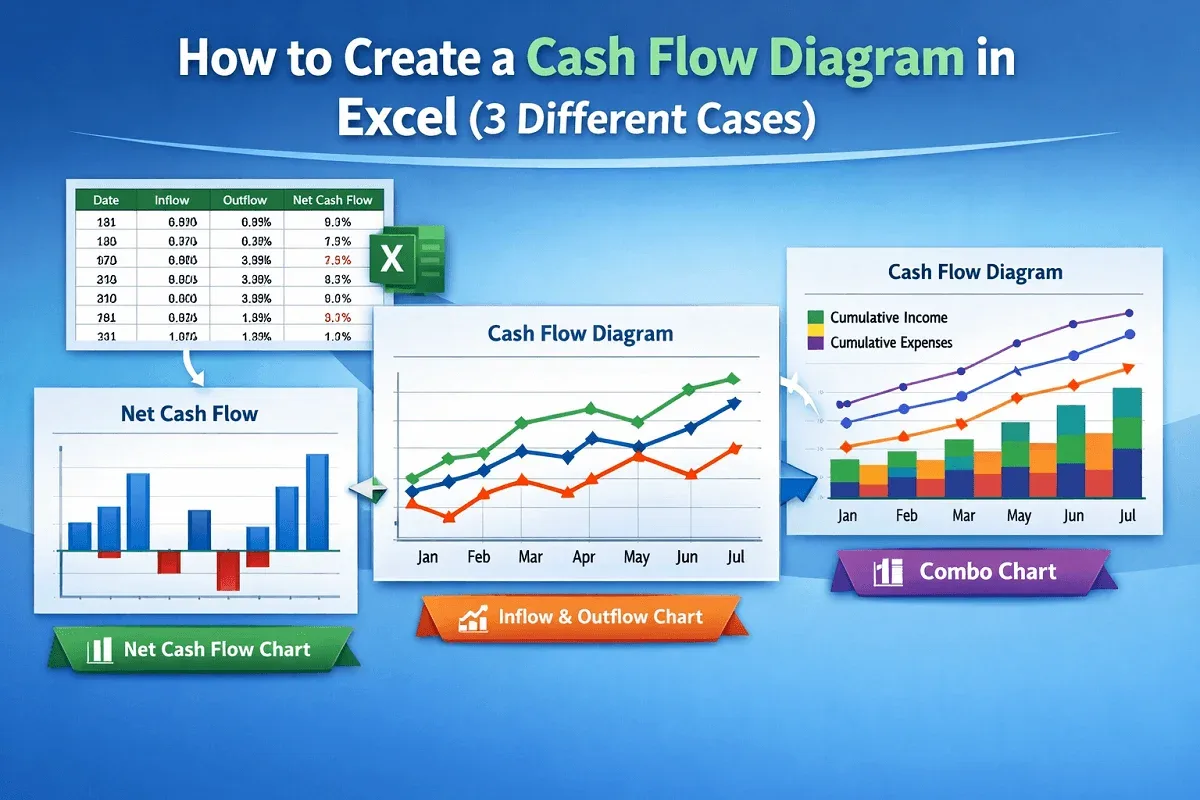
Learn how to create a cash flow diagram in Excel by visualizing inflows, outflows, and cumulative cash flow using a combo chart layout.
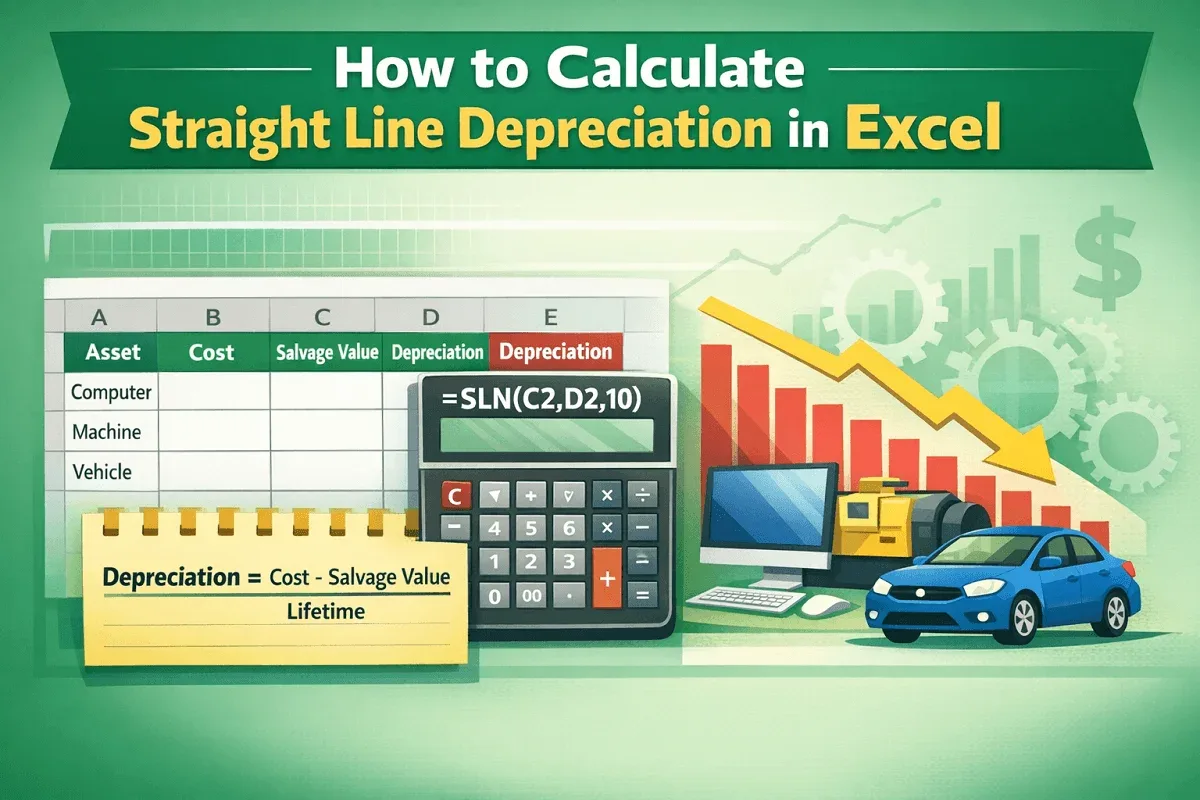
Learn how to calculate straight line depreciation in Excel using the SLN function or manual formula with clear, step-by-step guidance.
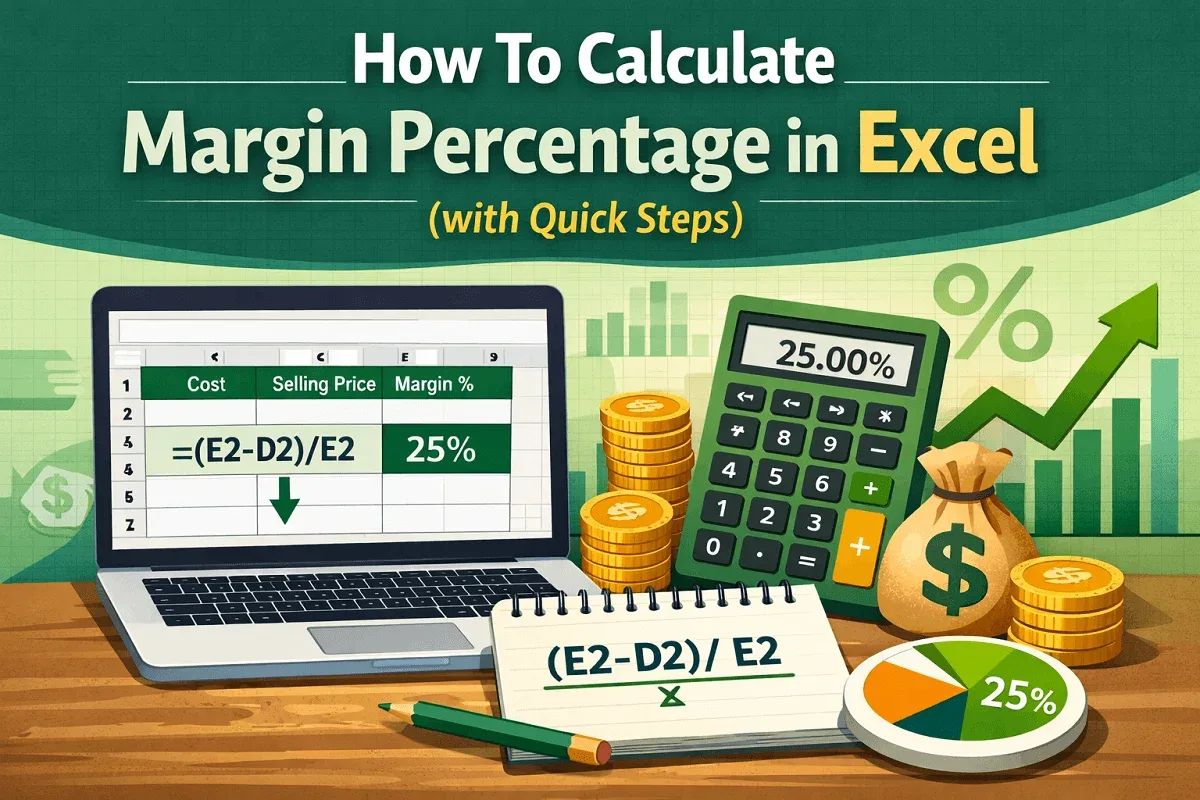
Learn how to calculate margin percentage in Excel with simple steps, including adding a column and using the correct formula.
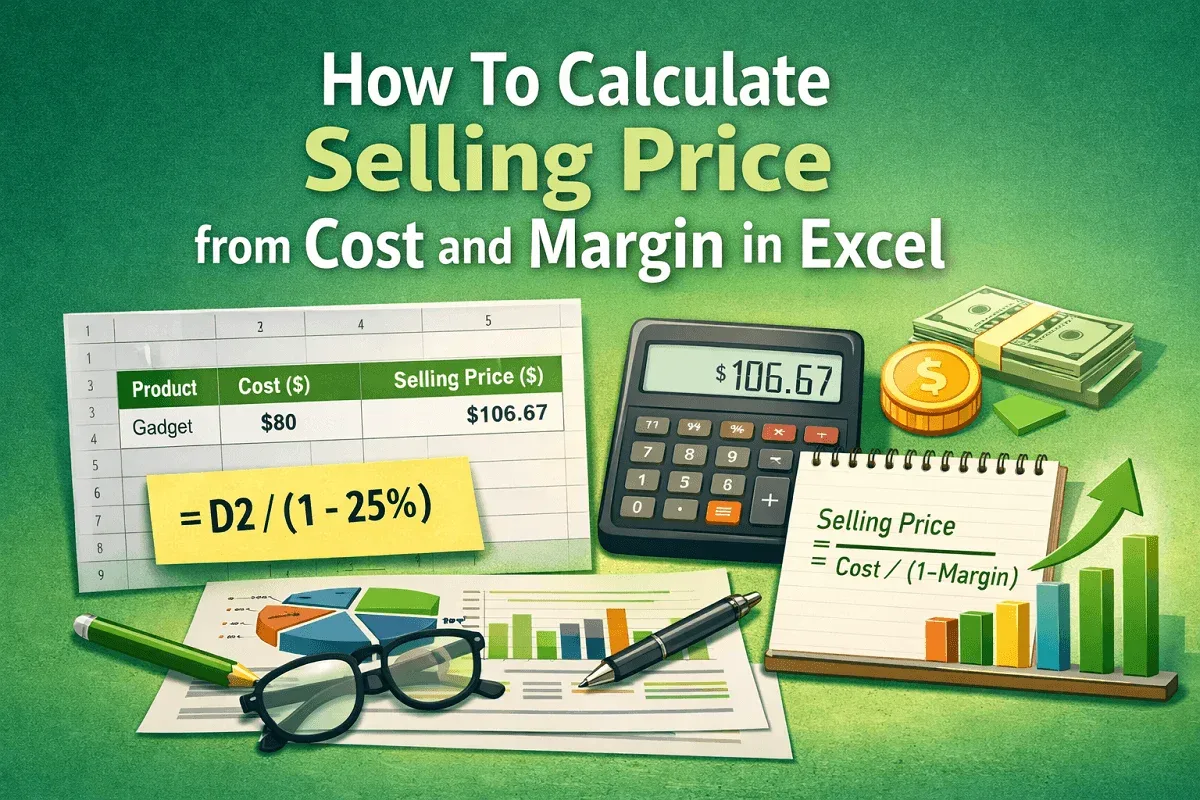
Learn how to calculate selling price from cost and margin in Excel by adding a helper column and applying the right formula step-by-step.