Excel Pivot Table
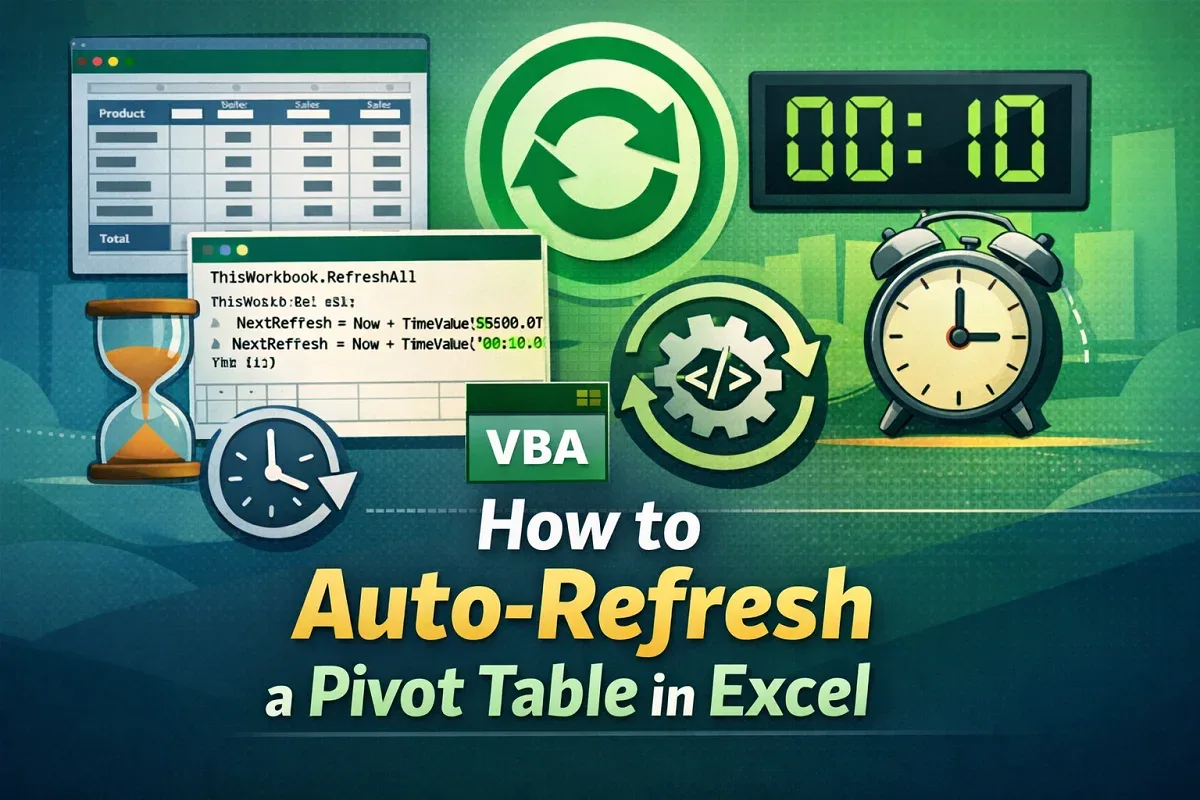
How to Auto-Refresh a Pivot Table in Excel
Learn how to auto-refresh Pivot Tables in Excel using VBA, on file open, or at set time intervals for real-time data updates.
Read article

95 articles
Learn how to auto-refresh Pivot Tables in Excel using VBA, on file open, or at set time intervals for real-time data updates.
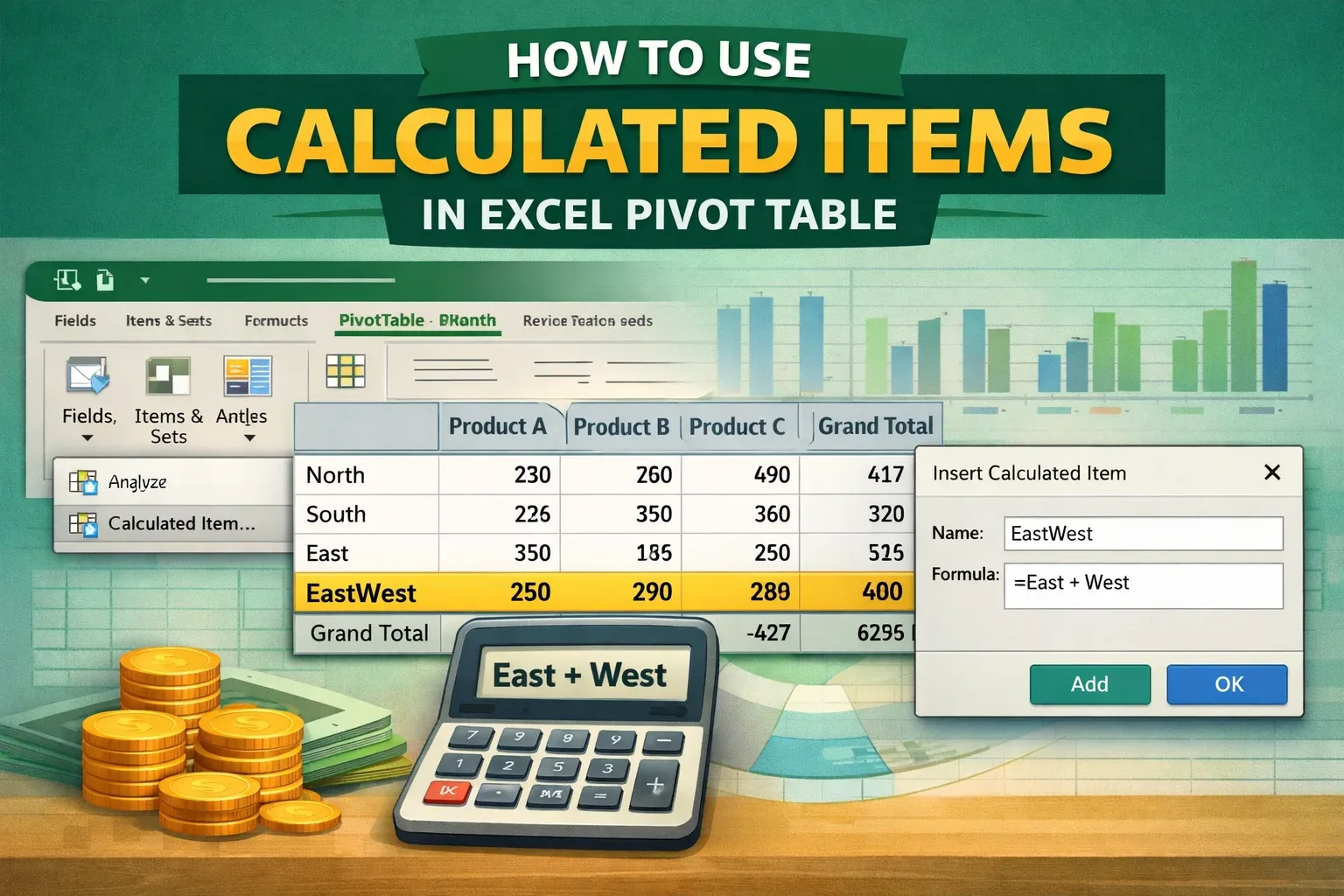
Learn how to add and use calculated items in Excel PivotTables with step-by-step instructions for accurate data analysis.
Learn how to use the COUNTIF function in a Pivot Table in Excel with calculated fields to efficiently analyze and summarize data.
Learn how to refresh all Pivot Tables in Excel using the built-in Refresh All option or VBA for quick and efficient data updates.

Learn how to insert a slicer in Excel without using a Pivot Table by converting your dataset into a table and adding slicer fields easily.
Learn how to enable a greyed-out calculated field in Excel Pivot Tables with easy steps to isolate and fix the issue quickly.
Learn how to create a calculated field in an Excel Pivot Table using column values with clear, step-by-step instructions.
Learn how to fix missing distinct count in Excel Pivot Tables with easy solutions using the Data Model or upgrading Excel.

Learn how to remove grand totals from Pivot Tables in Excel using the Design tab, PivotTable options, and VBA for advanced control.
Learn how to fix the “A PivotTable Report Cannot Overlap Another PivotTable Report” error by moving the table or adding space.
Learn how to fix a Pivot Table not showing all data in Excel with steps to clear filters, refresh, expand, and adjust layout settings.
![[Fixed] 'Add This Data to the Data Model' Missing in Excel](https://pub-b39c974f4c124a36a2fb517be38076ec.r2.dev/images/2026/08/featured-image-add-this-data-to-the-data-model-missing-9123bcc6.webp)
Learn how to restore the missing “Add This Data to the Data Model” option in Excel by fixing file format, PivotTables, and version issues.