Excel Pivot Table
How to Do Ranking in Excel Pivot Table (4 Useful Ways)
Learn how to rank data in a Pivot Table using sorting, calculated fields, and RANK functions with dynamic source table updates.
Read article

95 articles
Learn how to rank data in a Pivot Table using sorting, calculated fields, and RANK functions with dynamic source table updates.
Learn how to show columns side by side in Excel Pivot Table using tabular, outline, classic layouts, or a simple VBA code solution.
Learn how to repeat row labels in Excel Pivot Tables using Report Layout, Field Settings, or VBA for clearer, more organized data views.
Learn how to display multiple rows in an Excel Pivot Table without nesting using Tabular, Outline, and Classic layout options.
Learn how to add rows to a Pivot Table in Excel using Change Data Source, table inserts, or OFFSET with COUNTA functions.
Learn how to transpose a Pivot Table in Excel using Paste Special, the TRANSPOSE function, or by rearranging PivotTable fields.
Fix pivot table issues in Excel! Learn how to update data source, unhide data, remove blanks, and ensure headers are correctly set.
![[Solved] Excel Pivot Table Data Source Reference Is Not Valid](https://pub-b39c974f4c124a36a2fb517be38076ec.r2.dev/images/2026/08/featured-image-pivot-table-data-source-reference-is-not-valid-b4cf9771.webp)
Fix the "Pivot Table Data Source Reference Is Not Valid" error in Excel with these 7 proven solutions, from file repair to range checks.
Learn how to create Pivot Tables in Excel VBA from ranges, add filters, and pull data from another workbook step-by-step.
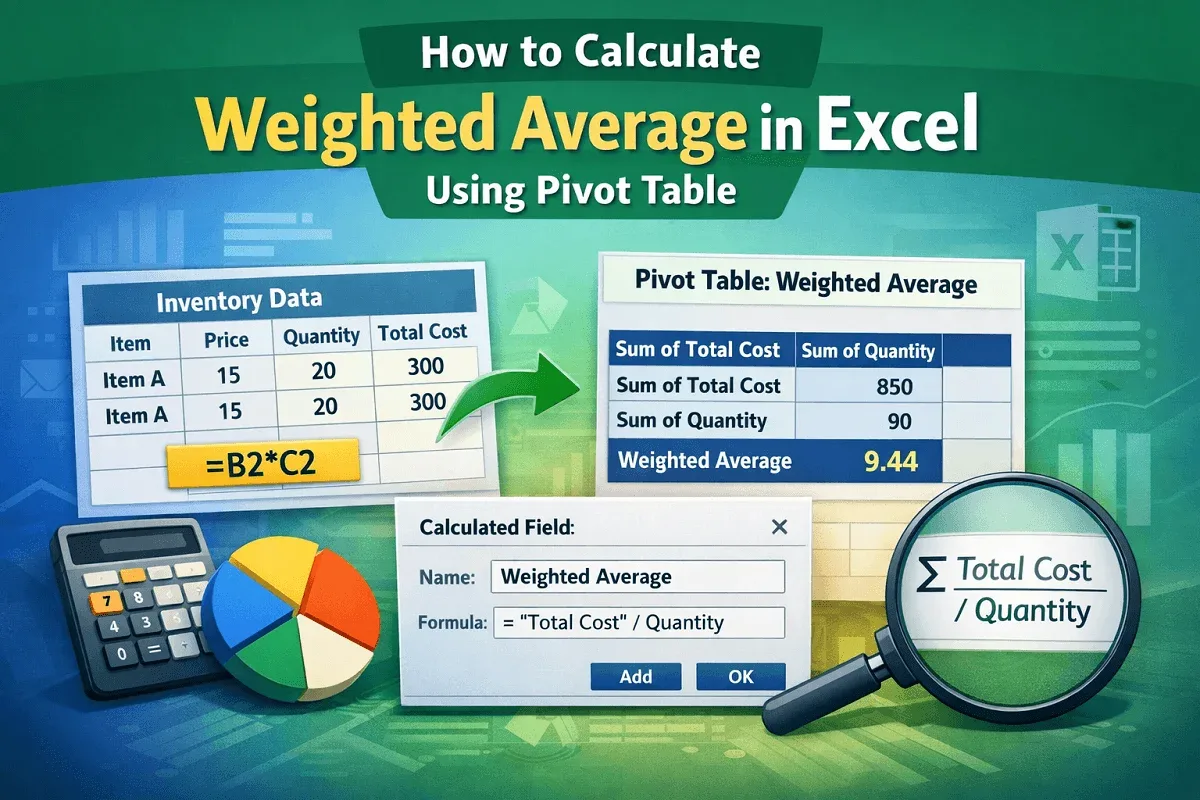
Learn how to calculate weighted average in Excel using a Pivot Table with helper columns and calculated fields in a few simple steps.

Learn how to create a Pivot Table calculated field in Excel that divides sum by count using a helper column and a custom formula step-by-step.

Learn how to use an IF statement in a Pivot Table’s calculated field in Excel, including applying conditions to text fields effectively.