Google Sheets Formulas
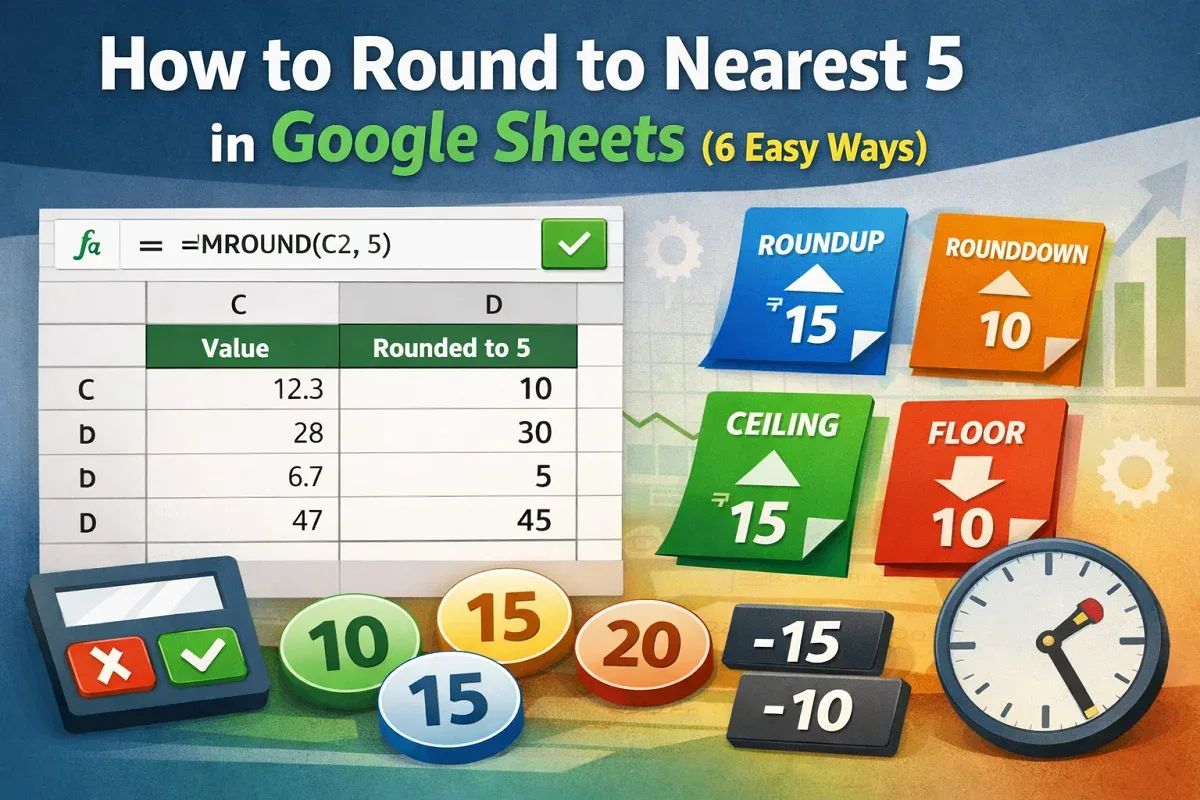
How to Round to Nearest 5 in Google Sheets (6 Easy Ways)
Learn how to round to the nearest 5 in Google Sheets using MROUND, ROUNDUP, ROUNDDOWN, CEILING, FLOOR, and tips for handling negatives.
Read article

63 articles
Learn how to round to the nearest 5 in Google Sheets using MROUND, ROUNDUP, ROUNDDOWN, CEILING, FLOOR, and tips for handling negatives.
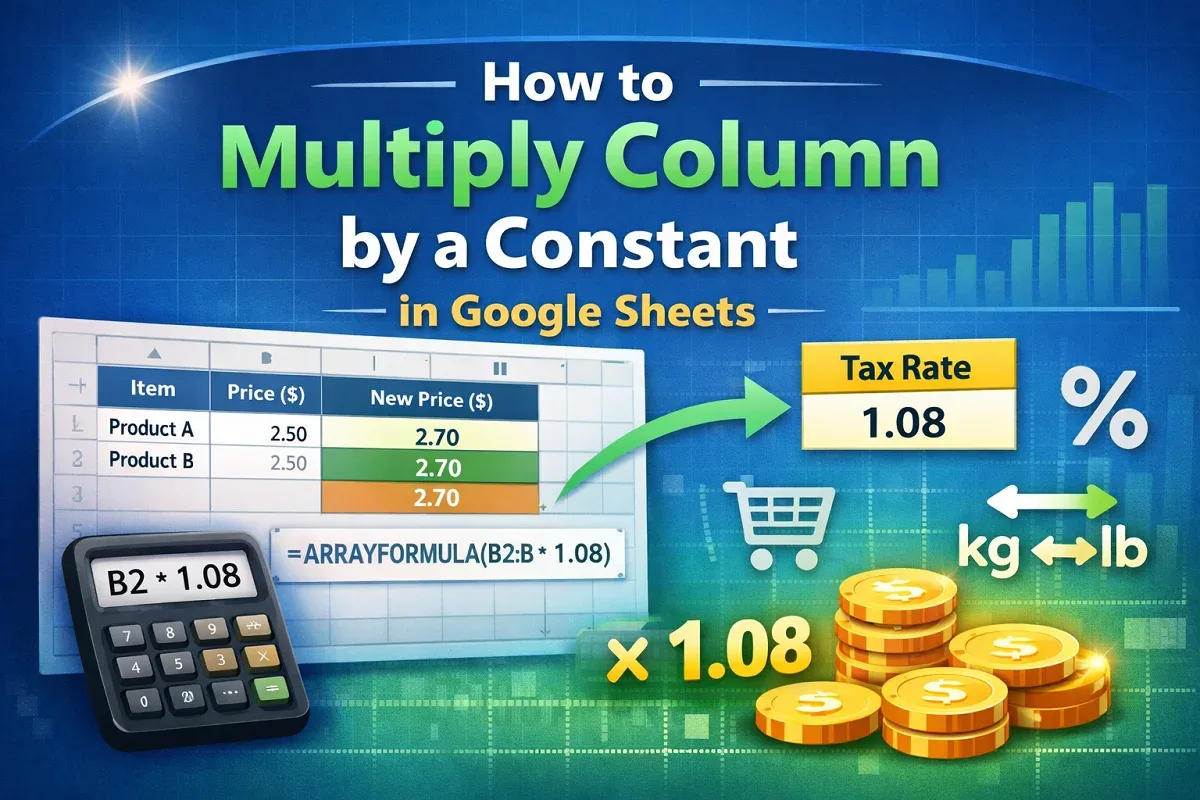
Learn how to multiply a column by a constant in Google Sheets using basic formulas, ARRAYFORMULA, or a constant stored in another cell.
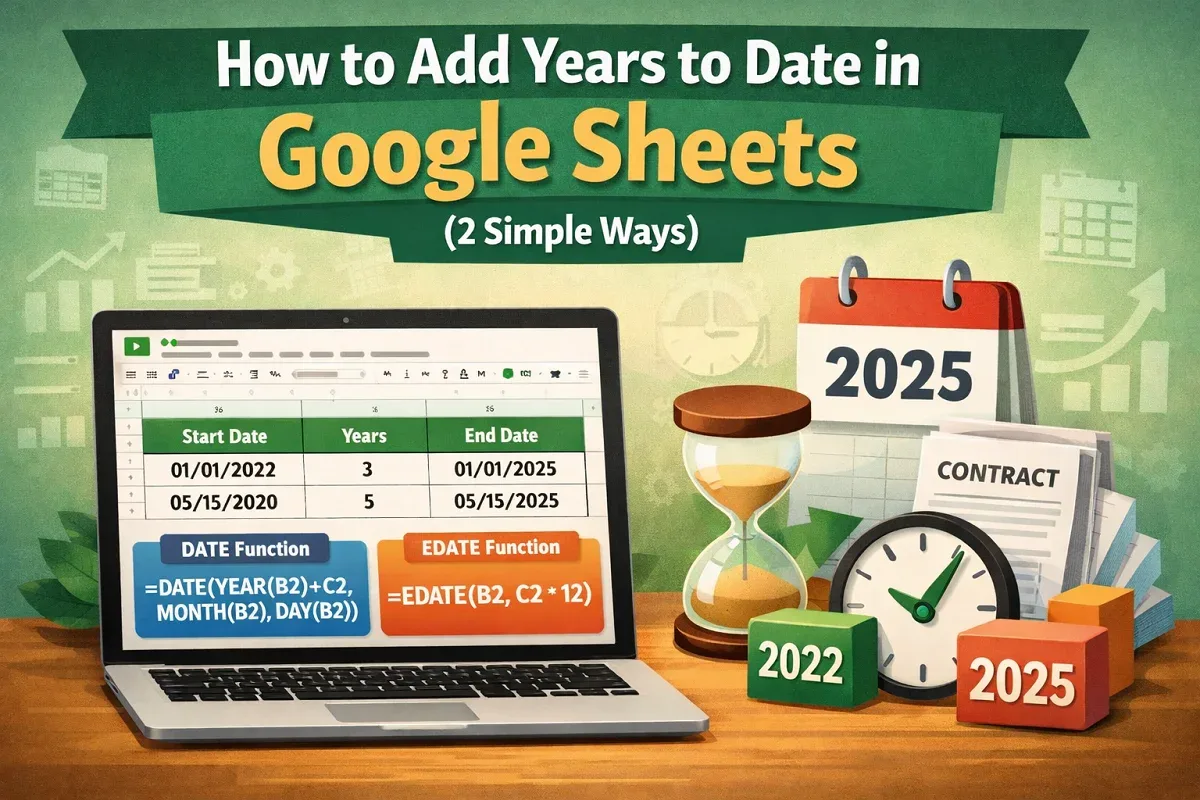
Learn how to add years to date in Google Sheets using the DATE function or apply the EDATE function to add years by months easily.
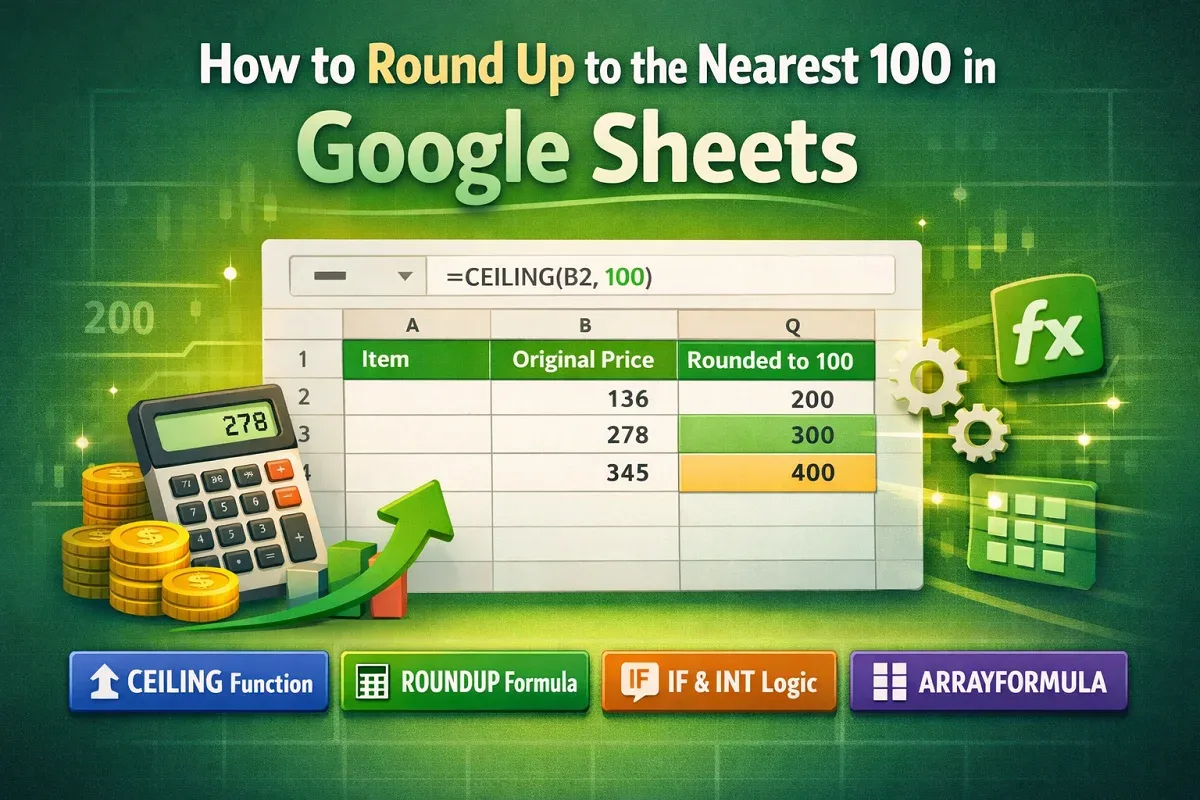
Learn how to round up to the nearest 100 in Google Sheets using CEILING, ROUNDUP with logic, IF and INT, or ARRAYFORMULA for automation.
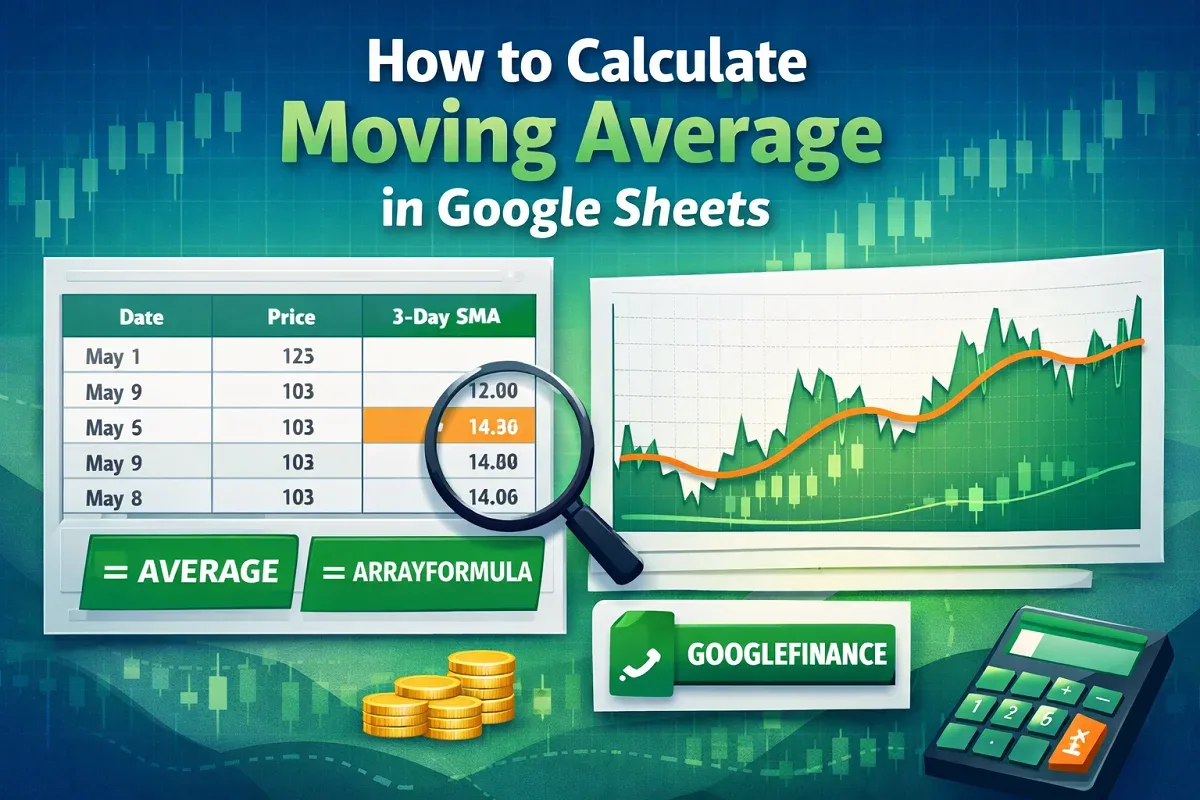
Learn how to calculate moving average in Google Sheets using AVERAGE, ARRAYFORMULA, or combining GOOGLEFINANCE with AVERAGE for trends.
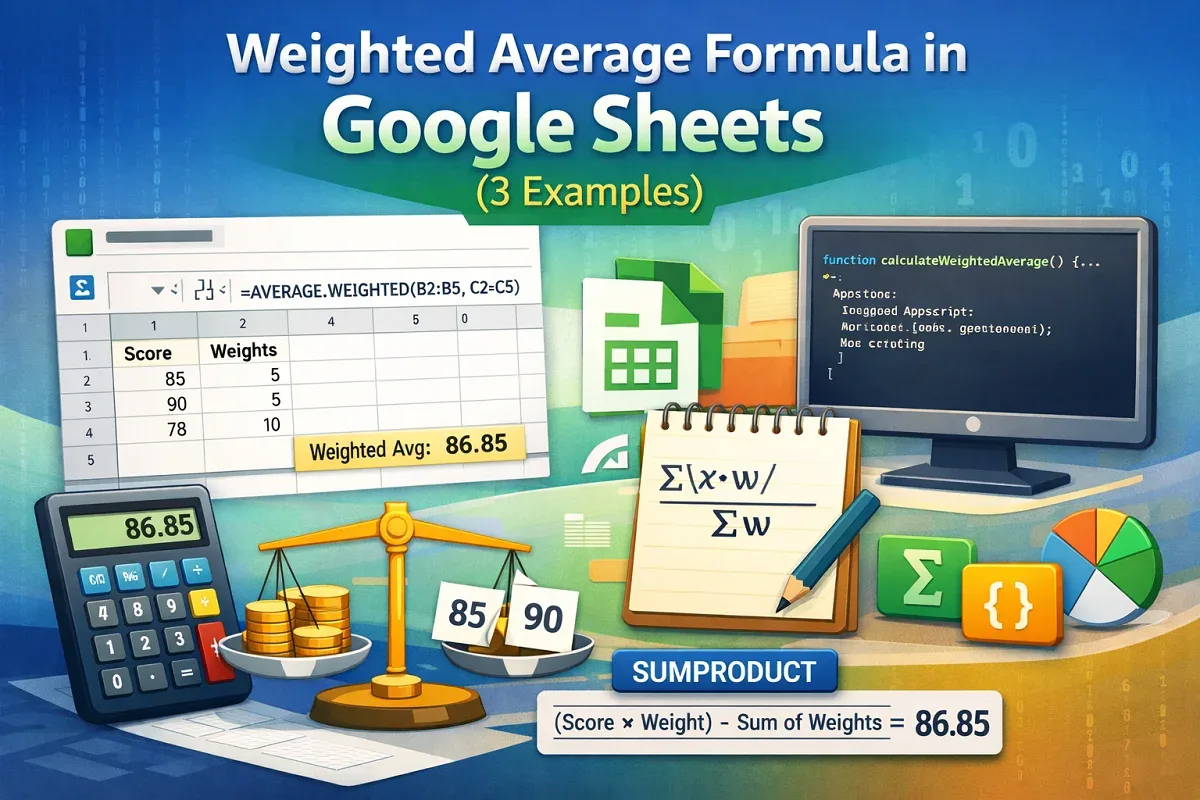
Learn how to use the weighted average formula in Google Sheets with AVERAGE.WEIGHTED, SUMPRODUCT, or Apps Script for precise calculations.
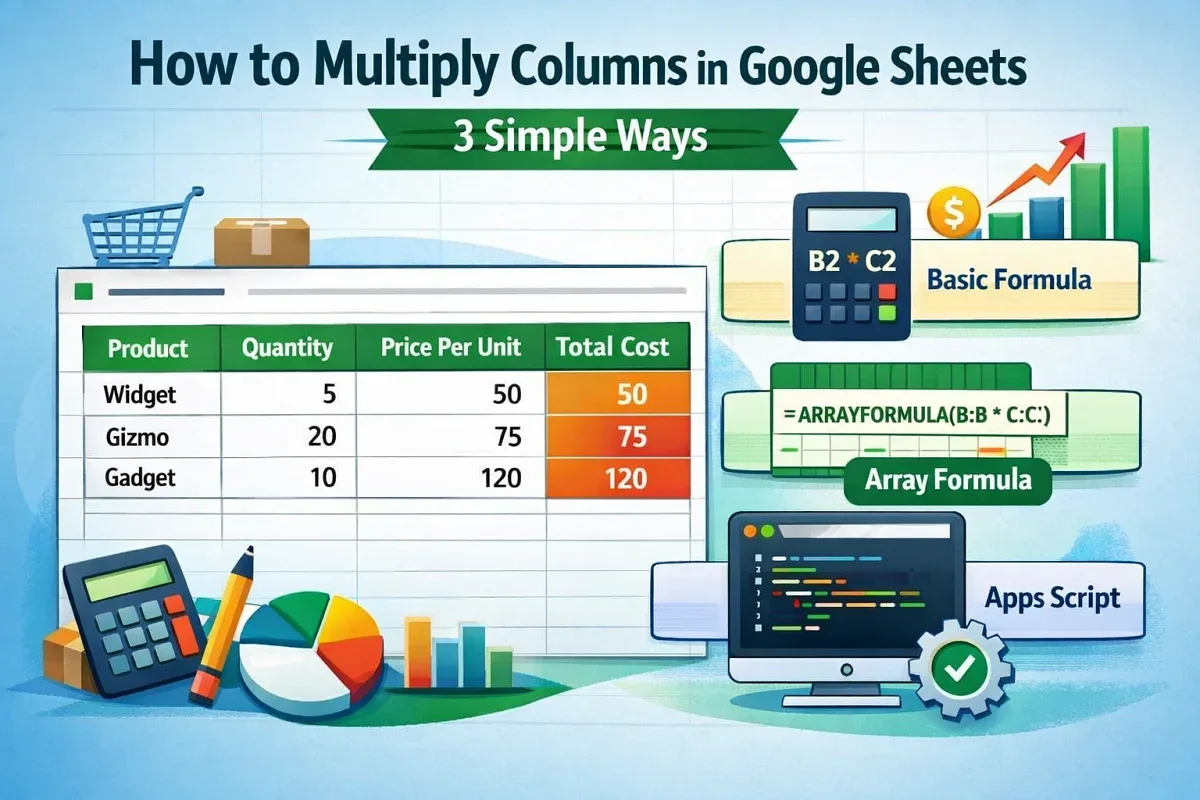
Learn how to multiply columns in Google Sheets using the asterisk operator, ARRAYFORMULA for entire columns, or Apps Script automation.
Learn how to use a currency conversion formula in Google Sheets with GOOGLEFINANCE or automate conversions using Google Apps Script.
Learn how to remove commas in Google Sheets using Find and Replace, the SUBSTITUTE function, or Apps Script for advanced automation.

Learn how to calculate months between two dates in Google Sheets using DATEDIF, fractional month formulas, ARRAYFORMULA, and day differences.

Learn how to round up to the nearest 10 in Google Sheets using the ROUNDUP or CEILING function for quick and accurate number adjustments.

Learn how to merge rows in Google Sheets using the menu option, TEXTJOIN function, or CONCATENATE for quick and efficient data combining.