Google Sheets Functions
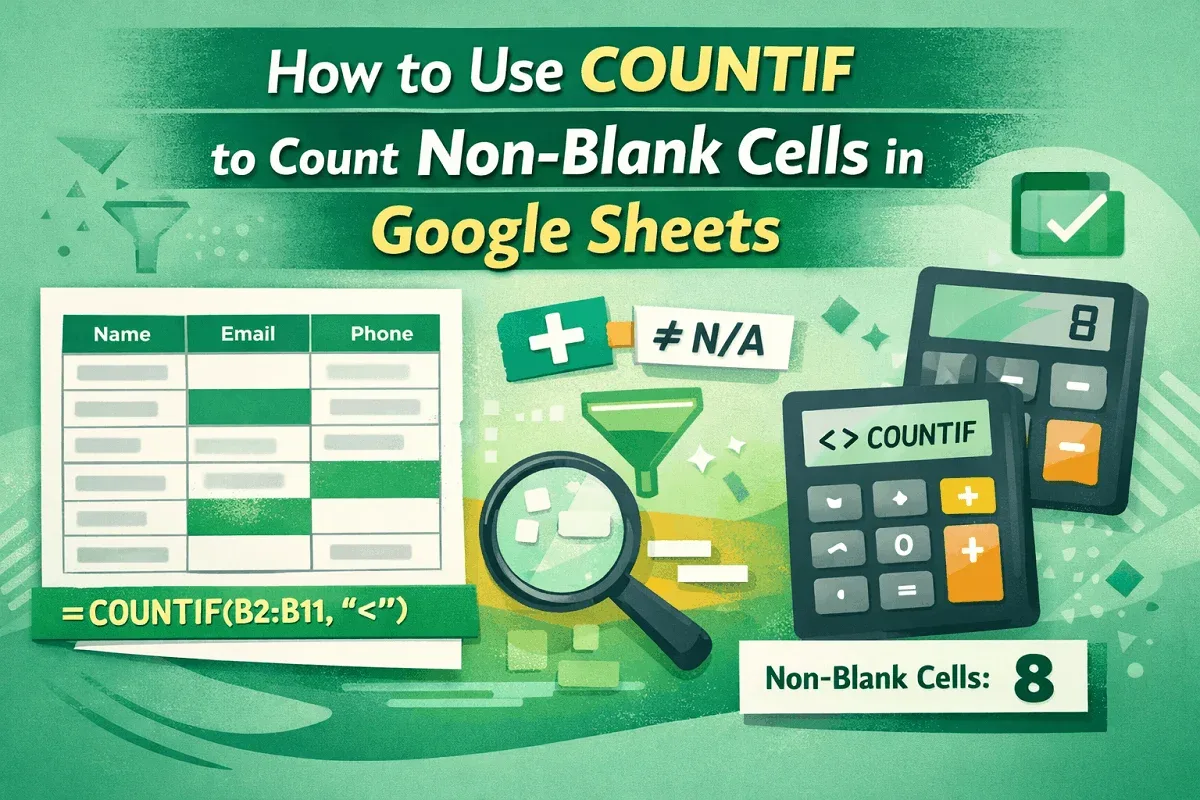
How to Use COUNTIF to Count Non-Blank Cells in Google Sheets
Learn how to use COUNTIF in Google Sheets to count non-blank cells, even across ranges, while ignoring specific values and extra spaces.
Read article

47 articles
Learn how to use COUNTIF in Google Sheets to count non-blank cells, even across ranges, while ignoring specific values and extra spaces.
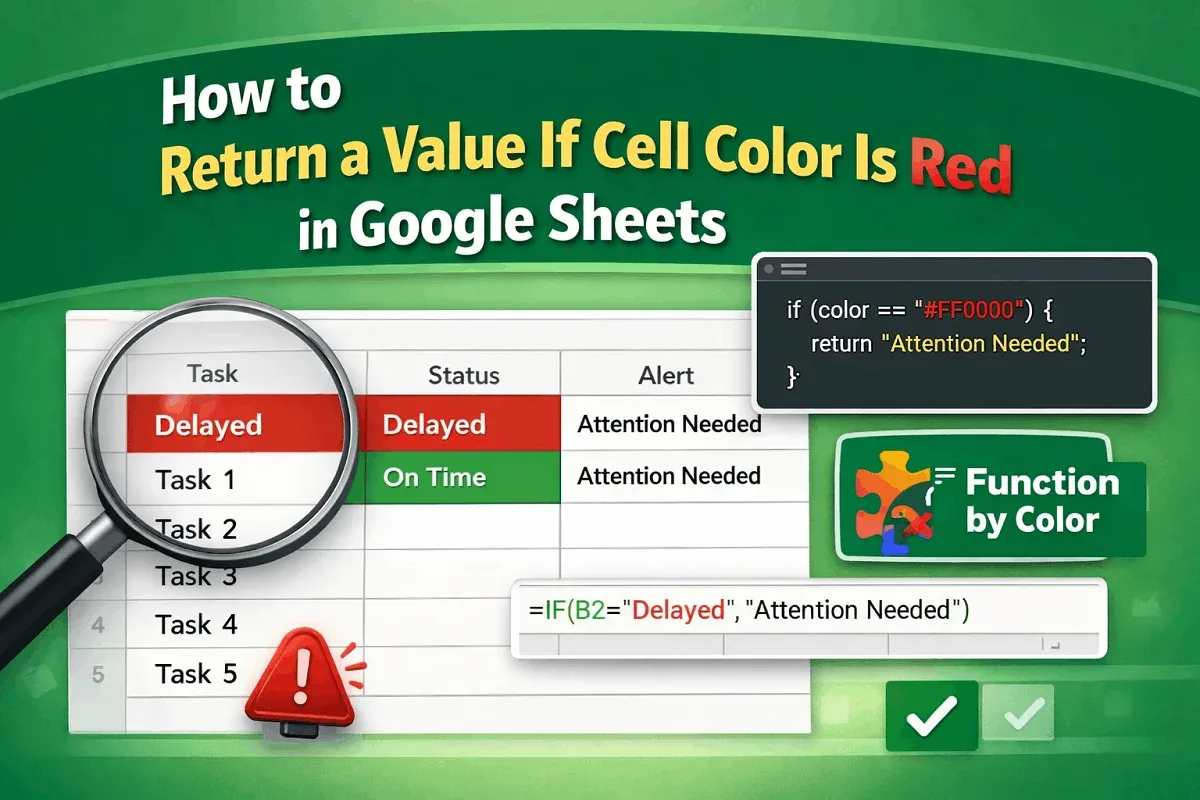
Learn how to return a value if a cell color is red in Google Sheets using Apps Script, conditional formatting with helper columns, or add-on.
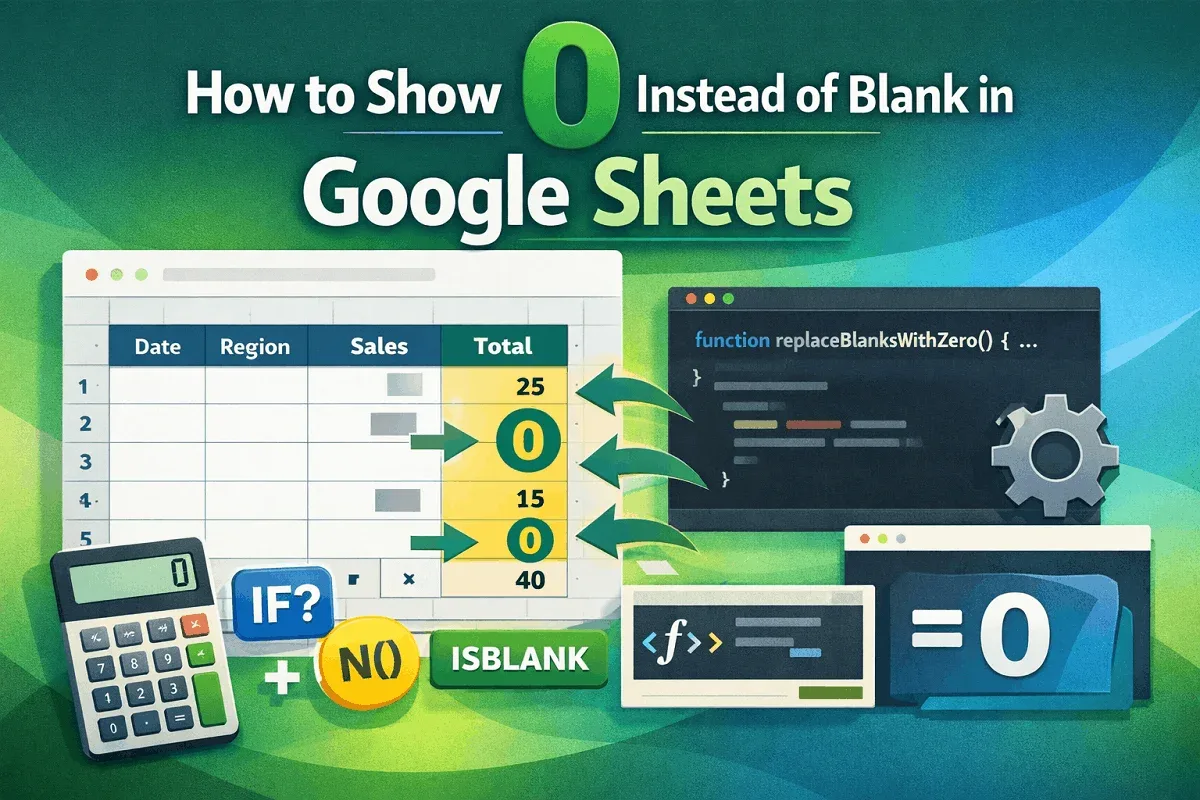
Learn how to show 0 instead of blank in Google Sheets using IF, IFERROR, ISBLANK, ARRAYFORMULA, N function, or Apps Script for full control.
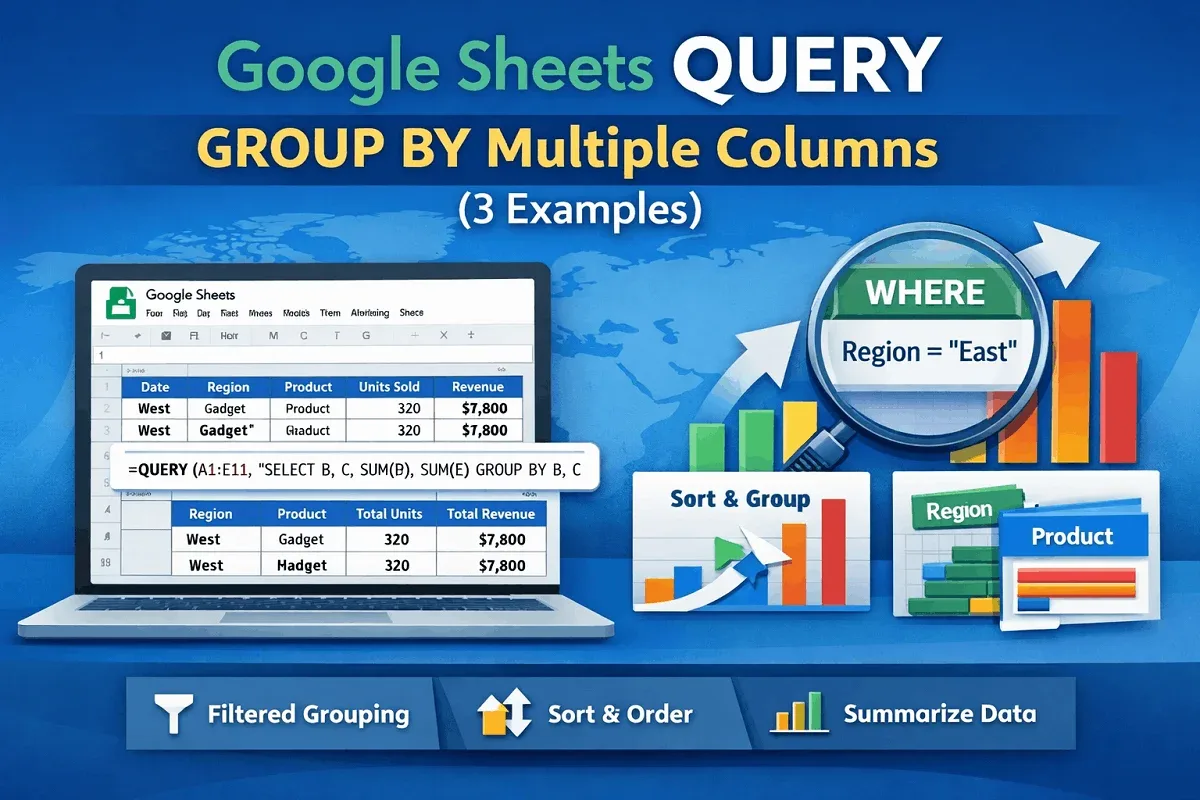
Group data by multiple columns in Google Sheets using the QUERY function. Learn to filter with WHERE and sort results for better insights.
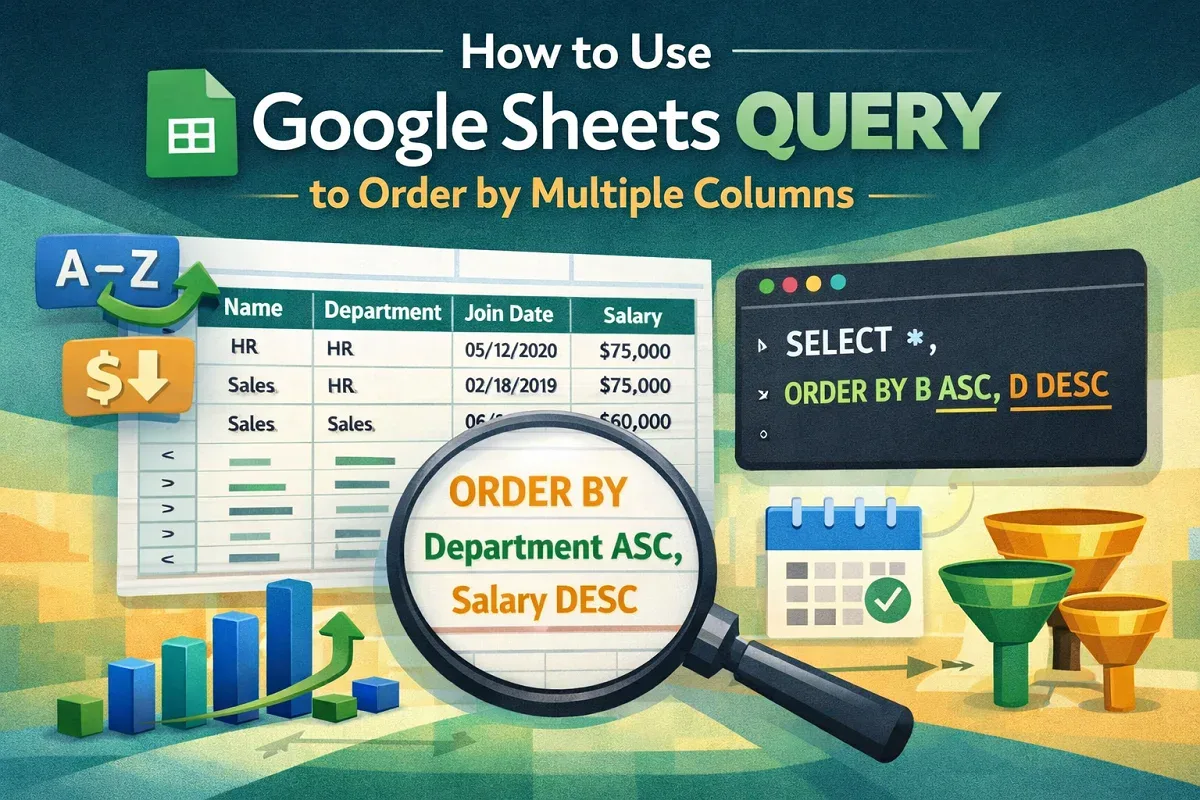
Learn how to use Google Sheets QUERY function to sort data by multiple columns like join date and salary for better organization & analysis.
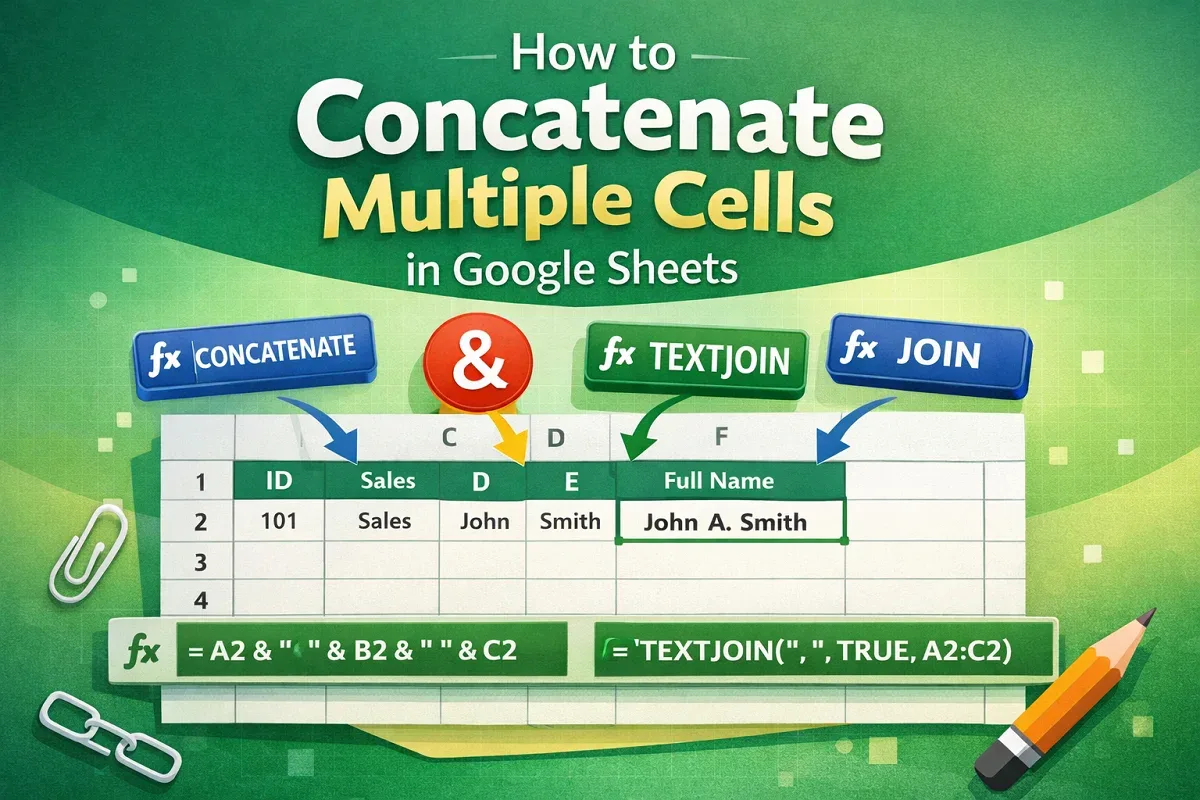
Learn how to concatenate multiple cells in Google Sheets using CONCATENATE, TEXTJOIN, JOIN functions, or the ampersand (&) operator.
Learn how to use VLOOKUP from another sheet in Google Sheets within the same workbook or between workbooks using IMPORTRANGE.
Learn how to use the IF formula in Google Sheets with multiple conditions by combining IF with AND, OR, and using the IFS function.

Learn how to use the Google Sheets QUERY function with multiple criteria using AND, OR, NOT operators to filter and exclude data effectively.
Learn how to use IMPORTRANGE in Google Sheets with conditions by combining it with QUERY, FILTER, helper columns, and multiple criteria.
Learn how to count unique values in Google Sheets using COUNTUNIQUE, UNIQUE with COUNTA, COUNTIF, SUMPRODUCT, and FLATTEN for advanced cases.
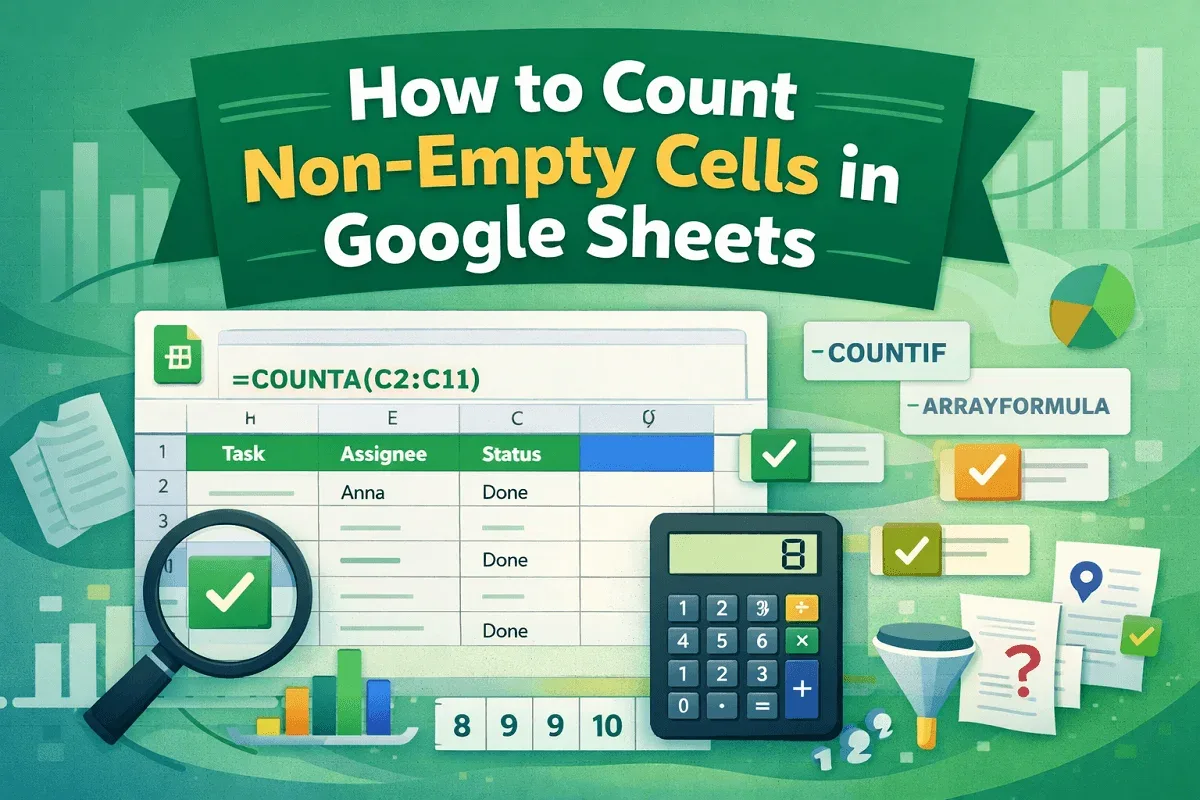
Learn how to count non-empty cells in Google Sheets using COUNTA, COUNTIF, and ARRAYFORMULA while filtering spaces and applying conditions.