
Excel Pro Tips
How to Copy Comments in Excel (4 Different Ways)
Learn how to copy comments in Excel manually, with Paste Special, or using VBA macros to duplicate or extract all comments easily.
Read article

5 lessons in order
Learn how to copy comments in Excel manually, with Paste Special, or using VBA macros to duplicate or extract all comments easily.
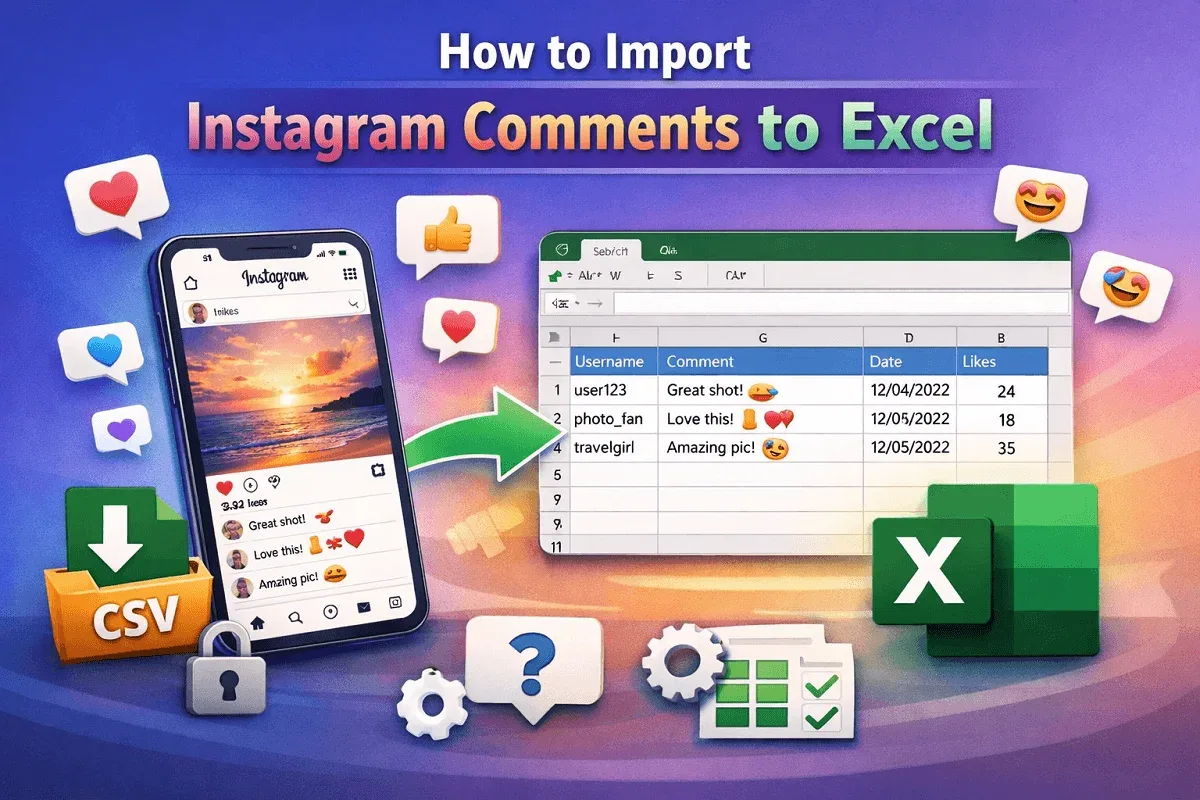
Learn how to export Instagram comments to Excel using online download tools or browser extensions for data collection and analysis.
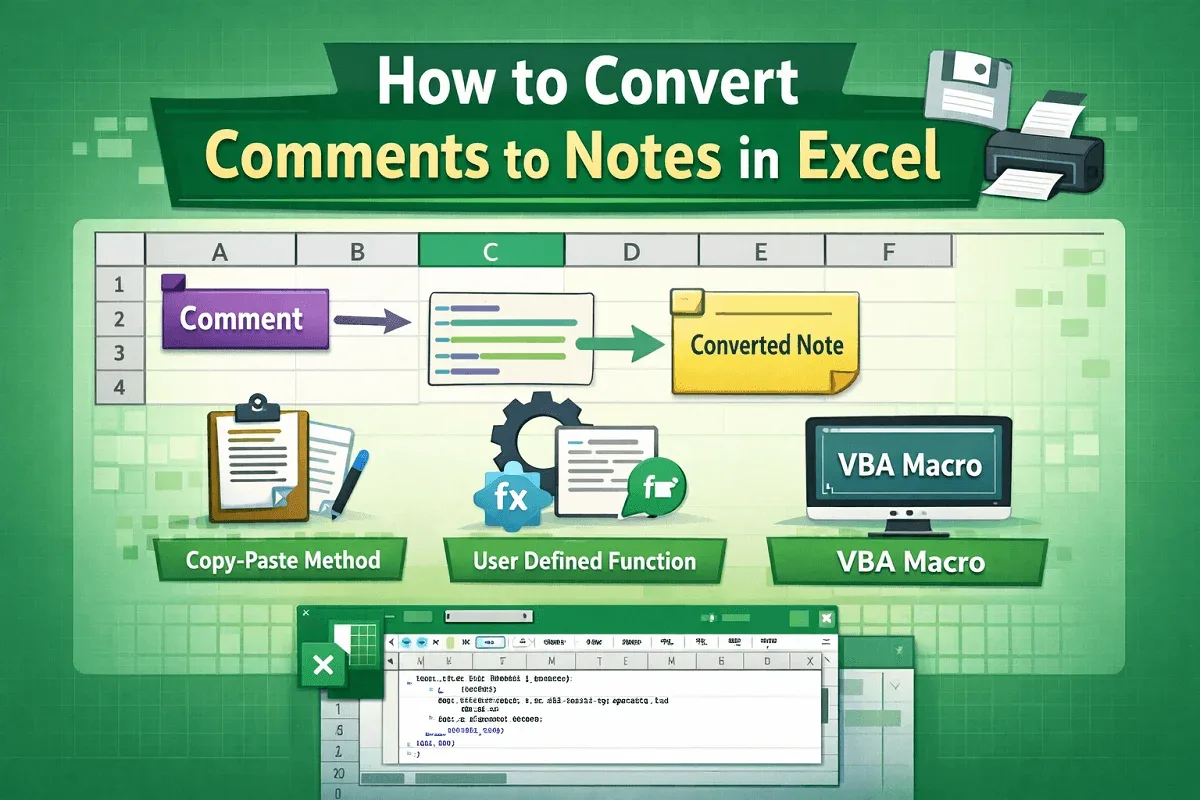
Learn how to convert Excel comments to notes manually, with a custom UDF, or by running a VBA macro to bulk-convert all comments to notes.
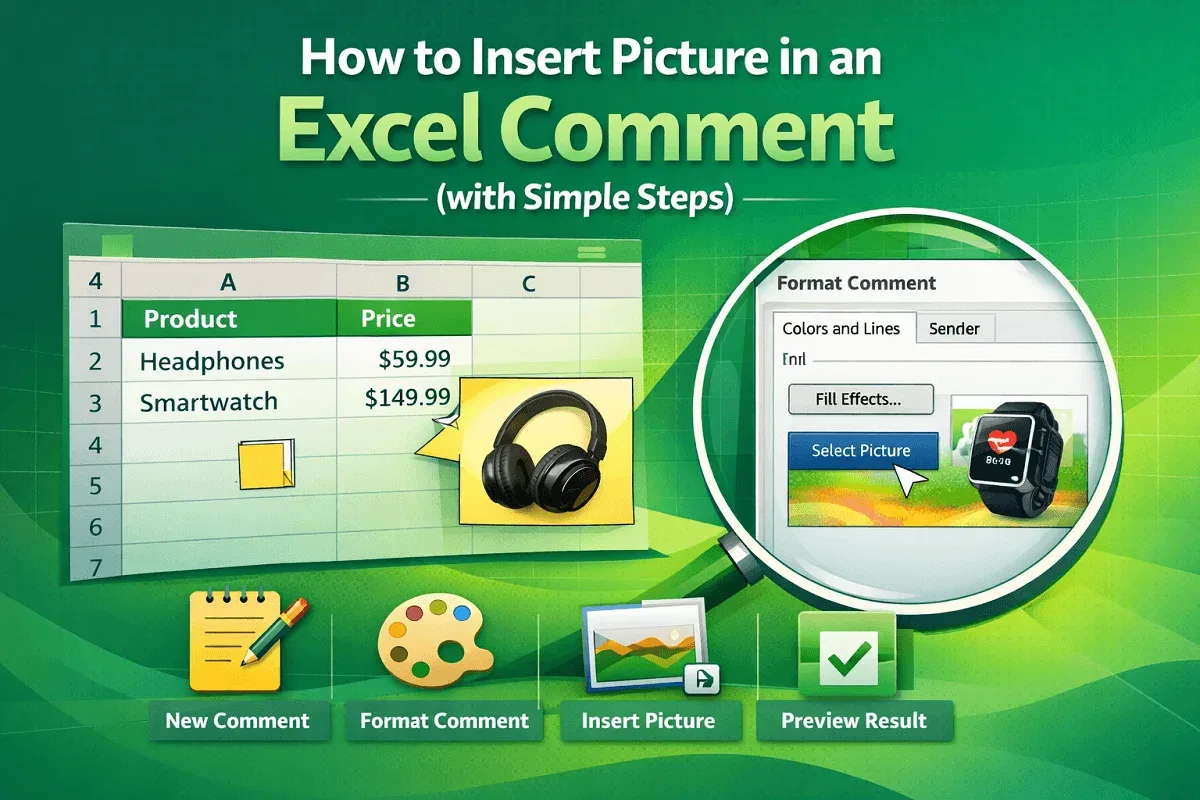
Learn how to insert a picture into an Excel comment by creating a comment, accessing Format options, using Fill Effects & finalizing display.
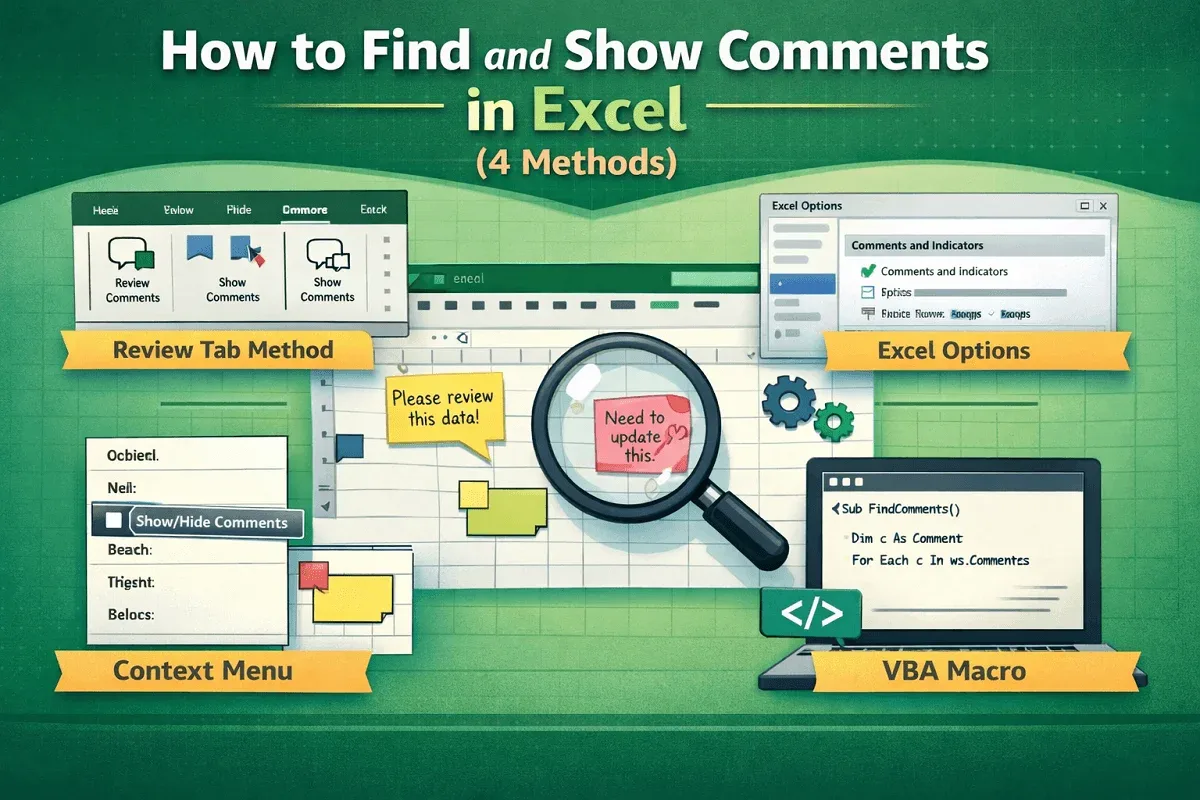
Learn to find and show comments in Excel using the Review tab, Excel Options, context menus, and easy VBA for automatic comment display.