Excel Pro Tips
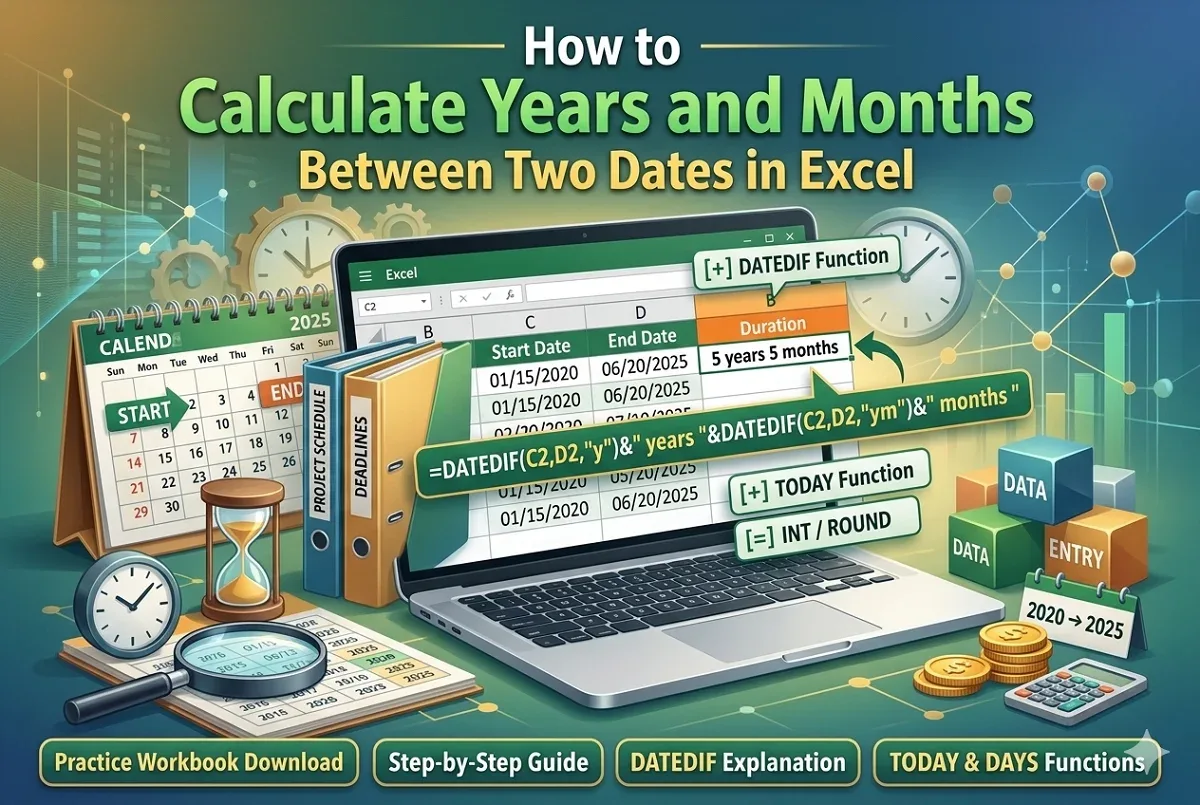
How to Calculate Years and Months Between Two Dates in Excel
Learn how to calculate years and months between two dates in Excel using a helper column and the DATEDIF function.
Read article

9 lessons in order
Learn how to calculate years and months between two dates in Excel using a helper column and the DATEDIF function.
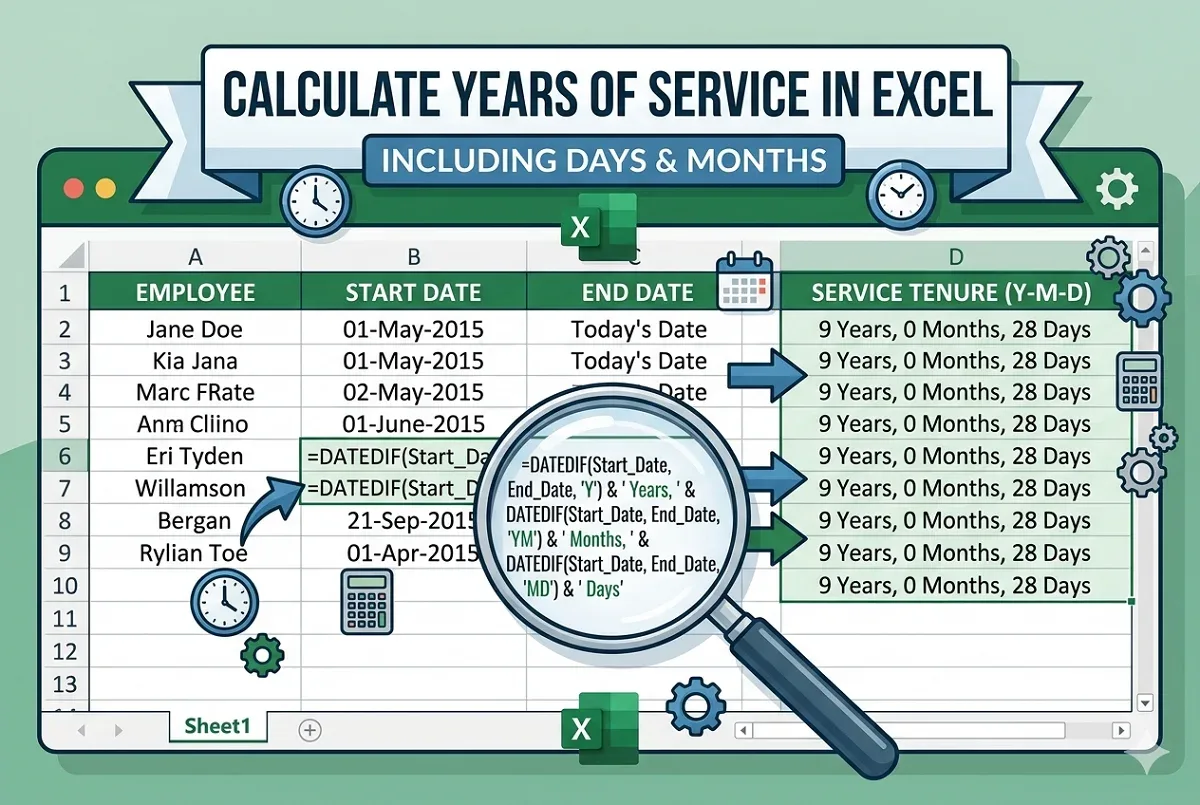
Learn how to calculate years of service in Excel using DATEDIF, YEARFRAC, NETWORKDAYS, and other date functions for accurate results.
Learn how to calculate the number of weeks between two dates in Excel using DAYS, INT, DATEDIF, simple division, and TODAY functions.
Learn how to count months from a date to today in Excel using MONTH, DATEDIF, YEARFRAC functions, or custom VBA formulas for precise results.
Learn how to calculate overdue days in Excel using DAYS, DATEDIF, IF, and NETWORKDAYS functions while dealing with different scenarios.
Learn how to calculate years from today in Excel using DATEDIF, YEARFRAC, INT, and YEAR functions with easy step-by-step methods.
Learn how to calculate 90 days from a date in Excel using simple addition, DATE, EDATE for months, and WORKDAY to exclude weekends.
Learn how to calculate tenure in years and months in Excel using DATEDIF, DAYS, LET, INT, and ROUND functions for accurate results.
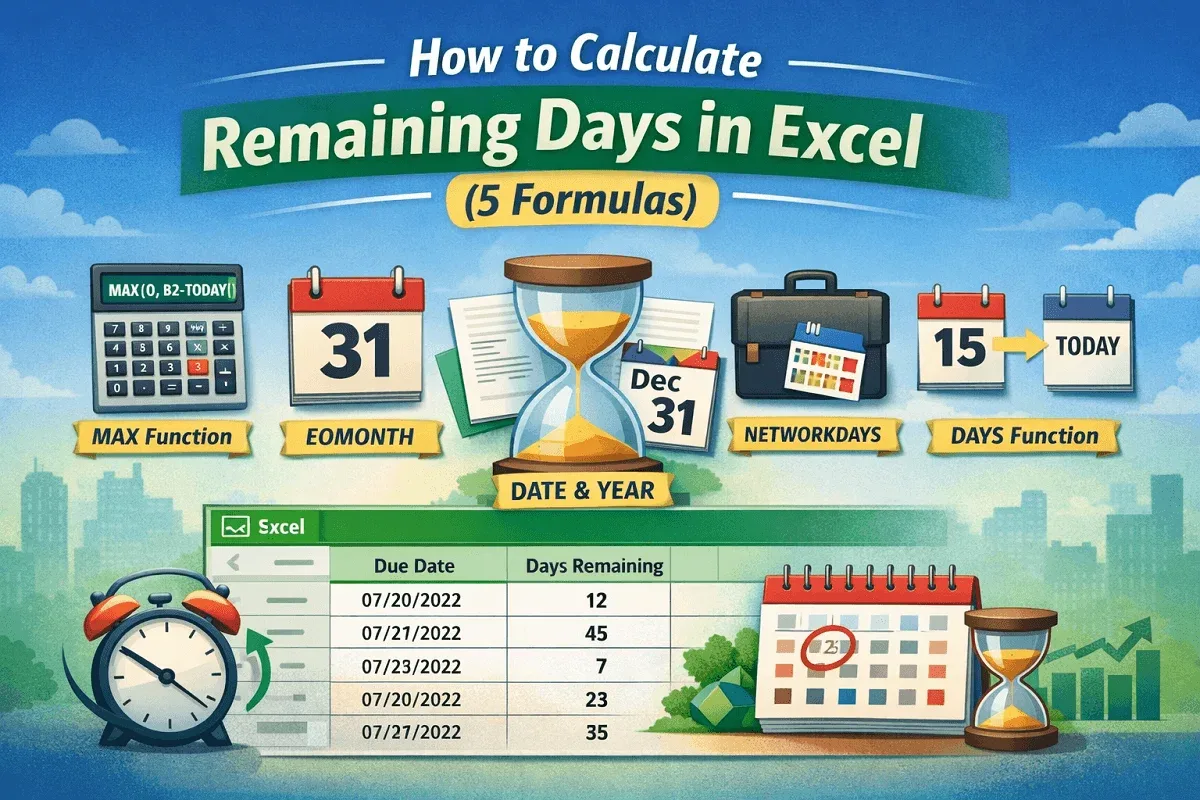
Learn how to calculate remaining days in Excel using MAX, DAYS, EOMONTH, NETWORKDAYS, and DATE functions for accurate, negative-free results.