Excel Pivot Table
How to Filter a Pivot Table with a Custom List in Excel
Learn how to filter a pivot table with a custom list in Excel by adding the list, refreshing the table, and applying the filter effectively.
Read article

8 lessons in order
Learn how to filter a pivot table with a custom list in Excel by adding the list, refreshing the table, and applying the filter effectively.
Learn how to filter values using the Greater Than option in a pivot table, including using helper columns for advanced filtering needs.
Learn how to show the Top 10 items in a pivot table in Excel using built-in filters or VBA code for advanced customization.
Learn how to filter multiple columns in an Excel Pivot Table using values, categories, and by adding multiple filters effectively.
Learn how to filter a date range in an Excel Pivot Table using date filters, timelines, source data changes, or manual selection.
Learn how to create, use, and customize a Pivot Table Timeline in Excel, fix errors, and connect multiple Pivot Tables easily.

Learn how to hide filter arrows in Excel Pivot Tables by disabling field headers, captions, and using VBA for complete control.
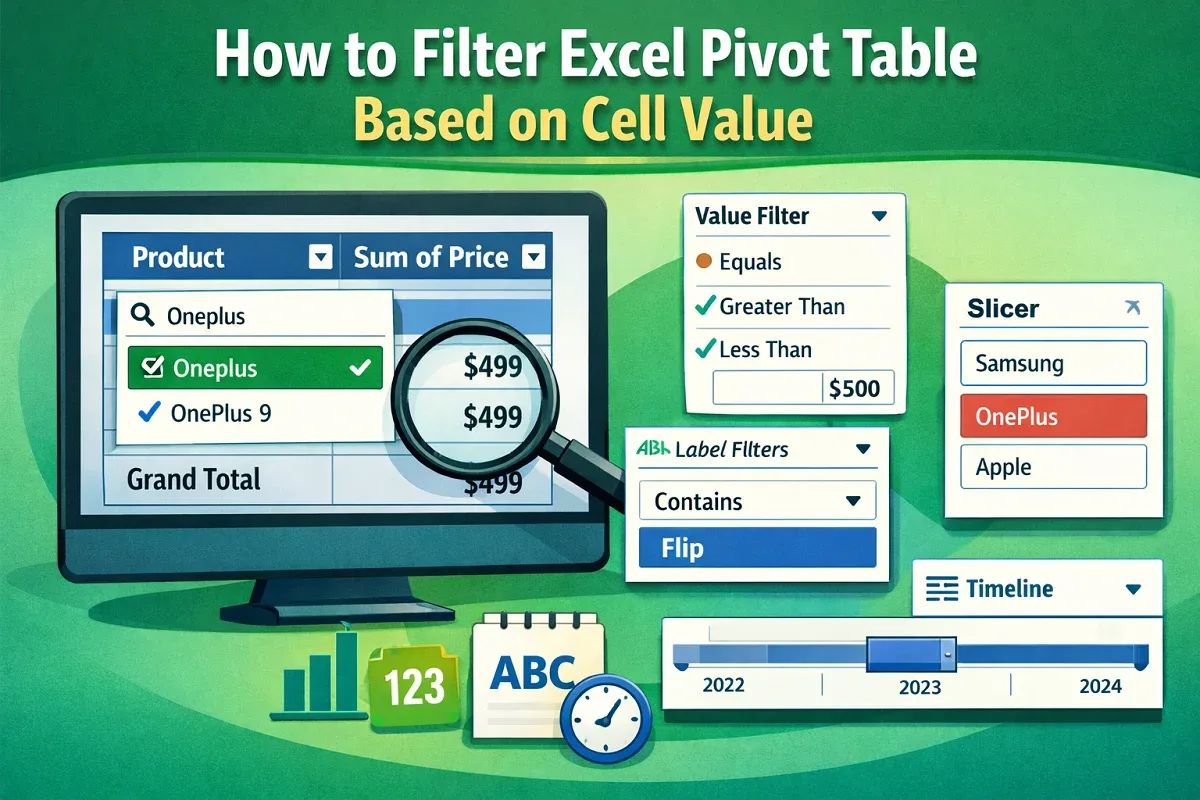
Filter Excel Pivot Tables based on cell values using column filters, label and value filters, slicers, or timelines for dates.