Excel VBA
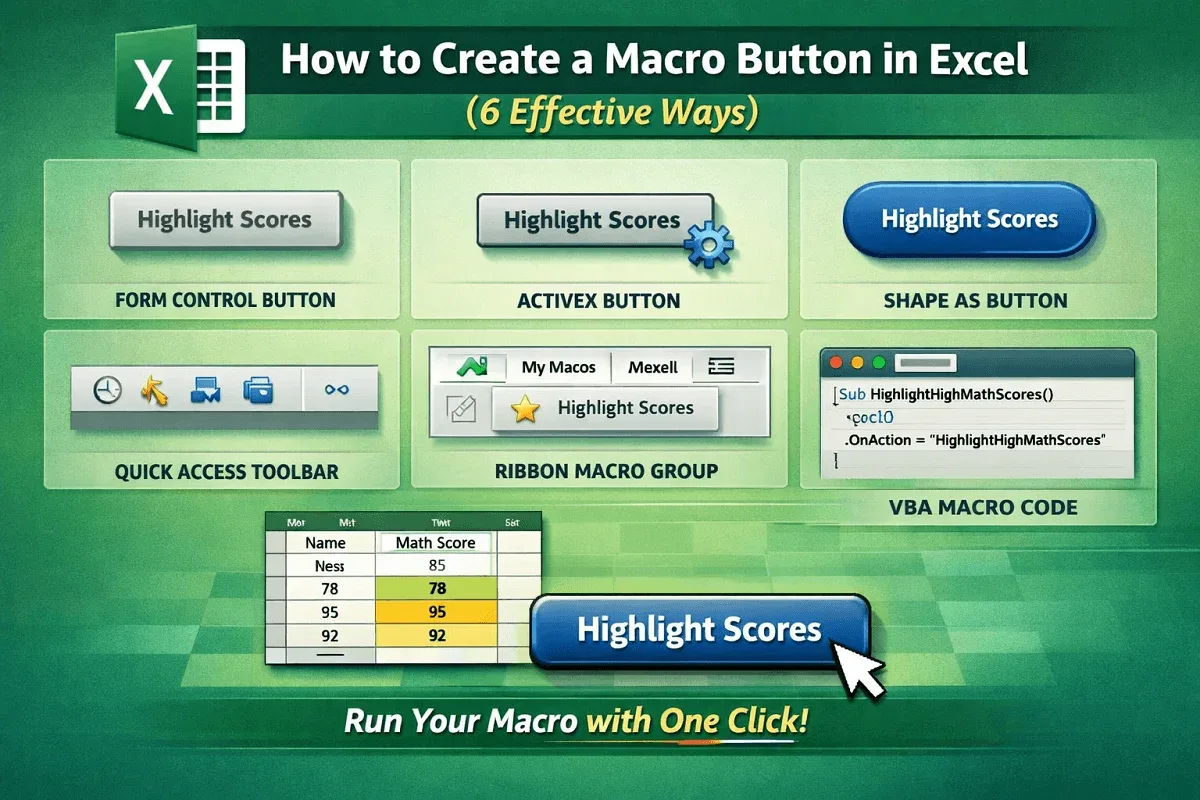
How to Create a Macro Button in Excel (6 Effective Ways)
Learn how to create a macro button in Excel using form controls, ActiveX, shapes, VBA, Quick Access Toolbar, or a custom ribbon group.
Read article

4 lessons in order
Learn how to create a macro button in Excel using form controls, ActiveX, shapes, VBA, Quick Access Toolbar, or a custom ribbon group.

Learn how to add a pop-up on a button in Excel VBA to select and assign macros using Form Controls or Shapes effectively.

Fix Excel macro buttons not working with these 4 quick solutions: enable macros, save as .xlsm, reassign, and disable design mode.
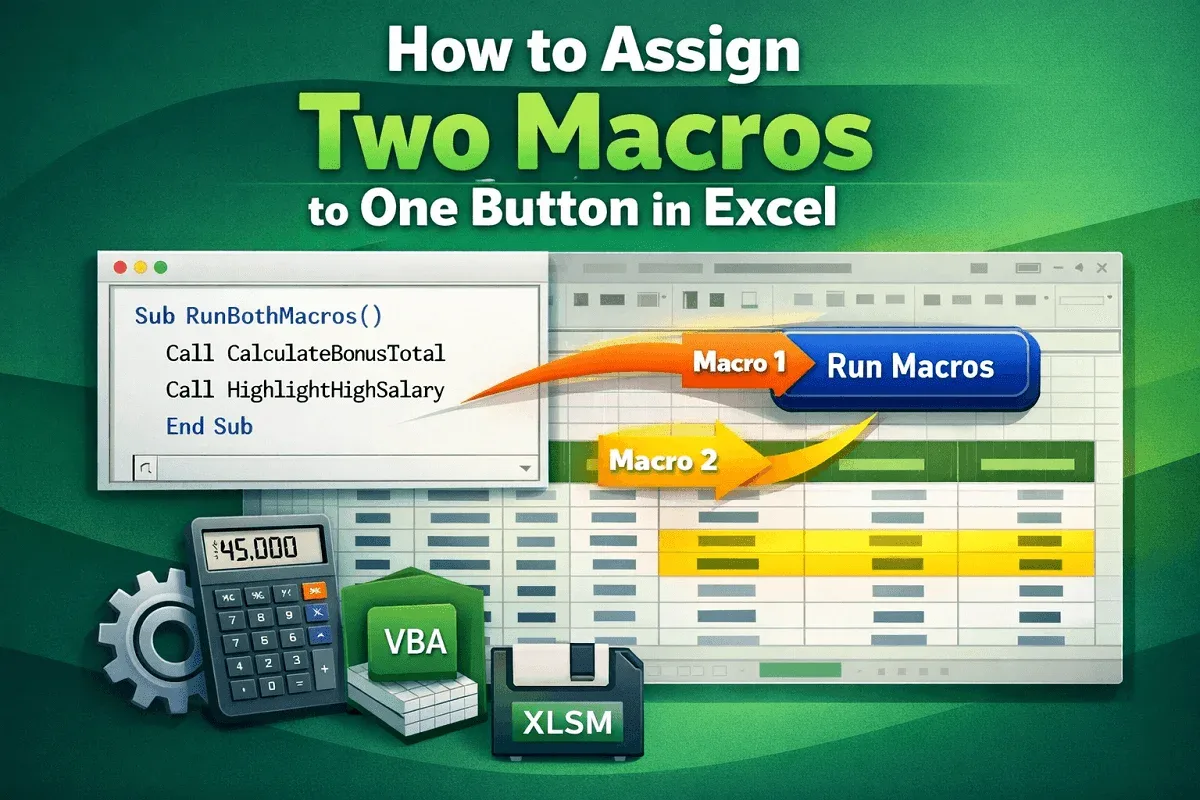
Learn how to assign two macros to one button in Excel by combining VBA procedures, adding a button, and testing the automated workflow.