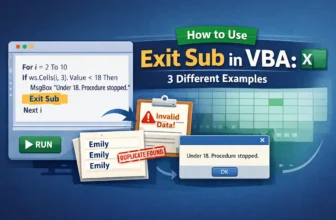
One of the most crucial skills to have when working with loops in Excel VBA is understanding not only how to begin a loop but also how and when to end it. An effective feature that lets you end a ...
The conditional check is an action where "If a cell contains a value, then do something" command is established. It is one of the most commonly used logical patterns in Excel VBA. This command is the ...
While developing VBA code in Excel, you need to create sub procedures to carry out specific tasks such as processing the data or automating the process itself. However, you might want to stop an ...
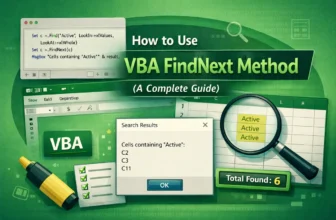
Finding and managing multiple occurrences of a specific value or pattern is one of the most common challenges while working in Excel, especially if you have a large volume of data. You might need to ...
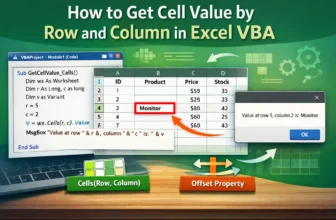
In Excel VBA, one of the most commonly used functions is to access a cell by its row and column numbers. Referring to cells by numeric coordinates (row, column) is deterministic and simple to ...
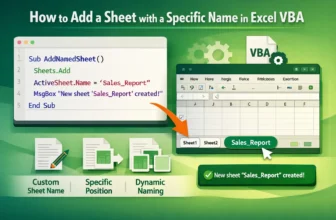
When you automate reports or data organization in Excel, adding new worksheets programmatically is one of the most common tasks. With VBA, you can easily create new sheets and assign them meaningful ...
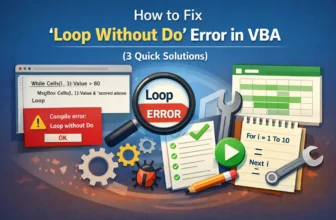
The “Loop without Do” error in VBA occurs when your code has a Loop statement without a corresponding Do. This is a syntax-related error that tells VBA it can’t find the start of the loop structure. ...
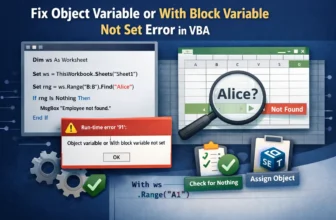
The “Object variable or With block variable not set” error in VBA is one of the most common runtime errors developers encounter. It happens when your code tries to use an object variable that hasn’t ...
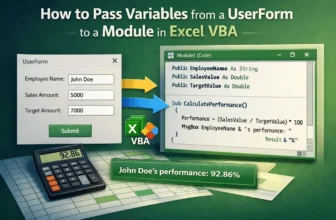
Passing variables from a UserForm to a module is an important part of working with VBA, mainly when you want to use user input in calculations, reports, or automation tasks. For example, you might ...