Excel Pro Tips
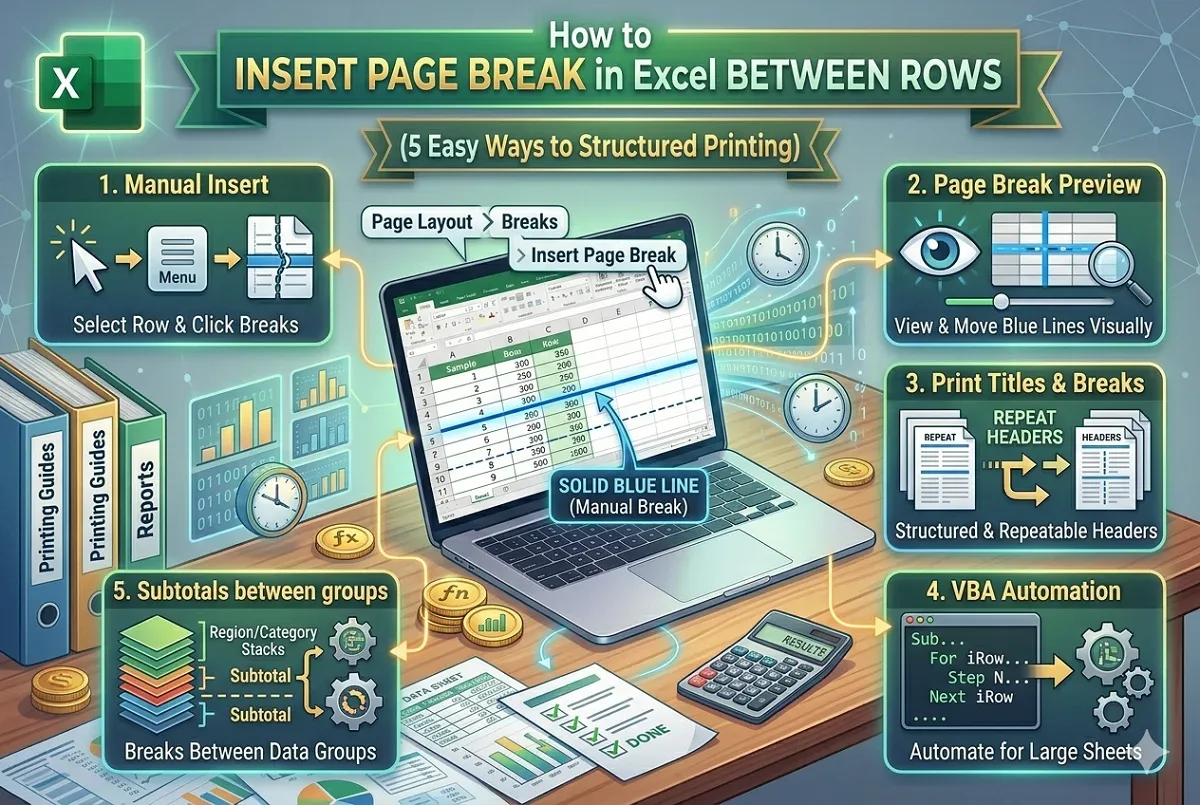
How to Insert Page Break in Excel Between Rows (5 Easy Ways)
Learn how to insert page breaks in Excel between rows manually, with VBA, using subtotals, and how to remove them for better print layout.
Read article

6 lessons in order
Learn how to insert page breaks in Excel between rows manually, with VBA, using subtotals, and how to remove them for better print layout.
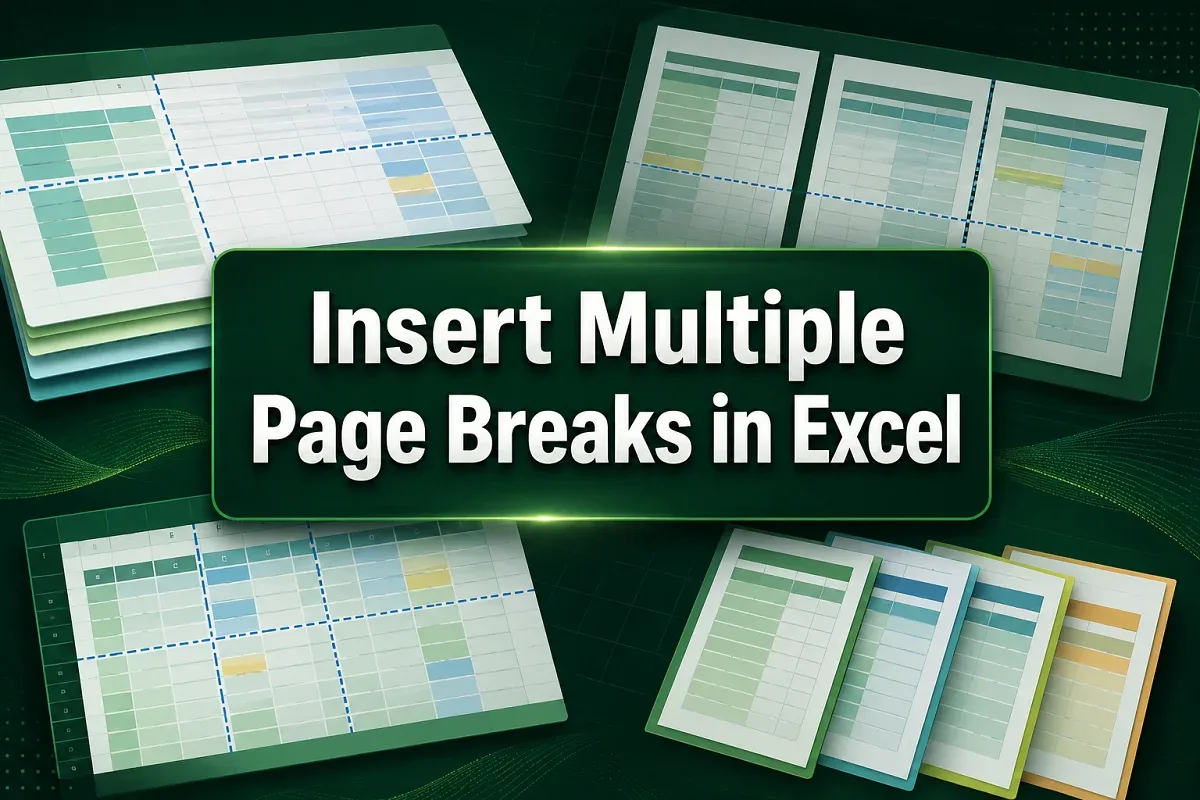
Learn how to insert multiple page breaks in Excel manually, using context menus, VBA macros, or the Subtotal feature for grouped data.
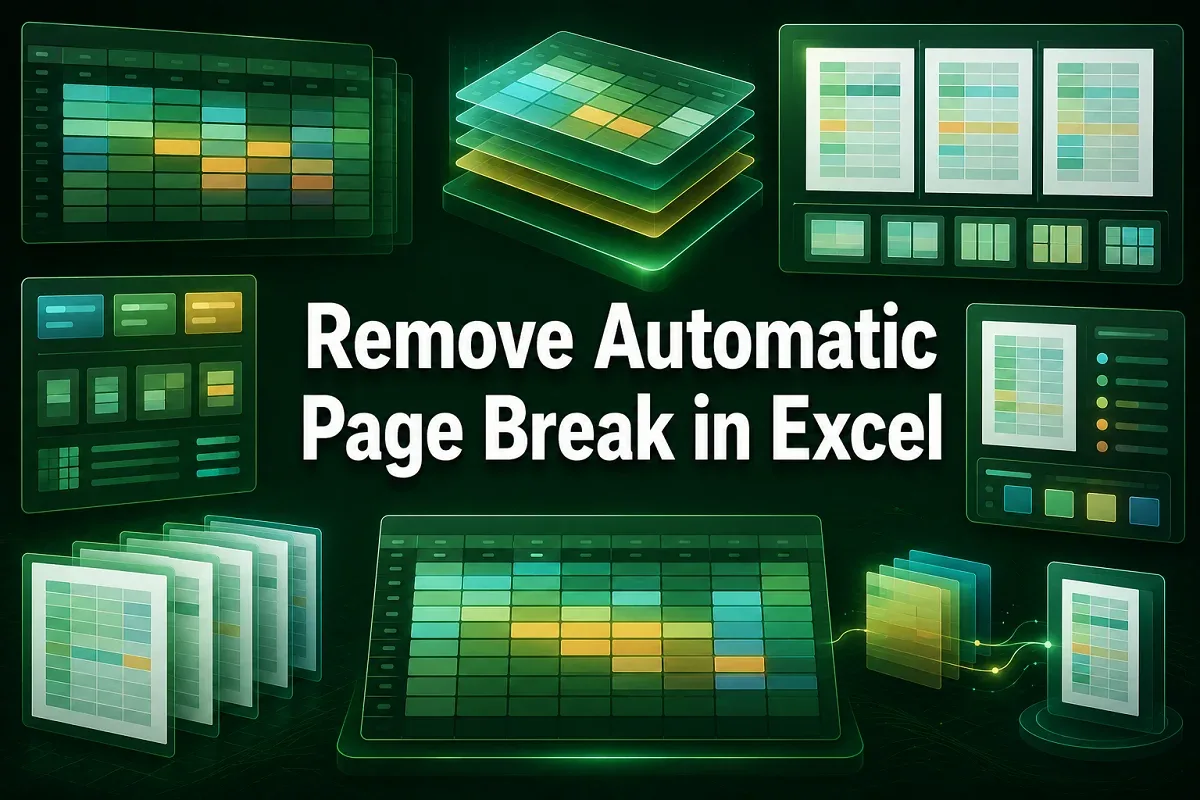
Learn how to remove or hide automatic page breaks in Excel by adjusting page setup, using manual breaks, or applying VBA for quick control.
![[Fixed] Page Break Not Working in Excel (7 Effective Solutions)](https://pub-b39c974f4c124a36a2fb517be38076ec.r2.dev/images/2026/08/featured-image-page-break-in-excel-not-working-1-15f1701e.webp)
Learn how to fix page break issues in Excel by adjusting scaling, unmerging cells, clearing print area, and checking printer settings.

Learn how to remove blue lines in Excel, including gridlines, page breaks, formula tracer arrows, and blue row numbers caused by filters.
Learn how to move page breaks in Excel by enabling page break movements, using drag-and-drop actions, or applying VBA macros for control.