
Excel Pro Tips
How to Make Excel Run Faster With Lots of Data (7 Easy Tricks)
Speed up Excel with large data by disabling auto calculations, optimizing formulas, cleaning up styles, and using efficient file formats.
Read article

3 lessons in order
Speed up Excel with large data by disabling auto calculations, optimizing formulas, cleaning up styles, and using efficient file formats.
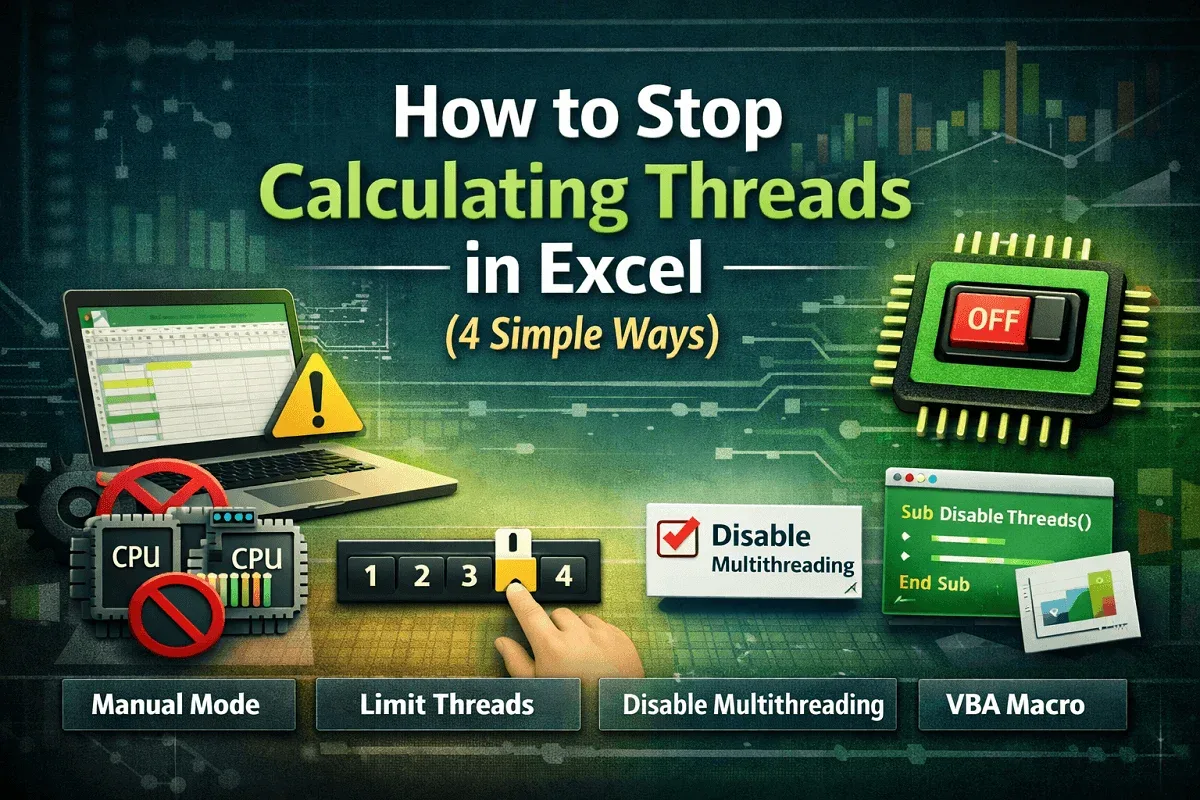
Learn how to stop calculating threads in Excel by disabling multi-threading, using manual mode, limiting threads, or applying VBA fixes.
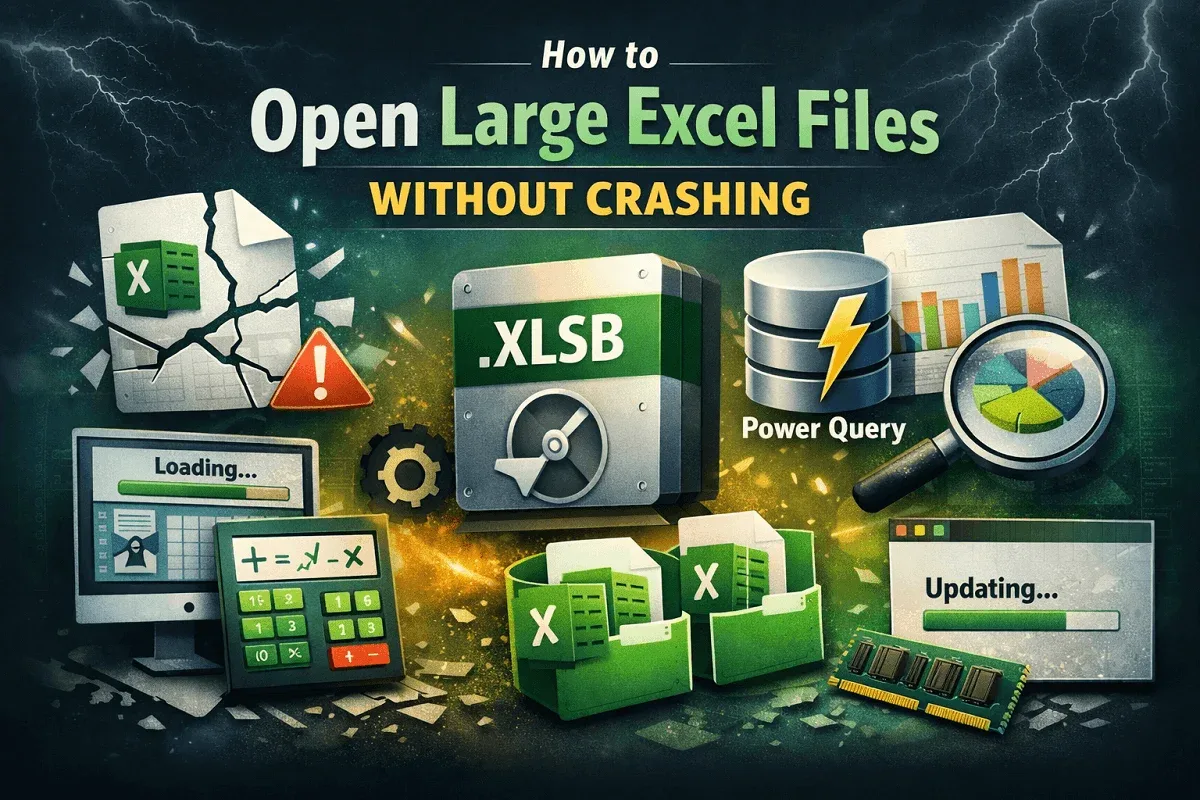
Learn ways to open large Excel files without crashes, from disabling add-ins to simplifying calculations and optimizing formatting.