Excel Pro Tips
How to Fix Excel to PDF Size Problem While Printing (4 Solutions)
Learn how to fix Excel to PDF size issues by adjusting scale, page setup, page breaks, and setting print titles for clean output.
Read article

5 articles tagged with “Export to PDF from Excel”
Learn how to fix Excel to PDF size issues by adjusting scale, page setup, page breaks, and setting print titles for clean output.
Learn how to create a fillable PDF from Excel by using prebuilt templates or designing custom forms with interactive, fillable fields.
Learn how to save Excel as PDF without cutting off data by adjusting paper size, orientation, scaling options, and page setup settings.
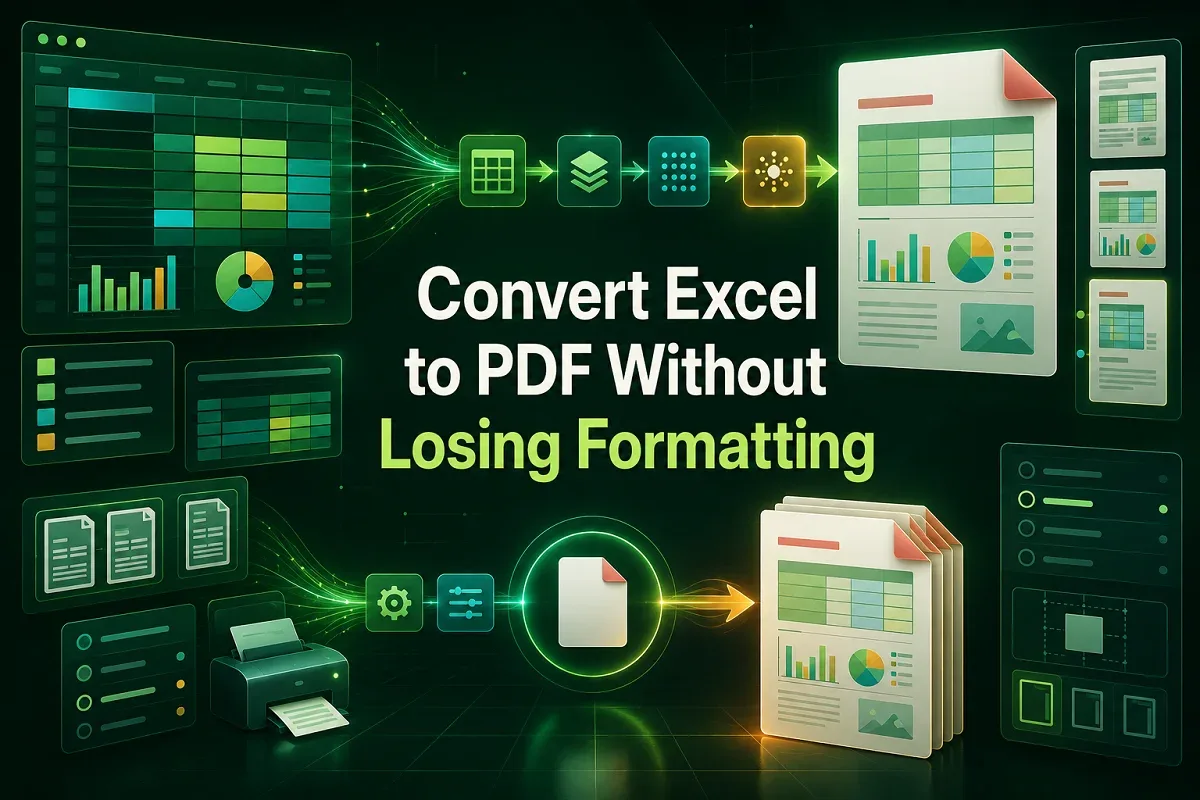
Learn how to convert Excel to PDF without losing formatting using built-in tools, print settings, VBA macros, and free online converters.
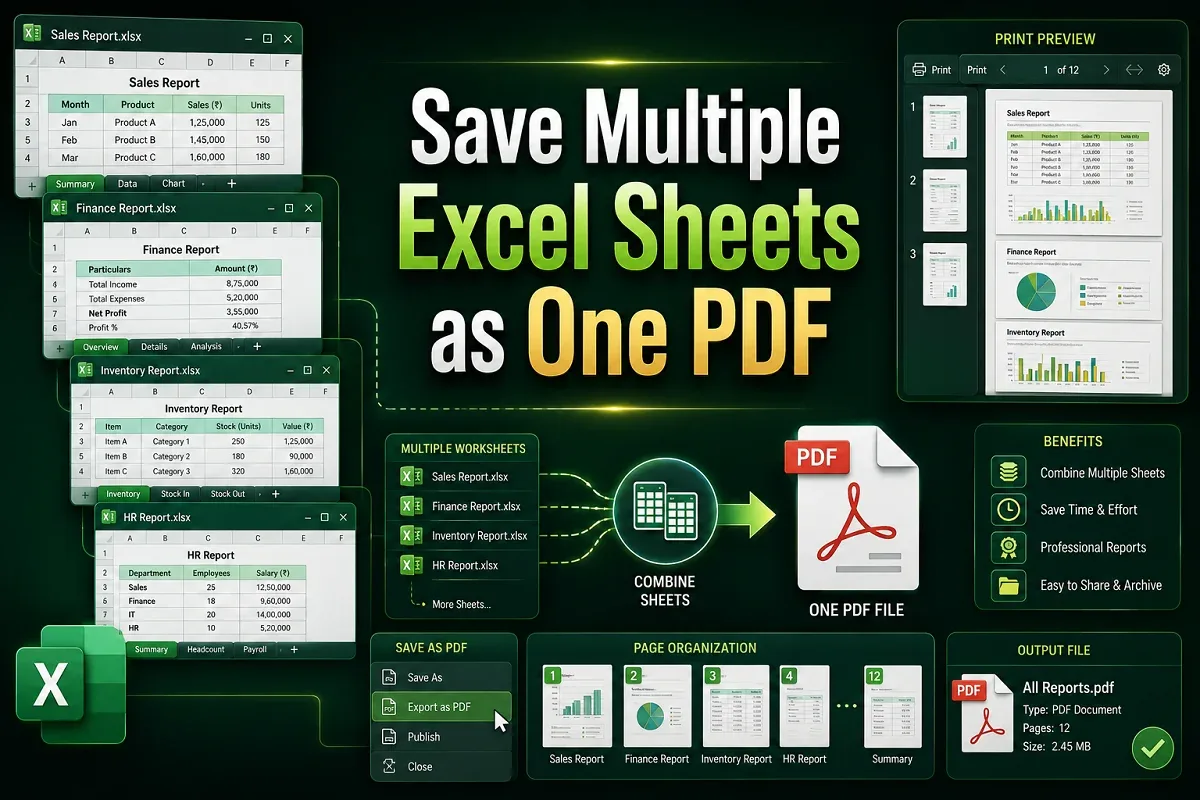
Learn how to save multiple Excel sheets as one PDF using built-in options, print settings, VBA automation, or without any coding at all.