
Excel Pro Tips
How to Get the First 3 Characters from a Cell in Excel
Learn how to get the first 3 characters from a cell in Excel using LEFT, MID, FIND, Flash Fill, Text to Columns, and VBA in simple steps.
Read article

11 articles tagged with “Extract Data in Excel”
Learn how to get the first 3 characters from a cell in Excel using LEFT, MID, FIND, Flash Fill, Text to Columns, and VBA in simple steps.
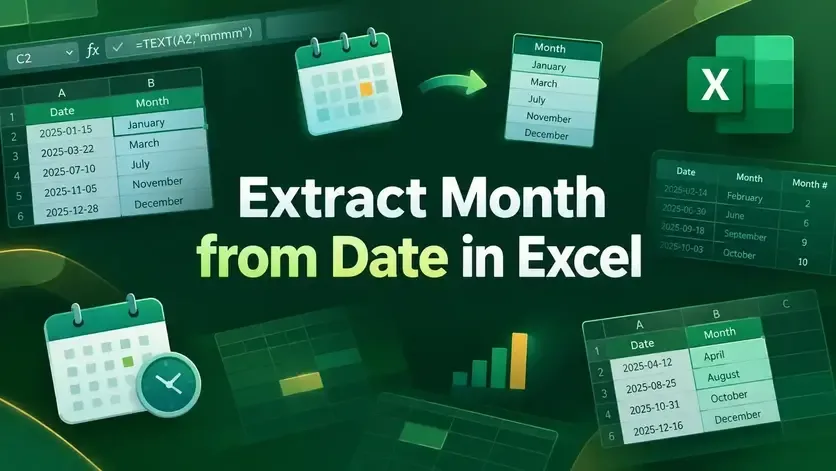
Learn how to extract month from date in Excel using custom formats, TEXT, MONTH, CHOOSE, SWITCH functions, and Power Query methods.
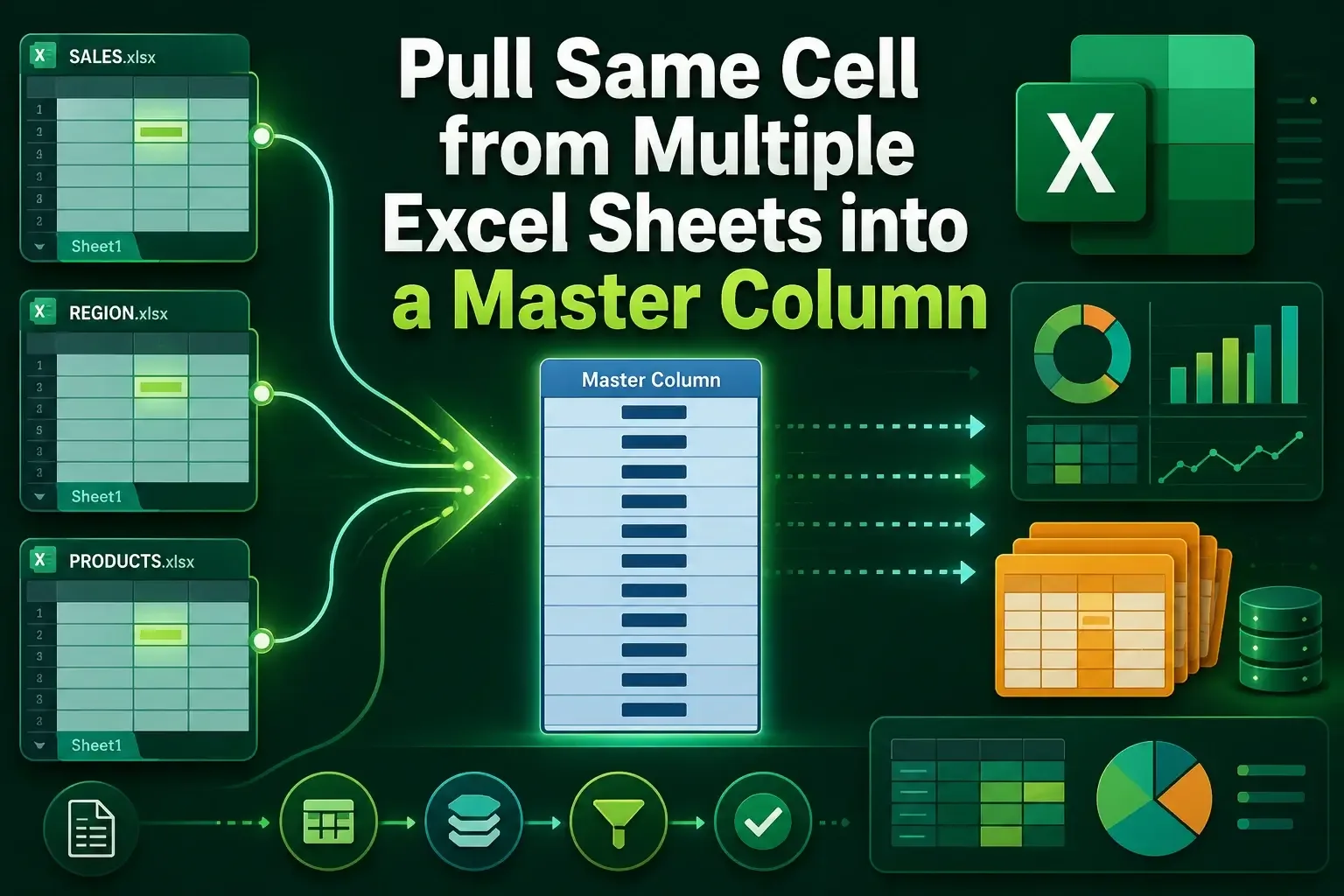
Learn how to pull the same cell from multiple sheets into a master column in Excel using INDIRECT, Consolidate, and 3D references.
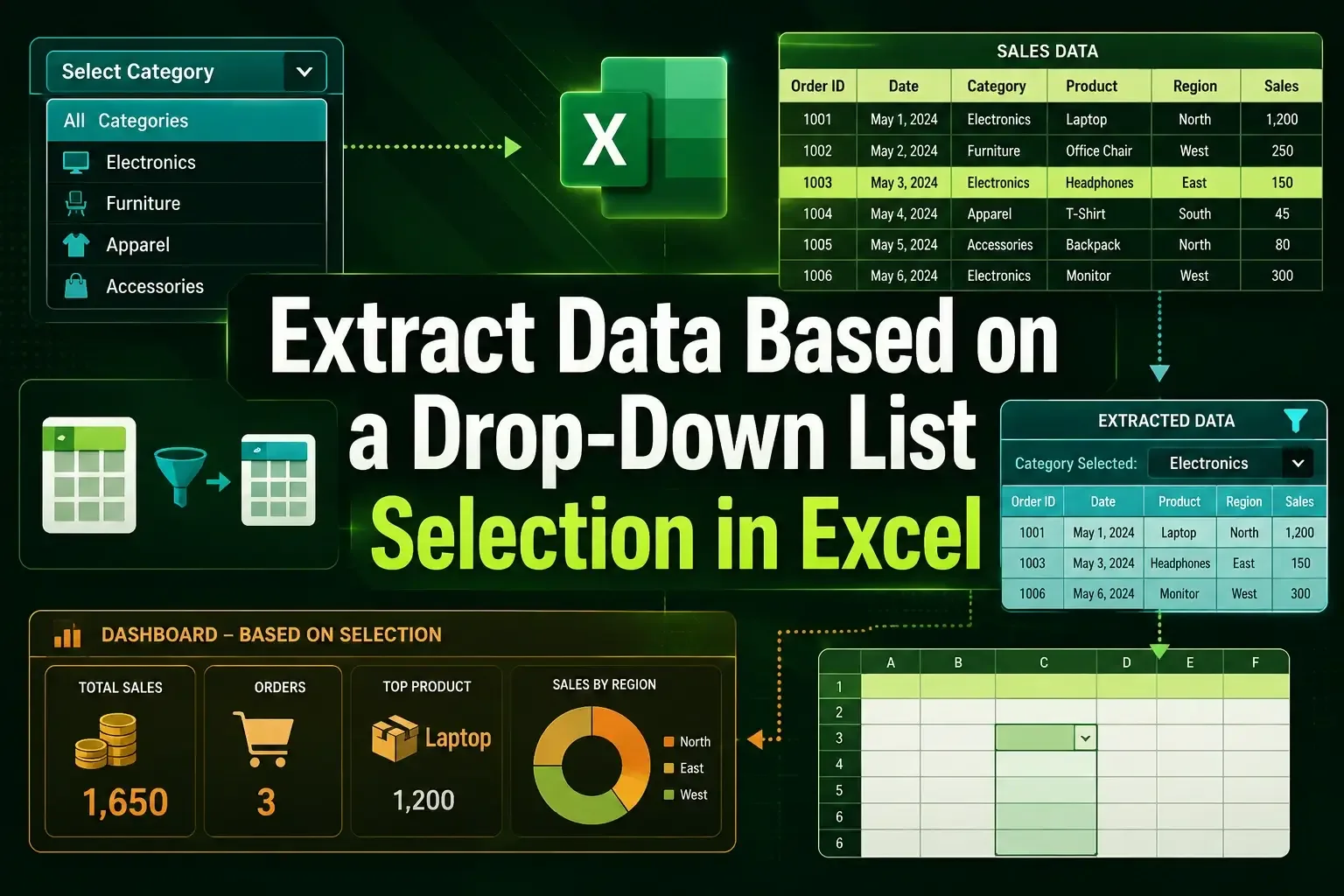
Learn how to extract data based on a drop-down list in Excel using FILTER, multiple criteria, and INDEX with helper columns.
Learn how to get data from another sheet in Excel using INDEX/MATCH, VLOOKUP, INDIRECT, HLOOKUP, and Advanced Filter methods.

Learn how to extract the year from a date in Excel using YEAR, TEXT functions, cell formatting, and the Text to Columns feature.
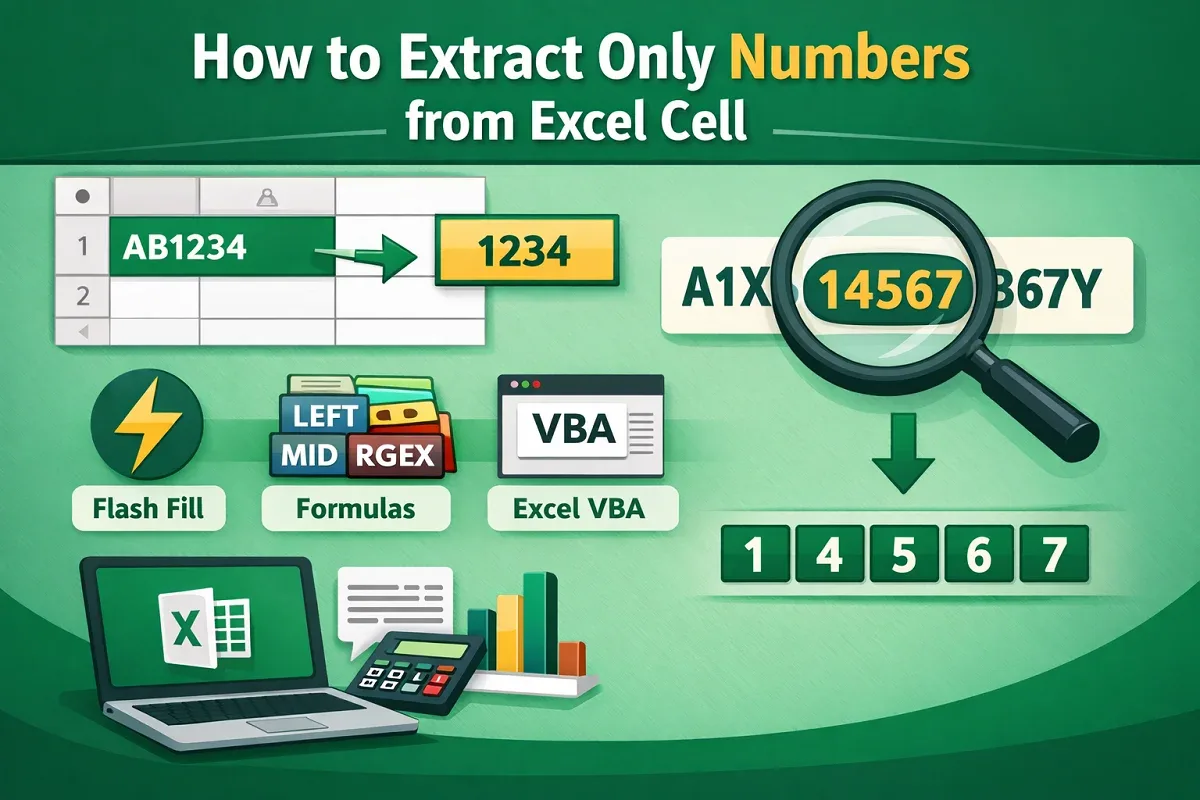
Learn 8 effective ways to extract only numbers from Excel cells, including formulas, Flash Fill, VBA, and dynamic function combos.
Discover how to pull data from another sheet in Excel using VLOOKUP, INDEX & MATCH, FILTER, XLOOKUP, and Power Query based on criteria.
Learn how to extract month and day from a date in Excel using functions like MONTH, DAY, TEXT, CHOOSE, SWITCH, and Power Query.
Learn multiple ways to extract data from a table in Excel using FILTER, SUMIFS, XLOOKUP, Power Query, and advanced formulas.
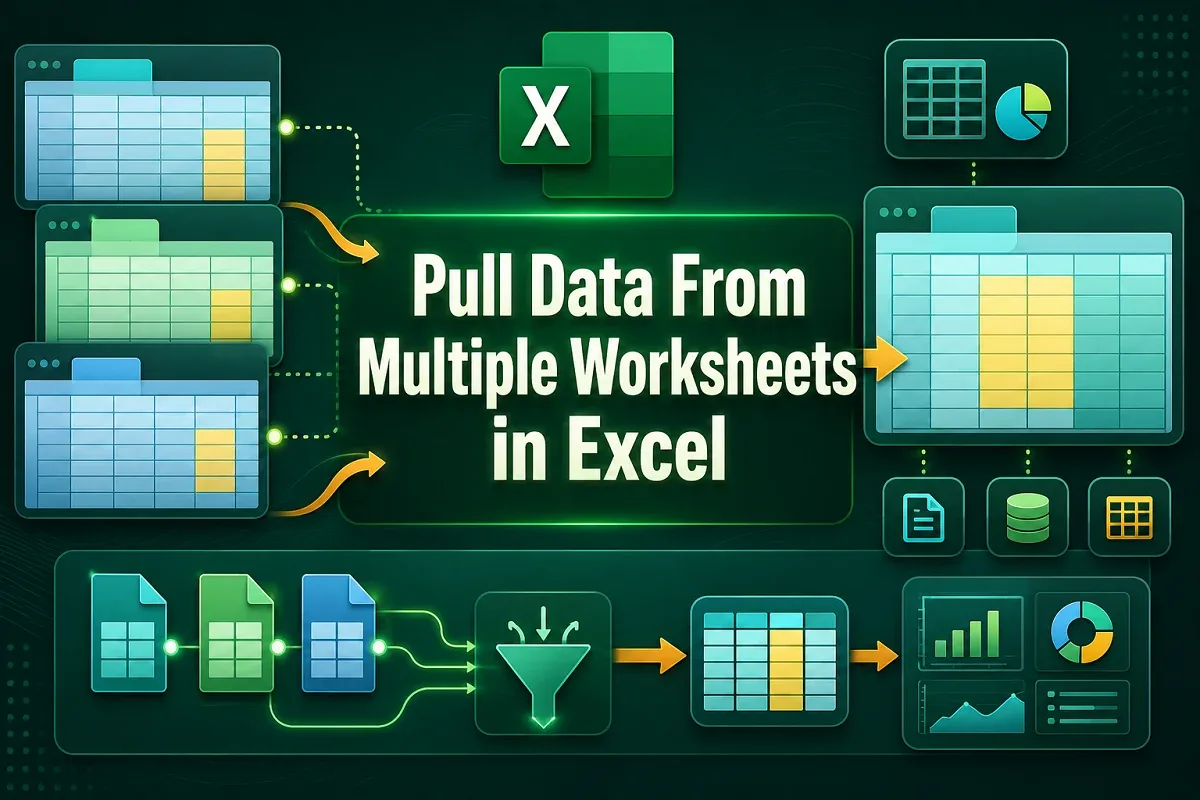
Learn how to pull data from multiple Excel worksheets into one using Power Query, VBA code, or the built-in Consolidate feature.