
Excel Pro Tips
How to Create a Floating Table in Excel (6 Different Ways)
Learn how to create a floating table in Excel using simple tricks like moving tables, Camera tool, Freeze Panes, Watch Window, and VBA.
Read article

13 articles tagged with “Make a Table in Excel”
Learn how to create a floating table in Excel using simple tricks like moving tables, Camera tool, Freeze Panes, Watch Window, and VBA.
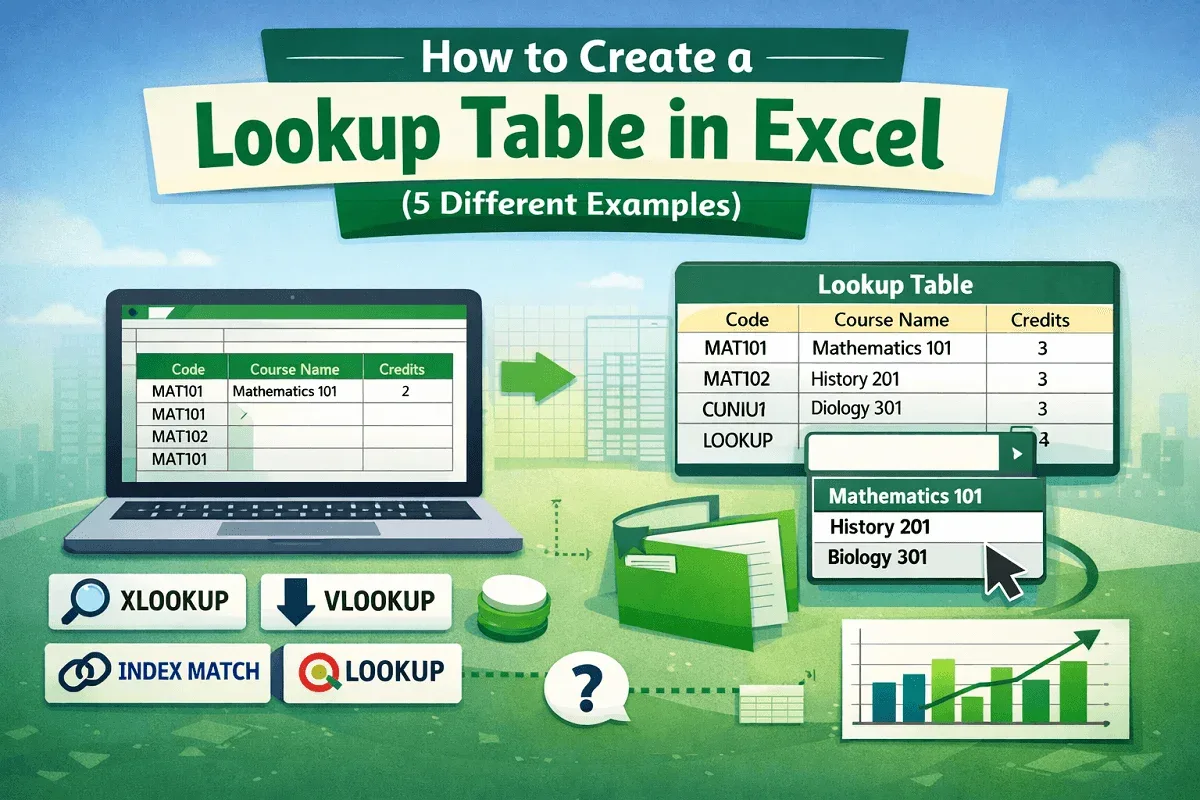
Learn how to create a lookup table in Excel using XLOOKUP, VLOOKUP, INDEX-MATCH, LOOKUP, and drop-down lists for fast data use.
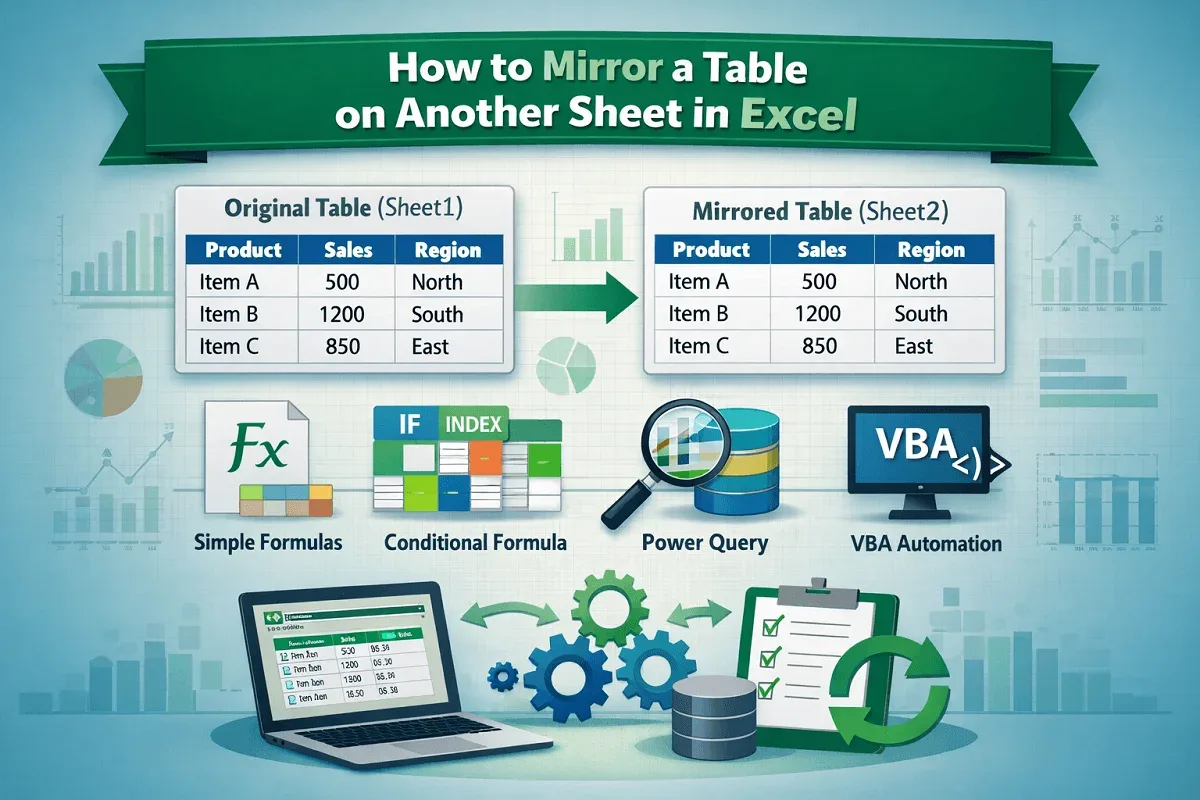
Learn how to mirror a table on another sheet in Excel using simple formulas, conditional logic, Power Query, and VBA for automatic updates.
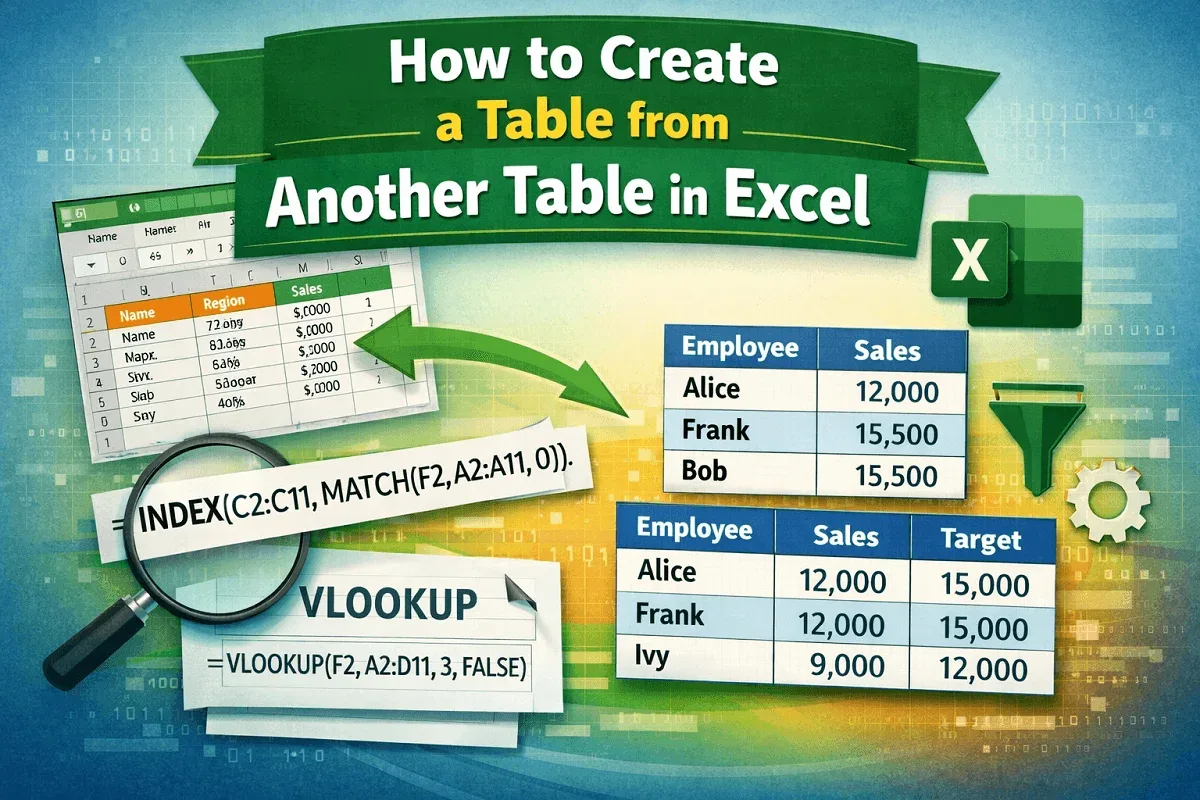
Learn how to create a new Excel table from another table using filtering, INDEX-MATCH, and VLOOKUP to extract and organize data easily.

Learn how to change table colors in Excel using Table Design options, custom palettes, manual fills, themes, and conditional formatting.

Learn how to add a Total Row in an Excel table using shortcuts, Table Design tools, context menu options, Quick Analysis, or SUM function.

Learn how to rotate an Excel table using Transpose, formatting tools, and formulas to flip data 90° or 180° for easier viewing and analysis.

Learn how to turn existing data into an Excel table using Insert, shortcuts, Power Query, Text to Columns & VBA for structured formatting.

Learn 6 easy methods to use structured references in Excel formulas, including SUM, AVERAGE, IF, VLOOKUP, and more.

Learn 4 easy methods to convert an image to a table in Excel using built-in tools, OneNote OCR, online OCR, and ChatGPT.

Learn step-by-step methods to add a column to a table in Excel using the ribbon, context menu, shortcuts, or Power Query.

Learn how to convert a table to a range in Excel using Table Design, context menu, VBA, or by removing filters and formatting.