Excel Pro Tips
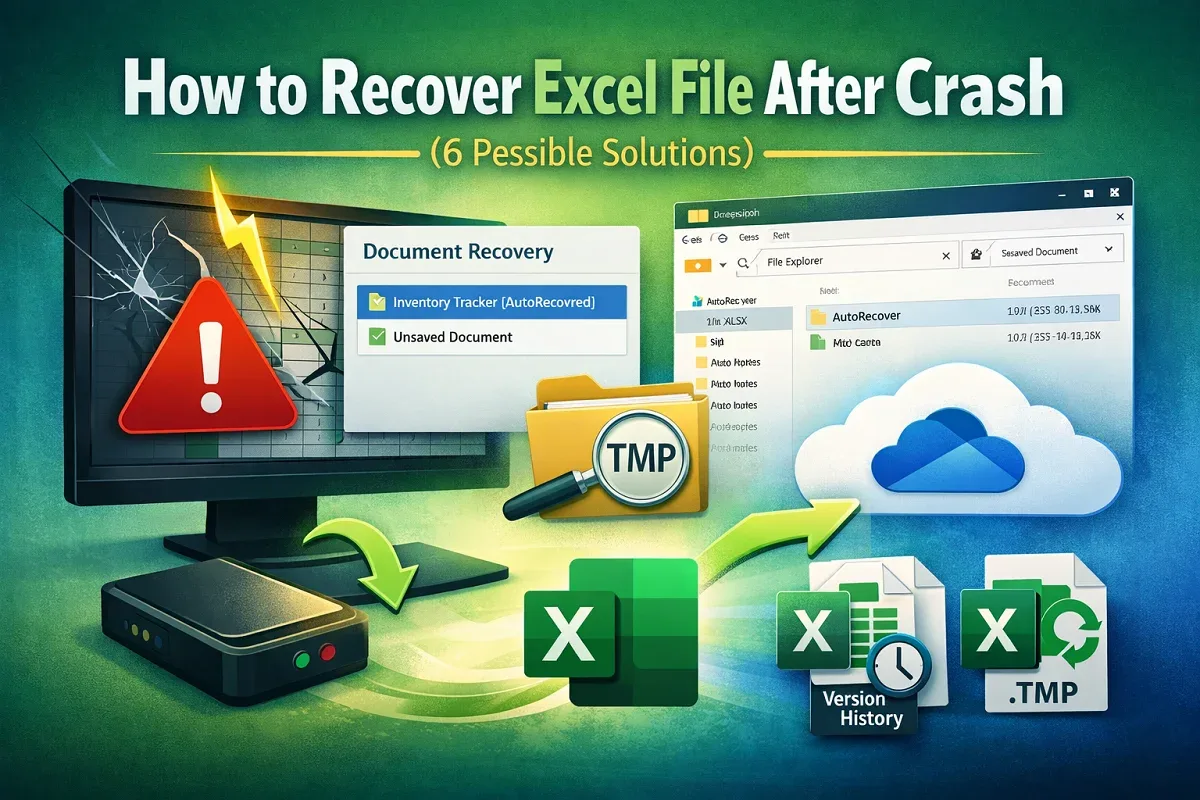
How to Recover Excel File After Crash (6 Possible Solutions)
Recover Excel files after a crash using Document Recovery, AutoRecover files, OneDrive restore, temp files, or unsaved workbooks.
Read article

6 articles tagged with “Recover Excel File”
Recover Excel files after a crash using Document Recovery, AutoRecover files, OneDrive restore, temp files, or unsaved workbooks.
Learn how to recover previous version of Excel file using Version History, Manage Workbook, Recover Unsaved Workbooks or File History options.
Fix unsaved Excel file not in recovery by checking Excel Options, TEMP files, Recycle Bin, OneDrive Recycle Bin, or using Document Recovery.
Learn how to recover a corrupted Excel file using Open and Repair, AutoRecover, version history, safe mode, file conversion, VBA, and more.

Learn how to undo changes in Excel after saving and closing using AutoSave, backups, file history, and recovering unsaved versions.
Learn how to recover an overwritten Excel file without a previous version using Excel recovery, OneDrive, backups, or temporary files.