Google Sheets Basics
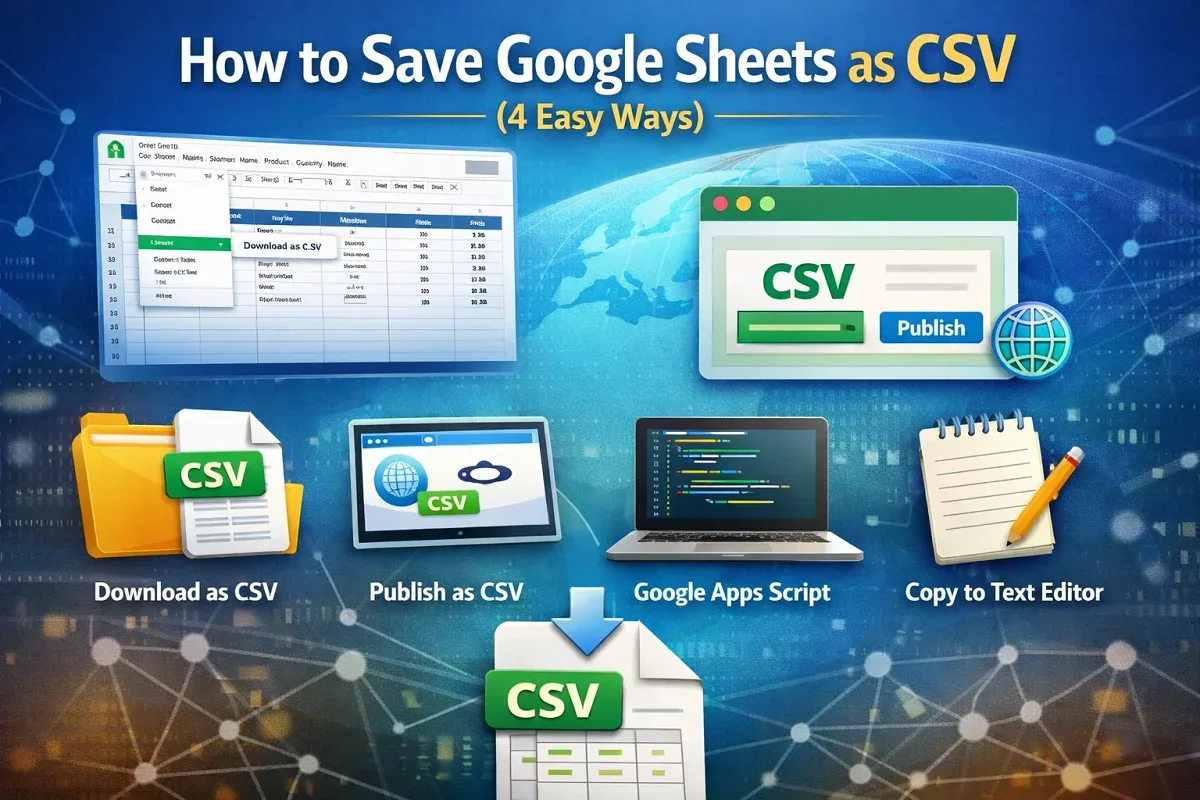
How to Save Google Sheets as CSV (4 Easy Ways)
Learn 4 easy ways to save Google Sheets as CSV: download, publish, export with Apps Script, or copy into a text editor.
Read article

5 articles tagged with “Worksheet Management in Google Sheets”
Learn 4 easy ways to save Google Sheets as CSV: download, publish, export with Apps Script, or copy into a text editor.
Learn how to split screen in Google Sheets by using multiple browser windows, extensions, or freezing rows and columns for easier navigation.
Learn how to delete multiple sheets in Google Sheets manually, with Apps Script, or using add-ons to remove unwanted tabs efficiently.
Learn how to join two Google Sheets based on a column using VLOOKUP, IMPORTRANGE, QUERY, INDEX-MATCH, add-ons, and Google Apps Script.
Learn how to share only one tab in Google Sheets by hiding other tabs, using Protect Sheet, creating a new file, or publishing to the web.