
Excel Pro Tips
How to Create a Dynamic Hyperlink in Excel (2 Simple Ways)
Learn how to create dynamic hyperlinks in Excel using the HYPERLINK and CONCATENATE functions for easy navigation and automation.
Read article


Md. Shihab Uddin holds a Graduation in Crop Science and Technology and is pursuing a Postgraduate degree in Soil Science from the University of Rajshahi. With 4+ years of Excel and Google Sheets experience, he specializes in formulas, data cleaning, lookups, automation, VBA, formatting, and file management. He has authored 100+ in-depth Excel articles and is skilled in Power Automate, RPA, and Python. He enjoys creating efficient workflows and solving real-world data problems.
Articles by Shihab Shahriar are developed under the guidance of ExcelInsider’s core training program and are technically reviewed by Nehad Ulfat, lead spreadsheet consultant, to ensure accuracy and user-centric value.
Learn how to create dynamic hyperlinks in Excel using the HYPERLINK and CONCATENATE functions for easy navigation and automation.

Learn 3 easy methods to edit hyperlinks in Excel: manually, with Find & Replace, or using a VBA macro for automated changes.

Learn how to fix the “Workbook Contains Links to External Sources” warning in Excel using Find & Replace, Break Links, VBA & more.
Learn how to reference a cell in another sheet based on a cell value in Excel using INDEX-MATCH, INDIRECT, and VBA methods.
Learn how to link sheets to a master sheet in Excel using Name Manager, INDEX, and HYPERLINK functions for efficient data management.
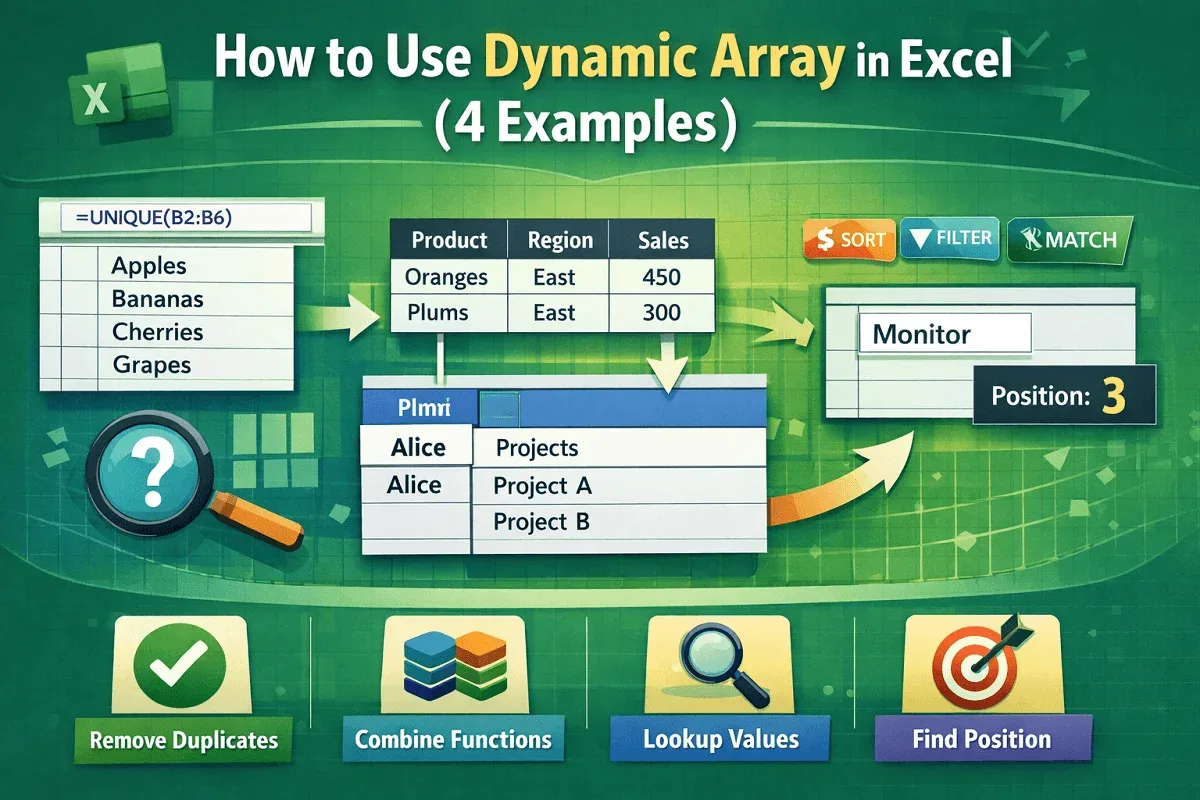
Learn what a dynamic array is in Excel and how to use functions like UNIQUE, VLOOKUP, and XMATCH for powerful formulas.
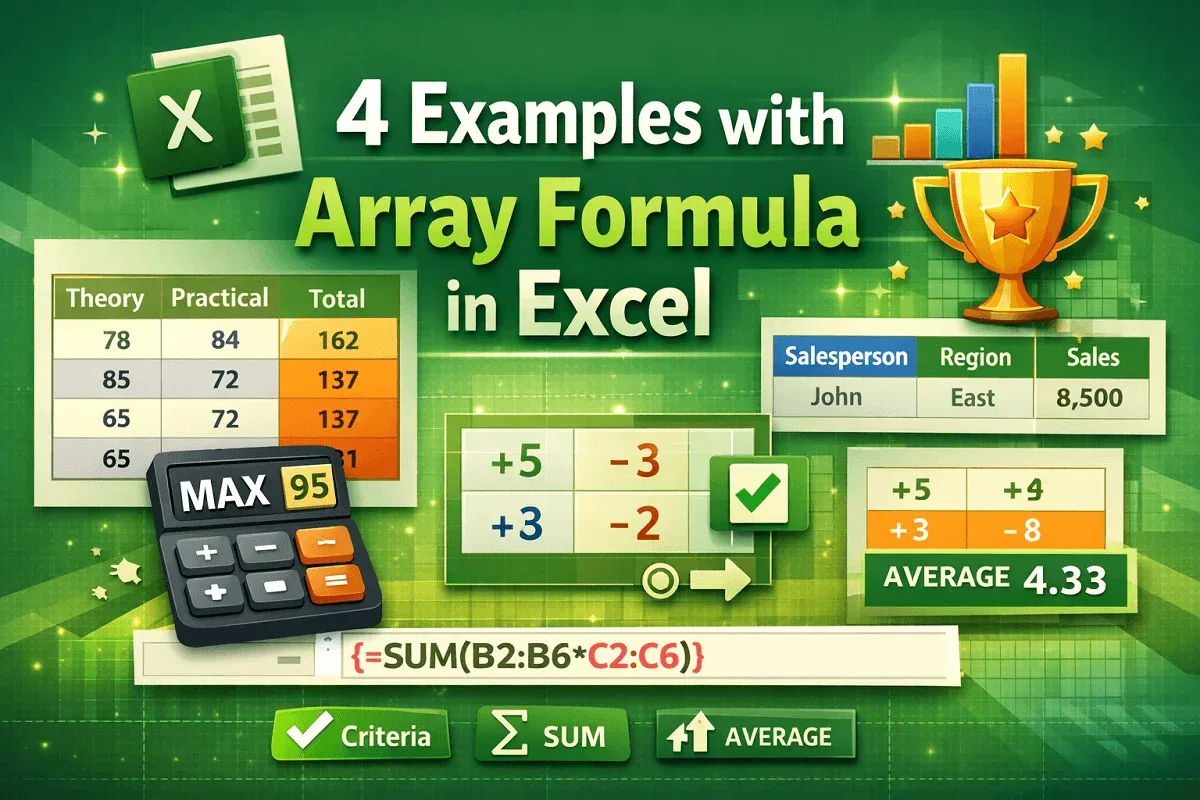
Learn 4 useful Excel array formula examples, including total marks, highest score, multi-criteria, and average of positive numbers.
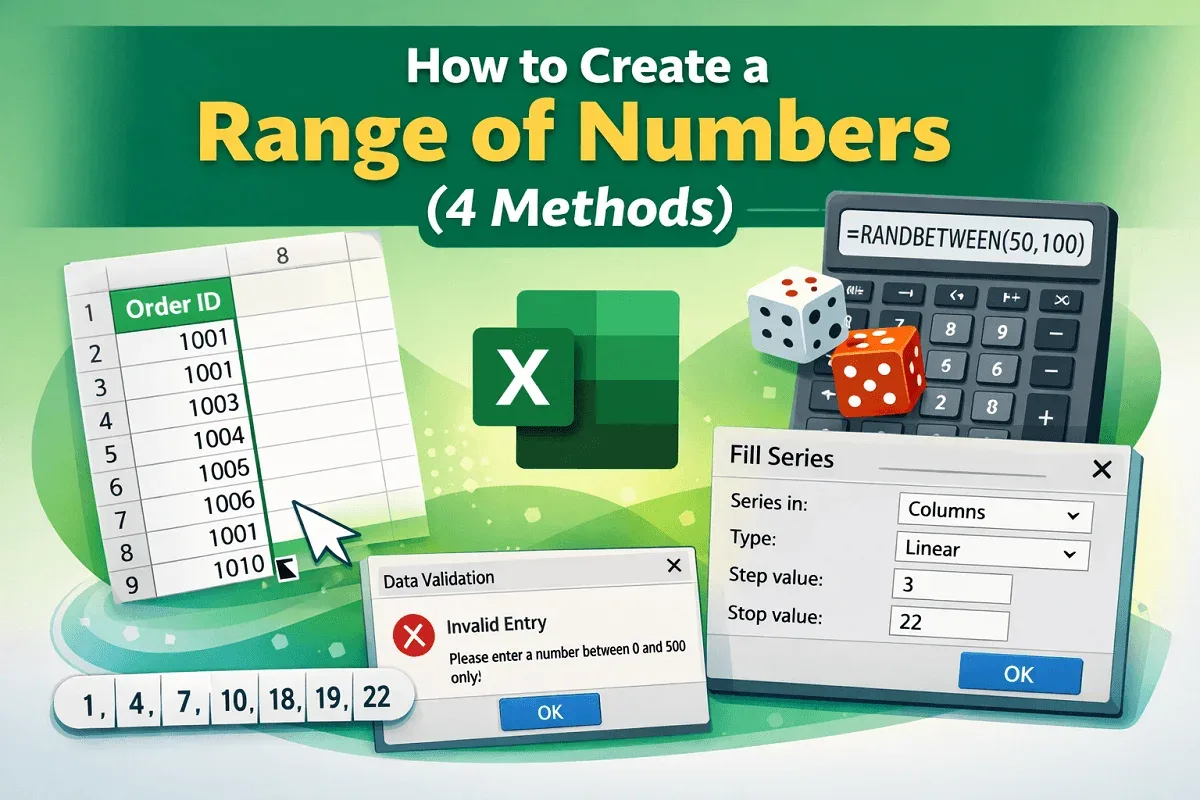
Learn how to create a range of numbers in Excel using Fill Handle, RANDBETWEEN, Fill Series, and Data Validation techniques.
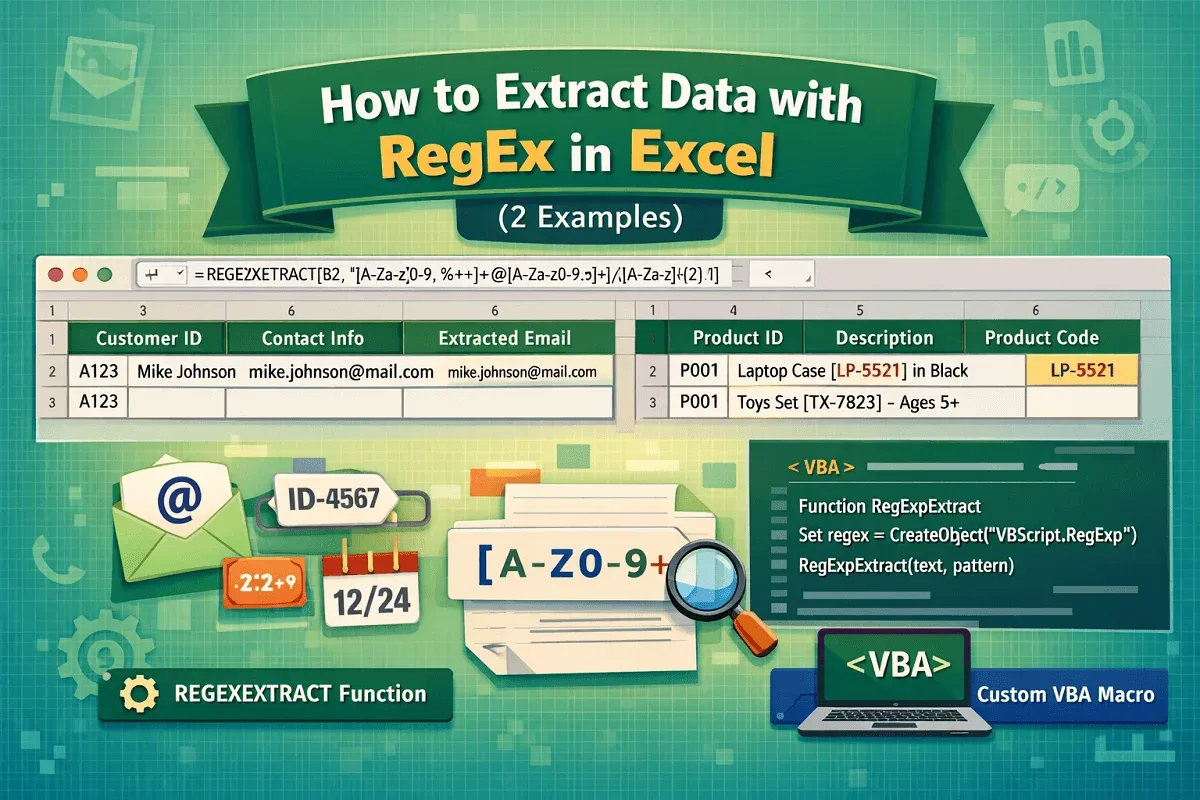
Learn how to extract data with RegEx in Excel using the REGEXEXTRACT function or custom VBA for advanced pattern matching and automation.
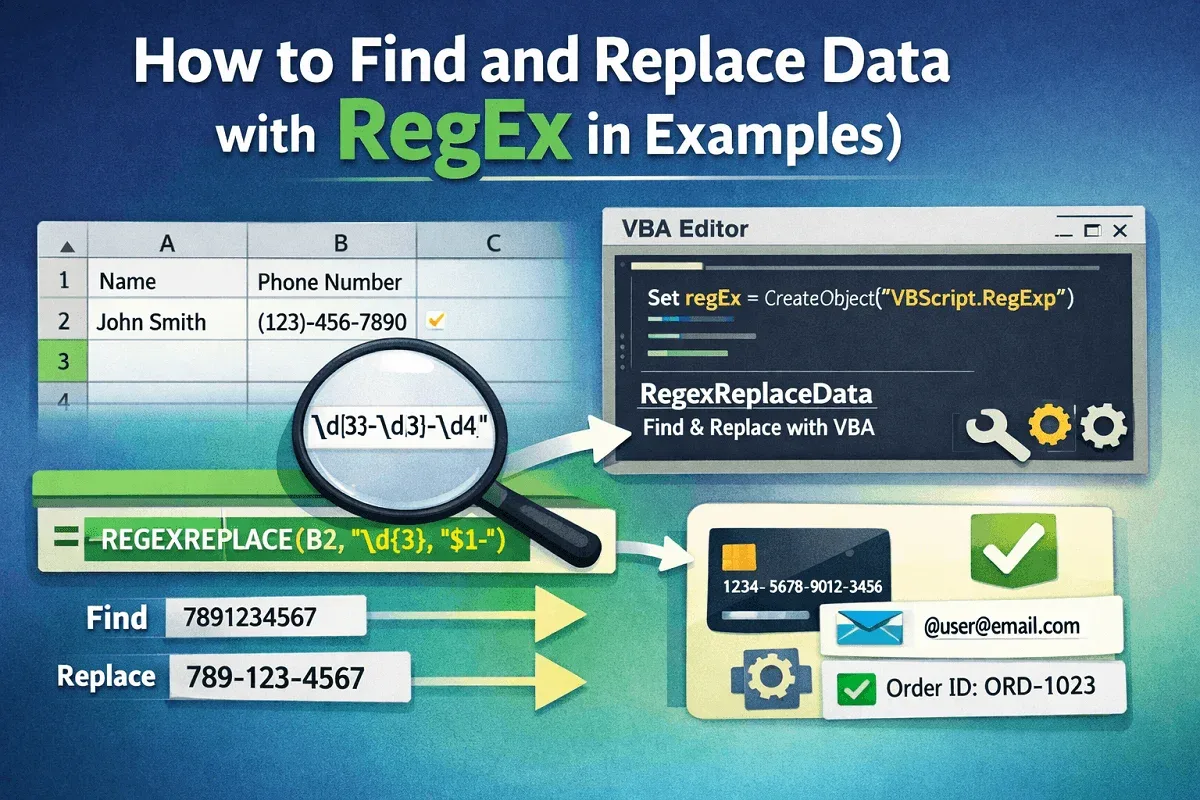
Learn how to find and replace data in Excel using RegEx with REGEXREPLACE function or custom VBA for advanced text manipulation.
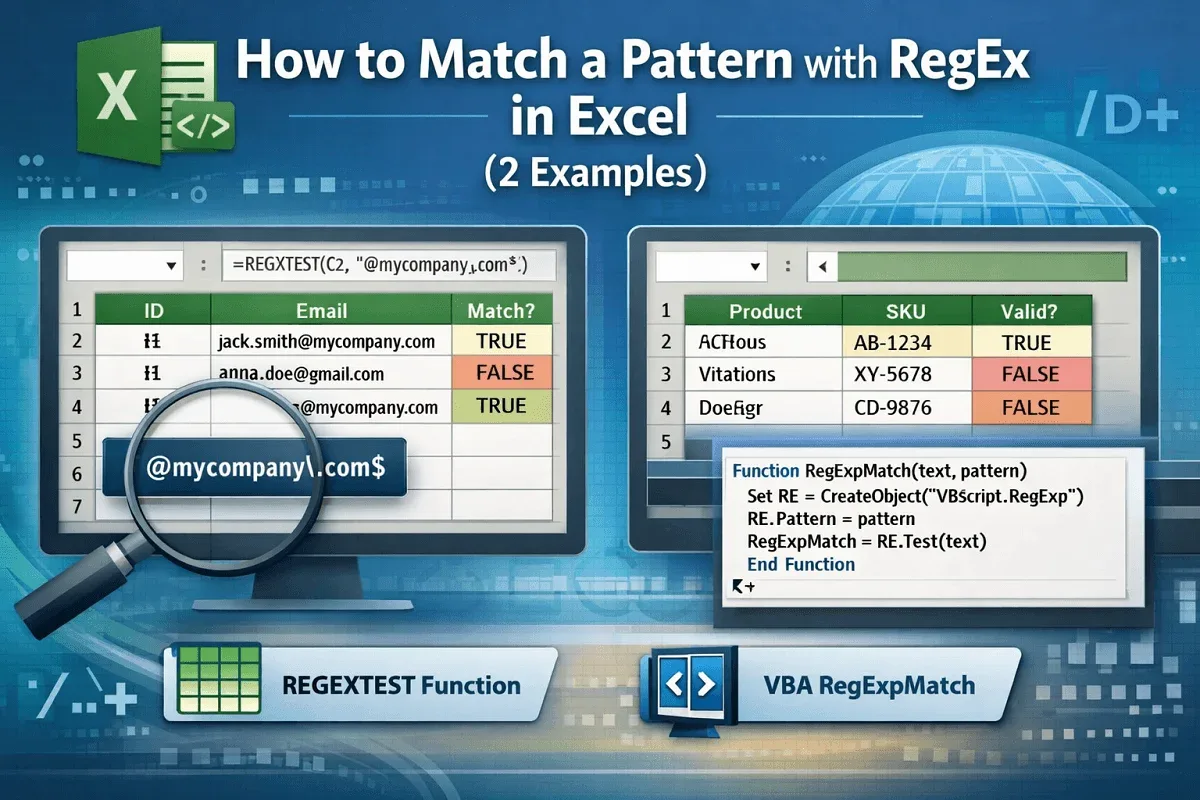
Learn how to match patterns with RegEx in Excel using built-in REGEXTEST and custom VBA RegExpMatch for precise data matching.
Learn how to transpose an array in Excel using VBA with functions, PasteSpecial, and manual methods for efficient data manipulation.