Excel Functions & Formulas
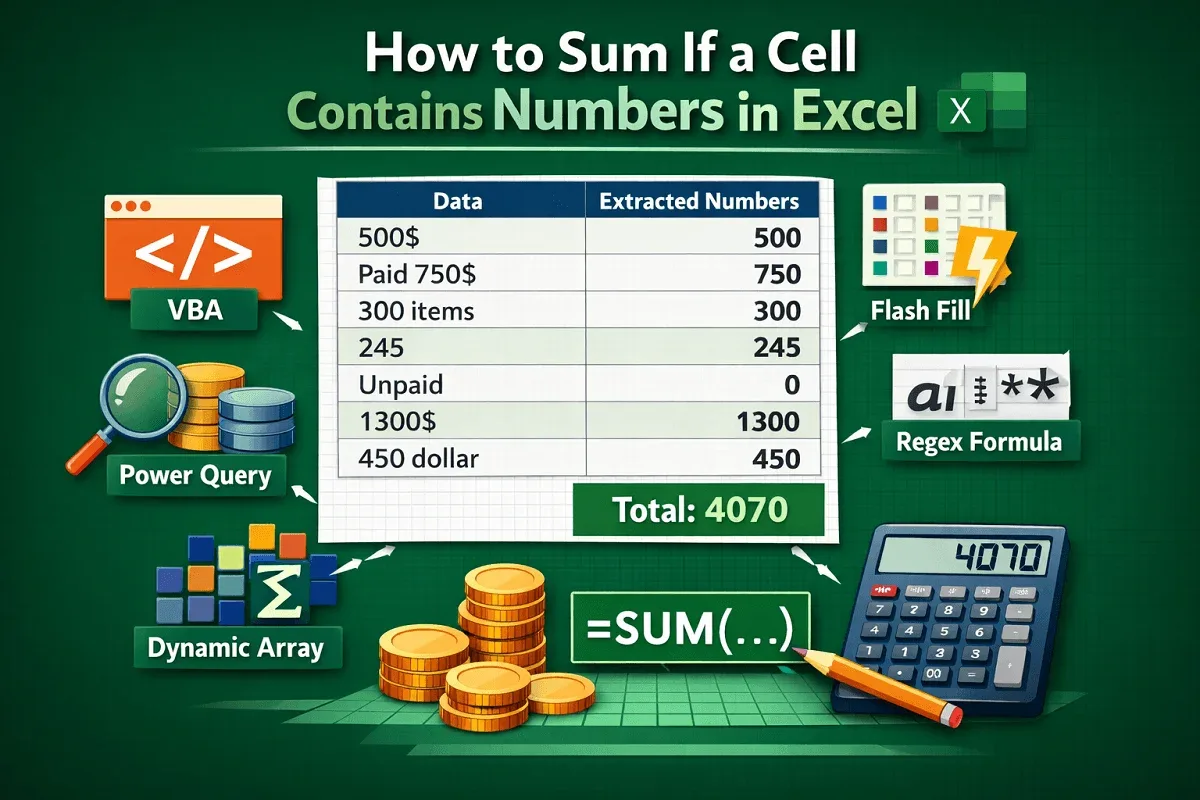
How to Sum If a Cell Contains Numbers in Excel
Learn how to sum cells containing numbers in Excel using VBA, Power Query, Regex, Flash Fill, and dynamic array formulas.
Read article


Nusrat Jahan holds a BSc in Computer Science & Engineering from North South University and has 4+ years of Excel and Google Sheets experience. She specializes in data analysis, visualization, formulas, PivotTables, charts, data cleaning, validation, and IMPORTRANGE. She enjoys creating habit trackers, budget planners, and project management sheets, using formulas, conditional formatting, and interactive tools to simplify task organization and financial planning.
Articles by Nusrat Jahan are developed under the guidance of ExcelInsider’s core training program and are technically reviewed by Nehad Ulfat, lead spreadsheet consultant, to ensure accuracy and user-centric value.
Learn how to sum cells containing numbers in Excel using VBA, Power Query, Regex, Flash Fill, and dynamic array formulas.
![[Fixed] COUNTIFS Not Working in Excel (6 Possible Solutions)](https://pub-b39c974f4c124a36a2fb517be38076ec.r2.dev/images/2026/08/featured-image-countifs-not-working-f659df3a.webp)
Learn why your COUNTIFS formula isn’t working in Excel and how to fix common issues like range mismatches, text criteria, and wildcards.
Learn how to fix Excel COUNTIF returning 0 with tips on quotes, wildcards, OR/AND logic, and using COUNTIFS for multiple conditions.
Learn how to use COUNTIF in Excel to count values not equal to zero, including tips with SUMPRODUCT, FILTER, and other functions.
Learn how to average only non-blank cells in Excel using AVERAGEIF, AVERAGEIFS, IF, FILTER functions, table totals, and manual methods.

Learn how to split a string by character in Excel using MID, TEXTSPLIT, Power Query, or a VBA macro for quick and easy text parsing.
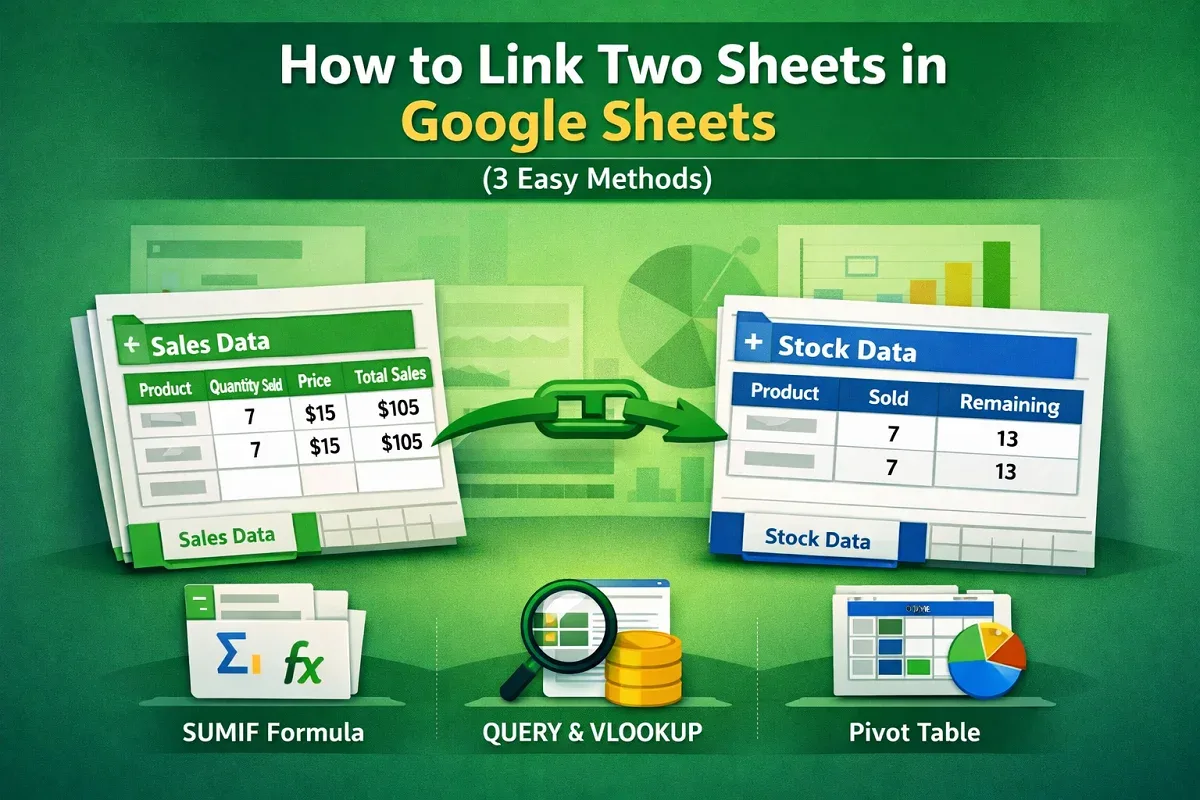
Learn how to link two sheets in Google Sheets, auto-update data, and use QUERY, VLOOKUP, and Pivot Tables effectively.
Learn how to split a string by length in Excel using LEFT, MID, RIGHT functions, Power Query, Flash Fill, and Text to Columns.
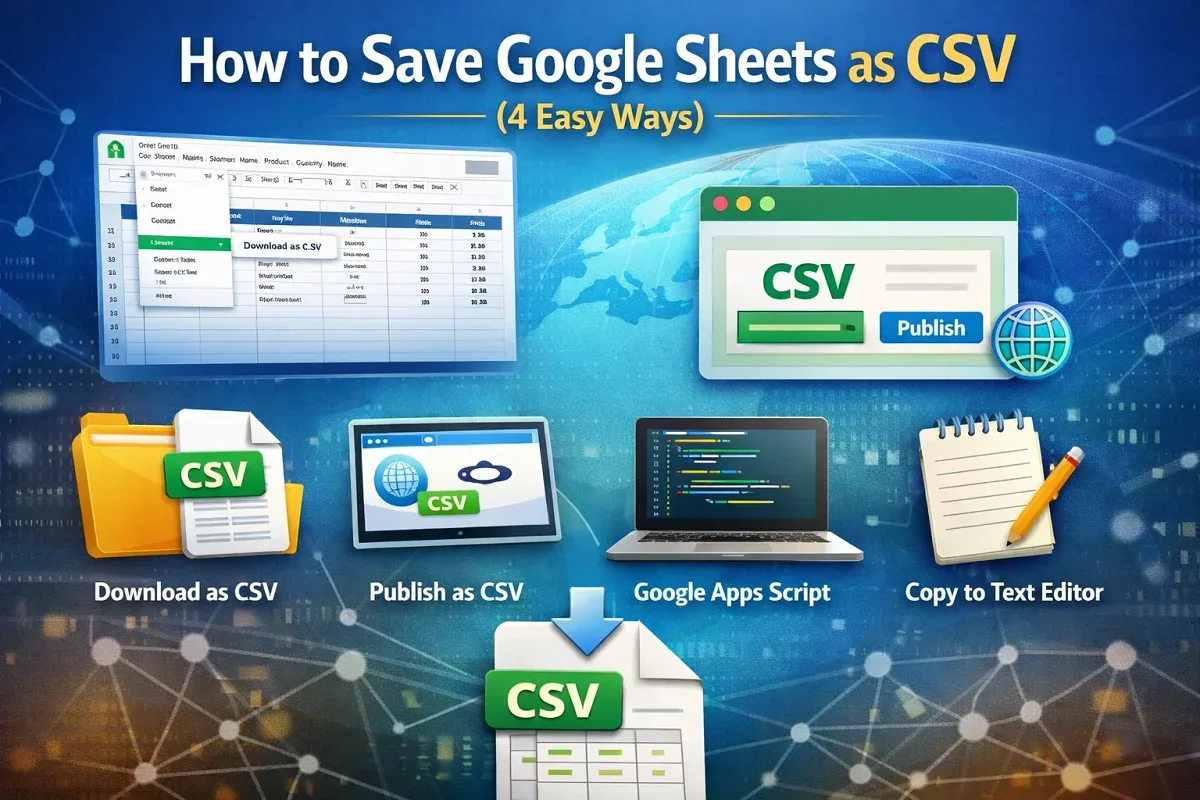
Learn 4 easy ways to save Google Sheets as CSV: download, publish, export with Apps Script, or copy into a text editor.
Learn how to compare two columns in Excel using VLOOKUP to find matches, differences, missing values, and cross-sheet comparisons.
Learn how to compare two columns in Excel and return common values using IF, COUNTIF, FILTER, VLOOKUP, XLOOKUP, and Conditional Formatting.
Learn how to combine VLOOKUP and HLOOKUP in Excel, including using MATCH and the powerful XLOOKUP as a modern alternative.