Excel VBA
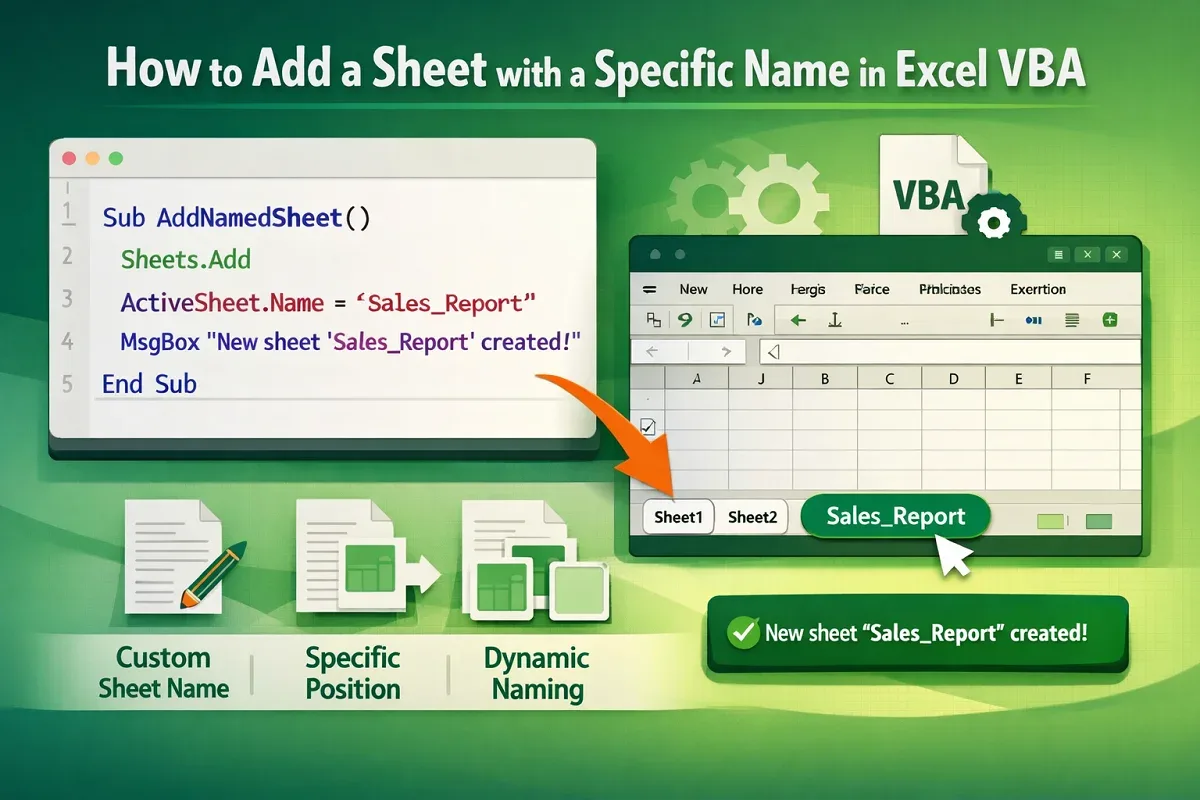
How to Add a Sheet with a Specific Name in Excel VBA
Learn how to add a sheet with a specific name in Excel VBA, rename instantly, and insert it at a chosen location easily.
Read article


Mohammed Shafin Arshad is a Computer Science student and cybersecurity enthusiast in Malaysia with 6 years of Excel and Google Sheets experience. He specializes in VBA, macro automation, and SaaS-focused workflow guides. His background includes university data science projects, and he enjoys using macros to solve complex spreadsheet problems.
Articles by Mohammed Shafin Arshad are developed under the guidance of ExcelInsider’s core training program and are technically reviewed by Nehad Ulfat, lead spreadsheet consultant, to ensure accuracy and user-centric value.
Learn how to add a sheet with a specific name in Excel VBA, rename instantly, and insert it at a chosen location easily.
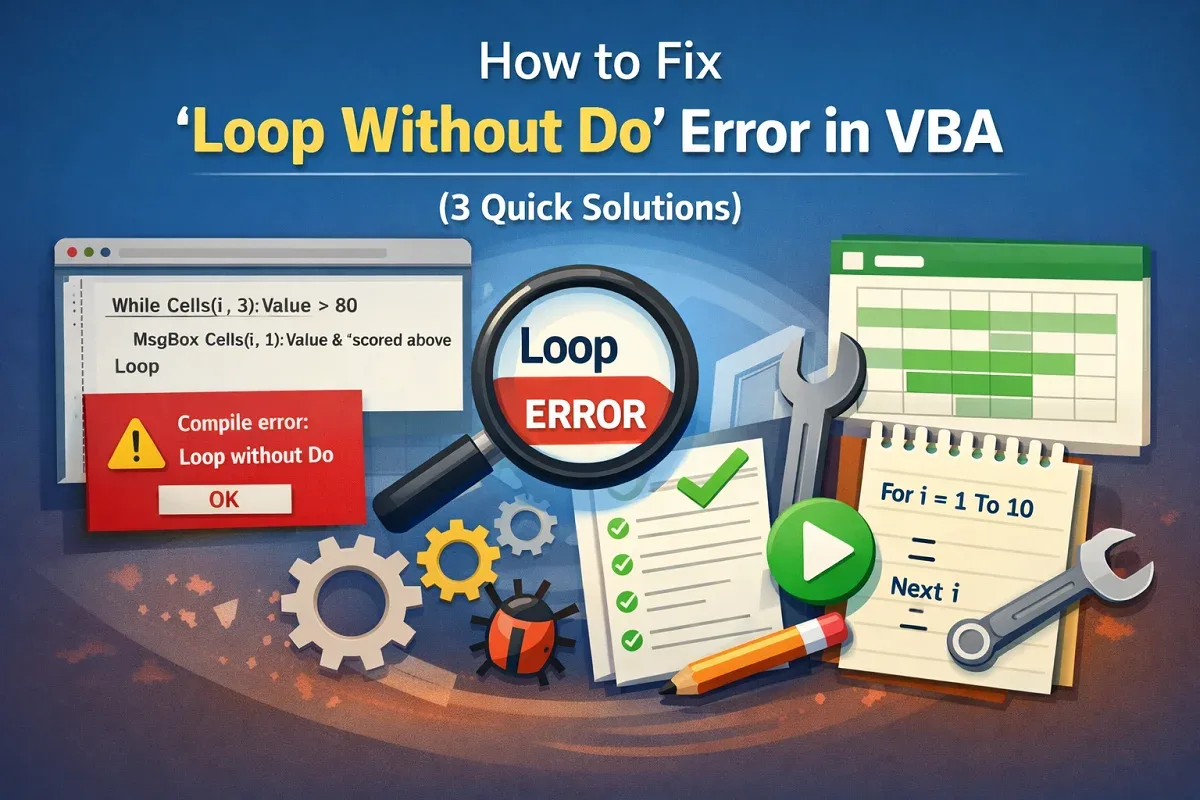
Fix the Loop Without Do error in VBA by pairing Do and Loop correctly, using For…Next loops, and matching loop placements properly.
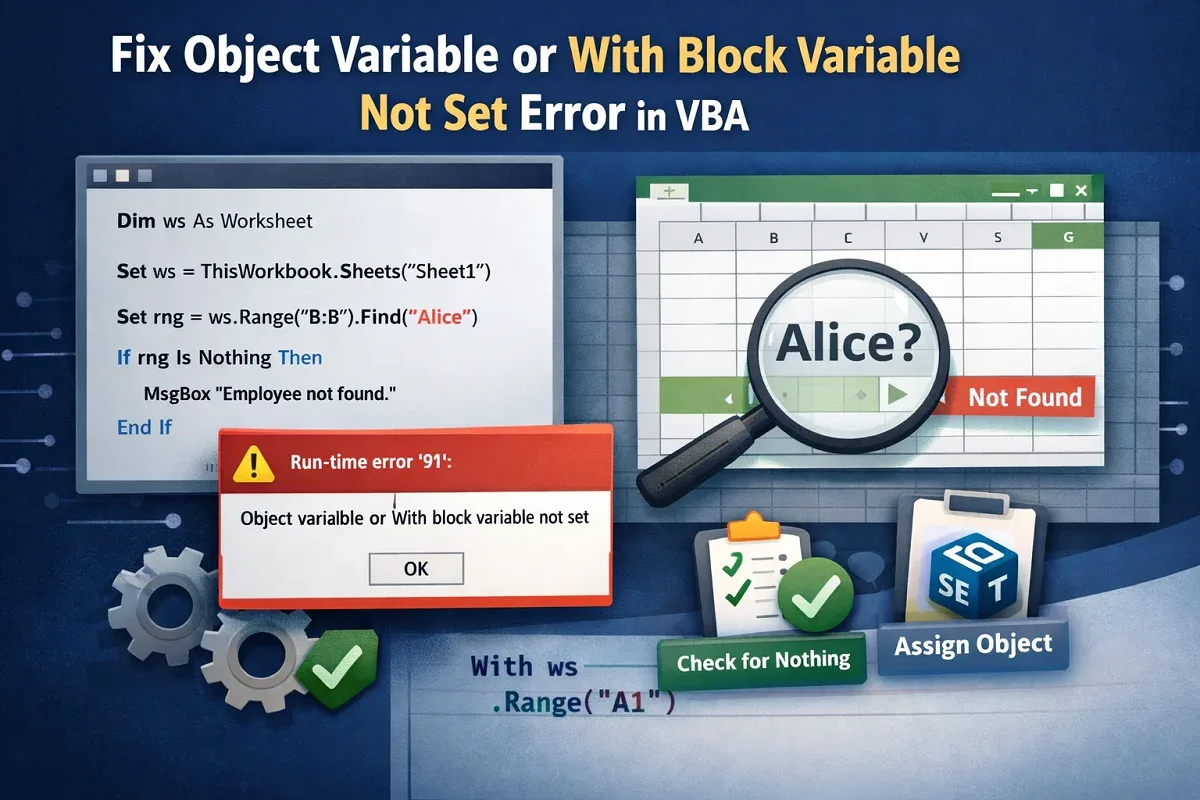
Fix the Object Variable or With Block Variable Not Set error in VBA by declaring, setting objects correctly, and checking for Nothing.
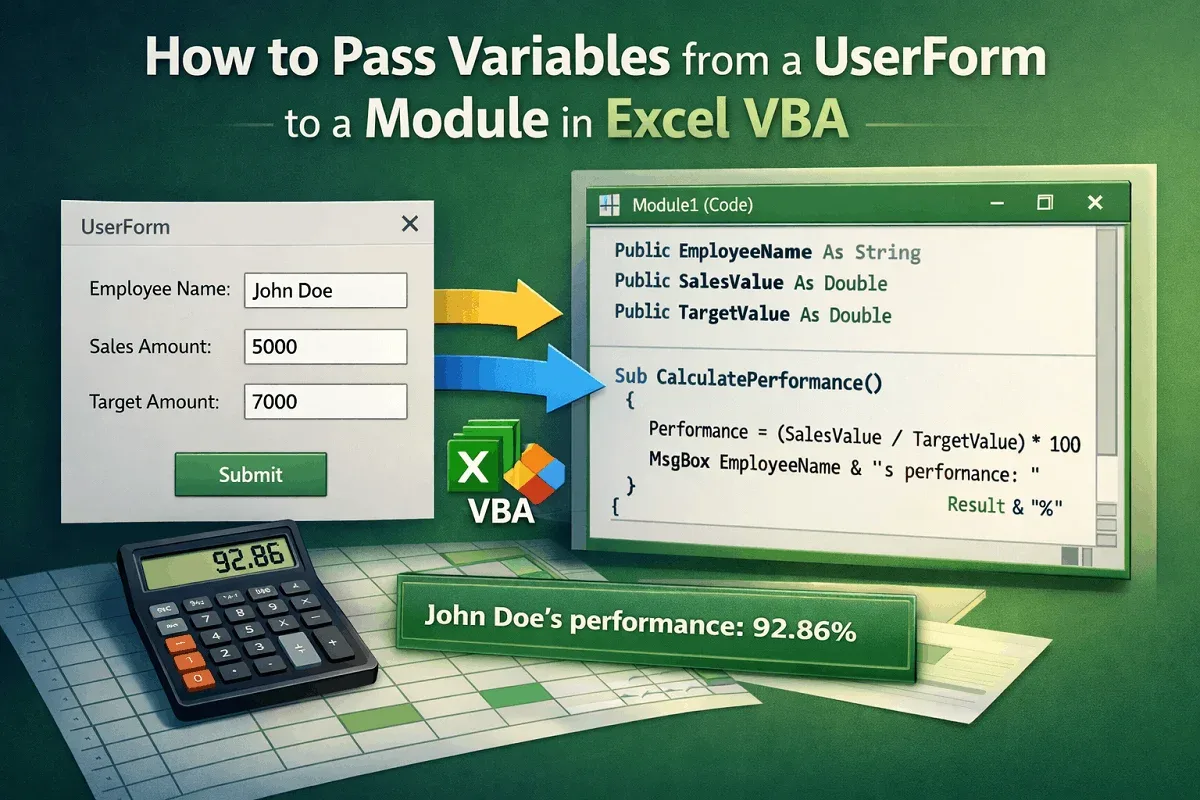
Learn how to pass variables from a UserForm to a module in VBA using public variables, properties, and hidden forms effectively.

Understand the difference between Function and Sub in VBA, how they return values, run actions, call procedures, and work in Excel cells.
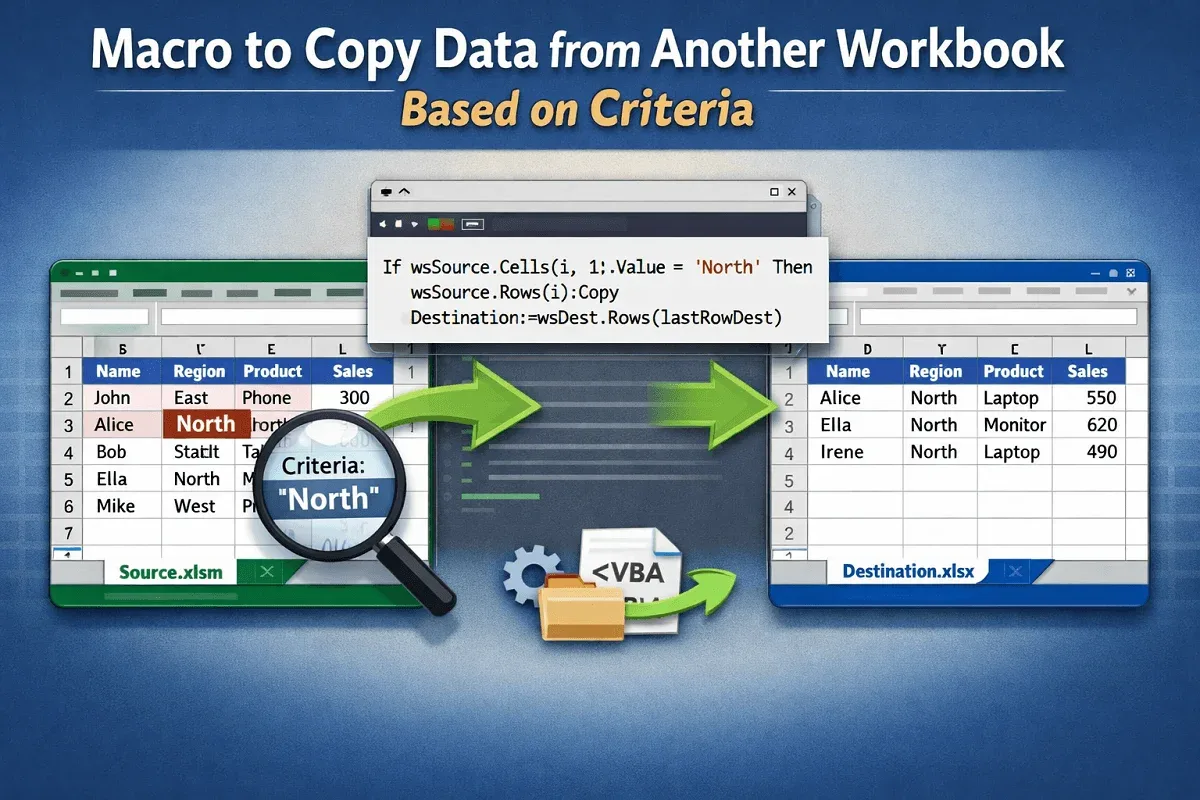
Learn how to create Excel macros to copy data between workbooks based on single or multiple criteria using advanced filters.
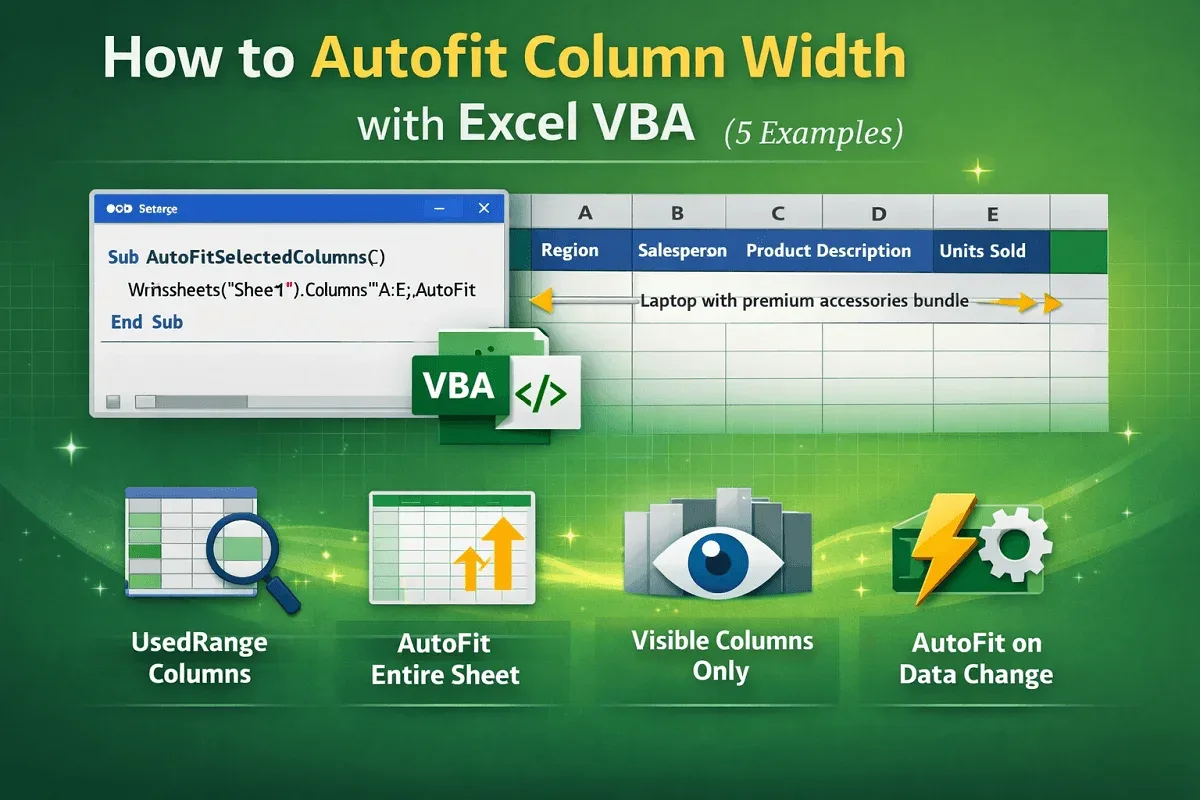
Learn how to autofit column width in Excel using VBA—covering Range.AutoFit, UsedRange, visible cells, and automatic event-based fitting.

Fix Excel macro buttons not working with these 4 quick solutions: enable macros, save as .xlsm, reassign, and disable design mode.

Learn how to add a pop-up on a button in Excel VBA to select and assign macros using Form Controls or Shapes effectively.
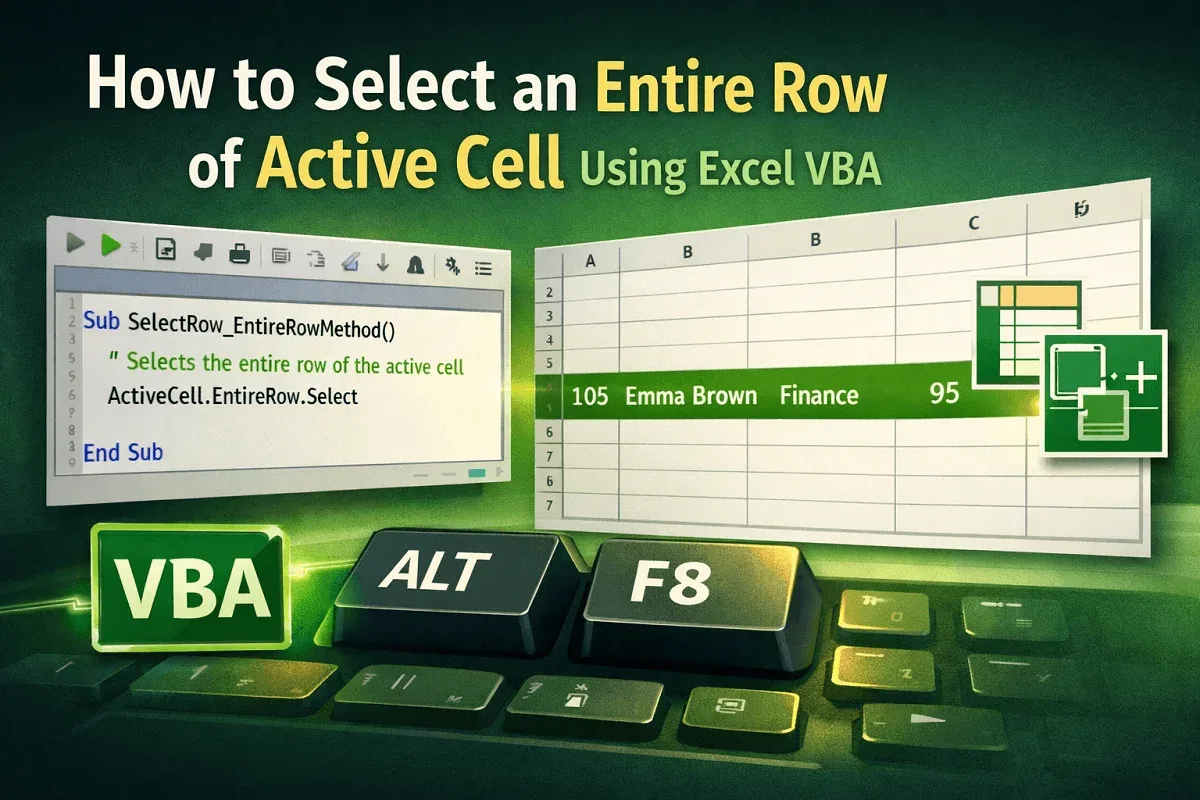
Learn how to select the entire row of the active cell in Excel VBA using ActiveCell.EntireRow, Rows, and the Union method.
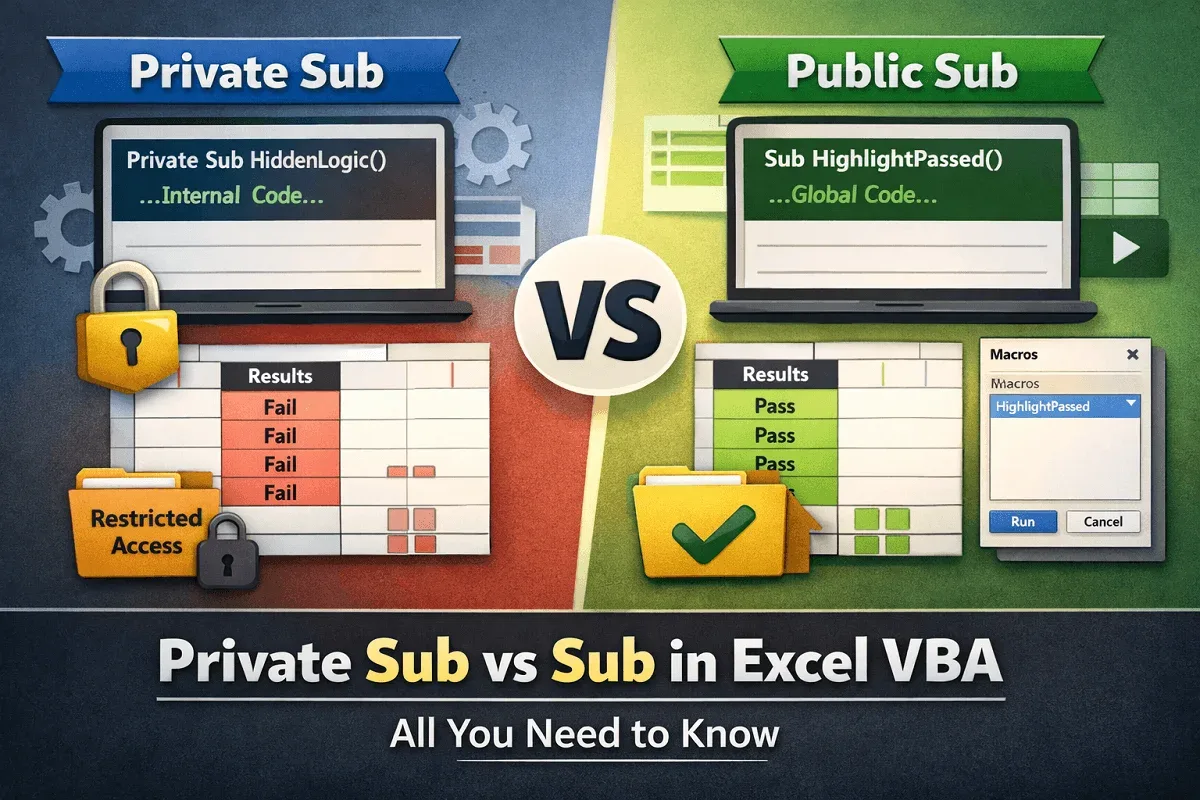
Learn the difference between Private Sub and Sub in Excel VBA, with examples on scope, access control, and modular macro design.
Learn how to find, replace, and extract exact matches in Excel using VBA, including case-sensitive searches and the MATCH function.