Excel VBA
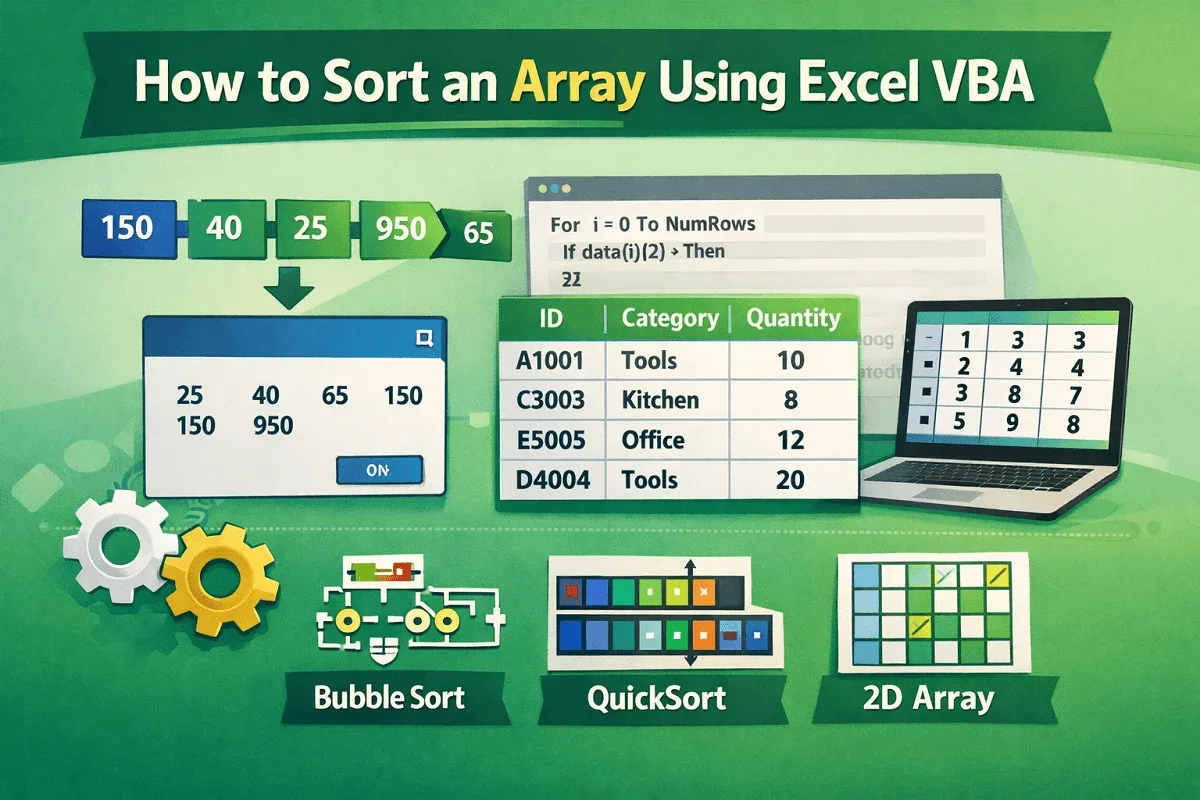
How to Sort an Array Using Excel VBA (4 Different Examples)
Learn how to sort 1D and 2D arrays in Excel VBA using Bubble Sort, QuickSort, and custom column-based sorting techniques.
Read article


Mohammed Shafin Arshad is a Computer Science student and cybersecurity enthusiast in Malaysia with 6 years of Excel and Google Sheets experience. He specializes in VBA, macro automation, and SaaS-focused workflow guides. His background includes university data science projects, and he enjoys using macros to solve complex spreadsheet problems.
Articles by Mohammed Shafin Arshad are developed under the guidance of ExcelInsider’s core training program and are technically reviewed by Nehad Ulfat, lead spreadsheet consultant, to ensure accuracy and user-centric value.
Learn how to sort 1D and 2D arrays in Excel VBA using Bubble Sort, QuickSort, and custom column-based sorting techniques.
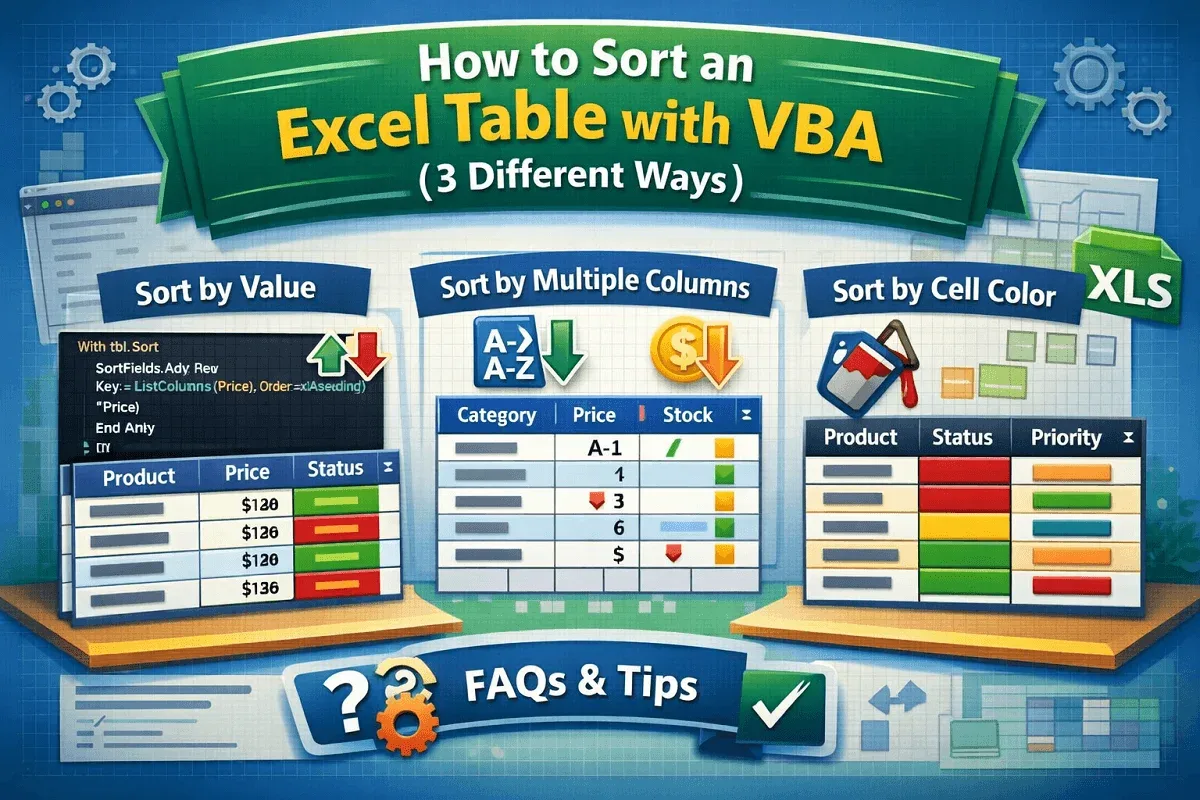
Learn how to use VBA to sort Excel tables by values, multiple columns, or even cell color with easy-to-follow macro examples.
![[Fixed] AutoFill Method of Range Class Failed (3 Solutions)](https://pub-b39c974f4c124a36a2fb517be38076ec.r2.dev/images/2026/08/featured-image-autofill-method-of-range-class-failed-2-00788128.webp)
Fix the "AutoFill method of Range class failed" error in Excel VBA with 3 effective solutions, including dynamic range and Resize method.
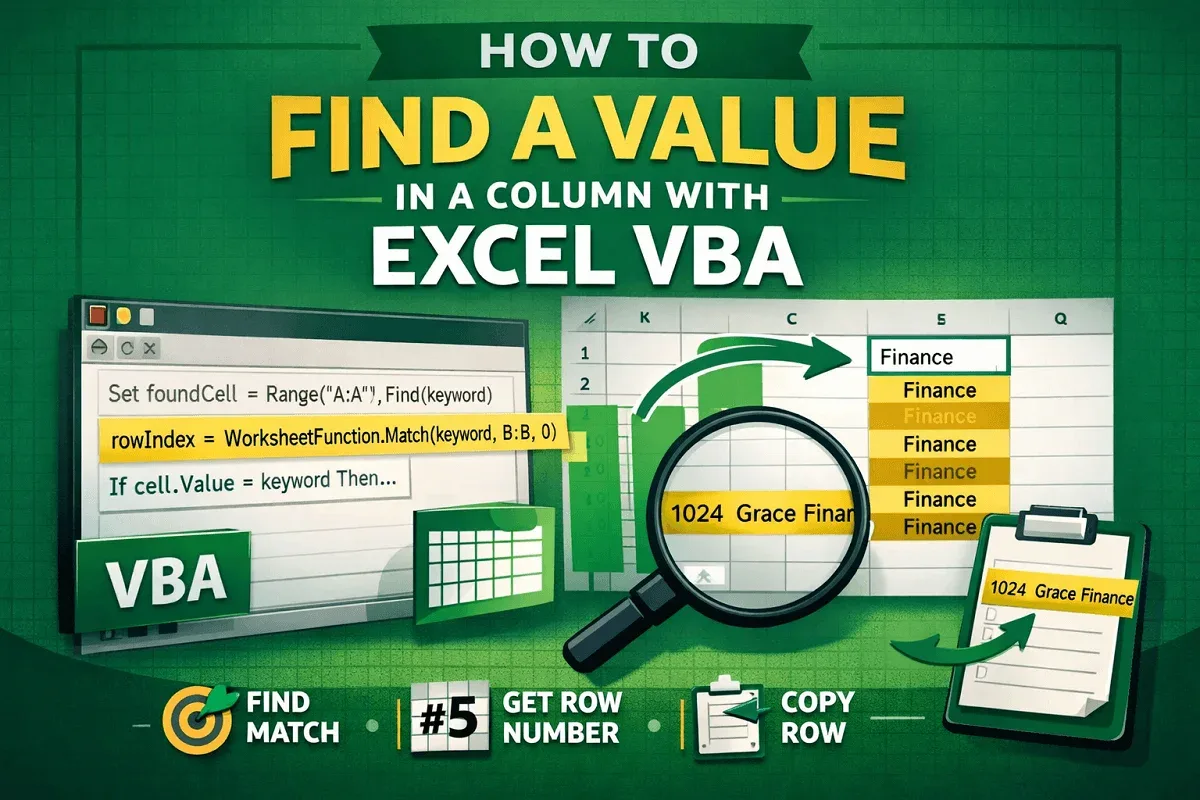
Learn how to find values in a column using Excel VBA with Range.Find, loops, MATCH function, and return entire matching rows.
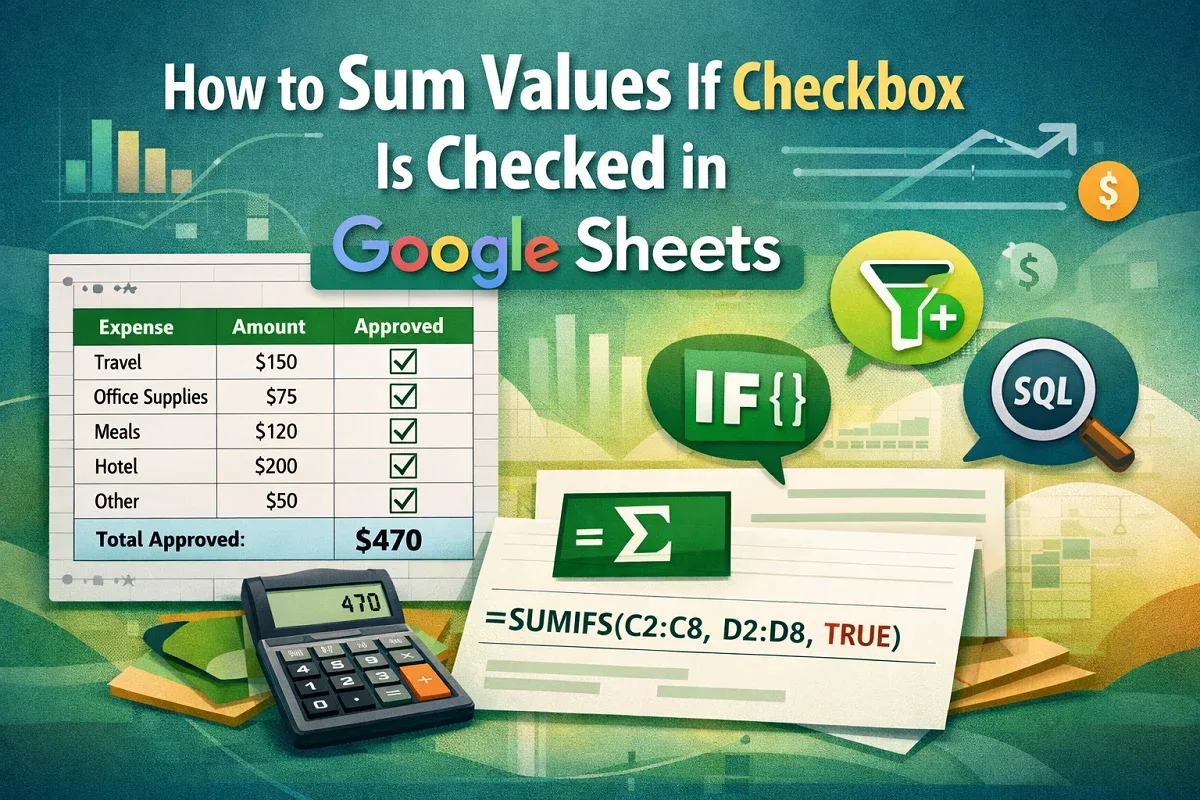
Learn how to sum values in Google Sheets when a checkbox is checked using SUMIFS, FILTER, ARRAYFORMULA with IF, and the QUERY function.
Learn how to use VLOOKUP in Google Sheets to find duplicates with ISNA, IFERROR, ARRAYFORMULA, helper columns, and the Statology method.
Learn how to compare two columns in Google Sheets and find missing data using MATCH, ISNA, FILTER, VLOOKUP & conditional formatting methods.
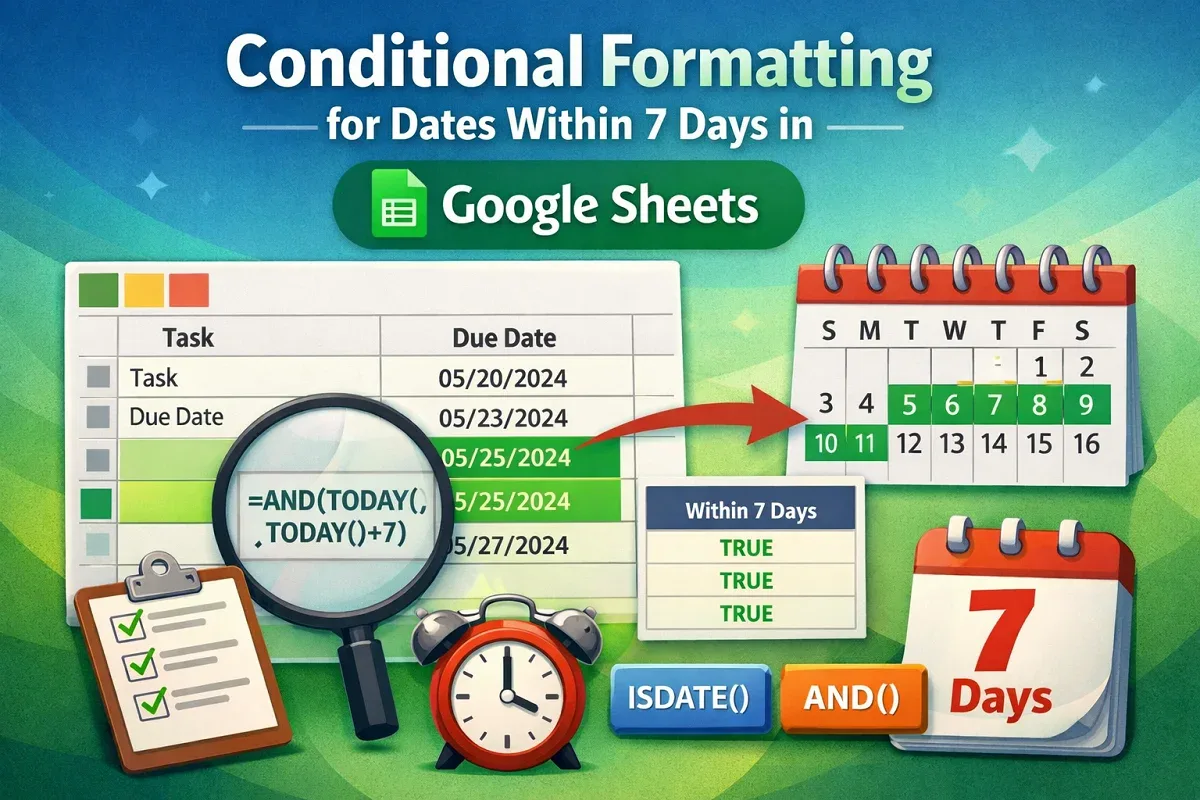
Learn how to use conditional formatting in Google Sheets to highlight dates within the past or next 7 days using TODAY, AND & helper columns.
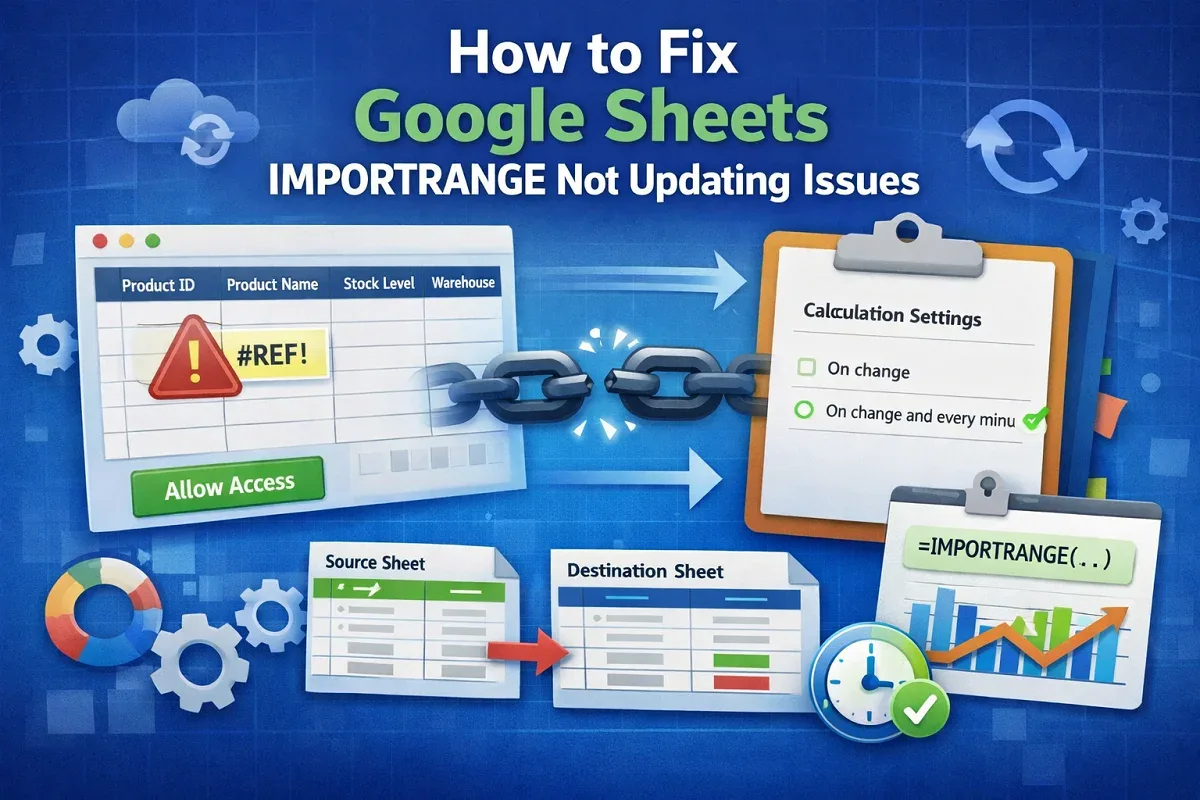
Learn how to fix Google Sheets IMPORTRANGE not updating issues by reauthorizing permissions, adjusting the formula, and limiting the range.

Learn how to filter IMPORTRANGE with multiple criteria in Google Sheets using FILTER, INDEX, LET, and QUERY functions.
Learn how to link data between Google Sheets files using IMPORTRANGE, create clickable links with HYPERLINK, or automate with Apps Script.
![[Fixed] Did Not Find Value in VLOOKUP Evaluation (5 Solutions)](https://pub-b39c974f4c124a36a2fb517be38076ec.r2.dev/images/2026/08/featured-image-did-not-find-value-in-vlookup-evaluation-3-27d00fa7.webp)
Learn how to fix the “Did Not Find Value in VLOOKUP Evaluation” error in Google Sheets by correcting matches, spaces, data types, and ranges.