Excel Pro Tips
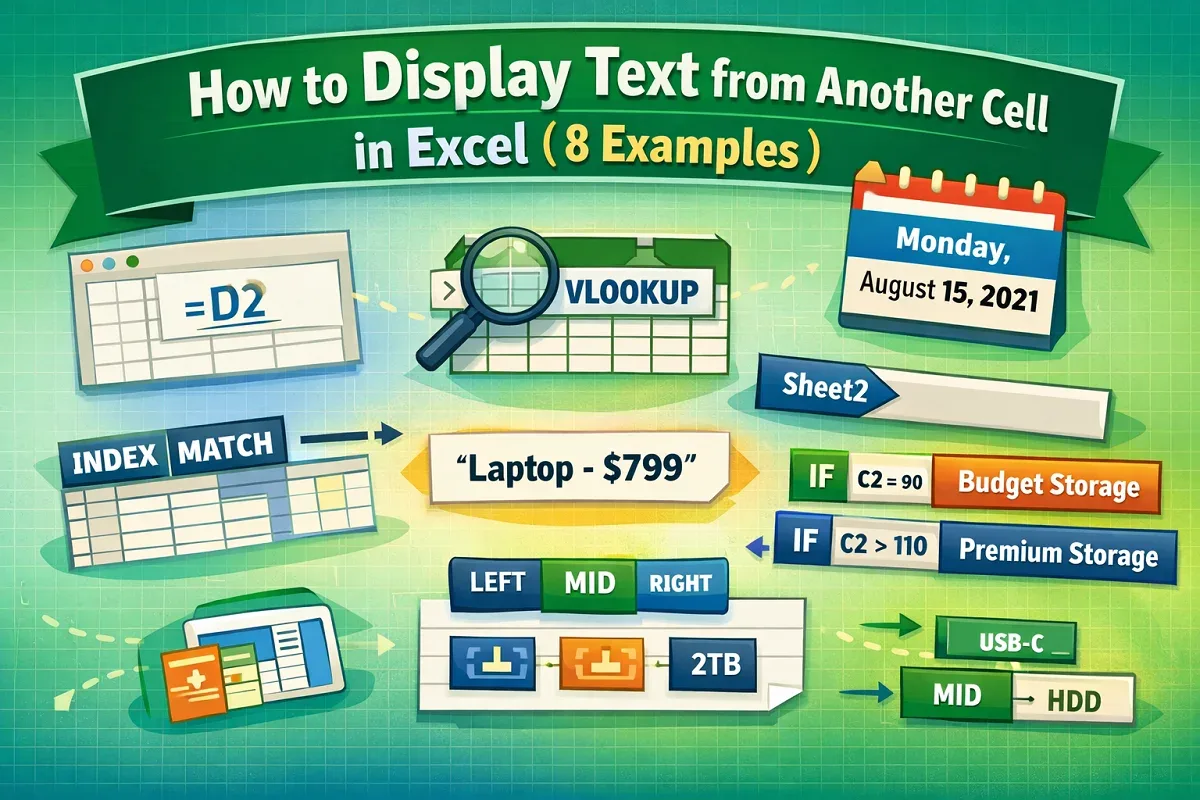
How to Display Text from Another Cell in Excel (8 Examples)
Display text from another cell in Excel using direct references, TEXT formatting, lookup formulas, named ranges, or conditional logic.
Read article


Md. Abdul Kader holds a Bachelor in Urban and Regional Planning from Chittagong University of Engineering & Technology and has 2.5 years of Excel and Google Sheets experience. He specializes in data analysis, PivotTables, Power Query, charts, advanced formulas, statistics, and VBA automation. Promoted to Team Lead as an Excel & VBA content developer, he is passionate about dashboards, Power BI, and using Power Query to simplify data workflows.
Articles by Abdul Kader are developed under the guidance of ExcelInsider’s core training program and are technically reviewed by Nehad Ulfat, lead spreadsheet consultant, to ensure accuracy and user-centric value.
Display text from another cell in Excel using direct references, TEXT formatting, lookup formulas, named ranges, or conditional logic.
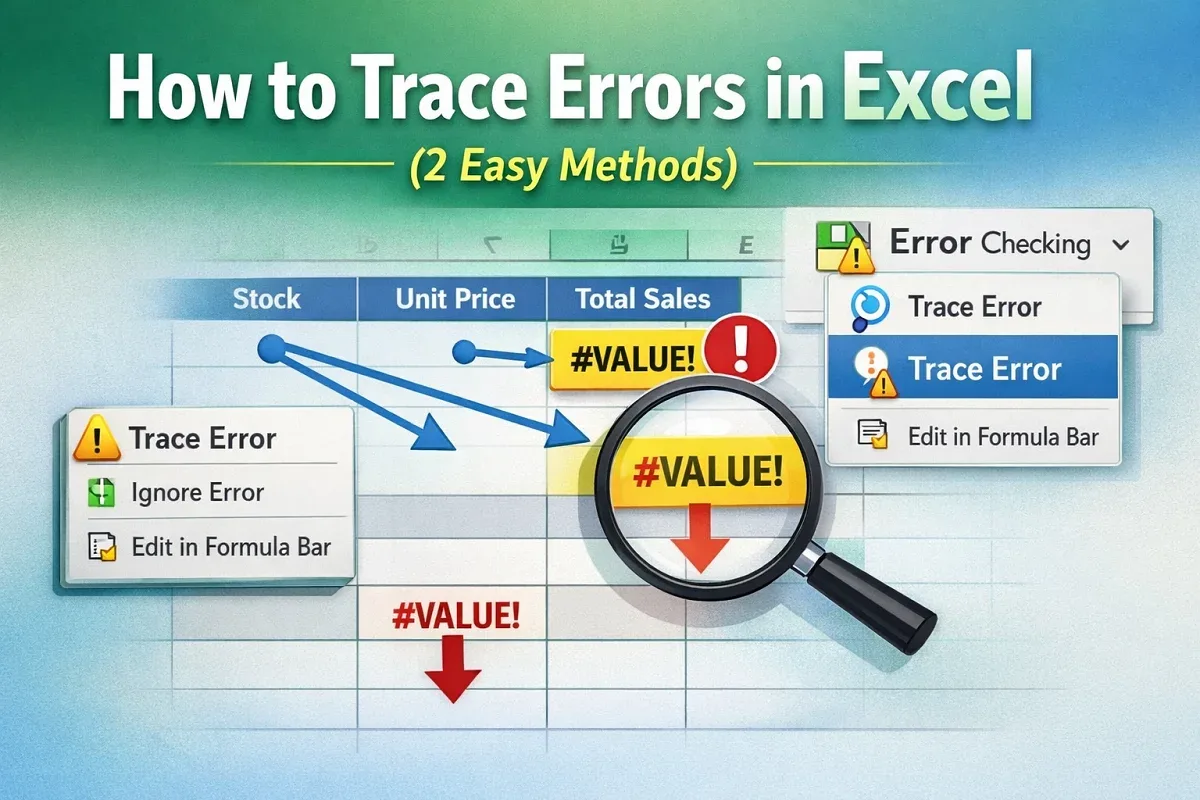
Trace errors in Excel using the Trace Error feature from the context menu or Formulas tab to quickly identify and fix formula issues.
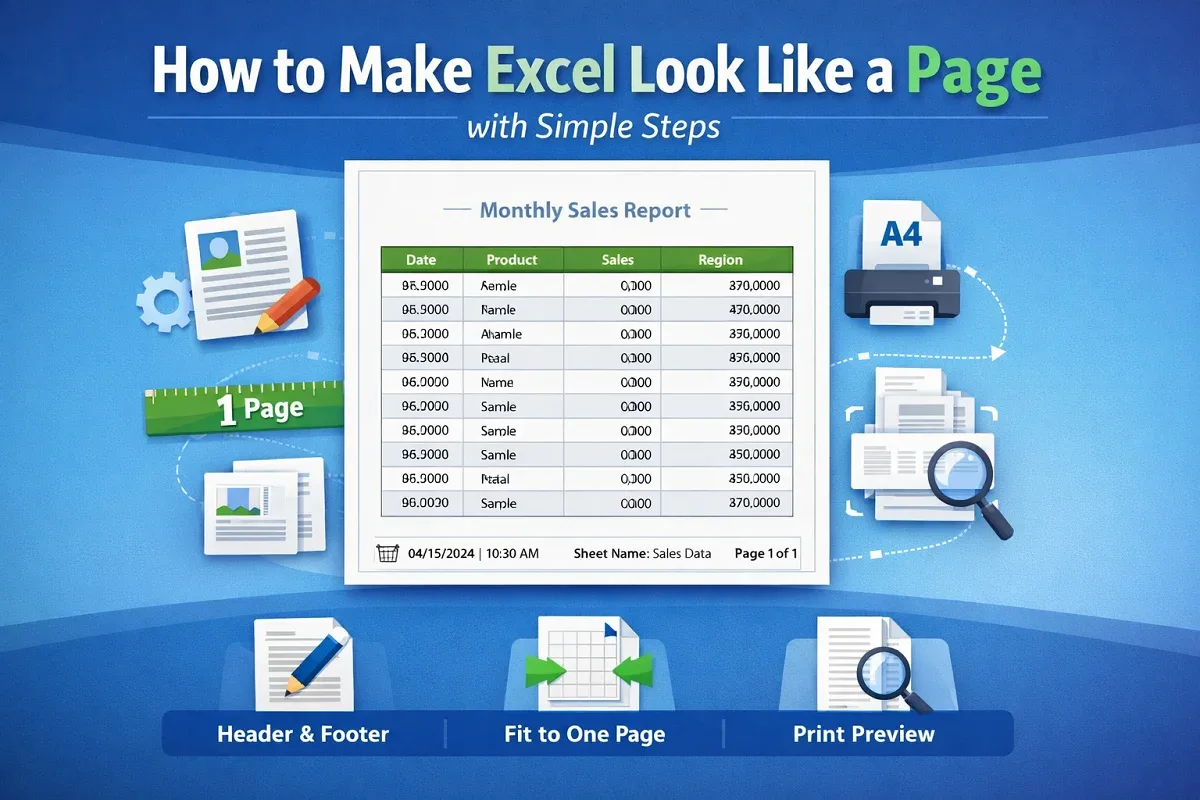
Make Excel look like a page using Page Setup, fit data to one page, adjust margins, add headers and footers, and preview print.
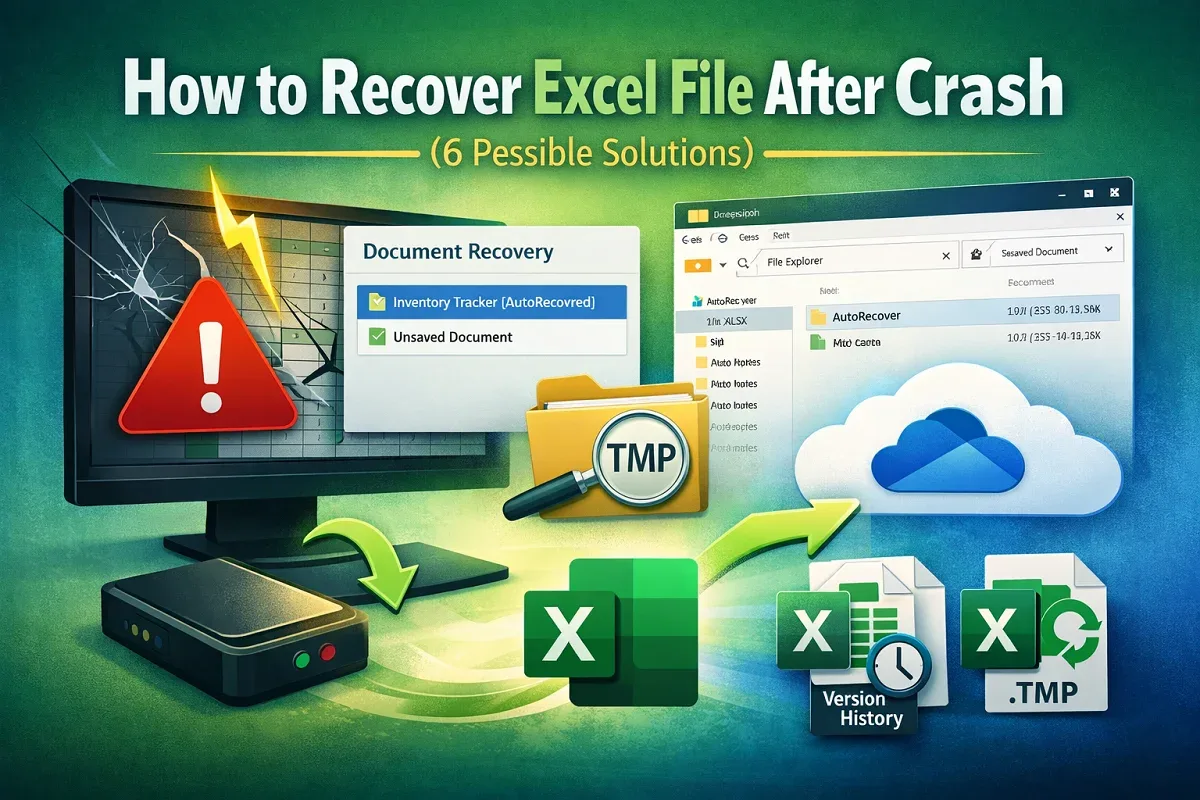
Recover Excel files after a crash using Document Recovery, AutoRecover files, OneDrive restore, temp files, or unsaved workbooks.
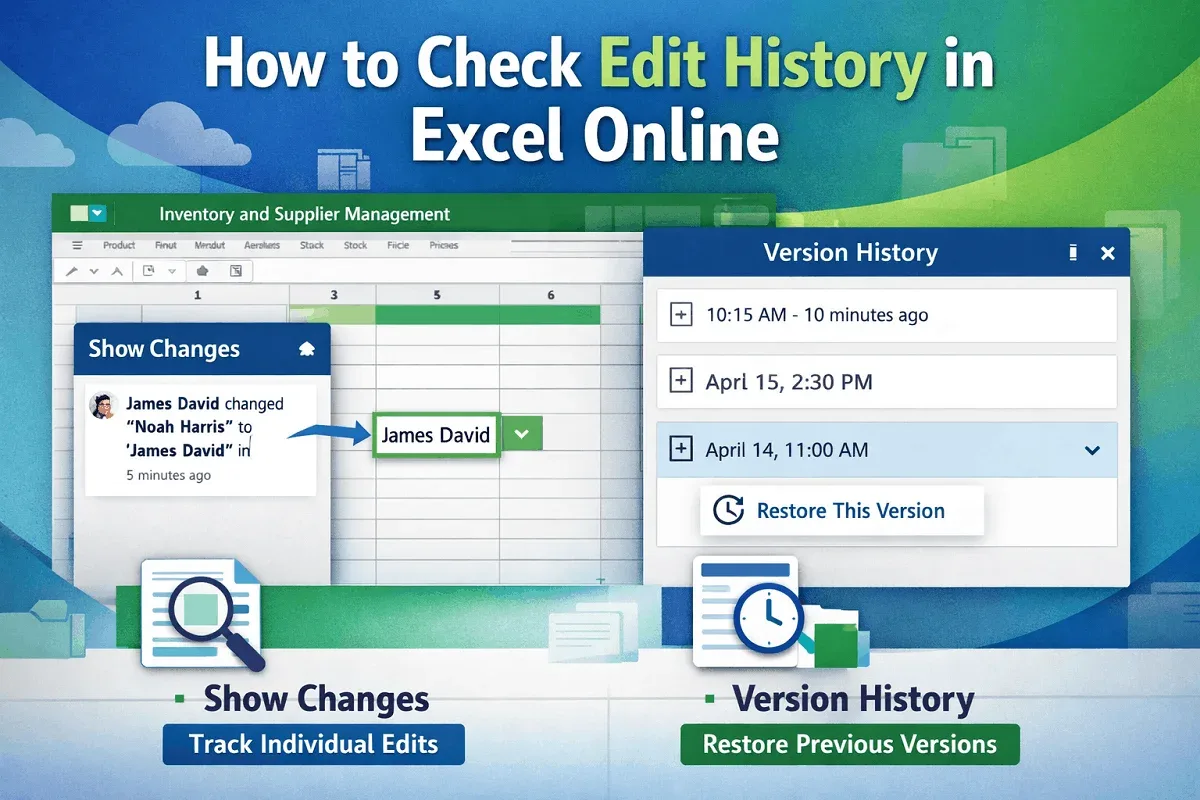
Learn how to check edit history in Excel Online using Show Changes to view edits or Version History to track full file changes.
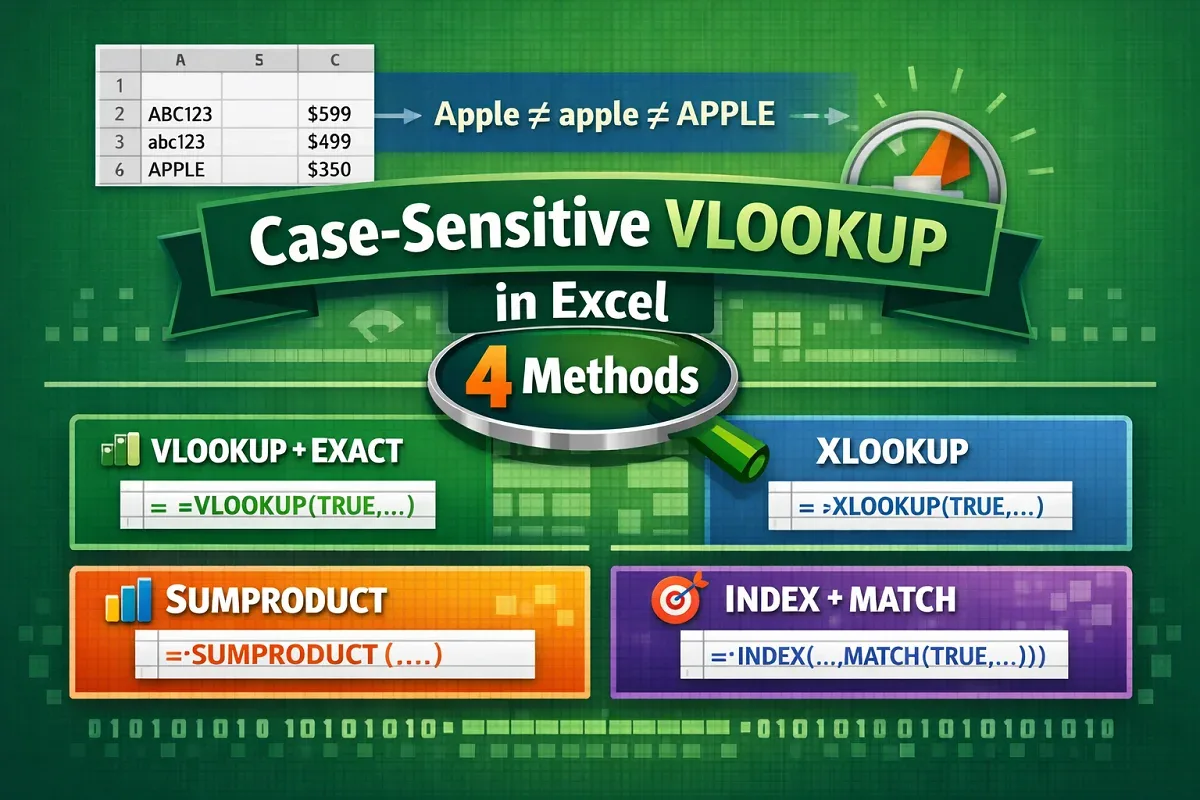
Learn 4 effective ways to perform case-sensitive VLOOKUP in Excel using CHOOSE, EXACT, XLOOKUP, SUMPRODUCT, and INDEX-MATCH functions.
Learn how to convert mm to square meters in Excel with formulas and examples for both square and rectangular shapes.
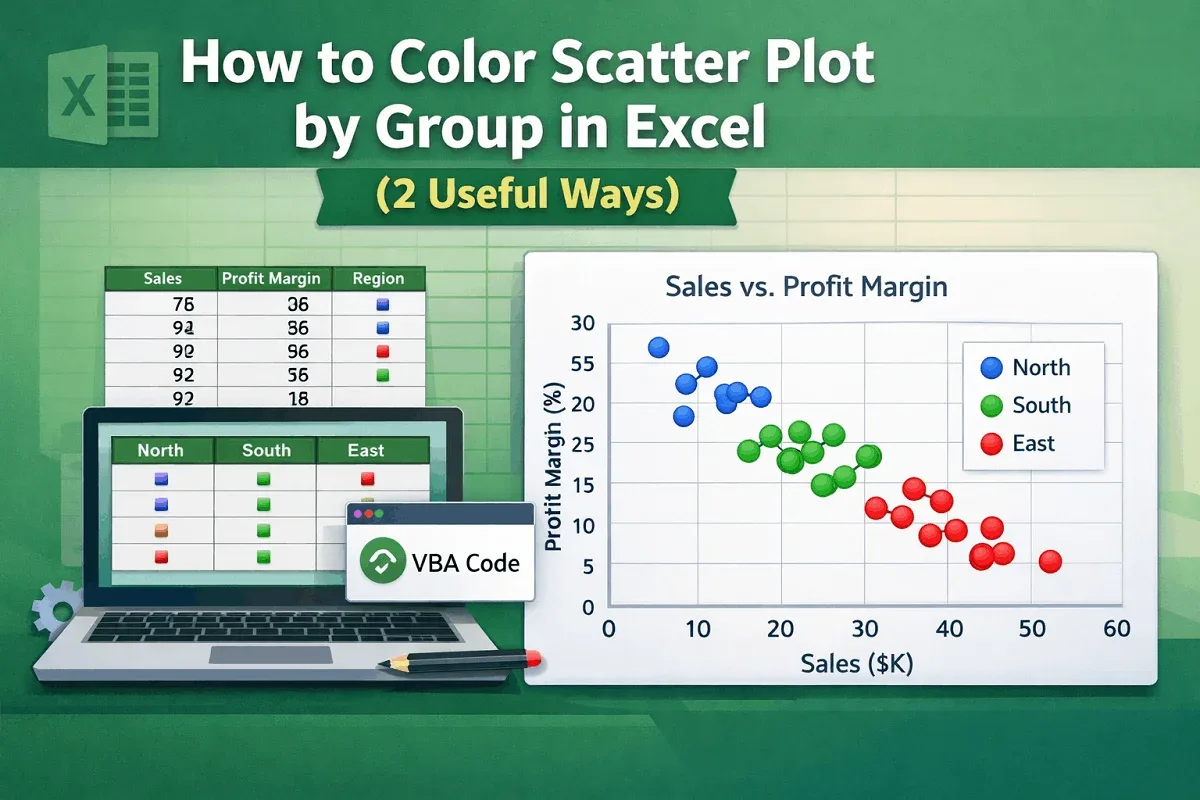
Learn how to color a scatter plot by group in Excel using helper columns or VBA code for clearer and more insightful data visualization.
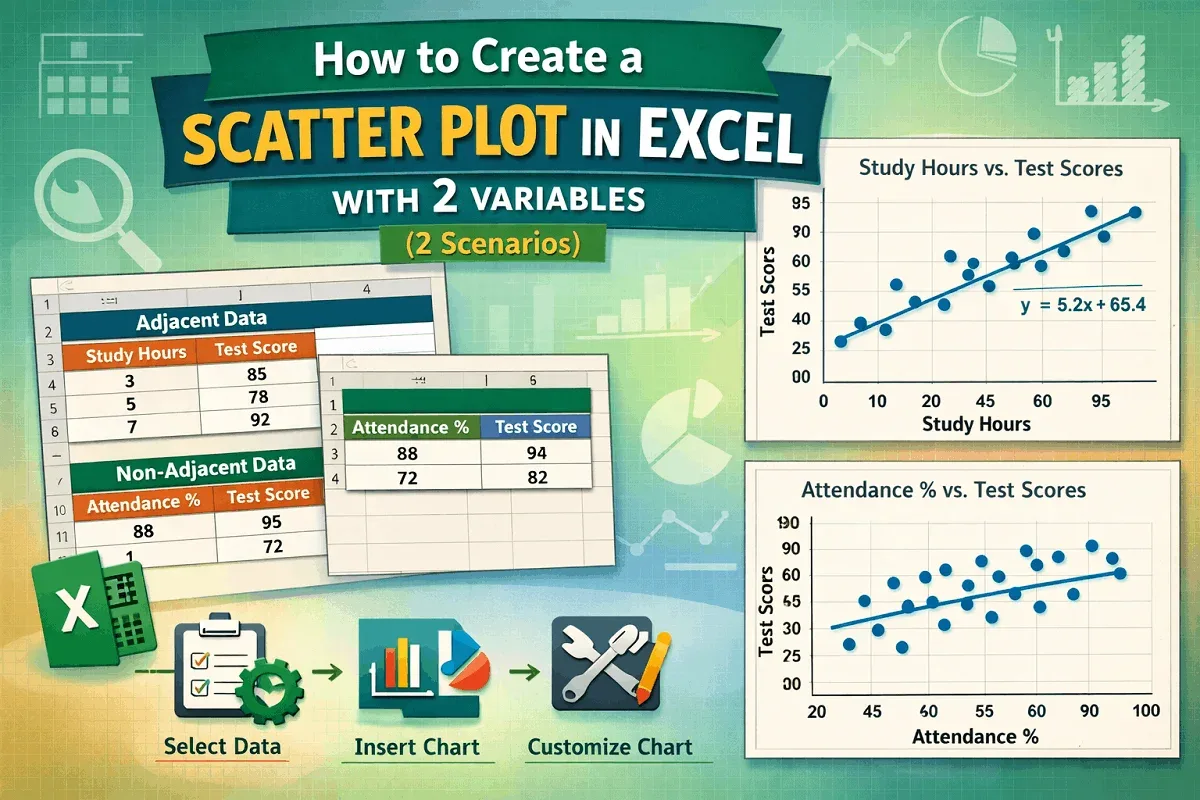
Learn how to create a scatter plot in Excel with two variables—adjacent or non-adjacent—using simple steps and customization tips.
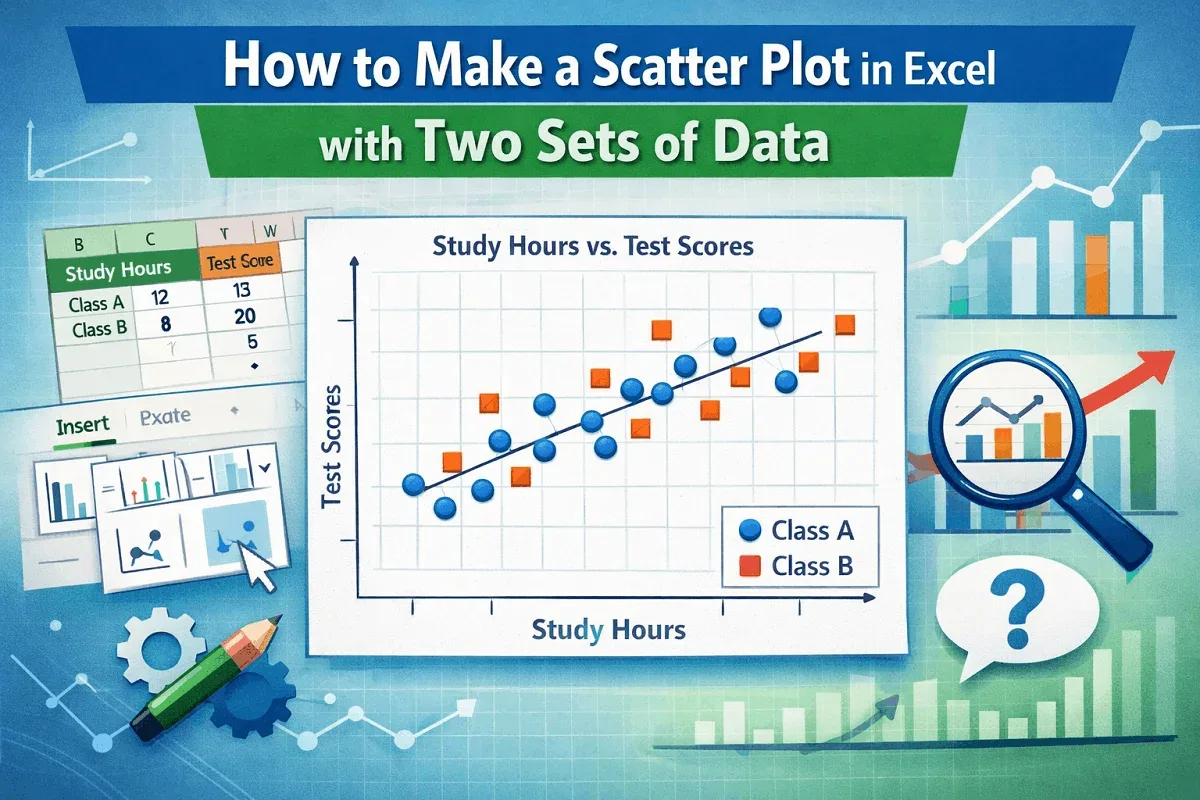
Learn how to create a scatter plot in Excel with two sets of data using easy steps for clear and effective data visualization.
Learn 5 easy ways to combine formulas in Excel, from using & and CONCAT to advanced techniques like INDEX-MATCH and nested IF statements.
Learn the key differences between absolute and relative references in Excel and how they affect copying or moving formulas in your sheets.