Excel Pro Tips
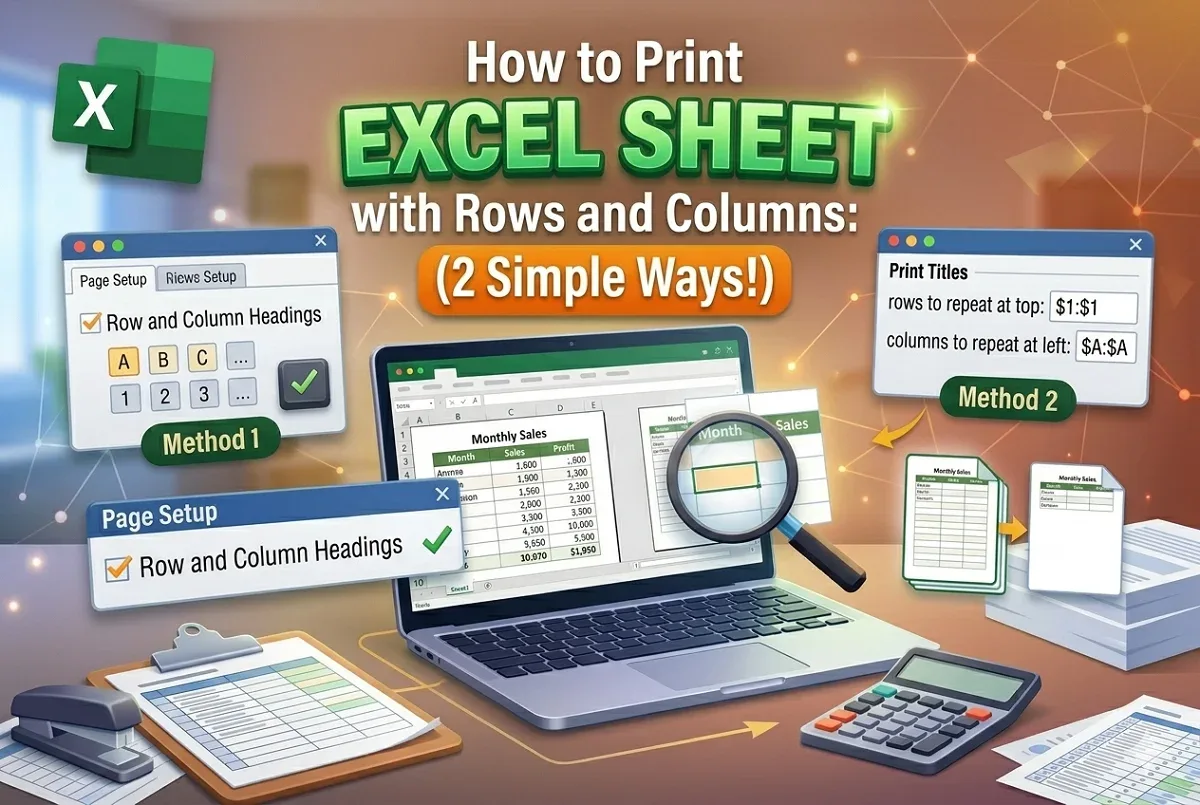
How to Print Excel Sheet with Rows and Columns: 2 Simple Ways!
This article covers two different ways to print Excel sheet with rows and columns: to print default Excel's column headings and print titles.
Read article


Md. Abdul Kader holds a Bachelor in Urban and Regional Planning from Chittagong University of Engineering & Technology and has 2.5 years of Excel and Google Sheets experience. He specializes in data analysis, PivotTables, Power Query, charts, advanced formulas, statistics, and VBA automation. Promoted to Team Lead as an Excel & VBA content developer, he is passionate about dashboards, Power BI, and using Power Query to simplify data workflows.
Articles by Abdul Kader are developed under the guidance of ExcelInsider’s core training program and are technically reviewed by Nehad Ulfat, lead spreadsheet consultant, to ensure accuracy and user-centric value.
This article covers two different ways to print Excel sheet with rows and columns: to print default Excel's column headings and print titles.
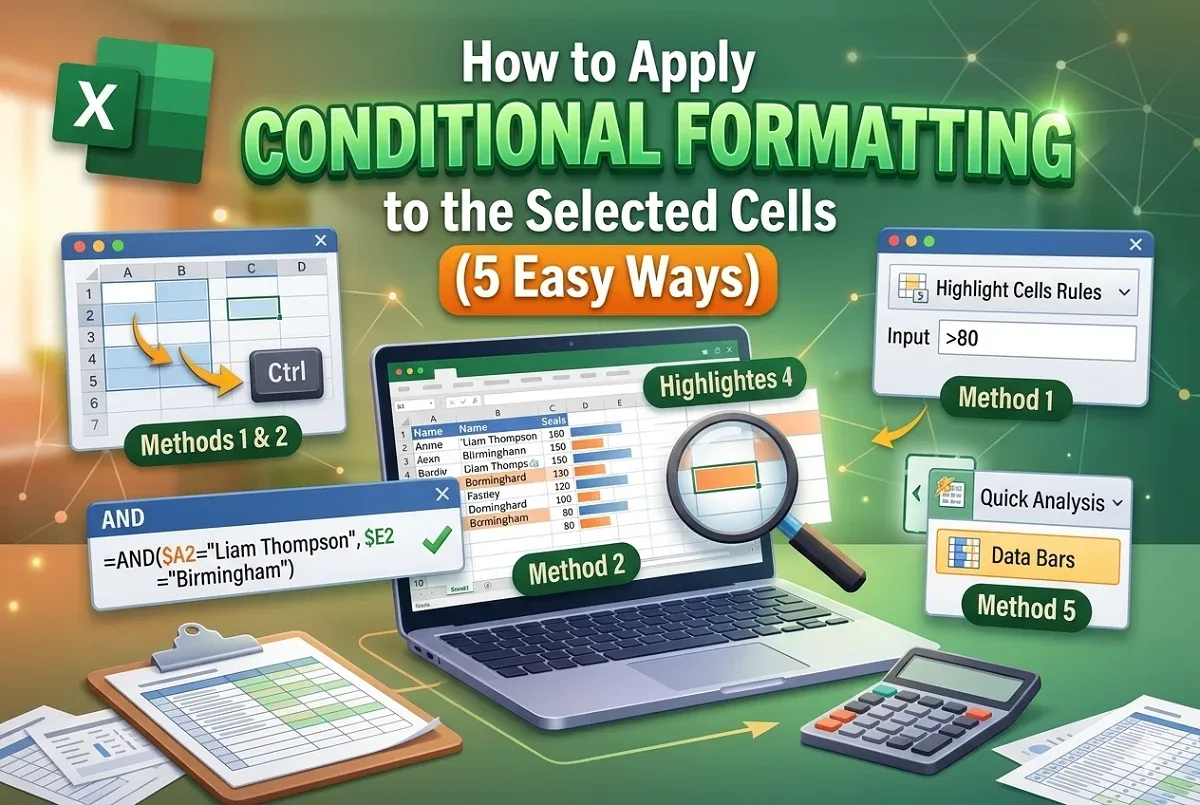
This article shows 5 ways to apply conditional formatting to selected non-adjacent cells, two columns, with formulas, & data bars option
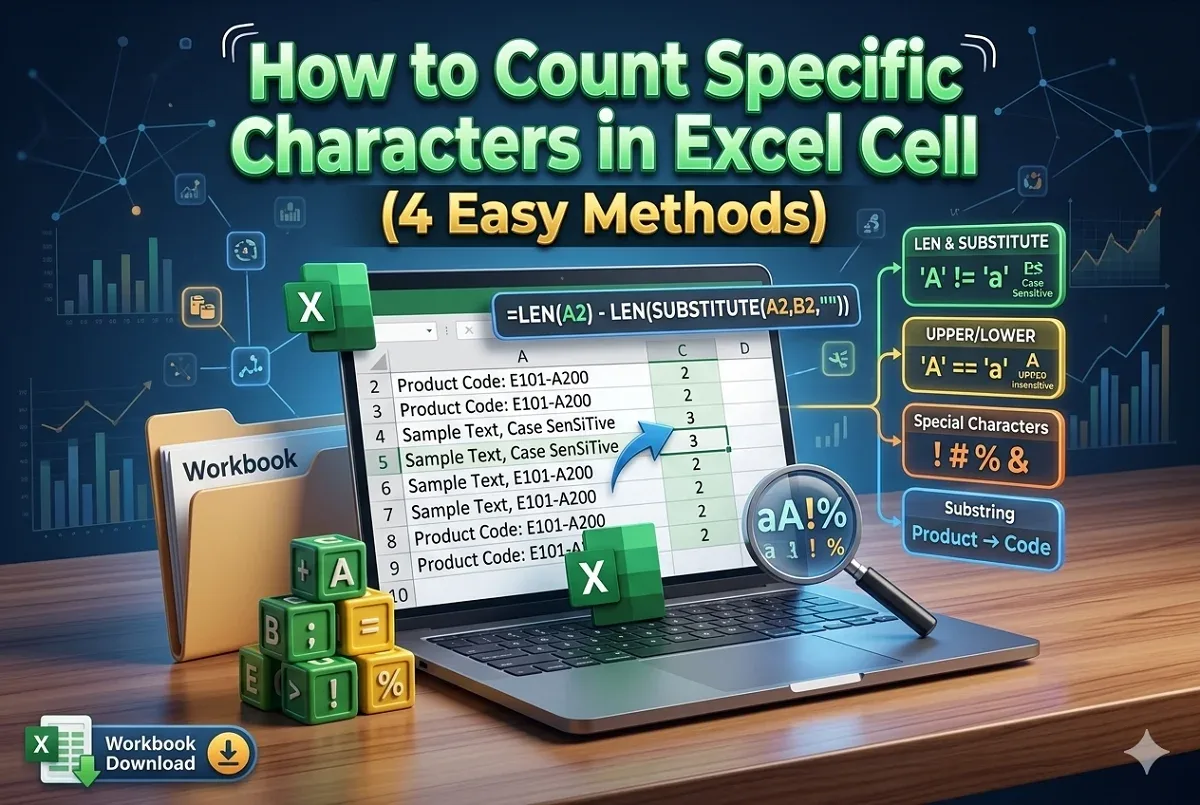
This article covers four diverse ways with use cases to count specific characters in an Excel cell with step by step guide.