Google Sheets Basics
Copy Formula in Google Sheets Without Changing Reference
Learn how to copy formula in Google Sheets without changing references using absolute references, Find and Replace, plain text & ARRAYFORMULA.
Read article

1285 articles
Learn how to copy formula in Google Sheets without changing references using absolute references, Find and Replace, plain text & ARRAYFORMULA.
Learn how to unlock an Excel sheet for editing using a password or by applying the XML editing method when the password is unavailable.

Learn how to insert a digital signature in Excel using signature lines, invisible signatures, handwritten or typed styles, or PDF attachments.

Learn how to password protect an Excel workbook from opening by using Encrypt with Password, Save As dialog box & Protect Workbook feature.
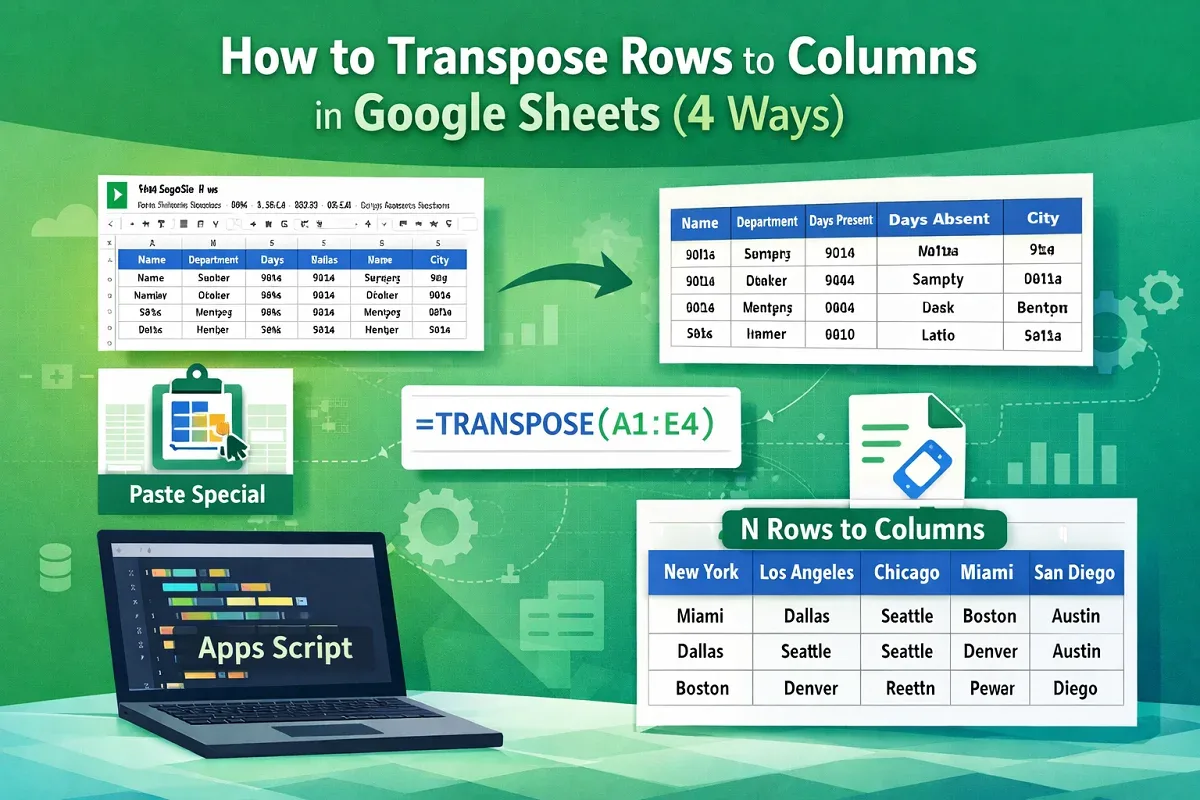
Learn how to transpose rows to columns in Google Sheets using Paste Special, the TRANSPOSE function, Apps Script, or every N rows method.
Learn how to highlight entire row in Excel with conditional formatting using cell values, numeric criteria, logical functions or dropdowns.

Learn how to show data bars with percentage in Excel using conditional formatting, the REPT function, and options for negative values.
Learn how to print selected area in Excel by setting page breaks, defining named ranges, using Page Setup, or Print Selection options.
Learn how to auto sort in Google Sheets using the SORT function, combining SORT with ARRAYFORMULA, or automating sorting with Apps Script.
Learn how to move page breaks in Excel by enabling page break movements, using drag-and-drop actions, or applying VBA macros for control.

Learn how to change theme colors in Excel by applying built-in themes, creating custom themes, using .thmx files, or adjusting settings.
Learn how to save Excel file as CSV with UTF-8 encoding using Save As, Google Sheets as a bridge, or a VBA macro for proper data formatting.