Google Sheets Formulas
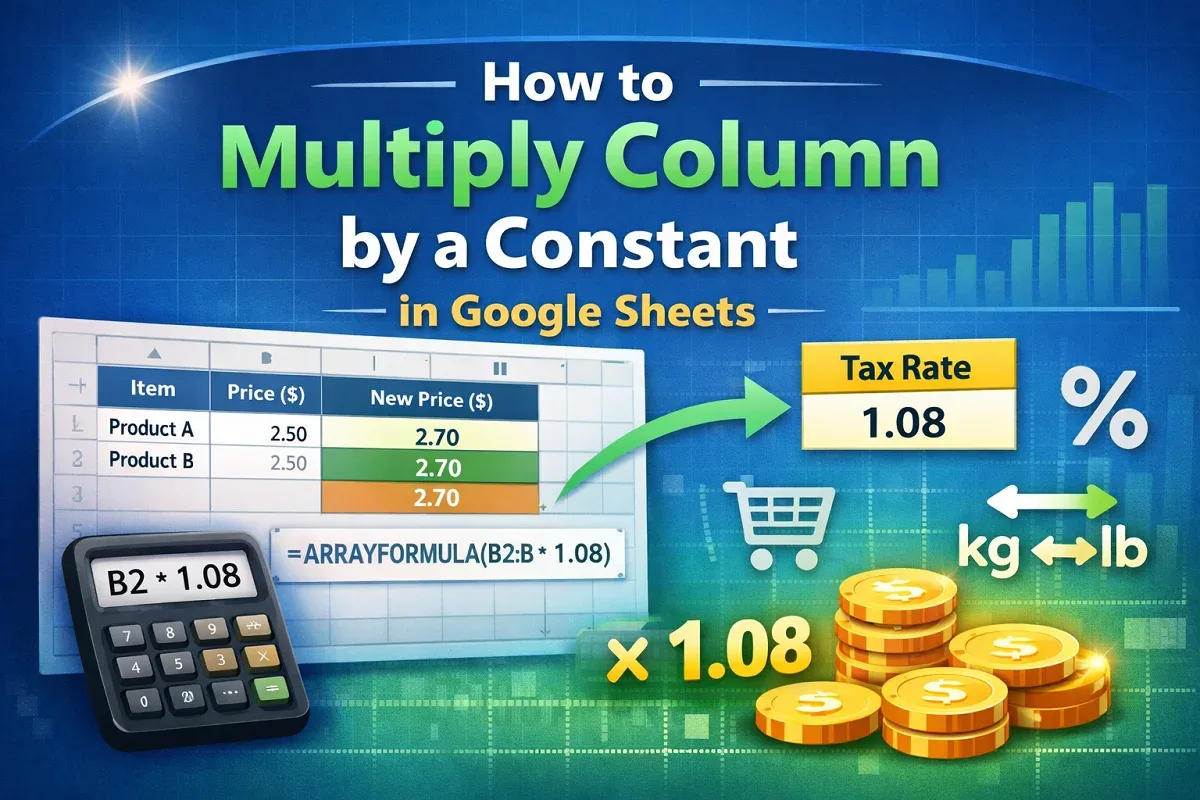
How to Multiply Column by a Constant in Google Sheets
Learn how to multiply a column by a constant in Google Sheets using basic formulas, ARRAYFORMULA, or a constant stored in another cell.
Read article

1285 articles
Learn how to multiply a column by a constant in Google Sheets using basic formulas, ARRAYFORMULA, or a constant stored in another cell.
![[Fixed] Cannot Open the File Because the Extension Is Not Valid](https://pub-b39c974f4c124a36a2fb517be38076ec.r2.dev/images/2026/08/featured-image-excel-cannot-open-the-file-because-the-extension-is-not-valid-1780b661.webp)
Fix 'Excel cannot open the file because the extension is not valid' by using Open and Repair, correcting extensions, Safe Mode, or settings.

Learn how to copy from Word to Excel into multiple cells using Paste Special, Text to Columns, or copy-paste tools to import tables easily.

Learn how to remove specific text from cells in Excel using Find and Replace, Flash Fill, SUBSTITUTE, REPLACE, or custom VBA functions.
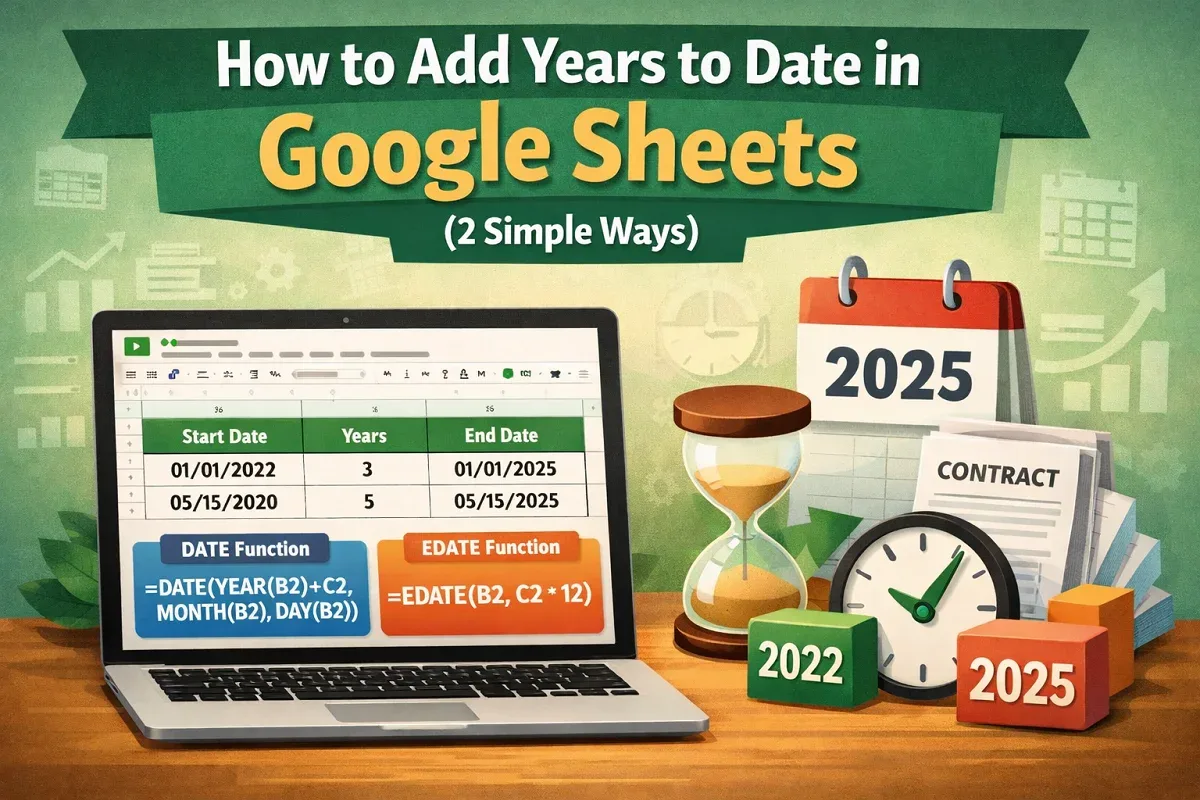
Learn how to add years to date in Google Sheets using the DATE function or apply the EDATE function to add years by months easily.

Learn how to edit footer in Excel using the Page Layout tab, Page Setup settings, or VBA code to customize your spreadsheet footers.
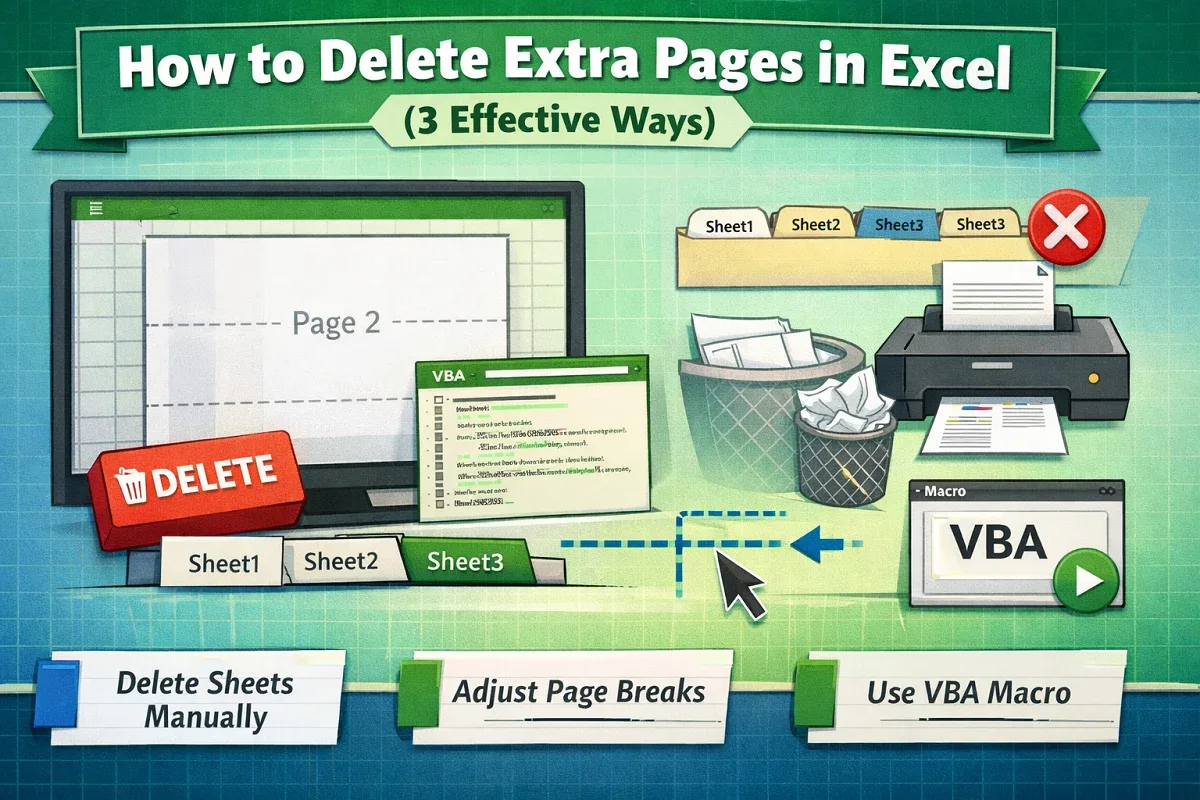
Learn how to delete extra pages in Excel by manually removing sheets, adjusting page breaks, or using VBA to clean up your workbook.

Learn how to change print area in Excel using Page Layout, set and adjust print ranges, and add new cells to customize your printed sheets.
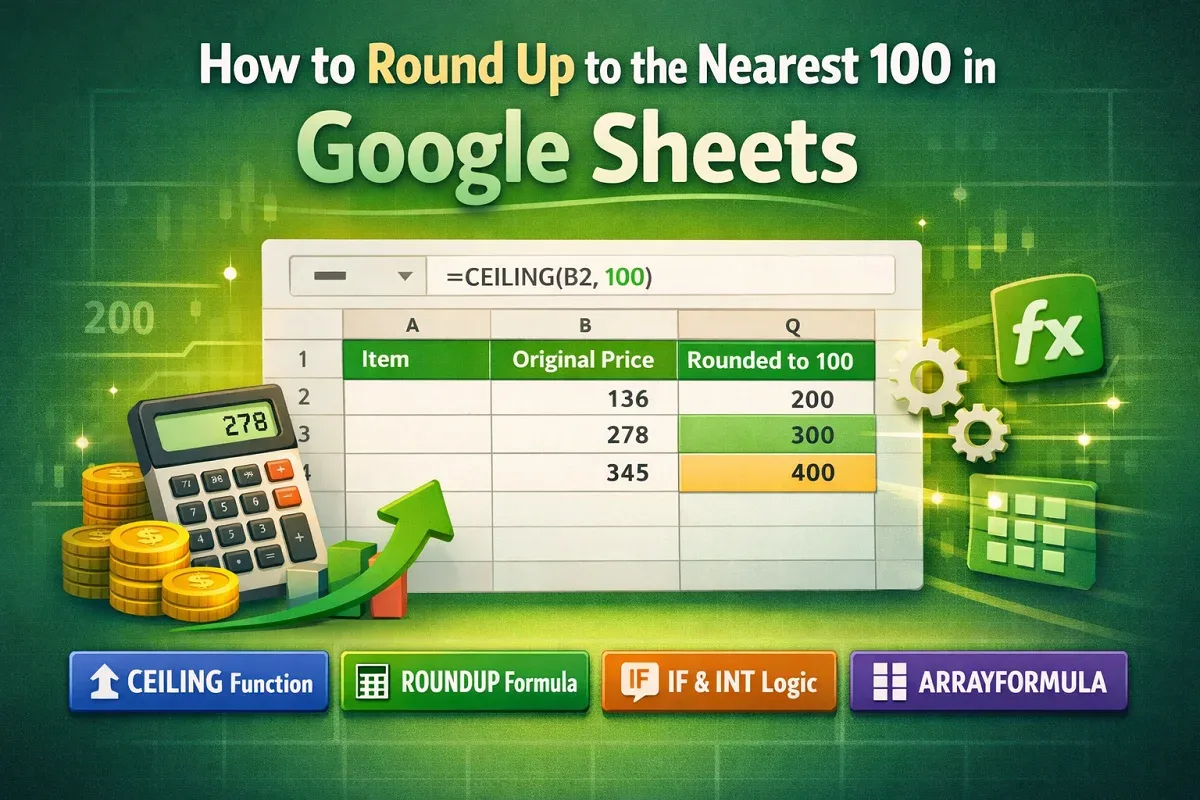
Learn how to round up to the nearest 100 in Google Sheets using CEILING, ROUNDUP with logic, IF and INT, or ARRAYFORMULA for automation.
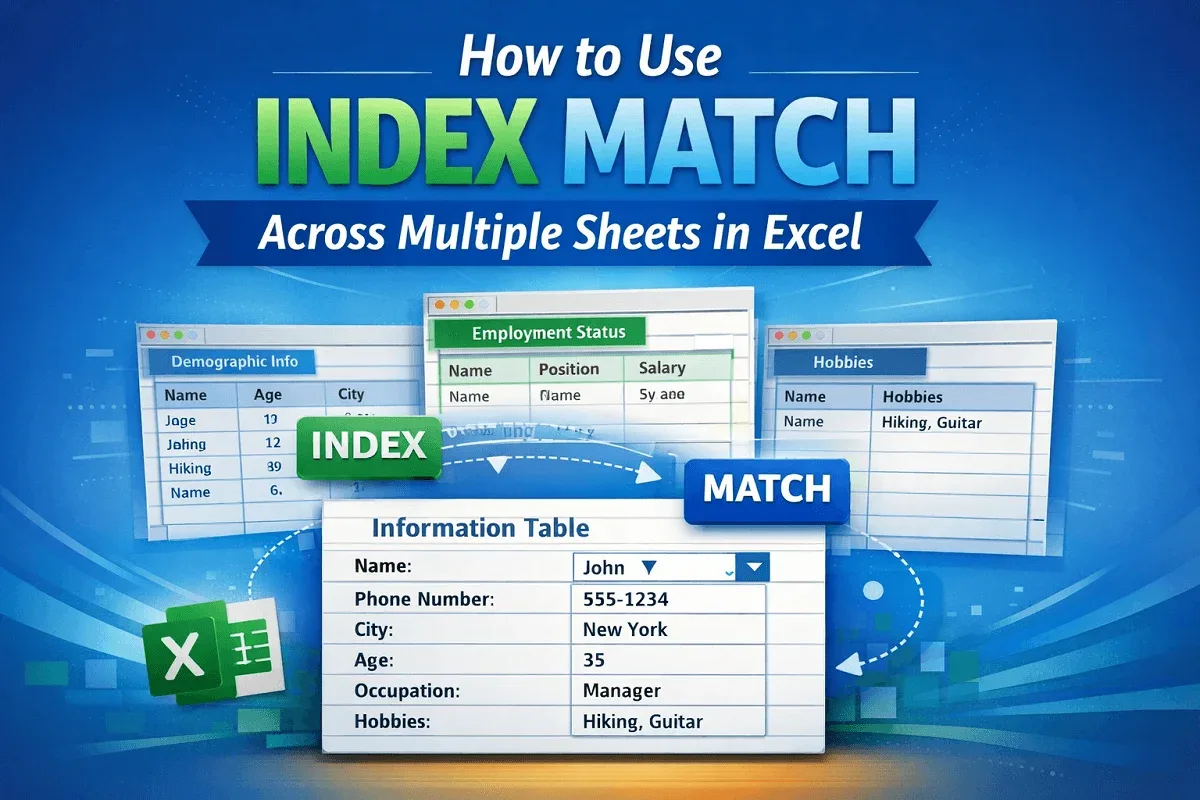
Learn how to use INDEX MATCH across multiple sheets in Excel to set up lookup fields, retrieve data, and find relevant information easily.
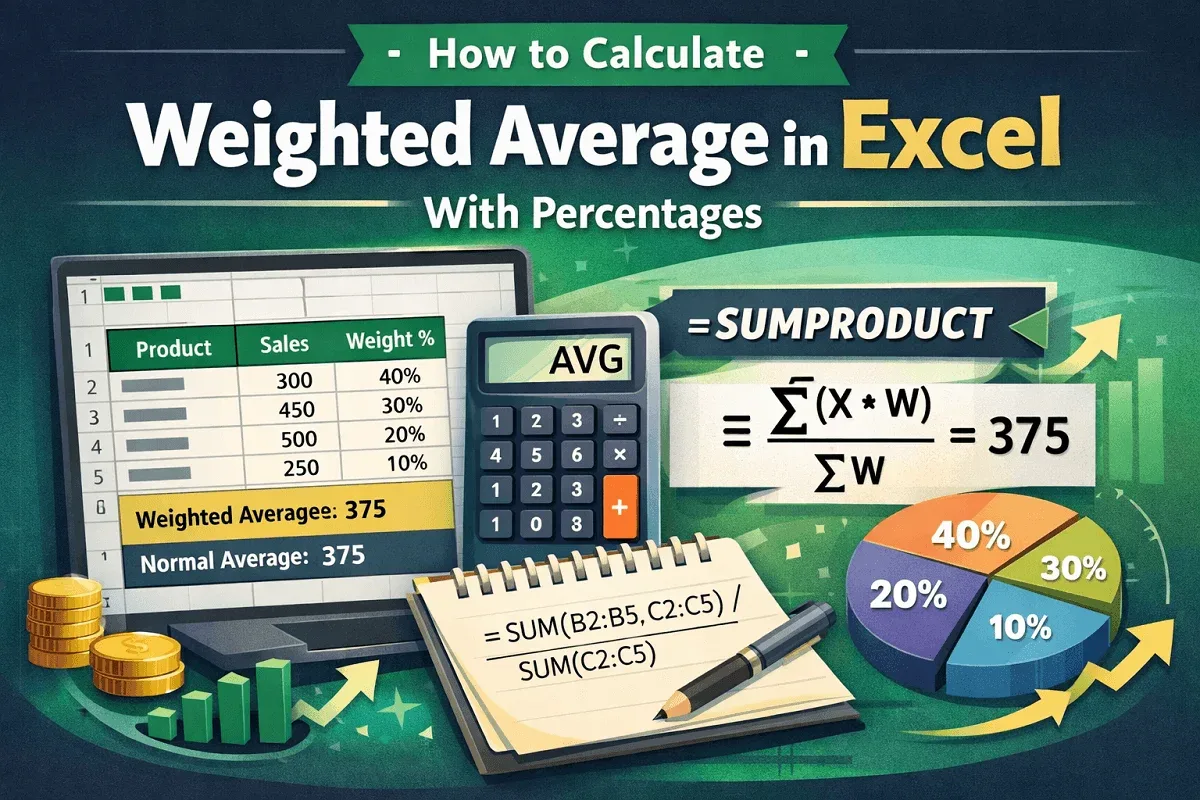
Learn how to calculate weighted average in Excel with percentages using SUM or SUMPRODUCT functions for accurate and efficient results.
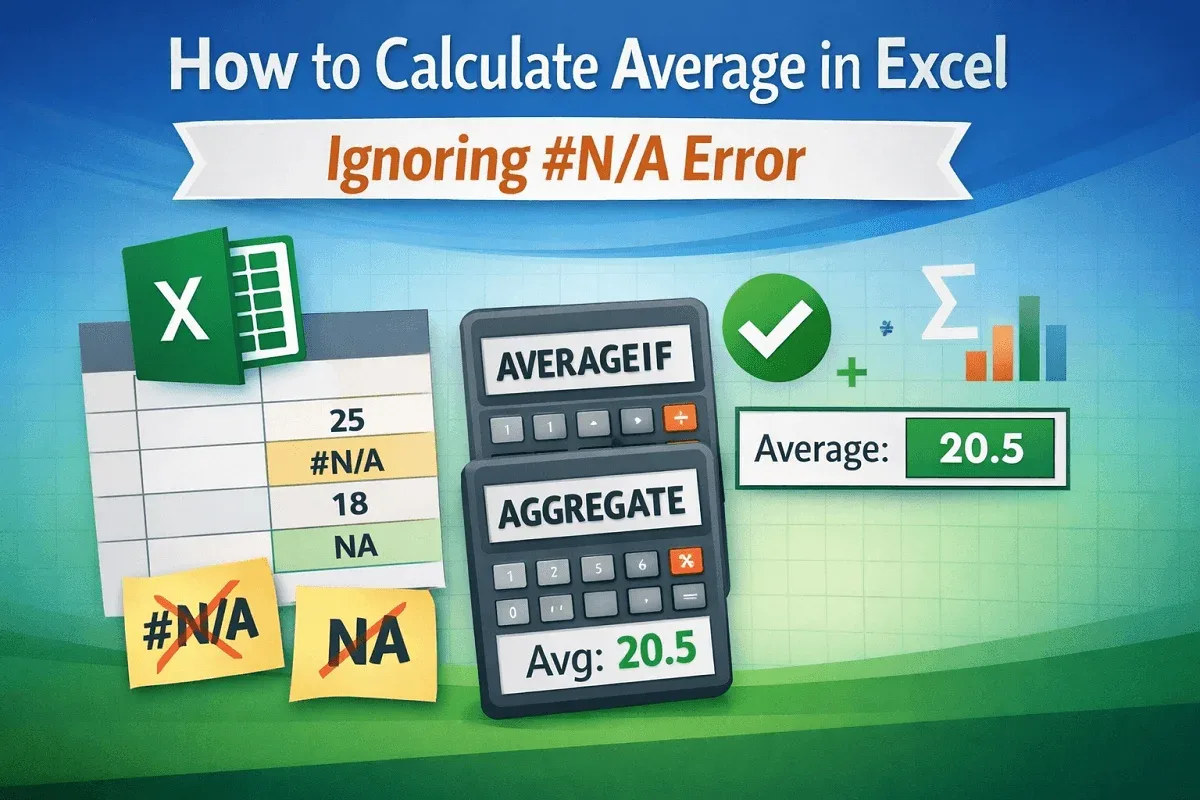
Learn how to calculate average in Excel while ignoring #N/A errors using AVERAGEIF or AGGREGATE to get accurate results without disruptions.