Excel Functions & Formulas
COUNTIF to Count If Cell Contains Text from List in Excel
Learn how to use COUNTIF in Excel to count cells that contain text from a list and track how many keywords appear in each cell accurately.
Read article

1285 articles
Learn how to use COUNTIF in Excel to count cells that contain text from a list and track how many keywords appear in each cell accurately.
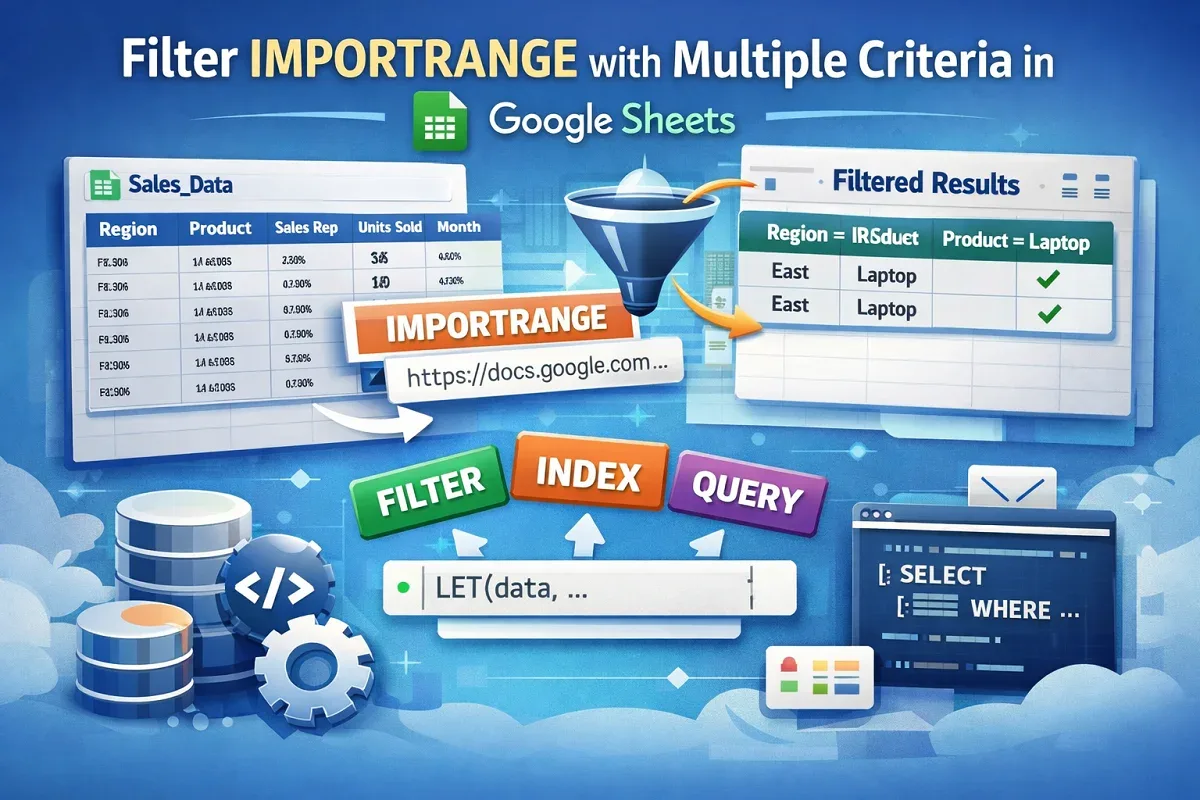
Learn how to filter IMPORTRANGE with multiple criteria in Google Sheets using FILTER, INDEX, LET, and QUERY functions.
Learn how to calculate the average in Excel for values between two numbers or dates using ranges, columns, and cell references effectively.
Learn how to find the average in Excel if a cell contains text using exact matches, wildcards, cell references, and AVERAGEIFS for conditions.
Learn how to calculate win-loss percentages in Excel using formulas, text-based data, sales stats, and even automate it with a VBA macro.
Learn how to link data between Google Sheets files using IMPORTRANGE, create clickable links with HYPERLINK, or automate with Apps Script.
Learn how to use the IF function with 3 conditions in Excel using nested IFs, IFS, AND/OR combinations, and functions like SUM or AVERAGE.
Learn how to convert Yes to 1 and No to 0 in Excel using IF formulas, Find & Replace, Power Query, VBA macros, or Office Scripts.
Learn how to undo changes in Excel after saving and closing using AutoSave, backups, file history, and recovering unsaved versions.
![[Fixed] Did Not Find Value in VLOOKUP Evaluation (5 Solutions)](https://pub-b39c974f4c124a36a2fb517be38076ec.r2.dev/images/2026/08/featured-image-did-not-find-value-in-vlookup-evaluation-3-27d00fa7.webp)
Learn how to fix the “Did Not Find Value in VLOOKUP Evaluation” error in Google Sheets by correcting matches, spaces, data types, and ranges.
Learn how to add a comma between names in Excel using Flash Fill, SUBSTITUTE, TEXTJOIN, CONCATENATE, Power Query, and VBA.
Learn how to randomize a list of names in Excel using RAND, RANDBETWEEN, INDEX, SORTBY, CHOOSE, Power Query, and custom VBA for shuffling.