
Excel Pro Tips
Delete Rows in Excel if a Cell Contains Specific Content
Learn how to delete rows in Excel if a cell contains specific content using filters, helper columns, Find tool, or VBA automation.
Read article

555 articles
Learn how to delete rows in Excel if a cell contains specific content using filters, helper columns, Find tool, or VBA automation.
Learn how to create a data dictionary in Excel with this step-by-step guide to organize, document, and manage your dataset efficiently.
Learn how to fix spell check not working in Excel with easy steps, from unprotecting sheets to customizing the dictionary.

Learn how to create a search box in Excel using FILTER, ISNUMBER, INDEX, MATCH, and Conditional Formatting for dynamic results.
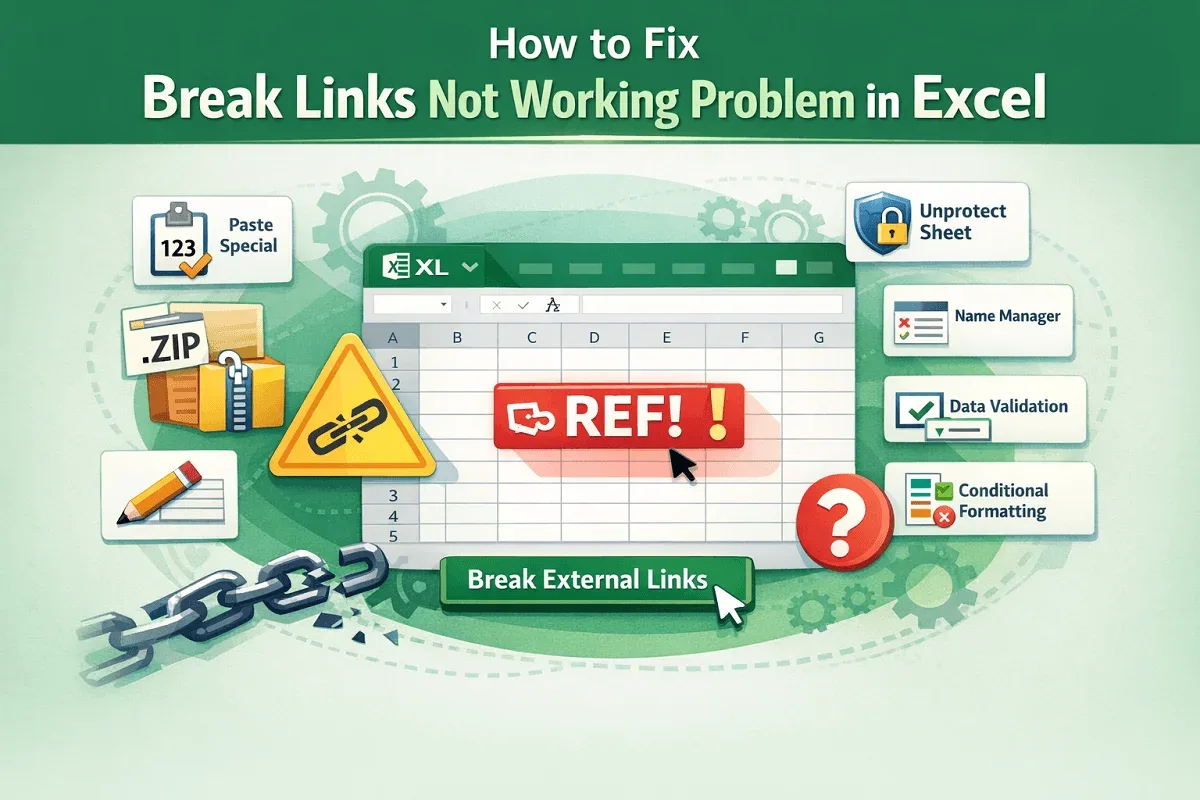
Learn how to fix broken links not working in Excel with simple methods like Paste Special, Name Manager, and Conditional Formatting.

Learn how to find and fix broken links in Excel using Workbook Links, Find & Replace, VBA, and the Document Inspector tools.

Learn how to group rows by cell value in Excel using the GROUPBY function, Data tab, Pivot Table, and Power Query.

Learn how to make a price list in Excel with dropdowns, formulas, and VBA buttons for easy automation and professional results.

Learn how to make a list within a cell in Excel using symbols, CHAR function, formatting, and drop-down lists for better organization.
Learn how to make a numbered list in Excel using Fill Handle, SEQUENCE, COUNTA, ROW, VBA, and more smart numbering methods.
Learn how to create Excel drop-down lists from ranges, make them dynamic, use filters, define named ranges, and automate with VBA.
Learn how to create conditional drop-down lists in Excel using IF statements, direct references, and named ranges for dynamic data.