Google Sheets Basics
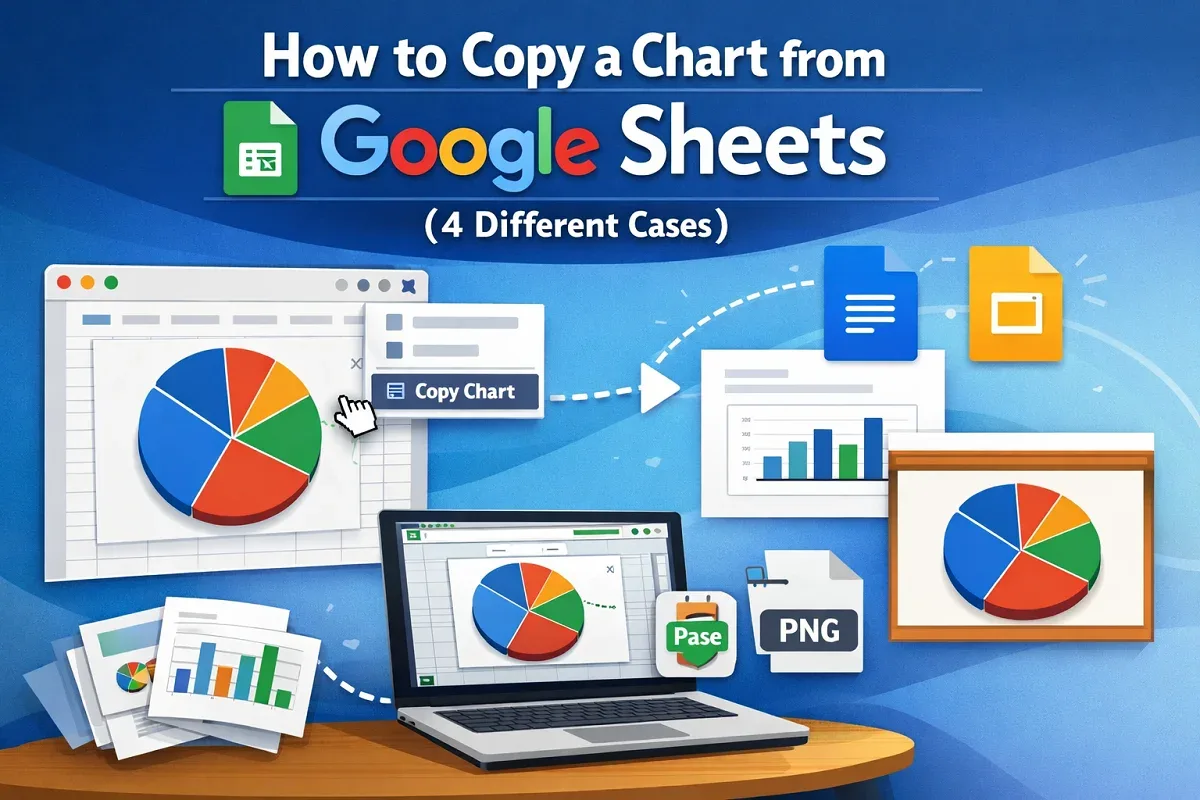
How to Copy a Chart from Google Sheets (4 Different Cases)
Learn how to copy a chart in Google Sheets—within sheets, across workspaces, or save as an image—while keeping formatting intact.
Read article

73 articles
Learn how to copy a chart in Google Sheets—within sheets, across workspaces, or save as an image—while keeping formatting intact.
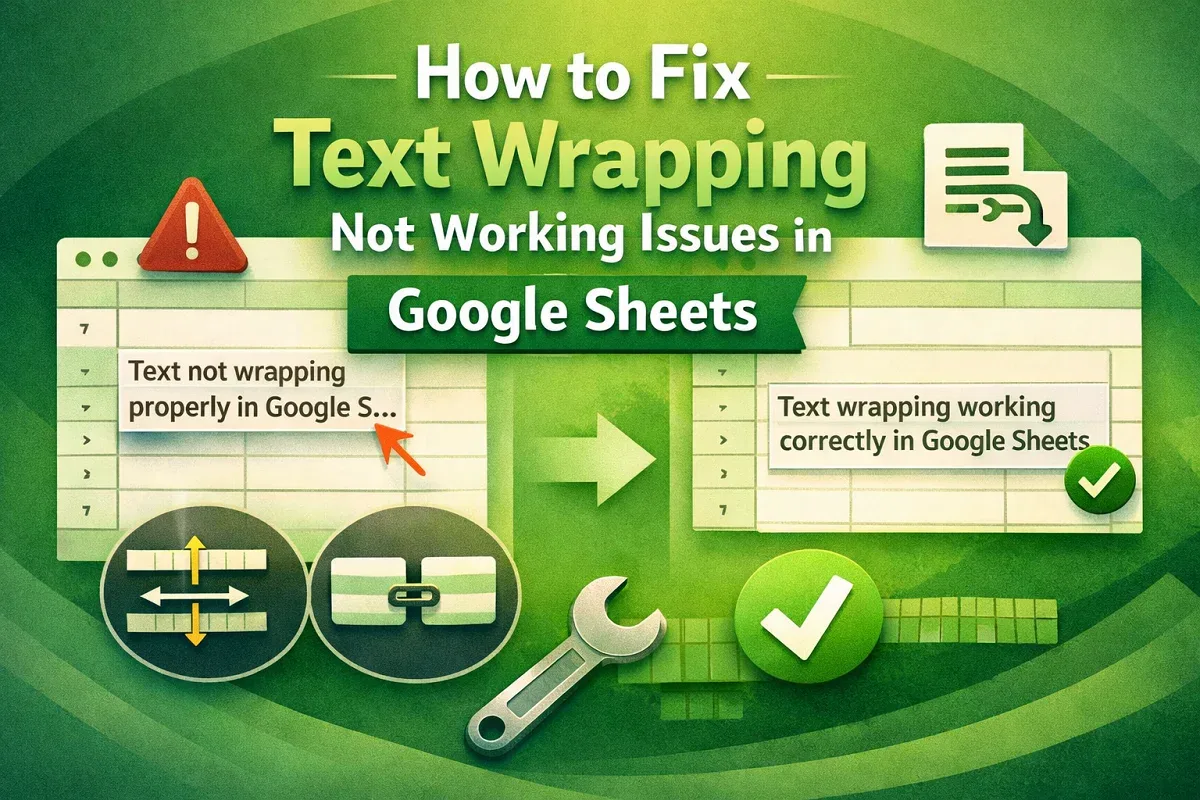
Learn how to fix text wrapping issues in Google Sheets by resizing cells, checking for merges, and applying proper text wrap settings.
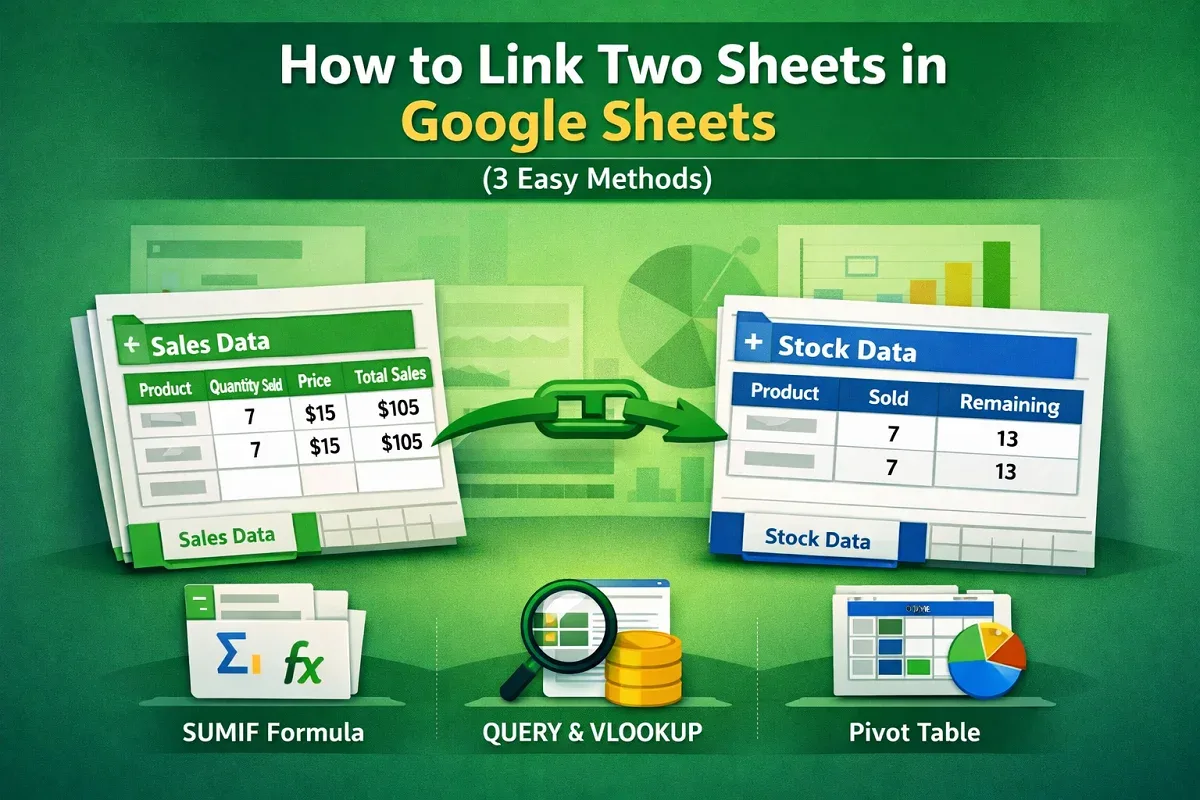
Learn how to link two sheets in Google Sheets, auto-update data, and use QUERY, VLOOKUP, and Pivot Tables effectively.
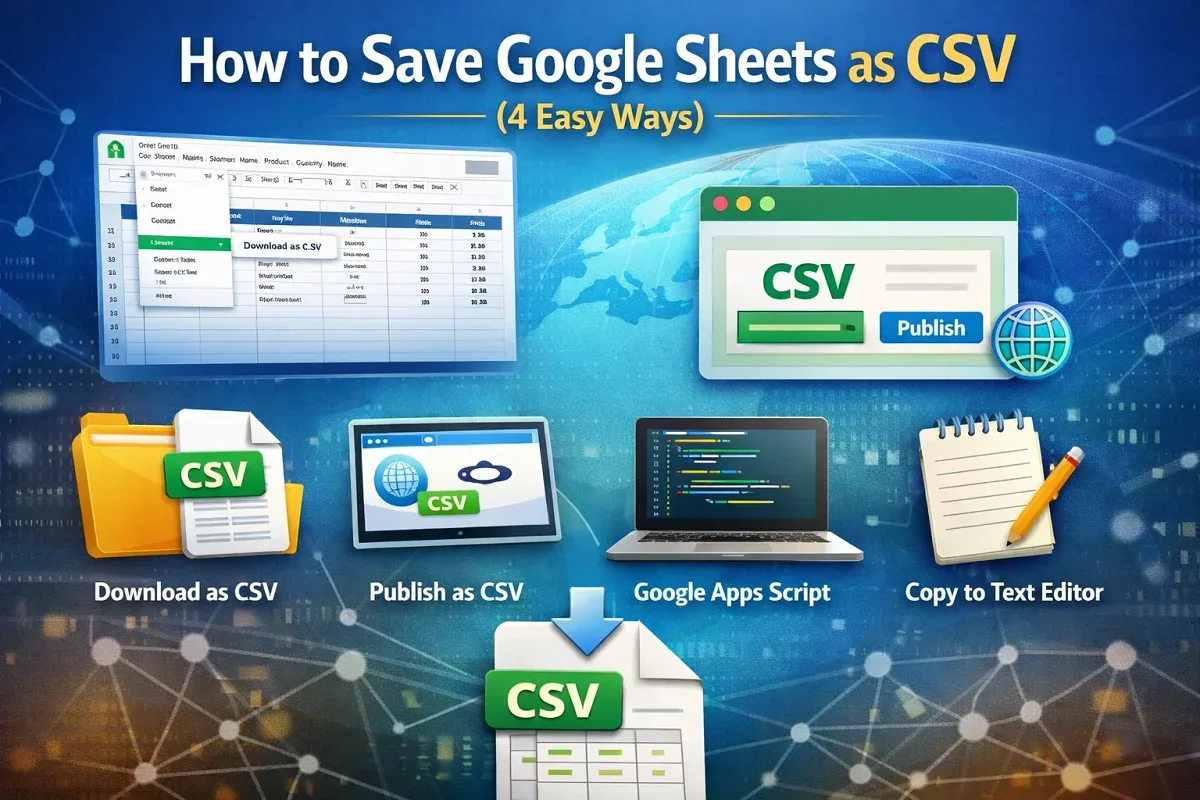
Learn 4 easy ways to save Google Sheets as CSV: download, publish, export with Apps Script, or copy into a text editor.
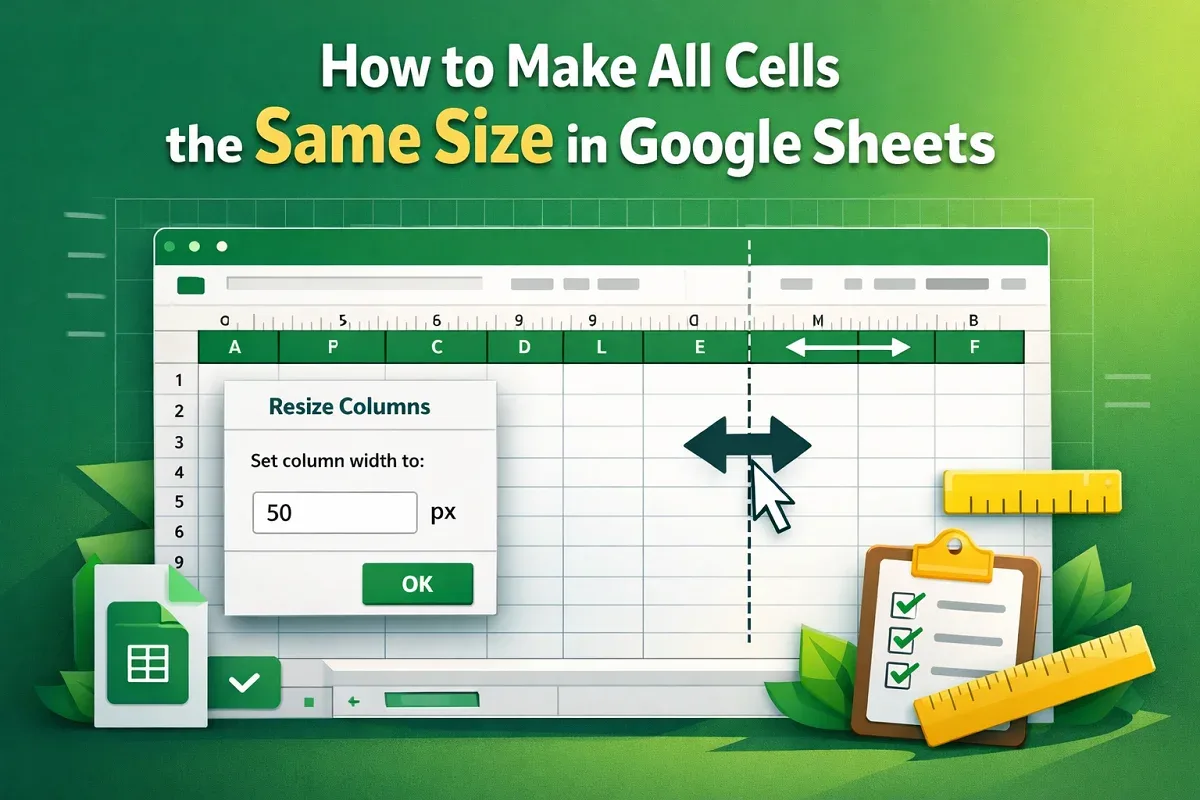
Learn how to make all cells the same size in Google Sheets using the resize menu or the expansion bar in just a few simple steps.
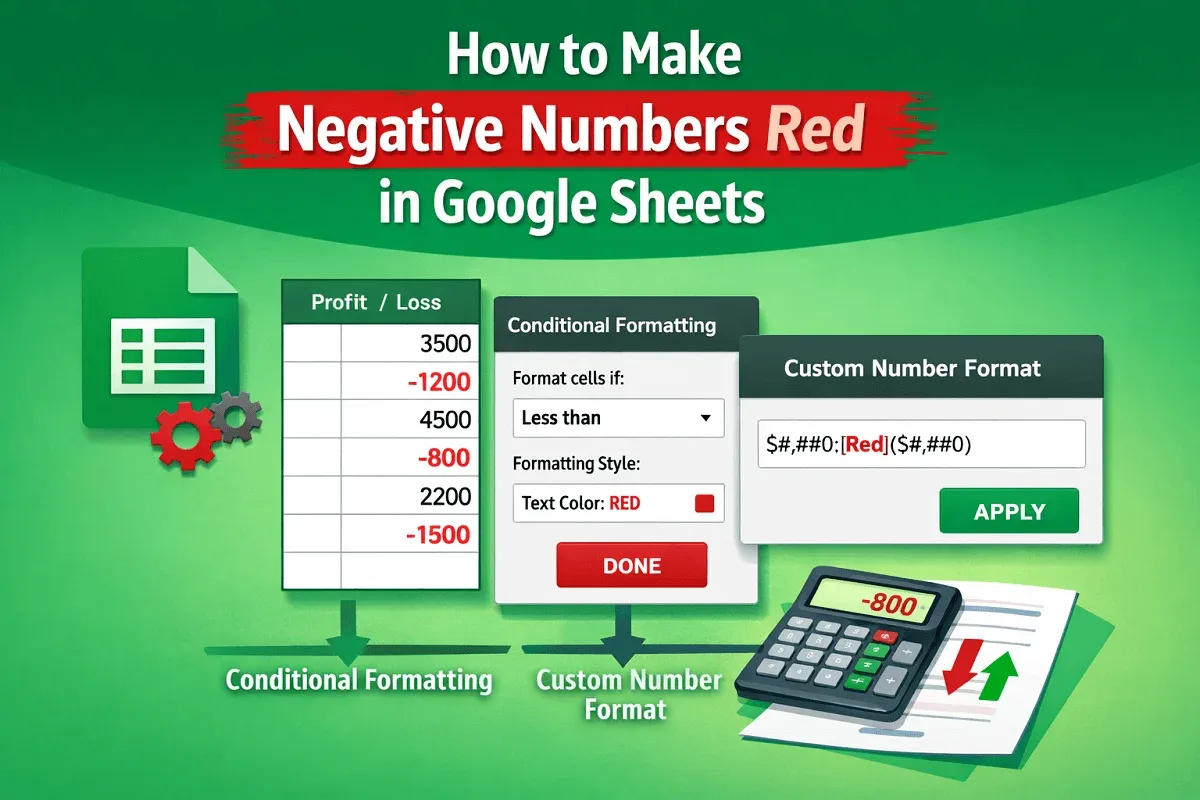
Learn two easy ways to make negative numbers red in Google Sheets using conditional formatting or custom number formats.
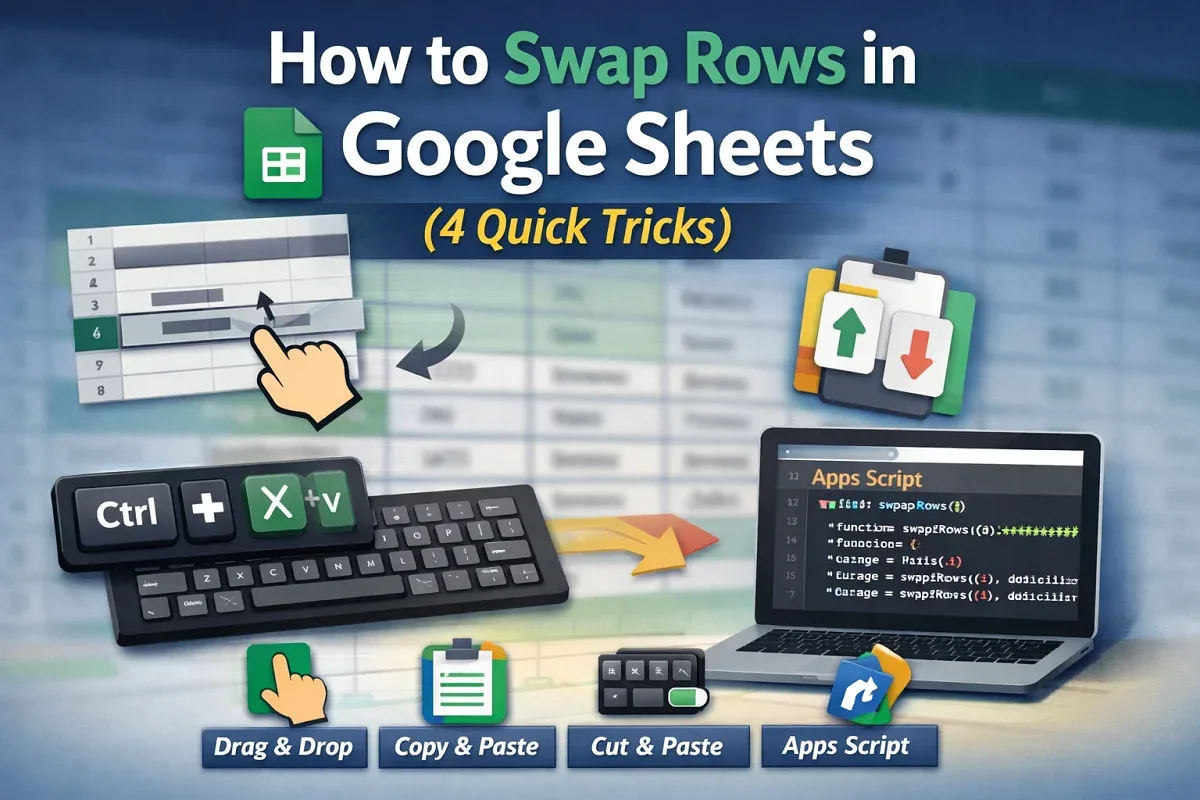
Learn how to swap rows in Google Sheets using drag-and-drop, copy-paste, keyboard shortcuts, or a custom Apps Script method.
Learn how to change row height in Google Sheets by dragging, using the menu, scripts, or auto-fit for better spreadsheet control.
Learn how to fix green border issues in Google Sheets, from search highlights to filters, protected ranges, and shared file access.
Learn 6 easy ways to rotate text in Google Sheets, including toolbar, custom angle, merged cells, scripts, formulas, and drawing tool.
Learn how to use Google Sheets offline by enabling access, selecting specific files, and installing the required Chrome extension.
Learn how to custom sort in Google Sheets using Sort Range, SORT, ARRAYFORMULA, and dropdown filters for tailored data views.