Google Sheets Conditional Formatting If Another Cell Contains Text
Highlight or format cells in Google Sheets based on another cell's text. Learn conditional formatting tricks & automation with Apps Script.
46 articles

Highlight or format cells in Google Sheets based on another cell's text. Learn conditional formatting tricks & automation with Apps Script.

Learn how to apply conditional formatting to checkboxes in Google Sheets to highlight rows, due dates, and automate with Apps Script.

Learn how to import website data into Google Sheets using IMPORTXML, IMPORTHTML, IMPORTDATA, or manual copy-paste methods.

Easily change page orientation in Google Sheets by opening print settings and selecting between portrait or landscape in just a few clicks.

Learn how to count checked and unchecked checkboxes in Google Sheets using COUNTIF, COUNTIFS, ARRAYFORMULA, and Apps Script methods.

Learn how to recover deleted Google Sheets after 30 days using Google Support, Vault, collaborator access & version history.

Learn how to use data validation in Google Sheets based on another cell using fixed cell rules, row-based conditions, or Google Apps Script.

Learn how to create a dependent drop-down list in Google Sheets using Named Ranges, INDIRECT, FILTER function, or Google Apps Script.

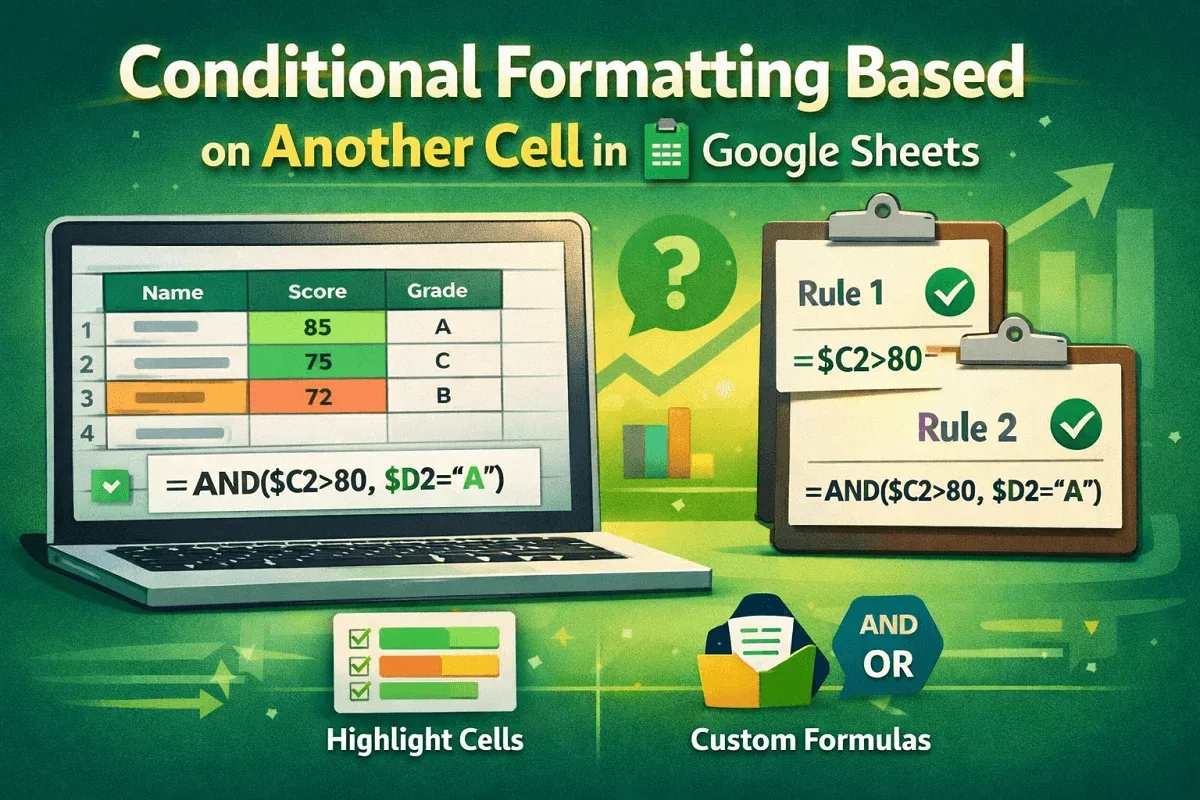
Learn how to apply conditional formatting in Google Sheets based on another cell’s value using single or multiple formatting rules.

Learn how to delete every other row in Google Sheets using FILTER function, helper column, AppScript code, or by removing every Nth row.