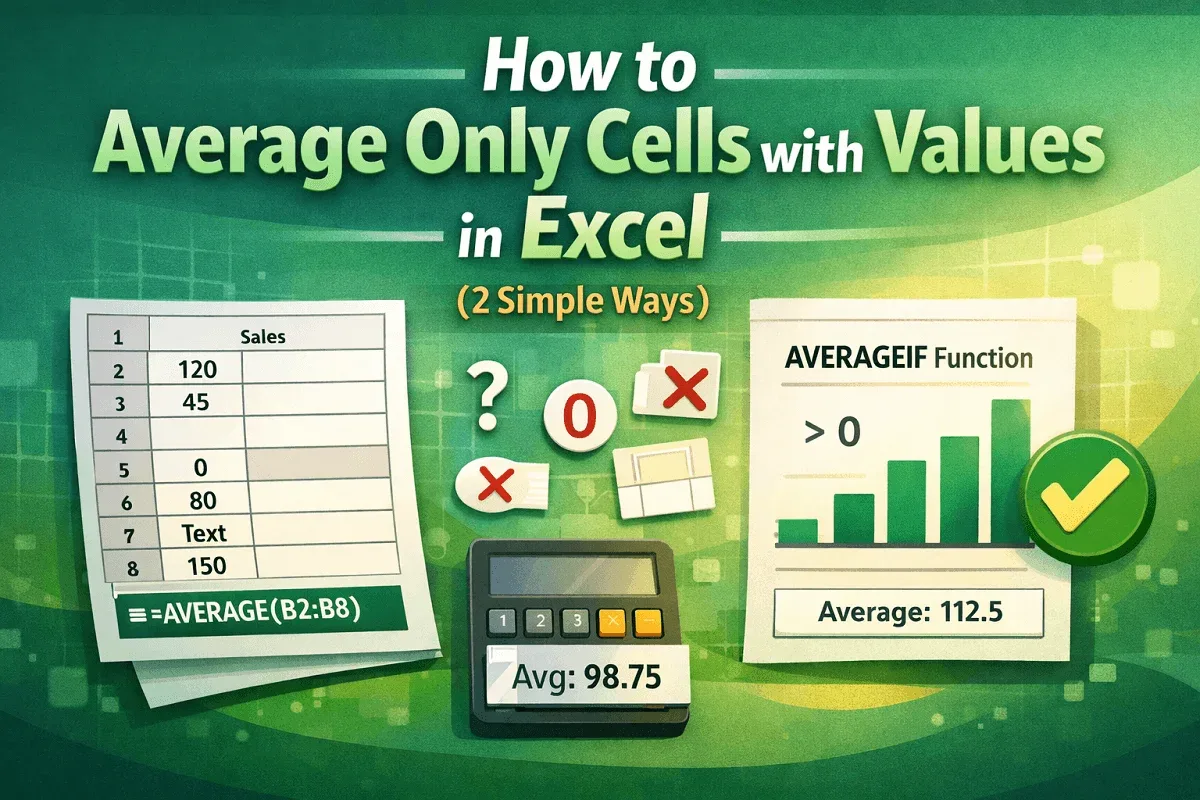
Advanced Excel
How to Average Only Cells with Values in Excel (2 Simple Ways)
Learn how to average only cells with values in Excel using the AVERAGE function or AVERAGEIF to ignore blanks and calculate accurate results.
Read article

4 lessons in order
Learn how to average only cells with values in Excel using the AVERAGE function or AVERAGEIF to ignore blanks and calculate accurate results.
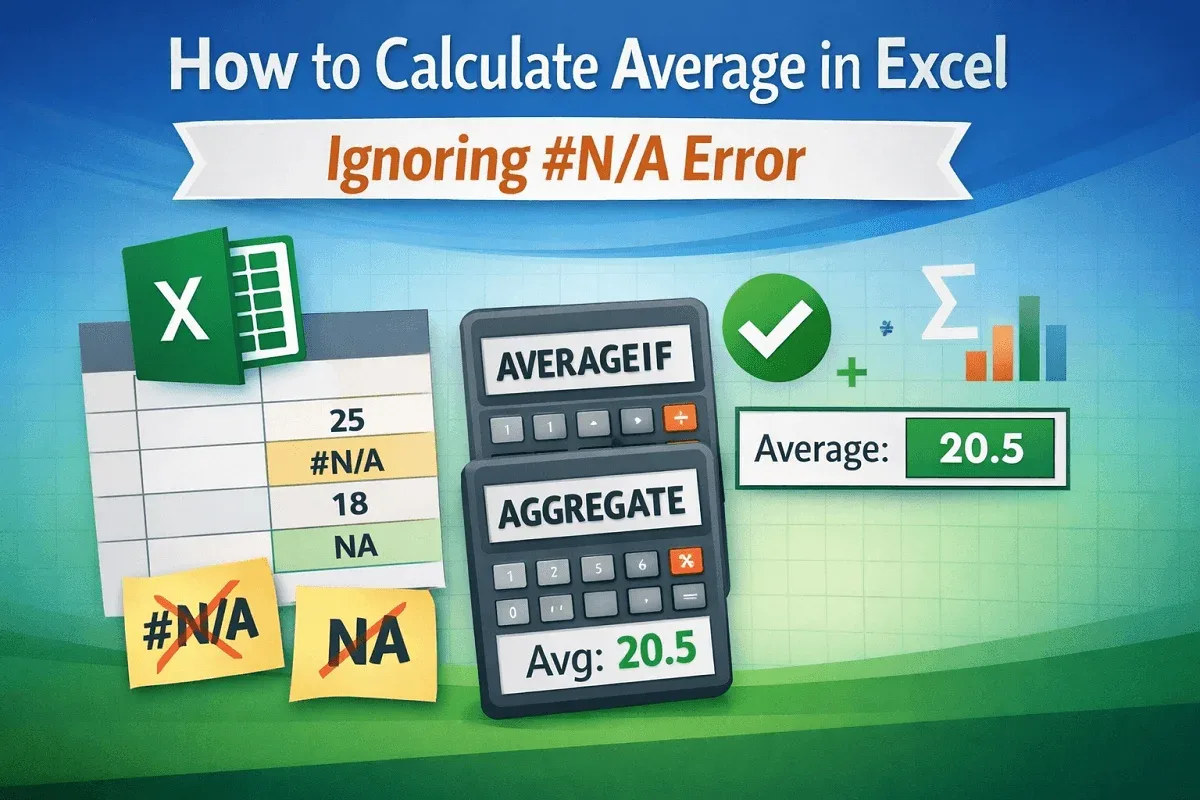
Learn how to calculate average in Excel while ignoring #N/A errors using AVERAGEIF or AGGREGATE to get accurate results without disruptions.
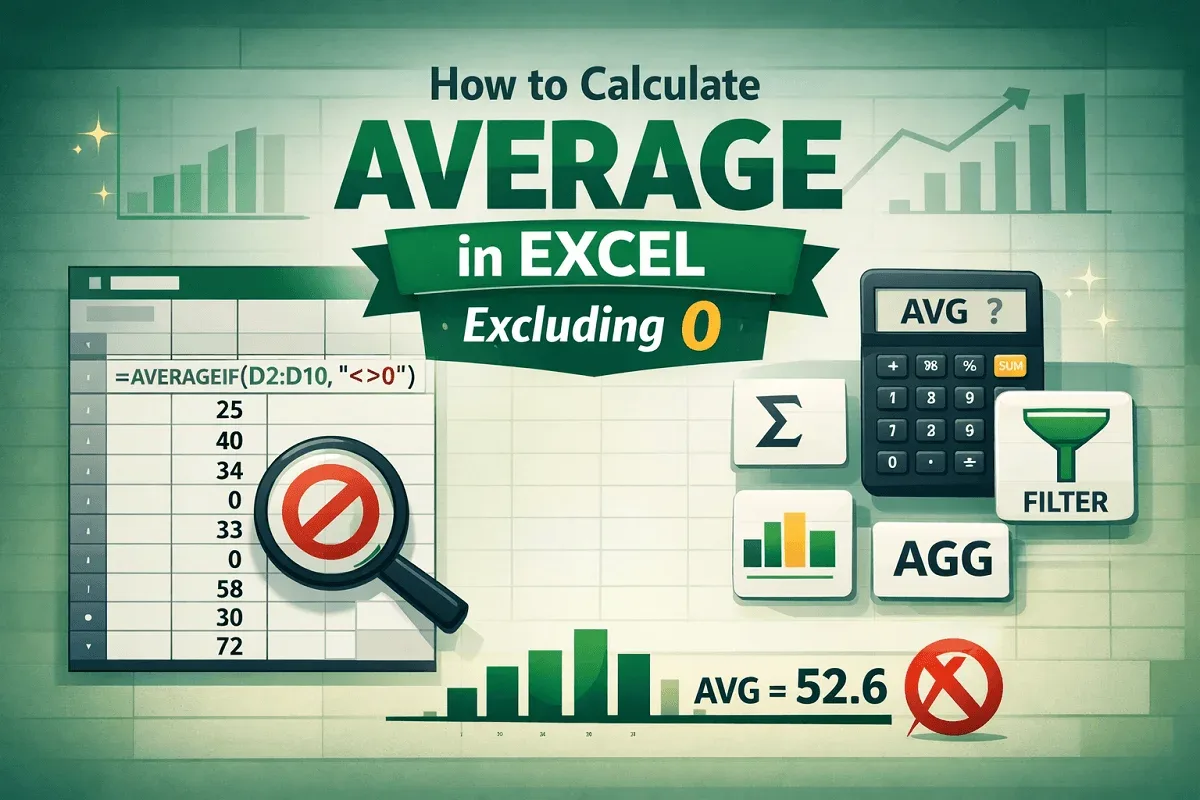
Learn how to calculate average in Excel excluding zeros using AVERAGEIF, SUM & COUNTIF, FILTER, SUBTOTAL, and AGGREGATE functions.
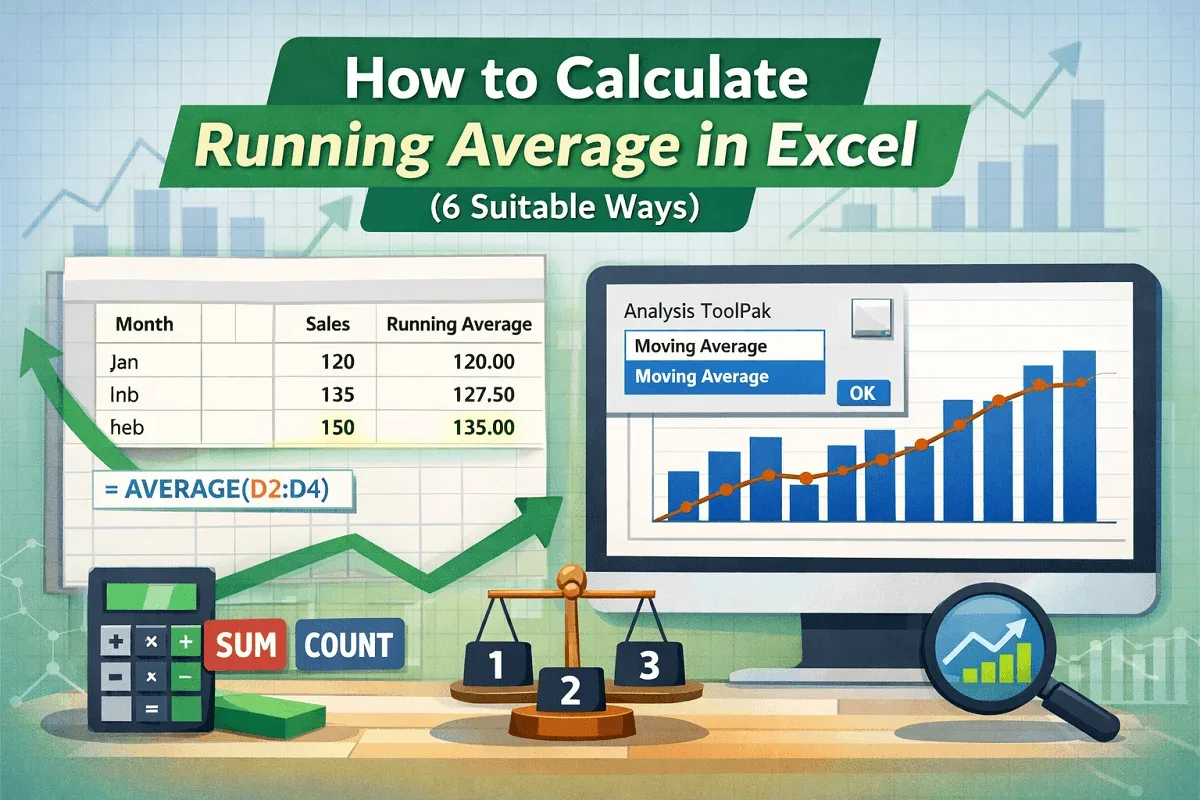
Learn how to calculate running averages in Excel using AVERAGE, SUM, COUNT, and visualize trends with charts and the Data Analysis ToolPak.