Excel Pro Tips
How to Apply Conditional Formatting to the Selected Cells (5 Ways)
This article shows 5 ways to apply conditional formatting to selected non-adjacent cells, two columns, with formulas, & data bars option
Read article

19 lessons in order
This article shows 5 ways to apply conditional formatting to selected non-adjacent cells, two columns, with formulas, & data bars option
Learn how to use conditional formatting in Excel to compare two columns and highlight matching or unique values easily.
Learn how to add data bars in Excel using conditional formatting, customize them, and apply them to pivot tables and formulas.

Learn how to highlight a cell in Excel if its value is greater than another cell using conditional formatting, formulas, and built-in rules.

Learn how to apply conditional formatting based on anothr cell with multiple values using OR, COUNTIF, partial matches, and named range
Learn how to use conditional formatting in Excel to highlight overdue dates with formulas, COUNTIF, partial matches and dynamic named ranges.
Learn how to copy conditional formatting to another sheet in Excel using Format Painter, Paste Special, rule manager, or VBA automation.
Learn how to apply Excel conditional formatting based on another cell range using operators, text rules, AND/OR logic, and VBA.
Learn how to apply conditional formatting to blank cells in Excel using the built-in “Blanks” option, ISBLANK, OR, LEN functions & formulas.

Learn how to show data bars with percentage in Excel using conditional formatting, the REPT function, and options for negative values.
Learn how to highlight dates older than today in Excel using the TODAY function or a VBA macro for automatic formatting.
Learn how to use Conditional Formatting formulas in Excel to highlight cells containing specific, partial or multiple text values.
Learn how to set conditional formatting rules for a column based on another column in Excel using formulas for numbers & text conditions.
Learn how to apply conditional formatting based on dates in another cell, including highlighting before, after, equal & row-based date rules.
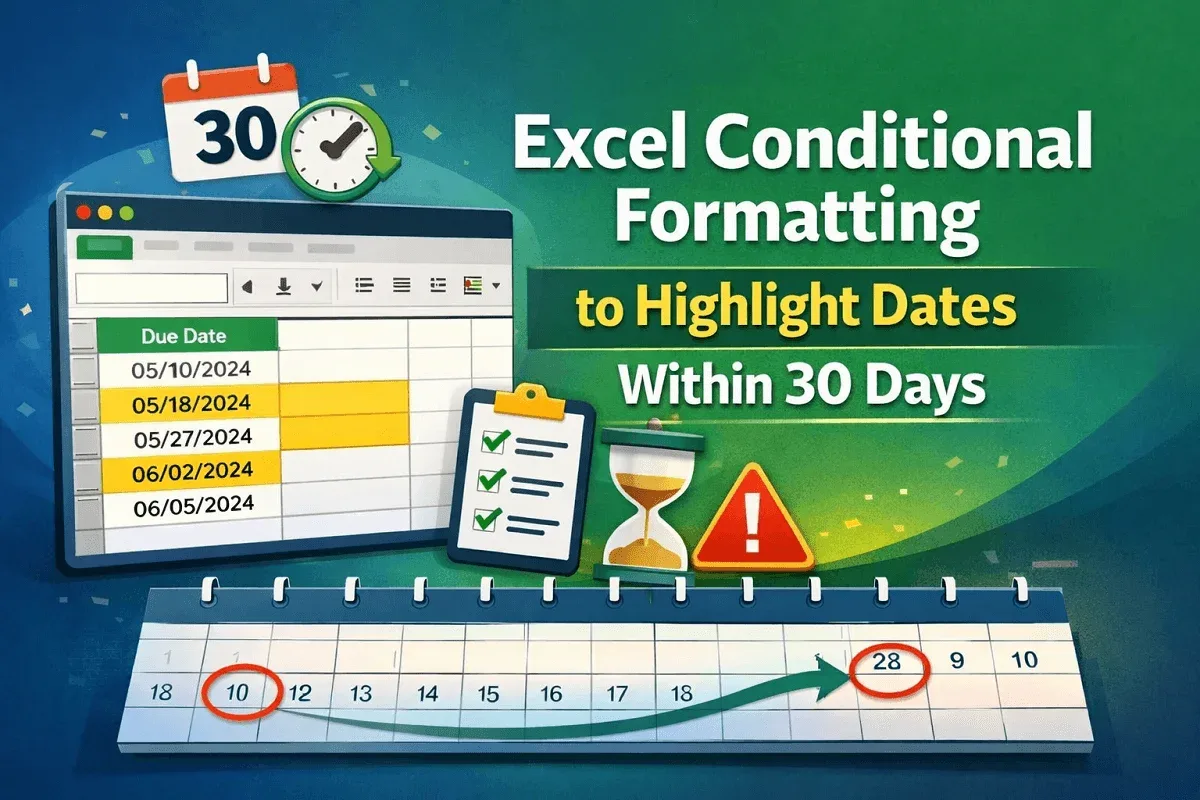
Learn how to use Excel conditional formatting to highlight dates within 30 days using TODAY and AND for dynamic tracking and accuracy.
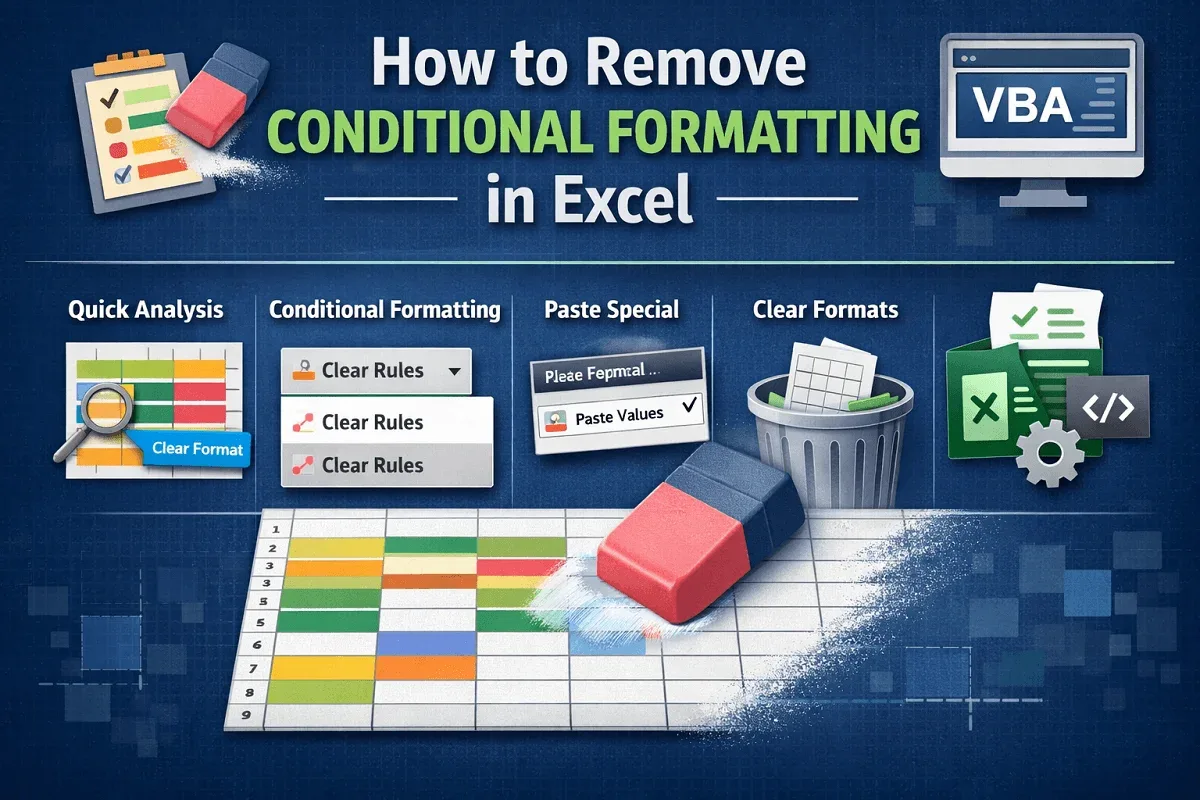
Learn how to remove conditional formatting in Excel using Clear Rules, Quick Analysis, Paste Special, Clear Format, or VBA automation.
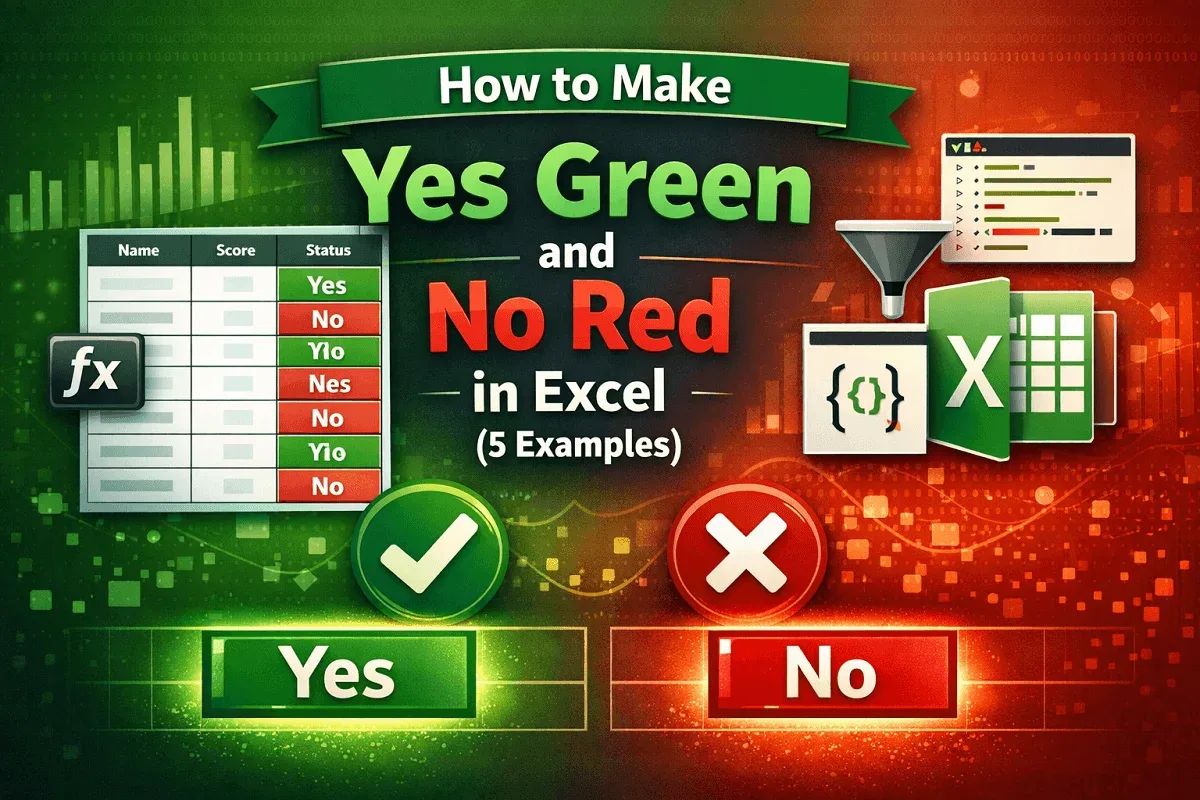
Make Yes green and No red in Excel using conditional formatting, filters, VBA Editor, or Office Scripts for highlights easily.
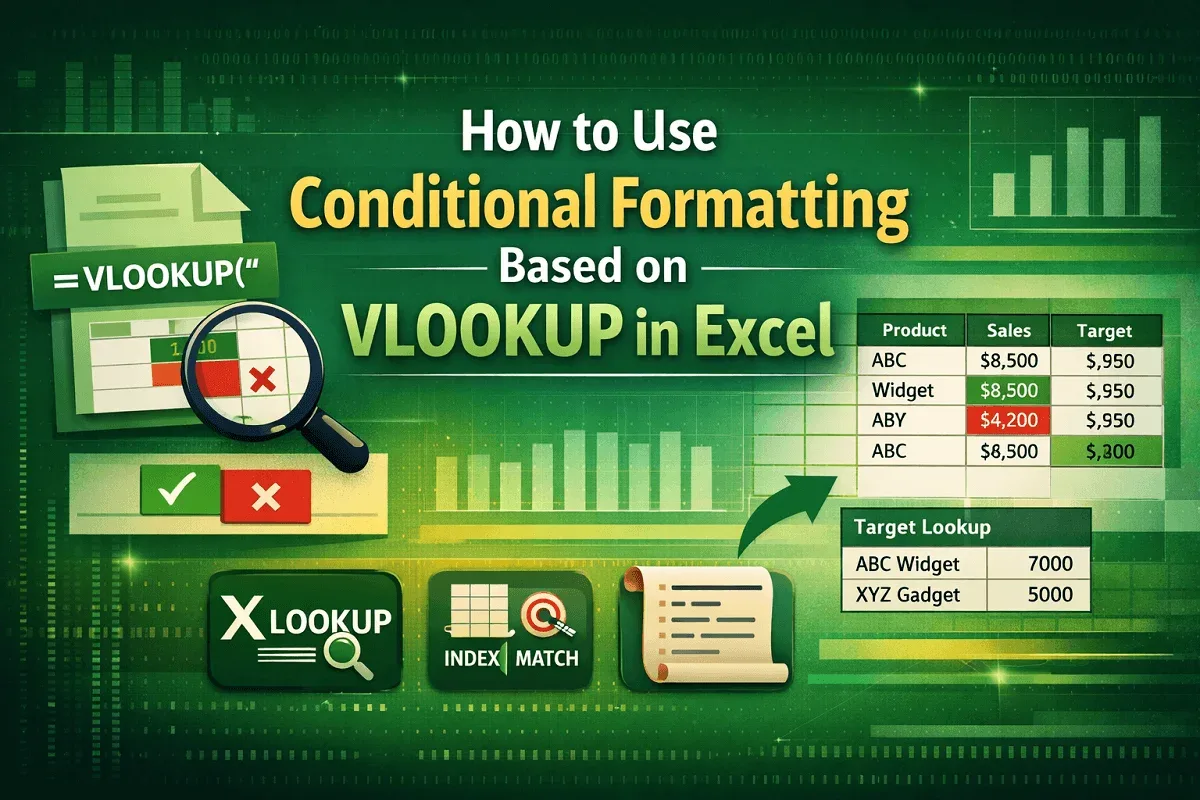
Learn how to use conditional formatting with VLOOKUP in Excel to highlight values, compare targets, and explore XLOOKUP, MATCH and VBA.
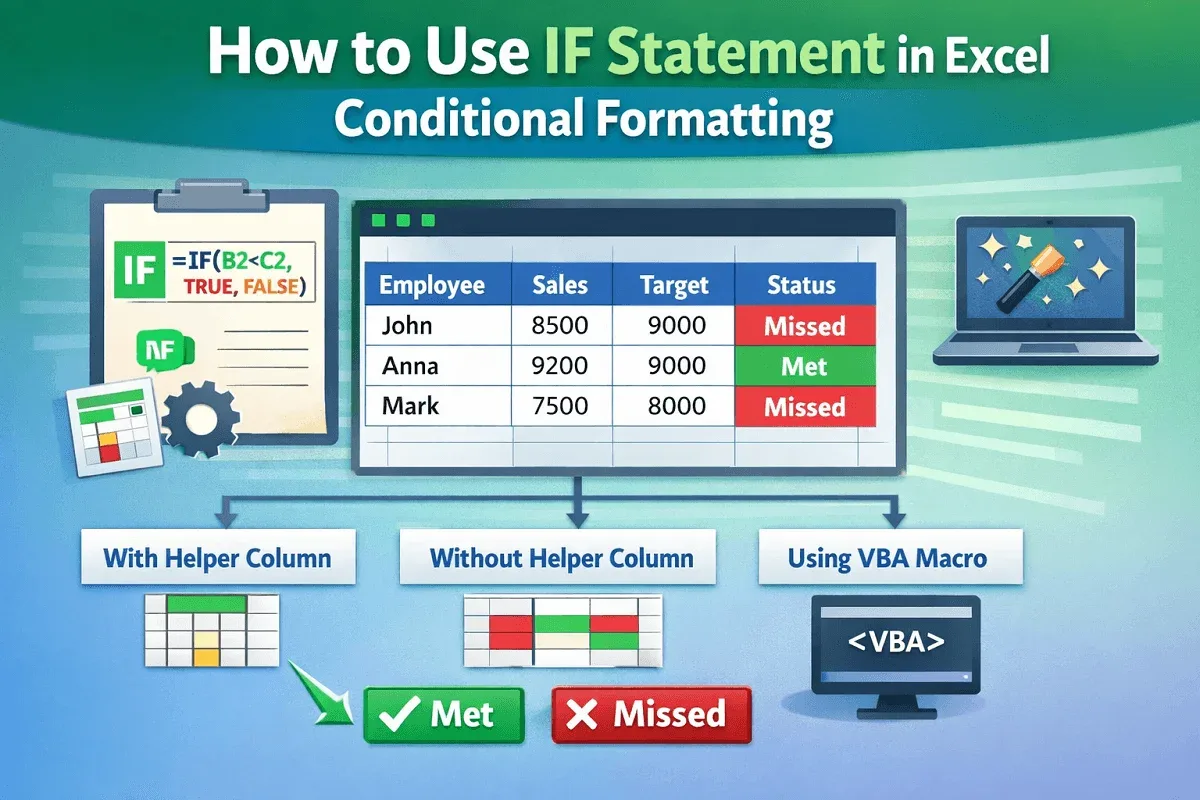
Learn how to use the IF statement in Excel conditional formatting with helper columns, direct formulas, and VBA to highlight results.