Excel Pro Tips
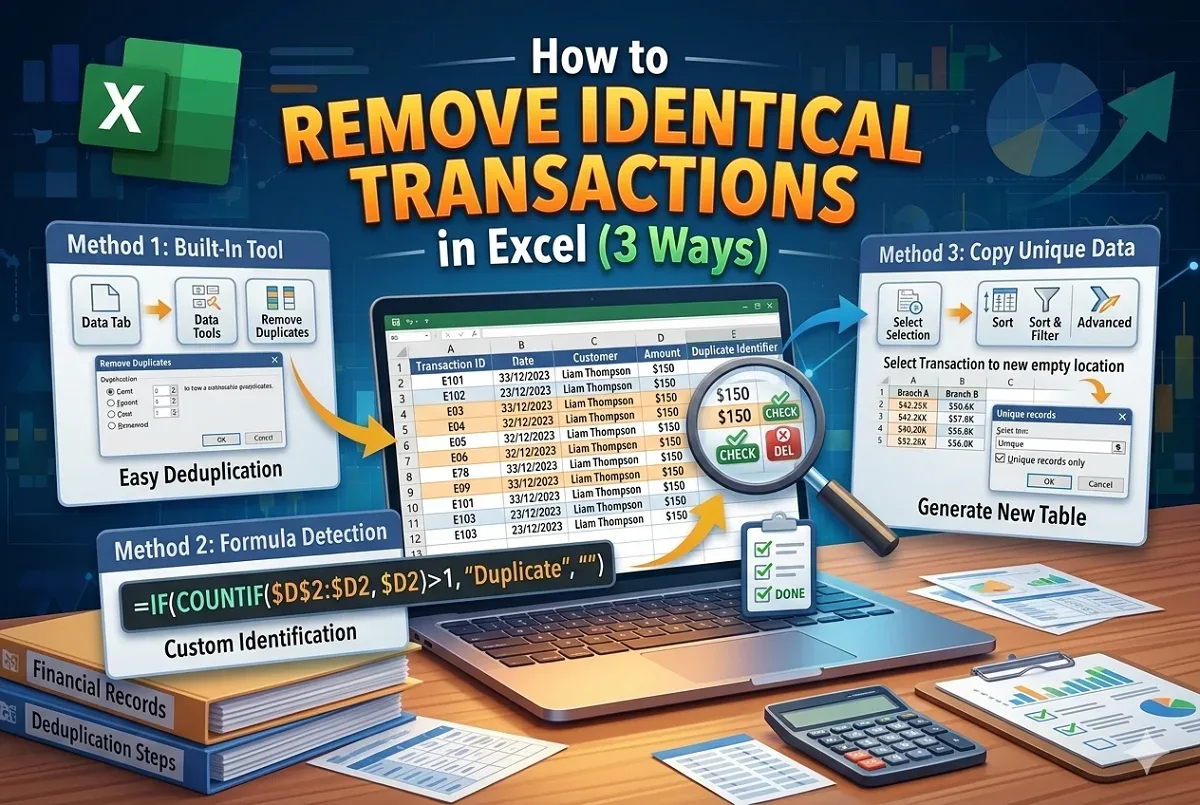
How to Remove Rows Containing Identical Transactions in Excel
Learn how to remove rows with identical transactions in Excel using built-in tools, IF-COUNTIF and by copying unique data.
Read article

5 lessons in order
Learn how to remove rows with identical transactions in Excel using built-in tools, IF-COUNTIF and by copying unique data.
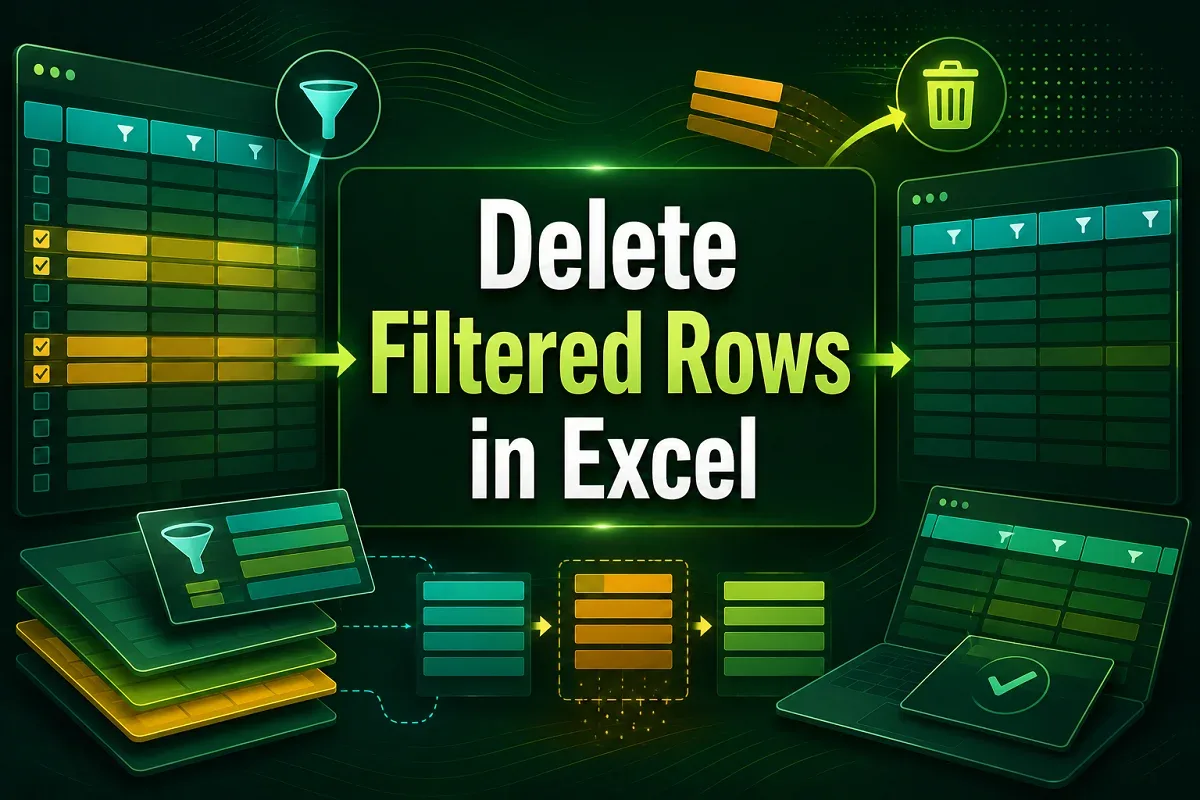
Learn how to delete filtered rows in Excel using basic filters, visible cells only, Power Query, or the Advanced Filter method.
Learn how to delete empty rows at the bottom in Excel using manual selection, Go To Special, IF with COUNTA, and VBA macros.
Learn how to delete rows in Excel if a cell contains specific content using filters, helper columns, Find tool, or VBA automation.
Learn how to delete hidden rows in Excel manually, with filters, Go To Special, built-in tools, or a VBA script for large datasets.